Quick Answer
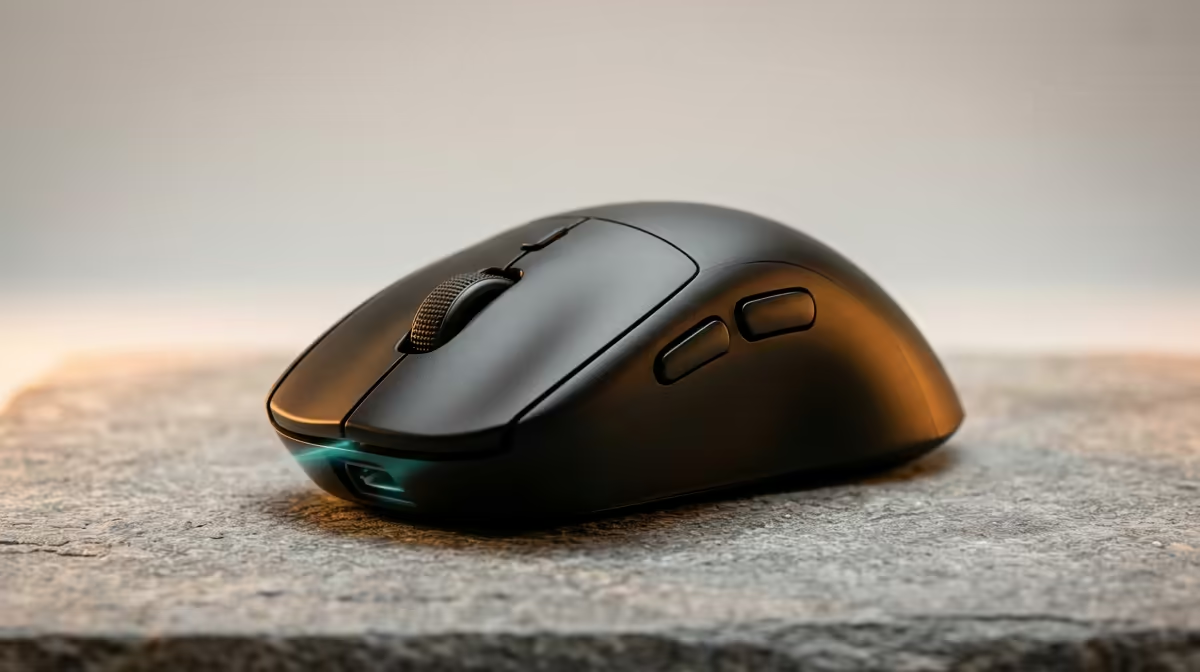
South African laptop gamers travelling between campuses, LAN events, or home and work should prioritise a wireless mouse with sub-80 g weight, dual wireless (2.4 GHz and Bluetooth), USB-C or AA battery, and a nano-receiver compartment inside the body. Compact form factor and consistent Bluetooth pairing matter more than RGB or extra programmable buttons.
Why SA Laptop Gamers Have Unique Needs 🇿🇦
Laptop gaming in South Africa often means commuting between Johannesburg campus libraries, Cape Town co-working spaces, or student res rooms with limited desk space. Unlike desktop setups, laptop gamers carry their entire rig in a backpack, which means every peripheral must earn its place. A wireless mouse that weighs 120 g adds noticeable bag weight across a full day; a 60 g compact mouse is forgotten. Bluetooth is especially valuable when switching between a Windows laptop and a university-supplied Mac or Chromebook without swapping receivers. For township and peri-urban students, reducing single-use cable clutter and adapters also matters for practical reasons.
Battery Strategy for Long Days Away from Power 🔋
If your day runs from 8 AM lectures to a 10 PM online league session, you need either a long battery life (200-plus hours per charge) or a battery design that is easy to top up mid-day. USB-C rechargeable mice are convenient in residences with power strips, but if you are hotdesking or attending a LAN where plug points are contested, a mouse that runs on AA batteries is more reliable. A spare AA in your bag pocket weighs 23 g and guarantees you are never stuck on a depleted mouse. Models like the Razer Orochi V2 cover this scenario directly with their dual-AA design and 950-hour Bluetooth runtime.
Surface Compatibility and Pad Requirements ✅
Many SA campus environments mean gaming on non-ideal surfaces: concrete desks, heavily textured table covers, or slick varnished wood. Choose a sensor that performs well on varied surfaces rather than requiring a specific premium pad. Most modern optical sensors with 3,000 DPI or higher perform adequately on standard cloth surfaces. Carry a thin roll-up mousepad (300 x 250 mm at 3 mm thickness) to standardise your surface across locations. These pads roll into a poster tube shape and fit alongside a laptop in most bags without occupying a separate pouch. Locally priced around R100 to R250.
Pair Before You Travel ⚡
Always pre-pair your wireless mouse to every device you will use at your destination before leaving home. Re-pairing Bluetooth mice in Bluetooth-congested environments like large LAN venues or lecture halls is slower and less reliable than connecting to a pre-saved pairing. South African university campuses with dense Bluetooth traffic can cause connection latency spikes during initial pairing that disappear once a stable link is established.
FAQ
Is 2.4 GHz wireless affected by university campus Wi-Fi networks?
Modern 2.4 GHz gaming mouse receivers use frequency-hopping to avoid channel conflict with Wi-Fi networks. You may experience brief interference in extremely congested environments like a packed lecture hall, but dedicated gaming receivers are significantly more resilient than standard Bluetooth.
Do I need a separate travel mousepad or will a laptop bag base work?
A dedicated thin pad is recommended for gaming. The bottom of a neoprene laptop sleeve works in a pinch for browsing but tracking consistency on soft flexible surfaces is unpredictable for rapid in-game movements. A 3 mm cloth pad is the minimum for reliable gaming performance.
What should a SA student budget for a solid travel wireless mouse?
R800 to R1,500 covers all essential travel features: dual wireless, sub-80 g weight, receiver storage, and a clean sensor. This range avoids the build-quality compromises of the sub-R600 bracket while staying accessible on a student budget.
Need a wireless mouse that travels as well as it games?
Check out Evetech's compact wireless gaming mouse selection, with lightweight options suited to South African students and mobile gamers.