Quick Answer
Under R2,500, prioritise USB-C Power Delivery of at least 65W, at least one HDMI or DisplayPort output at 4K 60Hz, a Gigabit Ethernet port, and at least three USB-A ports. These four features cover the majority of real-world use cases without overpaying for Thunderbolt certification.
Essential Ports and What Each Does 🔌
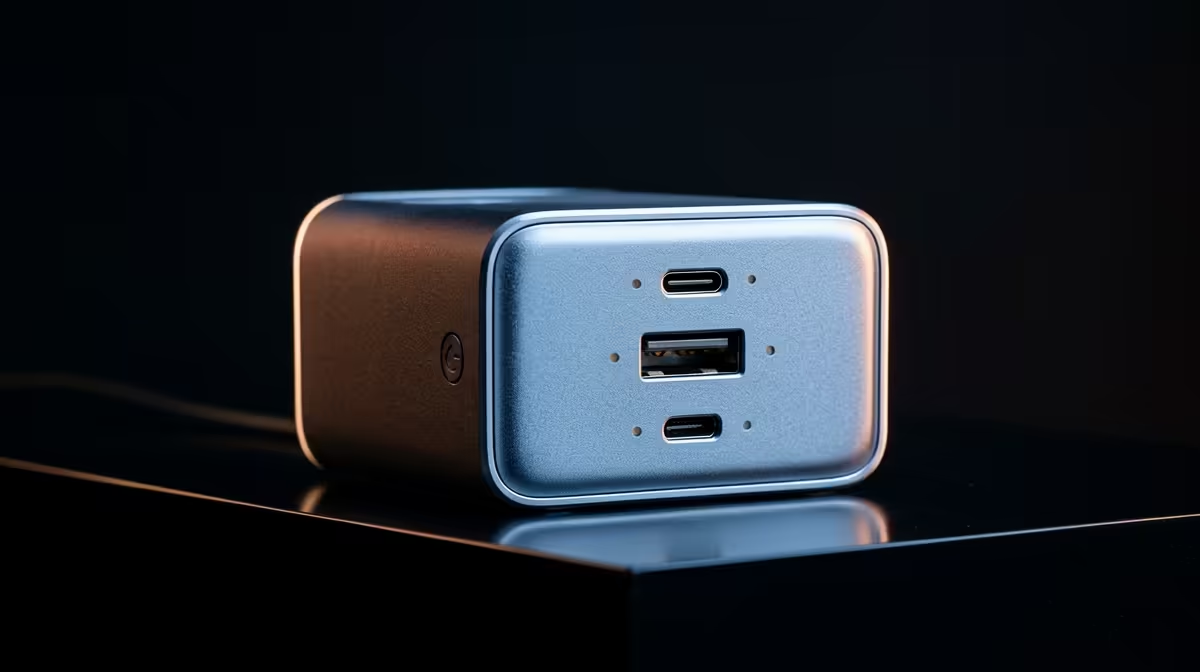
At under R2,500 you are in the USB-C hub and USB 3.2 dock category rather than certified Thunderbolt territory. The most important port is the USB-C upstream connector that draws power and data from your laptop via a single cable. Confirm it supports at least USB 3.2 Gen 1 (5 Gbps) for acceptable file transfer speeds. A Gigabit Ethernet port is essential for SA home offices connecting via Openserve or Vumatel fibre: Wi-Fi on a laptop in a thick-walled house drops in reliability, while Ethernet from the dock to your router delivers consistent speeds. One HDMI 2.0 output handles a 4K 60Hz or 1440p 144Hz secondary monitor. Three USB-A 3.0 ports accommodate a keyboard, mouse, and external drive simultaneously. A 3.5 mm combo audio jack for a headset rounds out a functional sub-R2,500 dock.
Features to Skip at This Price 💡
Avoid paying extra for dual 4K display support under R2,500 unless you specifically need two external monitors today. Docks achieving dual 4K at this price point typically use DisplayLink compression, which requires a driver install and adds display latency. For most SA home and student setups, one external monitor is sufficient. Card readers (SD, microSD) are useful for photographers but add cost: if you need card reading occasionally, a standalone USB card reader for R150 handles it without inflating dock cost. Thunderbolt 4 is also out of scope here: genuine TB4 docks start above R2,500, and anything marketed as Thunderbolt under R2,500 warrants scepticism.
Value Picks in the Sub-R2,500 Market 🔧
Brands like Targus, Kensington, Belkin, and StarTech produce solid USB-C docks in the R800 to R2,200 range stocked at Evetech. Look for models explicitly listing USB-C Power Delivery wattage on the box rather than just saying charging supported. A 65W PD dock charges most thin-and-light laptops while running peripherals. If your laptop is a gaming model drawing 100W or more, this dock category won't charge it under load, but it will still work as a port expansion hub while plugged into its own charger.
Check PD Pass-Through Wattage Not Just Max PD ⚡
Some R800 docks advertise 100W Power Delivery but that is the maximum the dock can receive from a charger, not what it passes to your laptop. The actual pass-through wattage after the dock takes its own operating power is often 60W to 75W. Read the spec sheet carefully and look for the pass-through figure specifically.
FAQ
Can a R1,200 USB-C dock drive a 4K monitor?
Yes, provided your laptop supports DisplayPort Alt Mode over USB-C, which most laptops from 2020 onwards do. The dock translates the USB-C video signal to HDMI or DP output for the monitor. Confirm Alt Mode support on your specific laptop model before buying.
Do I need a Thunderbolt dock for video output?
No. DisplayPort Alt Mode over USB-C handles single-display 4K at 60Hz without any Thunderbolt hardware. Thunderbolt only becomes necessary for dual 4K simultaneously or sustained high-speed PCIe tunnelling.
Will my dock work if I upgrade my laptop later?
USB-C docks are broadly compatible across laptops as long as the new laptop has USB-C with Alt Mode or Thunderbolt. The dock itself does not become obsolete when you change laptops.
Need a practical dock without spending over R2,500?
Browse the docking station range at Evetech and filter by price to find options that match your port needs.