

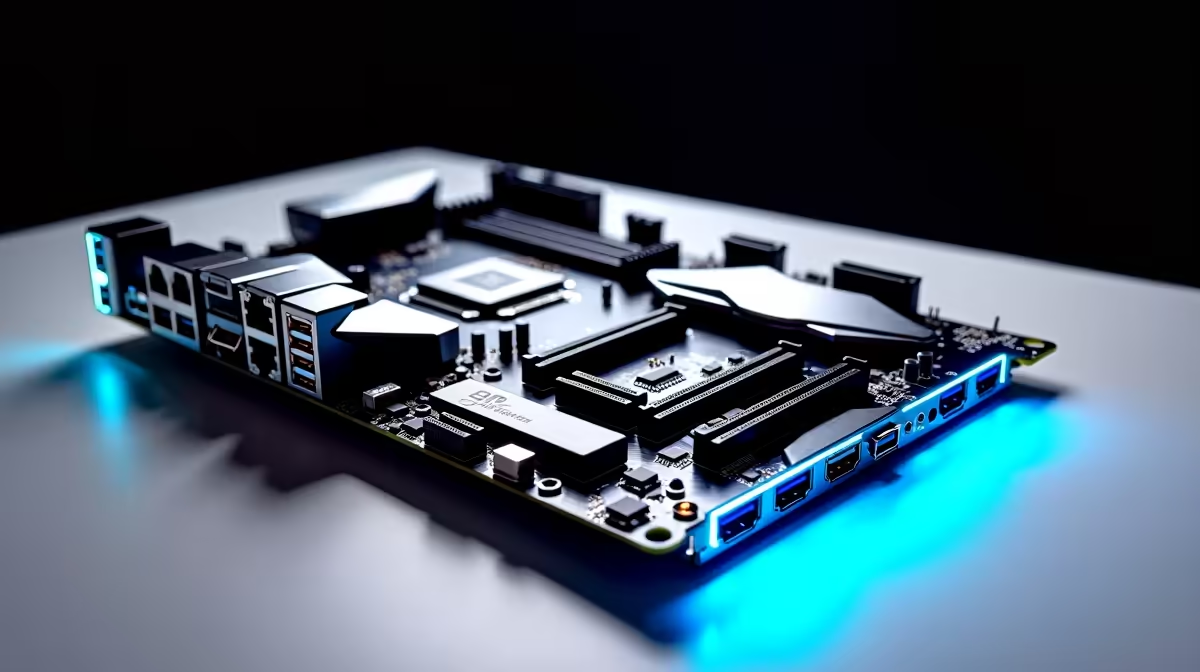
Are you tired of lag spikes ruining your competitive matches? When you are investing thousands of ZAR into a new rig, the spec sheet can look like alphabet soup. You might wonder what Wi-Fi 7, 2.5Gb LAN and Thunderbolt 4 actually do on a performance motherboard. Let us break down exactly how these premium features deliver lower ping and a smoother experience for South African gamers.
Breaking Down 2.5Gb LAN for Local Gamers ⚡
Most standard home network setups still rely on older Gigabit ethernet connections. Upgrading to a dedicated 2.5Gb LAN port means your physical network connection is two and a half times faster. If you are lucky enough to have a high-speed fibre line at home, this ensures absolutely zero bottlenecks. It is also incredible for transferring massive video files to a local network storage drive.
When you browse the latest motherboards, looking for that 2.5Gbps specification is crucial for future-proofing your entire build. It keeps your latency as low as physically possible when connecting to local servers or distant European lobbies. Every millisecond counts in competitive shooters.
Why Wi-Fi 7 is a Massive Leap Forward 🚀
Not everyone can easily run a long ethernet cable through their living room. That is exactly where Wi-Fi 7 steps in to save the day. It introduces a brilliant tech called Multi-Link Operation... a feature that lets your PC connect to multiple wireless bands simultaneously. This drastically reduces annoying latency spikes and sudden signal drops.
If you are building a premium system, you will find this cutting-edge tech on top-tier boards. For example, many high-end ASUS Intel motherboards now feature Wi-Fi 7 natively. It gives you wired-like stability without the messy cables. You can download massive modern games in record time before the next power outage hits.
Signal Pro Tip 🔧
Always place your motherboard's external Wi-Fi antenna on top of your desk or PC case. Keeping it trapped behind a heavy metal chassis blocks the signal and ruins your latency.
Thunderbolt 4... The Ultimate Connectivity Hub
Thunderbolt 4 is not just another fancy USB port. It delivers a massive 40Gbps of dedicated bandwidth directly to your system. This incredible speed allows you to daisy-chain multiple 4K monitors effortlessly. You can also transfer massive game files to external NVMe drives in seconds or connect professional external capture cards.
Content creators, streamers, and heavy multitaskers benefit the most here. Whether you prefer Team Blue or the latest ASUS AMD motherboards, Thunderbolt 4 is essential. It means your setup can handle professional-grade peripherals with absolute ease. It turns your standard desktop into a fully-fledged media production powerhouse.
Tying Your Premium Build Together ✨
Having lightning-fast networking and premium ports is only half the battle. Your system actually needs to process all that incoming data quickly. Pairing a high-end board with blazing-fast premium memory kits ensures your CPU never waits around for information. Fast DDR5 memory works in perfect harmony with high-speed networking.
If building a PC from scratch sounds a bit daunting, you do not have to stress. You can easily find these exact high-end connectivity features inside our expertly assembled best gaming PC deals. You get all the incredible speed and reliability with absolutely none of the building hassle.
Ready to Build Your Dream Rig? Stop letting outdated hardware bottleneck your fast fibre connection. Explore our massive range of motherboards and build a PC that keeps you ahead of the competition in South Africa.











