Quick Answer
Bedfordview gamers buy ultrawide monitors from Evetech with East Rand delivery in 1–2 business days. 34" 21:9 ultrawide monitors in the 3440×1440 resolution start from R5,500, while 49" super-ultrawide 32:9 panels run R10,000–R18,000.
Ultrawide Sizes and Resolutions Explained
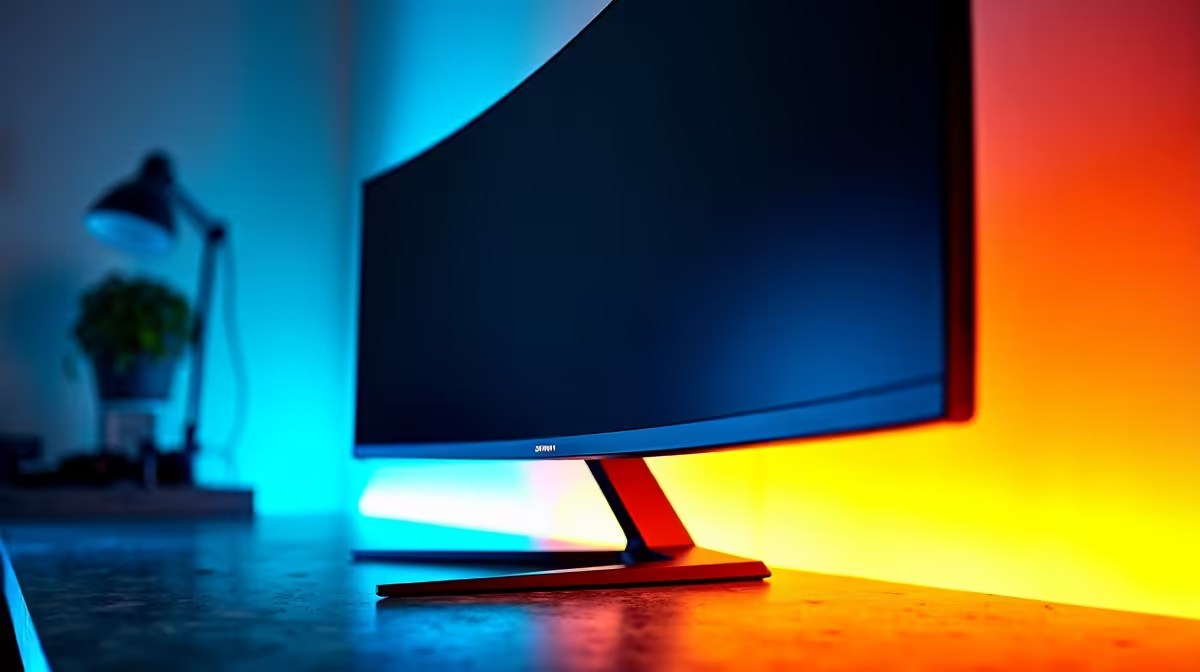
34" 21:9 (3440×1440): the most common ultrawide for gaming and productivity — wide enough to replace dual monitors for most workflows, runs at 60–165Hz depending on the panel. This is the sweet spot; it's compatible with most mid-range GPUs (RTX 4070, RX 7700 XT) without excessive GPU overhead. 38" 21:9 (3840×1600): higher pixel density, typically 144Hz, used by creative professionals and enthusiast gamers — costs R8,000–R14,000. 49" 32:9 (5120×1440 or 3840×1080): dual-monitor-equivalent in one display — ideal for simulation gaming (racing, flight), video editing, or coding with multiple side-by-side windows. Very GPU-hungry.
Game Compatibility: Not All Titles Support Ultrawide
Most PC games support 21:9 natively. Some competitive titles (Valorant, PUBG, older Overwatch versions) restrict or penalise ultrawide — check before buying if those are your primary games. Story-driven and open-world games (Elden Ring, Cyberpunk 2077, RDR2, Flight Simulator) look excellent in ultrawide; the wider field of view genuinely improves immersion.
Desk Space Requirements
A 34" ultrawide needs a desk at least 120 cm wide for comfortable viewing distance. The 49" super-ultrawide requires 150 cm+ and is impractical on a standard student desk. Measure your desk width before buying — returning a large monitor is a cumbersome process.
FAQ
What GPU do I need to drive a 3440×1440 ultrawide at high settings?
An RTX 4070 or RX 7800 XT handles 3440×1440 at 60–100 fps in most AAA titles at high settings. For consistent 100+ fps at ultra settings, budget for an RTX 4070 Super or RX 7900 GRE. Ultrawide resolution has noticeably more pixels than 1440p, so GPU demands are higher.
Do ultrawides work for productivity, not just gaming?
Absolutely — a 34" ultrawide replaces dual 24" monitors for most workflows and keeps cable clutter minimal. Coding, spreadsheet work, video editing, and browser research all benefit from the wider screen real estate. Many Bedfordview home-office setups use an ultrawide as an all-purpose work-and-gaming display.
Is an ultrawide monitor good for console gaming?
Consoles (PS5, Xbox Series X) output at standard 16:9 aspect ratios. Ultrawide monitors display console content in a 16:9 window with black bars on the sides, or stretched (which looks bad). Ultrawides are primarily a PC gaming and productivity choice.
Ultrawide Tip
Use a window management tool like Microsoft PowerToys FancyZones to snap apps to defined zones on an ultrawide — it makes multitasking far more organised than dragging windows manually.