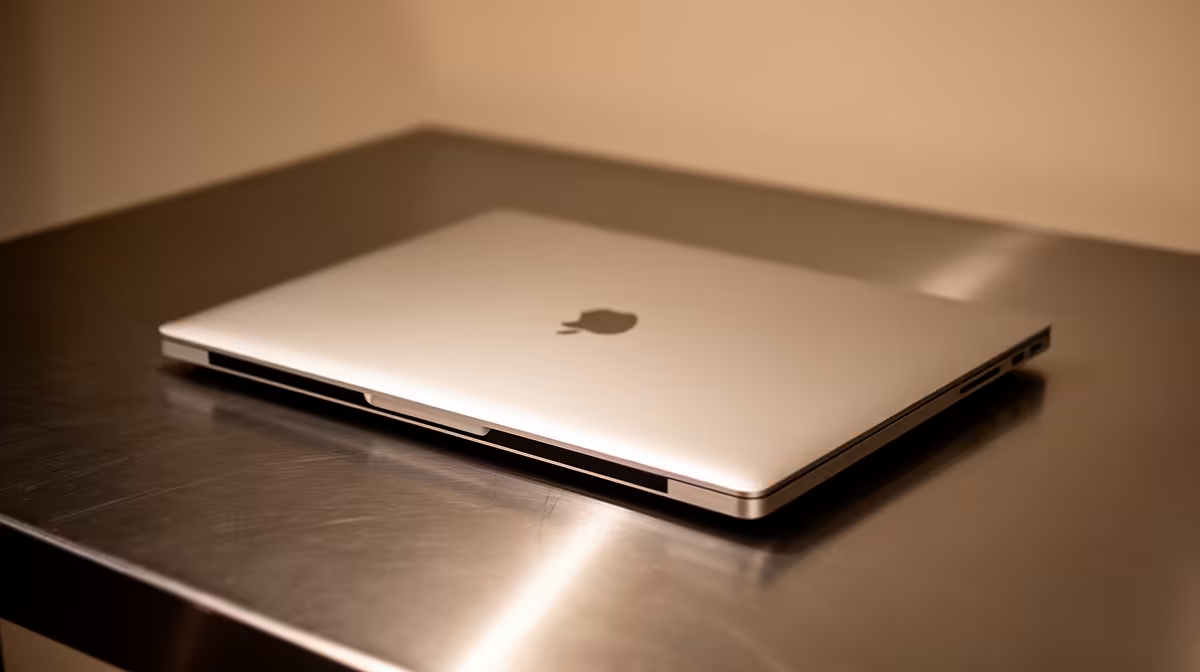
Selling a study laptop passes both hardware and years of personal data to someone new. Safely selling a student laptop means backing up, securely resetting, documenting condition and choosing a public protected handover.
Quick Answer
Sell a student laptop through a channel that preserves the listing, buyer identity, messages and handover record. Meet at a staffed public place where the buyer can test it, never inside your res room or at an isolated parking area. Back up your work, remove accounts through official procedures, erase the storage using the maker's supported reset, then prove the device reaches clean setup without exposing your credentials.
Use the laptop best-seller range to compare your exact replacement needs. If the next course or job needs stronger graphics, review current gaming laptop models. Buy the new machine only after the old data and account transition are safe.
Choose a channel that leaves evidence
A campus noticeboard or verified student group can reach local buyers, while membership alone does not prove identity. Use a platform or process that keeps the full listing, message history and report route. Avoid disappearing messages for the agreement.
Ask residence or campus security whether it offers a safe exchange area. A staffed technical workshop can also provide power and a neutral place for testing when agreed in advance.
Do not invite a stranger to your room. The buyer learns where you live, sees other devices and can bring an unexpected companion. Keep the meeting in daylight and tell someone where you are.
Prove the laptop is yours to sell
Find the original invoice, order record and serial. Check whether the device belongs to you, an institution, employer or funding programme. Read any disposal and ownership terms before listing.
Match the chassis serial with firmware and the invoice. Keep your full invoice private until a genuine buyer needs proof; public images should hide your address, order reference and other personal details.
Never remove or obscure a serial label. State any repair, replacement board or changed storage that explains a mismatch. A clear history protects both parties.
Back up before wiping
Make one current backup to protected cloud storage and another to an encrypted external destination. Open sample assignments, photos and application files from both. A completed copy bar does not prove that your final project opens.
Export browser bookmarks, password-vault access and software licence information through supported routes. Deactivate applications that limit the number of devices. Move university work out of an account that may close after graduation.
Keep the old laptop until the replacement can open the important files where practical. This catches missing fonts, project assets, encryption keys and local databases before the only working copy is erased.
Remove accounts in the right order
Sign out of email, cloud storage, game launchers, university portals and device-management services. Remove the laptop from trusted-device lists through each official account page.
Turn off tracking or activation locks using the maker's ownership-transfer procedure. A reset can erase local files while leaving the serial tied to an account or organisation.
If the laptop was managed by a university or employer, ask that organisation to release it before the sale. The buyer should not discover a remote-enrolment screen after paying.
Use a supported erase and reinstall
Follow the laptop maker and operating-system guidance for a secure reset. The correct process depends on storage encryption, operating system and whether you are keeping or replacing the drive.
Do not delete visible files and empty the recycle bin. That leaves account traces and recoverable data. Do not install a pirated operating system or hand over shared software credentials.
After reset, connect through a safe network and confirm that the machine reaches normal first-time setup without your old account, firmware password or management prompt. Stop before adding the buyer's details.
For highly sensitive research or regulated data, ask the institution's information-security office which sanitisation standard applies. A consumer reset may be insufficient for that work.
Write a listing that can be tested
Name the exact model, processor, memory, storage, screen, operating-system state and charger. Describe battery condition using a current diagnostic report rather than "lasts all day". List scratches, dead pixels, loose hinges, weak ports and repairs.
Use fresh photos of the real laptop from several sides. Hide personal data and most of the serial in the public listing, while keeping the complete serial for the handover document.
State which tests the buyer can perform and what is included. A clear listing filters out arguments at the meeting and helps a genuine buyer bring the right software or adaptor.
Plan a safe live test
Meet during business hours at the agreed staffed location. Take another adult or make sure someone can see the exchange. Keep the laptop in your possession until the test and handover are complete.
Let the buyer inspect the chassis, serial, charger, battery report, screen, keyboard, trackpad, webcam, wireless connection and ports. Provide a temporary local test account without your personal data. Use a clean test file and a trusted network.
Do not let the buyer walk away to "test the signal" or take the laptop to a vehicle. If they need a specialist assessment, agree to a known workshop and stay with the device.
If the venue, buyer or story changes at the last moment, leave. Another buyer will come.
Confirm the exchange without shortcuts
Agree on the amount and handover method in writing before the meeting. Verify completion through your own trusted channel rather than a screenshot, email or link shown by the buyer. Do not release the laptop while a transaction remains reversible, pending or unclear.
Watch for overpayment stories, courier collection before clearance, a relative arriving without the named buyer, or a request to refund a difference. Stop the exchange and preserve the messages.
For a shipped sale, understand the platform and carrier terms, packing requirements, declared contents and transit responsibility. Photograph the powered-off condition, serial, packing layers, sealed carton and label. In-person testing is usually easier for a student laptop.
Sign a complete handover
Record the date, both parties through a safe identity process, exact model, full serial, included charger and accessories, visible condition, tests and amount. State the operating-system setup state and any known faults. Both parties keep the same signed copy.
Do not promise a manufacturer warranty unless you confirmed transfer terms for the exact product. Give the buyer a suitable proof-of-purchase copy with unrelated personal information redacted, while keeping the original record.
Photograph the final condition at handover. Remove the temporary test account and let the buyer begin their own setup after the exchange is verified.
Move to the new laptop cleanly
Install applications from official sources and restore data to the replacement. Keep the old backup untouched until you finish a normal week of work. Then review whether it contains unnecessary sensitive data and follow the backup-retention plan.
Update the new serial, invoice, tracking and encryption recovery information in your ownership pack. Do not repeat the cycle of keeping all records only on the device they describe.
FAQ
What comes first before listing?
Confirm ownership, back up and test recovery. Account removal and secure reset happen before a buyer receives the laptop.
Is a res-room meeting safe?
It exposes your room and other property. Use a staffed public exchange point and tell someone about the meeting.
Should I show the serial publicly?
Show only enough to identify the model in the listing. Give the full serial through the private test and written handover.
Prove ownership, restore-test your backups, erase through the supported route, and complete the sale in a staffed place with a signed serial-level handover.