Quick Answer
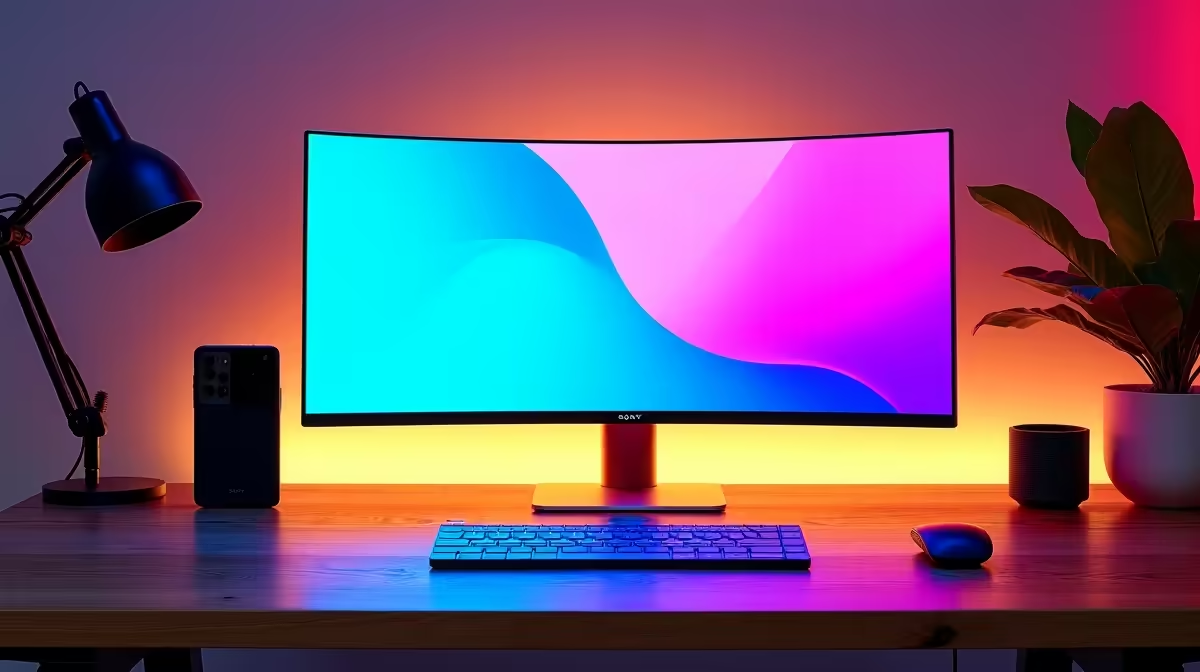
For a 34-inch ultrawide, the minimum practical desk is 130 cm wide and 65 cm deep. Ideally, aim for 150 cm wide and 75 cm deep to accommodate the monitor's stand footprint comfortably alongside a keyboard, mouse, and accessories. A monitor arm resolves depth constraints on desks as shallow as 50 cm.
Stand Footprint vs Screen Width: Two Different Measurements 📐
Buyers frequently confuse screen width (approximately 81 cm for a 34-inch ultrawide) with the overall desk footprint required. The stand's base extends 25 to 32 cm in front of the screen and may spread 30 to 40 cm left and right at its widest point. On a 140 cm wide desk, the stand base typically allows 20 to 30 cm clearance on each side for a keyboard, mouse mat, and speakers. On a 120 cm desk, the clearance drops to 10 to 20 cm per side, which feels noticeably cramped. Measuring the actual stand base of any monitor you plan to buy gives a more accurate picture of desk fit than screen width alone. Monitor specification sheets list stand dimensions under the physical specification section.
Common SA Desk Sizes and Their Ultrawide Suitability 🪑
Flat-pack desks widely sold in South Africa typically come in 90 cm, 120 cm, 140 cm, and 160 cm widths. A 90 cm desk is not suitable for a 34-inch ultrawide with its stand; the monitor nearly fills the entire surface. A 120 cm desk is marginal and only works comfortably with a monitor arm to eliminate the stand footprint. A 140 cm desk is the minimum for a practical setup with the monitor's own stand, allowing room for a full-size keyboard and mouse pad. A 160 cm desk provides genuinely comfortable clearance. For SA students in res or digs with compact desks, a monitor arm is often the enabling purchase that makes a 34-inch ultrawide viable in the available space.
Viewing Distance and Depth Considerations 🔍
Desk depth determines viewing distance, which affects both eye strain and perceived image quality. At 65 cm desk depth with the monitor at the back edge, viewing distance is approximately 65 to 70 cm, on the close side for a 34-inch screen where 80 to 100 cm is recommended. A 75 cm or deeper desk is preferable. If your desk is shallower than 65 cm, a monitor arm positions the screen closer to the wall, adding 15 to 20 cm of effective viewing distance on the same desk. Some SA home offices have a wall alcove behind the desk that provides additional clearance, reducing the depth constraint further.
Use Tape to Mock Up Monitor Placement Before Buying ⚡
Cut a piece of masking tape 81 cm long and place it on your desk to simulate the ultrawide width. Then place another piece 30 cm forward from the back edge to represent the stand depth. If that rectangle crowds your keyboard area, a monitor arm is the solution rather than a different monitor. This dry run takes two minutes and prevents costly returns.
FAQ
Can I use a 34-inch ultrawide on a small desk in a student residence in South Africa?
Yes, with a monitor arm. A VESA-compatible arm clamped to the desk edge positions the screen above or near the desk surface without occupying any of it, making even a 90 cm wide student desk workable for a 34-inch ultrawide.
What desk height is correct for a 34-inch ultrawide gaming setup?
Standard SA desk height is 74 to 76 cm. Combined with an ergonomic gaming chair, this places the monitor at approximately the right eye-level height for most adults. If the default stand height puts the screen too low, a monitor arm solves height and depth issues simultaneously.
How heavy is a 34-inch ultrawide monitor for mounting?
Most 34-inch ultrawide monitors weigh between 6 and 9 kg without the stand. When selecting a monitor arm or wall mount, confirm the weight rating exceeds the panel weight. Arms rated to 10 kg cover nearly all 34-inch ultrawide models stocked locally in South Africa.
Measuring up for a 34-inch ultrawide in your space?
Evetech stocks 34-inch WQHD ultrawide monitors alongside VESA monitor arms to help you make any desk work. Browse the monitor and accessories sections to find the right combination for your setup.