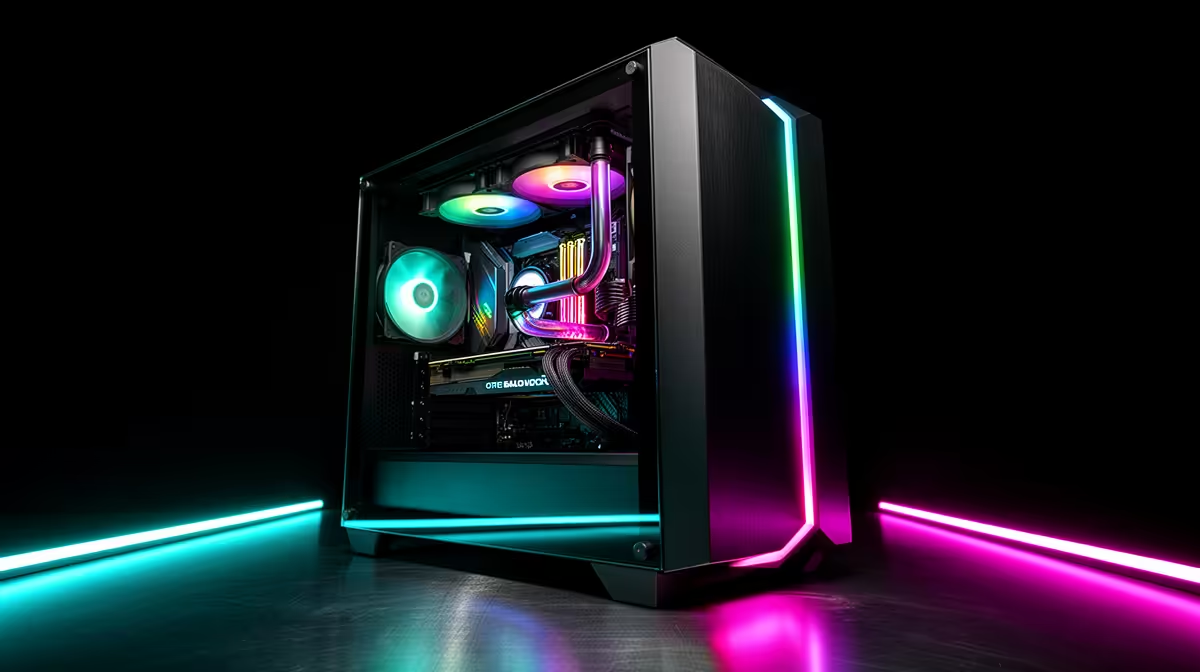
Quick Answer
For large GPUs, liquid cooling, and RGB builds combined, the five features that matter most are: GPU clearance above 350mm, radiator support up to at least 360mm, behind-tray cable management depth of 25mm or more, ARGB fan header support (or a built-in ARGB hub), and tempered glass that does not tint RGB colours excessively. A case that checks all five sits in the R2,500 to R5,000 range in South Africa.
GPU Clearance: The Non-Negotiable Starting Point 🎮
With current triple-fan flagships like the RTX 5080 and RTX 5090 reaching 310mm to 380mm in length, GPU clearance is the first spec to check. Do not rely on the case's maximum GPU clearance figure alone: check what the clearance is with a front radiator installed if you plan to run liquid cooling.
For a build combining a front 360mm AIO with an RTX 5080, look for a case that specifically states GPU clearance of 300mm or more with a front radiator mounted. This spec is less commonly advertised and may require reading the full product spec sheet or checking the case manufacturer's compatibility table.
Radiator Support and Fan Mount Flexibility 💧
Liquid cooling builds need radiator support that matches your AIO size. A 240mm AIO is the minimum for a current-gen gaming CPU; 280mm or 360mm suits mid-range to high-end platforms.
Fan mount positions determine how many fans you can run for supplemental airflow. For combined large GPU and AIO builds, aim for at least five fan mount positions: three for the AIO radiator, two additional for exhaust (rear and top).
RGB: Lighting Ecosystem and Glass Clarity ✨
A case's RGB impact depends on two factors: the fans included (or fan positions for ARGB fans) and the glass panel's optical clarity. Look for cases with at least three ARGB fan positions visible through the side panel and check if the case ships with an integrated ARGB hub. An onboard ARGB hub means you can connect multiple fans and components to one controller rather than daisy-chaining through the motherboard's limited ARGB headers.
Glass clarity matters more in RGB builds than any other build type. Slightly tinted glass (a common cost-cutting choice) desaturates RGB colours, making vivid reds look pinkish and saturated blues look washed. Hold the glass panel up to a light source before purchasing if buying in person, or check review images specifically comparing glass clarity for the case you are considering.
Sync Ecosystems Before Buying ⚡
Before choosing ARGB fans and lighting, confirm your motherboard's onboard ARGB header voltage (5V ARGB is the current standard). Mixing 5V ARGB components with a 12V RGB motherboard header (an older standard) damages the LED strip. Most boards from ASUS, MSI, and Gigabyte in 2024 and 2025 use 5V ARGB, but verify in the manual before buying a large fan set.
FAQ
What GPU clearance should I look for in a mid-tower case for an RTX 5090?
Look for a minimum 360mm clearance without a radiator, and 320mm or more with a front 360mm radiator installed. RTX 5090 triple-fan partner cards range from 336mm to 380mm. If your specific card is 380mm, you will need a larger case or top-mounted AIO to avoid clearance conflicts.
Do I need a case with a built-in ARGB hub?
Not essential, but very convenient. Without a hub, you are limited to the number of ARGB headers on your motherboard (typically two to four). A built-in hub lets you run six to eight ARGB devices from one header, which is useful for a fully lit build with multiple fans, an AIO head, and RAM.
How much does a case that supports large GPUs, 360mm cooling, and ARGB cost in South Africa?
Expect to pay R2,200 to R4,500 for a case that handles all three well. Budget cases below R1,800 typically compromise on either GPU clearance or ARGB hub support. The R2,500 to R3,500 range covers most high-quality mid-tower builds with all three feature sets.
Need a case built for large GPUs, liquid cooling, and RGB?
Browse the full range of gaming PC cases at Evetech, with specs covering GPU clearance, radiator support, and ARGB compatibility.