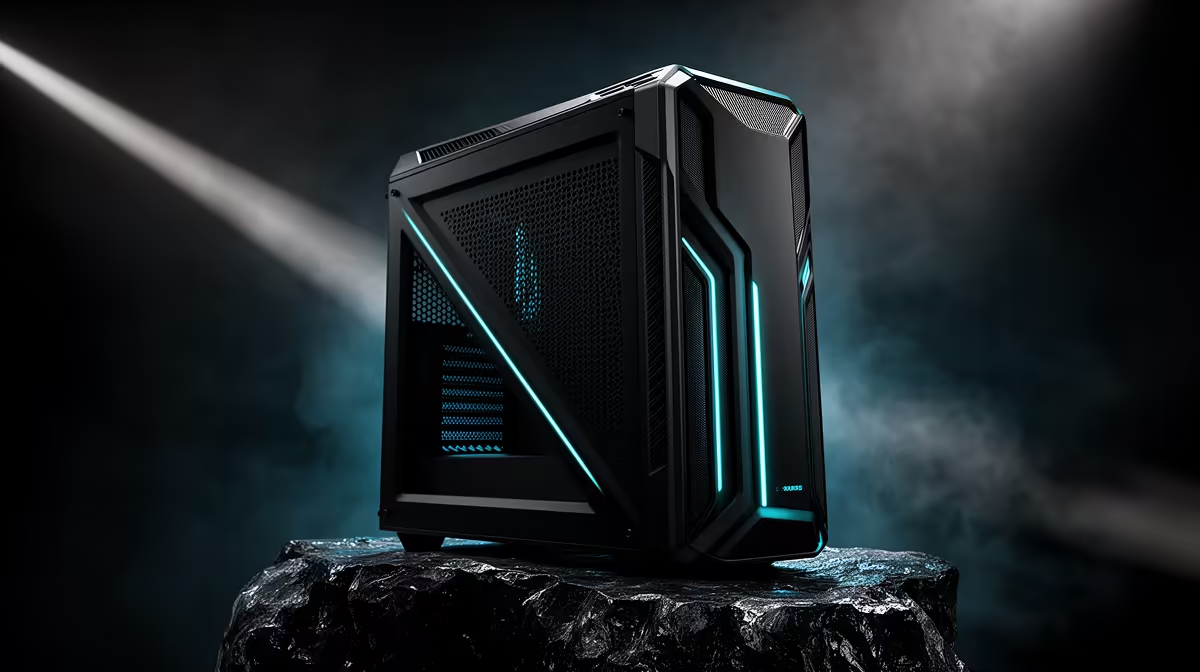
A pre-assembled, tested PC can travel more predictably than loose components because one builder verifies compatibility, mounts parts and documents the working system before dispatch. Loose parts shift responsibility for assembly, firmware, cable routing and first boot to the buyer. Shipping still creates risk, so packaging and arrival inspection matter.
Verify the complete build before dispatch
The builder should test memory, storage, processor, graphics output, network and sustained load with the final operating system and drivers. A single parts list also exposes case-clearance, power-connector and cooler conflicts before the parcel leaves. Keep the serial numbers, configuration and test record with the order. Do not assume every pre-built receives the same testing; confirm the supplier process.
Inspect the delivery before power-on
Check the outer carton for impact or water damage and photograph concerns before opening. Follow supplier instructions for removing internal packing and supporting heavy graphics cards. Inspect loose cables, glass panels and cooler mounts without forcing parts. Let equipment reach room temperature if it arrives cold or damp. Keep all packaging until the system passes startup, display, storage and load tests. If damage appears, stop and contact the supplier rather than switching on a compromised PC. Photograph the carton, internal supports and connector area before removing anything, giving the support team a clear delivery record if a claim becomes necessary.
Ordering an assembled PC? > Ask Evetech about the final parts list, testing, packaging and support process.