Quick Answer
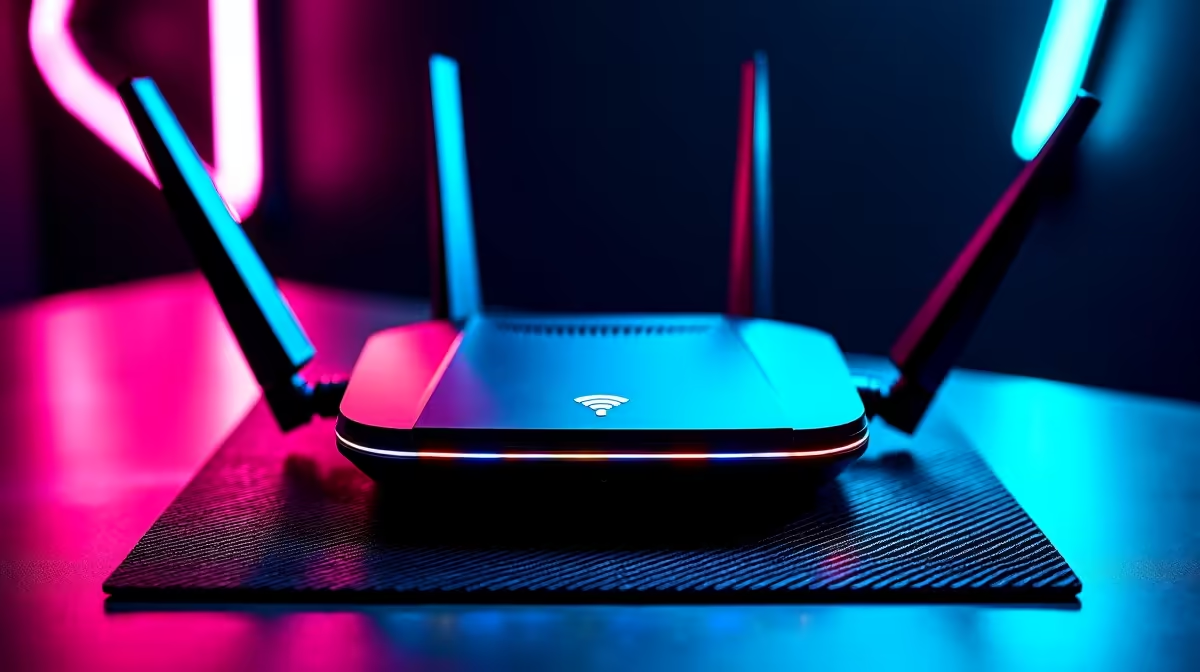
For Midrand residents, the top Wi-Fi 7 routers available at Evetech are the TP-Link Archer BE800 (R7,500) and the ASUS RT-BE96U (R9,000). Both support MLO and tri-band Wi-Fi 7, with the BE800 suited to standard fibre homes and the RT-BE96U adding 10G WAN for Midrand residents on 1 Gbps+ Vumatel plans.
Short-List: Wi-Fi 7 Routers for Midrand
ASUS RT-BE96U (~R9,000): Tri-band Wi-Fi 7 (2.4 + 5 + 6 GHz), 10G WAN + 10G LAN, full MLO, AiProtection security, adaptive QoS for gaming. Best for Midrand households on high-speed fibre with multiple simultaneous gaming and streaming devices.
TP-Link Archer BE800 (~R7,500): Tri-band Wi-Fi 7, 10G WAN, MLO support, 4x gigabit LAN. Comparable performance to the ASUS at lower cost — excellent choice for Midrand homes on 500 Mbps–1 Gbps fibre.
ASUS RT-BE58U (~R5,500): Dual-band Wi-Fi 7, MLO on two bands, gigabit WAN, more compact. Best for Midrand apartments and smaller setups where 10G WAN is not needed. Good entry into Wi-Fi 7 without flagship pricing.
Midrand ISP Context
Midrand is well-covered by Vumatel's FibreDirect network, with many residential estates on 200 Mbps–1 Gbps plans. Openserve is also present in parts of Midrand. Both use standard gigabit Ethernet ONT — Wi-Fi 7 router setup is plug-in WAN cable, configure DHCP or PPPoE, done. Midrand corporate parks often use 10 Gbps links; residential plans max at 1 Gbps for now, making 2.5G WAN sufficient for current needs.
Gaming Performance in Midrand
With base pings of 5–15 ms to Johannesburg game servers, Midrand gamers already enjoy excellent ISP latency. Wi-Fi 7 MLO adds sub-2 ms Wi-Fi overhead improvement. The practical impact on CS2 or Valorant rank play is real but modest — the bigger gains come from choosing the 6 GHz band on a Wi-Fi 7 router versus sharing the congested 5 GHz band.
FAQ
Is the ASUS RT-BE96U worth the premium over the TP-Link BE800 in Midrand?
For standard residential fibre up to 1 Gbps, the R1,500 price difference is marginal in performance terms — both deliver full Wi-Fi 7 throughput. The ASUS adds AiProtection network security and a more polished mobile app, which justifies the premium for tech-focused Midrand households.
What channel width should I set on a Wi-Fi 7 router for best Midrand gaming performance?
Use 160 MHz on the 5 GHz band and 320 MHz on the 6 GHz band if your devices support it. Set your gaming PC to the 6 GHz 320 MHz channel for lowest latency. The 2.4 GHz band (40–80 MHz) is best for IoT and distant devices where range matters more than speed.
Do Wi-Fi 7 routers work with Midrand estate security systems and smart home devices?
Yes — Wi-Fi 7 routers are backward-compatible with Wi-Fi 4, 5, and 6 devices. Smart home devices and security cameras connect on 2.4 GHz as usual. The 6 GHz band is reserved for Wi-Fi 6E/7 clients, keeping IoT traffic isolated from gaming and streaming performance.
IP addresses to your Midrand gaming PC and console in the router's DHCP reservation settings — this prevents IP conflicts and ensures QoS rules you configure always apply to the correct devices.