


Using GitHub Copilot: Complete Beginner's Guide for SA Developers
Using GitHub Copilot: Complete Beginner's Guide for SA Developers. Everything you need to know with SA-specific pricing and recommendations.
Read moreWireless keyboard work from home: decide between Bluetooth, 2.4GHz dongle, or wired options with clear pros, battery and latency tips for South Africa shoppers 🧑💻🔌
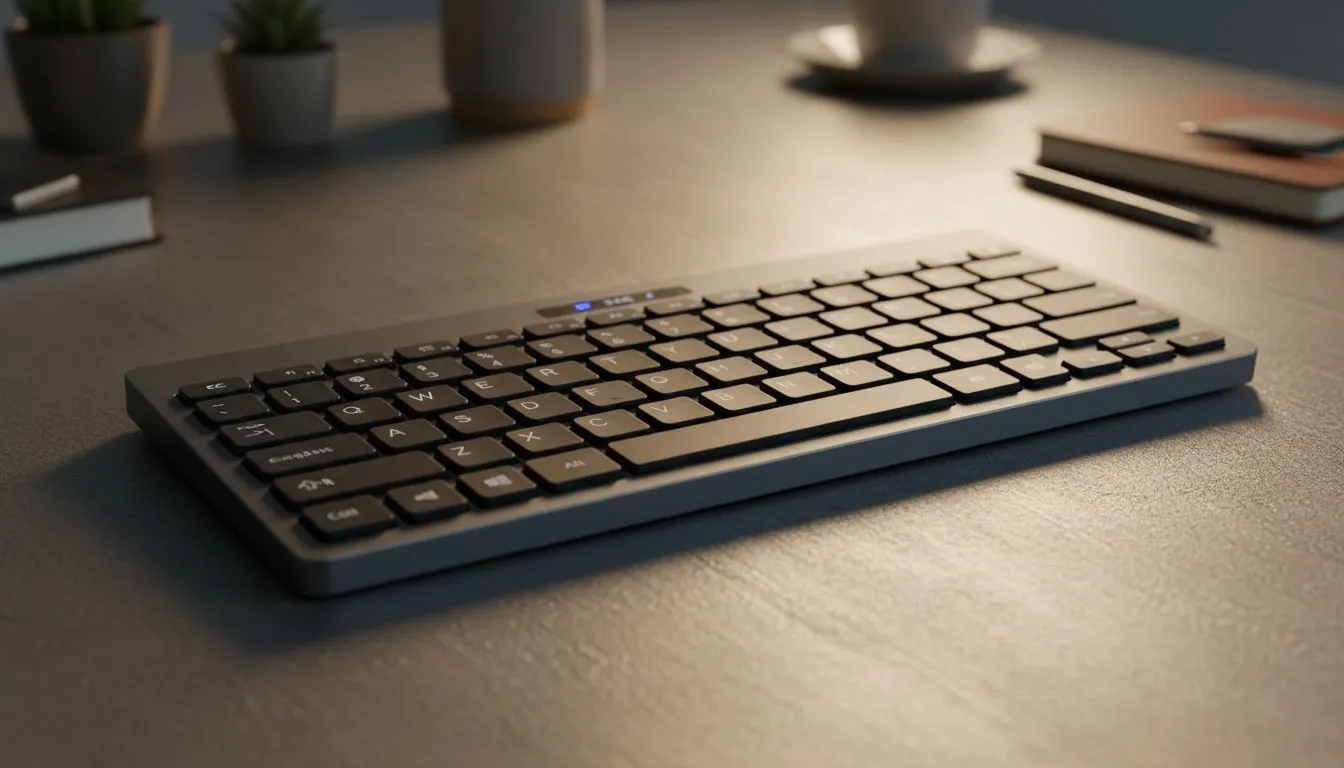
Working from home in South Africa has its own unique challenges. From dodging load shedding to keeping a tidy desk in a cramped spare room... choosing a Wireless Keyboard Work From Home solution is about more than just aesthetics. You need reliability, speed, and comfort. Whether you are typing reports in Johannesburg or gaming after hours in Durban, your connection type defines your experience. ⚡
Wireless setups are the gold standard for a clean, minimalist desk. Most modern users lean towards Wireless connectivity because it removes the clutter of tangled cables.
When choosing wireless, you generally have two paths: Bluetooth or 2.4GHz. Bluetooth is fantastic for multi-device setups. You can switch between your laptop and tablet with one button. However, 2.4GHz uses a dedicated USB dongle. This offers a much more stable connection with almost zero latency. This is vital if your "work from home" desk also doubles as a competitive gaming station.
To extend the lifespan of your wireless keyboard, try to keep the battery between 20% and 80%. If your keyboard has RGB lighting, lowering the brightness or choosing a static colour can double your battery life between charges. This is especially helpful during long Stage 6 load shedding slots!
Despite the trend toward wireless, many power users refuse to give up their cables. Choosing Wired mechanical options ensures that you never have to worry about battery levels. There is no interference from other devices in your home... and the response time is instantaneous. 🔧
For those who do a lot of data entry or coding, the reliability of a physical connection is unmatched. You will find that many of the highest-rated boards for longevity still rely on a high-quality braided USB-C cable.
If you want the best of both worlds, certain brands lead the pack in South Africa. The Razer Gaming Keyboard lineup often features "Hyperspeed" technology. This makes their wireless connection as fast as most wired boards.
Alternatively, if you want a premium, custom feel, look at Glorious Keyboards. They offer hot-swappable switches and incredible build quality. This allows you to customise the "thock" sound of your keys to suit your home office environment. ✨
You do not need to spend a fortune to upgrade your home office. Finding the cheapest gaming keyboard in South Africa that still offers mechanical switches is easier than ever. You can find solid entry-level boards starting well under R1,000 that outperform standard membrane office peripherals. 🚀
Think about your daily routine. If you travel often, a compact Bluetooth board is best. If you sit at one desk all day, a 2.4GHz or wired board provides the best stability for your Wireless Keyboard Work From Home journey.
Ready to Find Your Perfect Match? The debate between Bluetooth, 2.4GHz, and Wired is all about your personal workflow. For maximum reliability and value in South Africa, a high-quality mechanical board is hard to beat. Explore our massive range of keyboard specials and find the perfect tool to conquer your workday.
Bluetooth is great for multi-device convenience; 2.4GHz typically gives lower latency and stronger range — pick by priority (convenience vs responsiveness).
Yes if you want zero wireless lag and no battery fuss. Wired keyboards suit heavy typists and professionals prioritising consistent response.
Latency matters for fast typing and real-time tasks. 2.4GHz and wired keyboards usually offer lower latency than standard Bluetooth models.
Bluetooth works well for most home setups. For longer range or noisy RF environments, a 2.4GHz dongle keyboard can be more reliable.
Expect days to months depending on size and lighting. Low-power Bluetooth keyboards can last months; full-size RGB models need frequent charging.
Yes. Many Bluetooth keyboards support multi-device pairing; some 2.4GHz models offer multi-host via additional dongles or software.
Bluetooth keyboards excel for hotdesking and quick device swaps. If you move around often, choose a compact Bluetooth model for portability.
Using GitHub Copilot: Complete Beginner's Guide for SA Developers. Everything you need to know with SA-specific pricing and recommendations.
Read more
Back-to-School Headset Buying Guide for SA 2026. Everything you need to know with SA-specific pricing and recommendations.
Read more
Mesh Front Panel Setup and Configuration: Complete Tutorial. Comprehensive coverage with SA insights, Rand pricing, and practical recommendations.
Read more
Black Screen: Troubleshooting Guide #1. Everything you need to know with SA-specific pricing and recommendations.
Read more
The Complete 2026 Guide to Storage in South Africa. Everything you need to know with SA-specific pricing and recommendations.
Read more
1000W PSU Not Working After Load Shedding: Recovery Guide. Everything you need to know with SA-specific pricing and recommendations.
Read more
AMD RX 9050 XT: Rumoured Specs, Price & Release. SA-focused analysis with local pricing data, real-world insights & actionable buying advice.

Can RTX 4080 Super Run AI Workloads for SA Developers Detailed answer with SA data, expert analysis & practical recommendations for local buyers.

Can RTX 4090 Run AI Workloads for SA Developers Detailed answer with SA data, expert analysis & practical recommendations for local buyers.

Top Settings for Intel Arc B580 at Ultrawide 1440p picks evaluated on performance, value & SA availability with current Rand pricing from Evetech.

RTX 4060 CS2 Low Settings at 1080p: FPS Results. Real-world benchmark data, FPS numbers & performance analysis. What SA gamers can actually expect.

Visual Artifacts: Possible GPU Issue Issue #1. Diagnosis steps, proven fixes & when to seek professional help. SA-specific support info included.

Can the RTX 4090 Handle 1440p 144Hz Gaming. Performance testing verdict with real data & practical recommendations for SA buyers.

Top ASUS GPU Under R15000 picks evaluated on performance, value & SA availability with current Rand pricing from Evetech.

GTA 6 Max Settings on RTX 5070. Tested & verified settings for best FPS and visual quality on SA hardware budgets.

Cyberpunk 2077 Max Settings on RTX 5080. Tested & verified settings for best FPS and visual quality on SA hardware budgets.

Starfield Max Settings on RTX 5070 Ti. Tested & verified settings for best FPS and visual quality on SA hardware budgets.

Top RTX 5090 Under R5000 picks evaluated on performance, value & SA availability with current Rand pricing from Evetech.