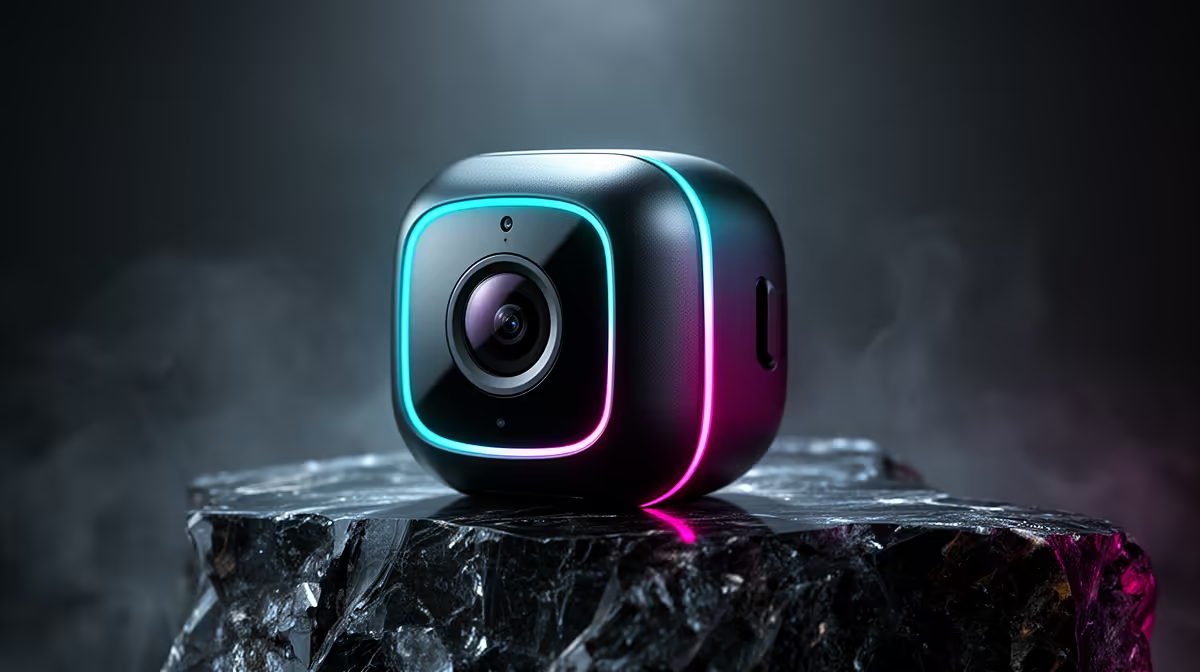
A wireless security camera can help a first-year student monitor an agreed private room or entrance, but it is not automatically suitable for a residence or shared flat. Housing rules, roommate consent, privacy and the available Wi-Fi all matter. A camera should support a clear safety response rather than record ordinary shared life continuously.
Choose an allowed indoor position
The verified TP-Link Tapo C212 at R451 provides indoor Wi-Fi monitoring with pan-and-tilt movement. Confirm current app, storage and notification features before relying on it. Ask residence management or the landlord for written permission where required. Never point the lens into a roommate sleeping area, corridor beyond the permitted room or neighbouring property. Place a visible notice for visitors when appropriate.
Protect access and act on alerts
Give the account a strong password used nowhere else, enable available sign-in safeguards and keep firmware current. Review every person with live-view access and remove old users promptly. Tune notifications to meaningful events so study is not interrupted by constant motion alerts. Recordings that contain people need careful retention and secure storage. If an alert occurs, the student should know whom to contact rather than confronting a suspected intruder. Physical locks, an inventory and backed-up device records remain important. Review the camera angle after moving furniture because a permitted view can expose a new private area.
Planning responsible student-room monitoring? > Browse Evetech indoor cameras and routers after confirming housing rules, consent and Wi-Fi coverage.