


Using GitHub Copilot: Complete Beginner's Guide for SA Developers
Using GitHub Copilot: Complete Beginner's Guide for SA Developers. Everything you need to know with SA-specific pricing and recommendations.
Read moreBoost your WiFi smoothly with WPS-enabled extenders 🔥 Discover top picks & setup tricks 💡
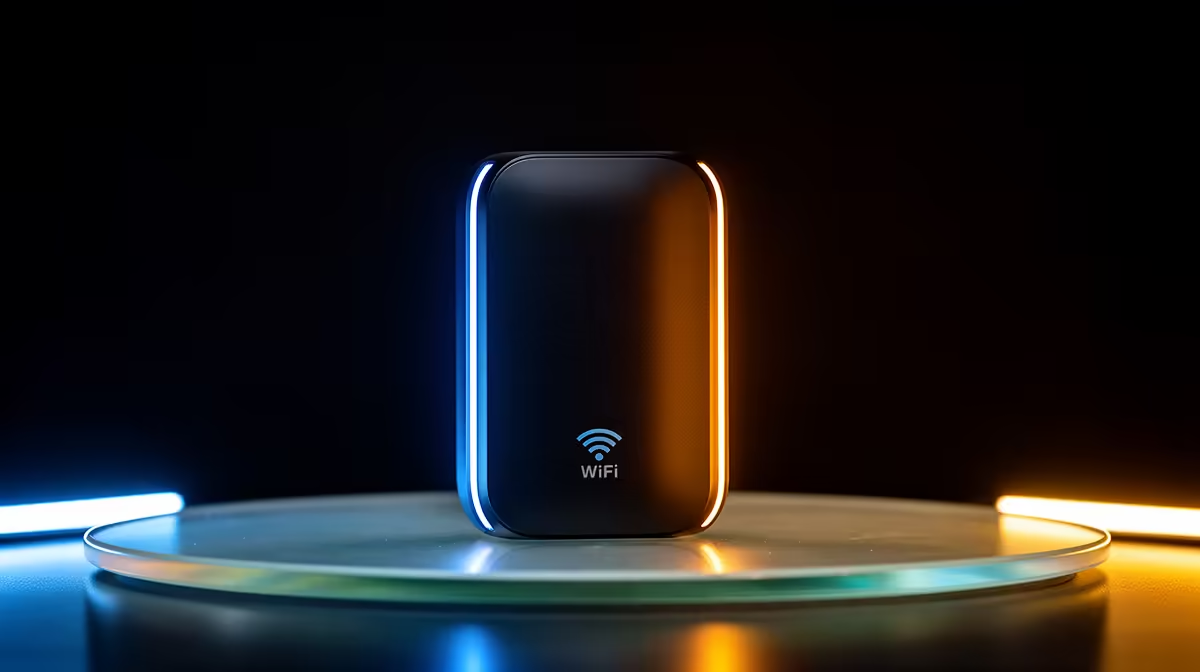
Is your WiFi signal weaker than a Monday morning after a long weekend? If you’re tired of the signal dropping the moment you step out to the braai area or into the spare room, there’s a simple fix. Forget typing in that ridiculously long password your dad set up. We're talking about the magic of WPS-enabled WiFi extenders—your one-push solution to banishing dead zones and getting the fast, stable connection you deserve. 📶
So, what’s the big deal? A standard WiFi extender grabs the signal from your main router and rebroadcasts it, covering those hard-to-reach spots in your home. The magic ingredient here is WPS, which stands for Wi-Fi Protected Setup. It’s a feature designed to make connecting devices to your network incredibly simple.
Instead of logging into a web page and fumbling with settings, a WPS-enabled WiFi extender lets you connect with a single button press. You push the WPS button on your router, then the one on your extender, and voilà! They’re paired. This simple process can instantly improve your home's entire wireless networking setup without any technical headaches.
Let's be honest, nobody wants to spend an hour troubleshooting network settings when you could be climbing the ranks in Valorant or exploring the latest open-world epic. The beauty of a WiFi extender with WPS is its sheer speed and simplicity. It turns a potentially frustrating task into a 30-second job. ✨
This is crucial for gamers and streamers who need a consistently strong signal. A well-placed extender ensures the data flows smoothly to your PC, especially when paired with powerful wireless adapters that can take full advantage of the boosted signal. Less time configuring means more time winning.
For the best results, place your WiFi extender about halfway between your router and the WiFi dead zone. Too close to the router and you won't get much extra range. Too far, and it will be rebroadcasting an already weak signal. Find that sweet spot!
While the convenience is undeniable, it’s worth noting that for some power users, other options might be better. If your home is particularly large or has thick walls, you might find that even an extender struggles. In these cases, upgrading to one of our latest wireless routers with superior range and technology could be a more effective long-term solution.
Furthermore, while the push-button method of WPS is secure, it's good practice to disable the WPS PIN feature on your router's admin page, as it can be a security vulnerability. For most South African homes, however, a modern WPS-enabled WiFi extender provides the perfect balance of performance, convenience, and value. 🚀
Banish WiFi Dead Zones for Good Tired of buffering and signal drop-outs ruining your flow? A simple, powerful WPS-enabled WiFi extender is the answer. Shop our range of wireless range extenders at Evetech for performance that leaves lag in the dust.
They connect to your router with a single button push, simplifying setup 🌐
WPS includes encryption, but always use updated firmware for top security 🔒
Ensure your router supports WPS for one-touch compatibility 🔄
Yes, dual-band and mesh-compatible extenders work well for bigger spaces 🏡
They may cause slight speed drops; opt for modern dual-band options for better performance ⚡
Check the button press duration and router compatibility first 🛠️
Yes, manual WPA2/WPA3 entry remains a secure option 🔐
Using GitHub Copilot: Complete Beginner's Guide for SA Developers. Everything you need to know with SA-specific pricing and recommendations.
Read more
Back-to-School Headset Buying Guide for SA 2026. Everything you need to know with SA-specific pricing and recommendations.
Read more
Mesh Front Panel Setup and Configuration: Complete Tutorial. Comprehensive coverage with SA insights, Rand pricing, and practical recommendations.
Read more
Black Screen: Troubleshooting Guide #1. Everything you need to know with SA-specific pricing and recommendations.
Read more
The Complete 2026 Guide to Storage in South Africa. Everything you need to know with SA-specific pricing and recommendations.
Read more
1000W PSU Not Working After Load Shedding: Recovery Guide. Everything you need to know with SA-specific pricing and recommendations.
Read more
AMD RX 9050 XT: Rumoured Specs, Price & Release. SA-focused analysis with local pricing data, real-world insights & actionable buying advice.

Can RTX 4080 Super Run AI Workloads for SA Developers Detailed answer with SA data, expert analysis & practical recommendations for local buyers.

Can RTX 4090 Run AI Workloads for SA Developers Detailed answer with SA data, expert analysis & practical recommendations for local buyers.

Top Settings for Intel Arc B580 at Ultrawide 1440p picks evaluated on performance, value & SA availability with current Rand pricing from Evetech.

RTX 4060 CS2 Low Settings at 1080p: FPS Results. Real-world benchmark data, FPS numbers & performance analysis. What SA gamers can actually expect.

Visual Artifacts: Possible GPU Issue Issue #1. Diagnosis steps, proven fixes & when to seek professional help. SA-specific support info included.

Can the RTX 4090 Handle 1440p 144Hz Gaming. Performance testing verdict with real data & practical recommendations for SA buyers.

Top ASUS GPU Under R15000 picks evaluated on performance, value & SA availability with current Rand pricing from Evetech.

GTA 6 Max Settings on RTX 5070. Tested & verified settings for best FPS and visual quality on SA hardware budgets.

Cyberpunk 2077 Max Settings on RTX 5080. Tested & verified settings for best FPS and visual quality on SA hardware budgets.

Starfield Max Settings on RTX 5070 Ti. Tested & verified settings for best FPS and visual quality on SA hardware budgets.

Top RTX 5090 Under R5000 picks evaluated on performance, value & SA availability with current Rand pricing from Evetech.