Stretching your ZAR budget across high-precision wireless office gear is less about finding the cheapest price on every item and more about understanding which touch points actually shape your daily work. The choices you make with a limited rand allocation determine whether your setup genuinely improves productivity or simply looks tidy on the desk.
Quick Answer
Spend the most on your keyboard and mouse -- they are your primary daily contact points. A reliable wireless mouse sits between R600 and R1200; an ergo keyboard between R800 and R1800. Add a wireless headset for calls and a dock for connectivity. Avoid ultra-high-DPI gaming mice for office use.
🖱️ Start With the Mouse: Precision That Actually Matters in an Office
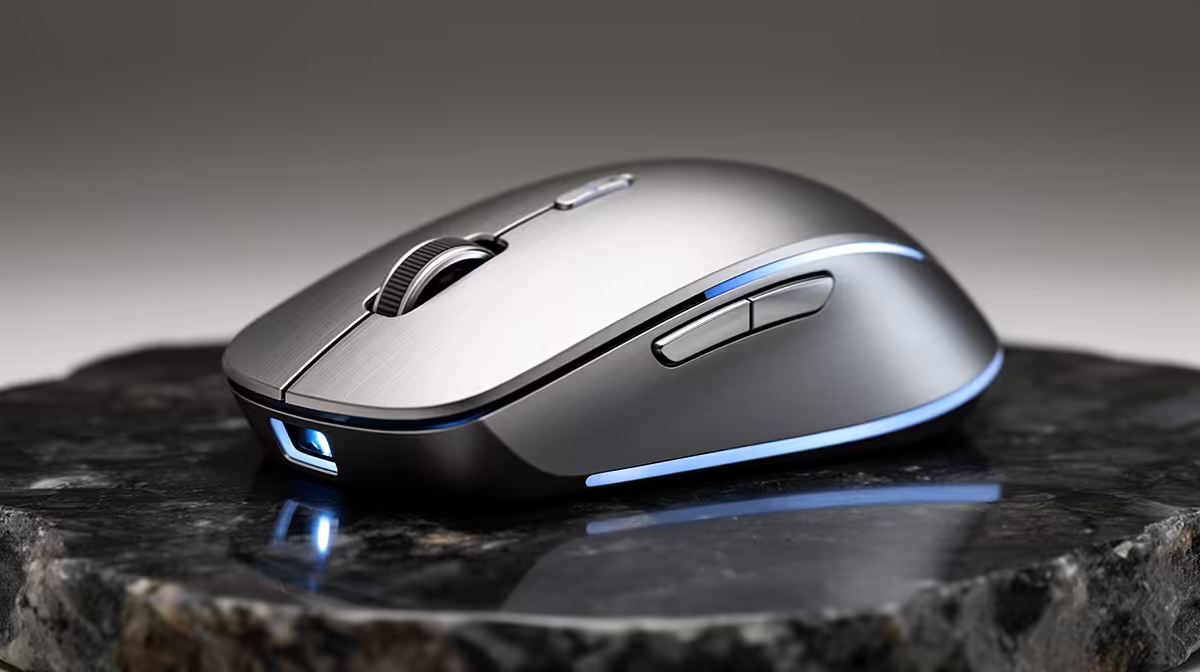
The wireless office mouse market has matured to the point where a sensor in the R600-R1200 range tracks accurately on virtually any surface and holds charge for weeks on a single battery or charge cycle. What separates office mice at this tier is not raw DPI -- which becomes irrelevant past about 1600 for spreadsheet and document work -- but ergonomics, scroll wheel feel, and the responsiveness of the wireless connection.
For office use, prioritise a mouse shaped for your grip style. A palm-grip user needs a taller, longer body; a fingertip-grip user benefits from a lighter, shorter shell. Weight matters more for office work than most buyers expect: a heavier mouse accelerates wrist fatigue over a full workday in a way a gaming session never would, because you are making thousands of small, controlled movements rather than occasional fast sweeps.
Avoid the temptation to buy a high-DPI gaming mouse at a similar price point. The surface area-to-cursor ratio optimised for fast gaming movement translates to imprecise, twitchy cursor placement in Excel or a PDF editor. A mouse built for office precision -- with a lower default DPI range and a smooth scroll wheel -- does more for actual productivity.
Battery life is a practical budget factor. A mouse requiring a AA battery every two to three months costs less to operate than a rechargeable model where you eventually replace the cable or the dock. Both are valid, but factor the long-term running cost into a tight rand budget.
⌨️ The Keyboard: The Upgrade You Should Not Skip
If one item deserves the largest share of a constrained office gear budget, it is the keyboard. Your hands interact with it for the majority of every working hour. A keyboard that forces your wrists into an extended or ulnar-deviated position stacks strain repetition that compounds into real discomfort over months.
An ergonomic wireless keyboard in the R800-R1800 range offers a split or slight-curve layout that keeps wrists in a more neutral alignment than a flat, straight keyboard. The low-profile key travel common at this tier also reduces the force needed per keystroke, which matters across thousands of daily keypresses.
Wireless connectivity for keyboards adds genuine value in a home office with a cluttered desk: fewer cables, flexible positioning, and the ability to move the keyboard off the desk entirely during video calls or focused reading. Bluetooth models connect to multiple devices and let you switch between a laptop and a desktop without replugging. Proprietary 2.4 GHz dongles offer lower latency if your workflow involves any real-time document collaboration where input lag is noticeable.
Do not cut this item to save rand for peripherals further down the priority list. A strained wrist is expensive in lost working hours and eventual medical consultation in a way no keyboard price tag approaches.
Pro Tip ⚡
SA import duties push wireless keyboard prices noticeably above US retail. If you see a well-reviewed ergo model discounted at end-of-financial-year in May or June, that is typically the best local buying window before stock turns over.
🎧 Wireless Headset: Justifying the Budget Allocation
A wireless headset is the third-priority item in a well-structured office gear budget, and it earns its place specifically if your workday involves regular calls or video meetings. For a role with two or three calls per week, a R1500 wireless headset is difficult to justify over a wired alternative. For a role with four or more hours of calls daily, it pays back quickly in reduced desk clutter, freedom to stand and walk during calls, and the clarity improvement over a laptop microphone and speaker.
The key specification for office call quality is not audio frequency response -- which matters for music -- but microphone noise rejection and headset battery life. A headset that picks up keyboard noise, HVAC sound, or background conversation undermines call quality regardless of audio driver quality. Look for a model with a close-talking boom mic or active noise rejection in the mic circuit.
Battery life for a wireless headset used in calls should be assessed against your longest likely continuous call block, not average use. If you run three-hour workshops, a headset rated at four hours gives you no buffer. Eight to twelve hours of rated call battery covers most realistic SA workday schedules.
🔌 The Dock: One Cable to Run the Whole Desk
A USB-C or Thunderbolt dock in the R1200-R2000 range consolidates the peripheral management problem that wireless gear partially solves but does not fully eliminate. Your wireless keyboard, mouse, and headset still need to connect to the computer somehow -- via dongles, Bluetooth, or USB receivers -- and a dock provides the powered USB ports, display output, and charging passthrough that a laptop's single or dual native ports cannot cover alone.
The practical argument for a dock on a rand budget is adapter displacement. A single quality dock replaces a USB-A hub, an HDMI adapter, an Ethernet adapter, and a separate charger. If you have already purchased those items individually, the dock may not be a priority. If you are setting up from scratch, buying a dock first and skipping the individual adapters often costs the same or less in total.
For a SA home office context, a dock with built-in surge protection on the USB ports adds hardware protection that a basic hub does not.
Frequently Asked Questions
Which wireless office peripheral deserves the largest share of my budget?
The keyboard takes priority, with the mouse close behind. Both are active all day, every working day, and ergonomic quality in those two items returns more comfort and reduced fatigue than equivalent spending on a headset or a dock. Put the keyboard at the top of your allocation before anything else.
Is there a useful rand ceiling for an office mouse before spending adds no more value?
For most office workloads, a wireless mouse between R600 and R1200 covers everything needed: accurate tracking, long battery life, and a reliable wireless connection. Spending beyond R1500 on a mouse for document and spreadsheet work rarely produces a measurable productivity difference.
What should I look for in a wireless headset for video calls?
Prioritise microphone quality and battery life over audio playback performance. A boom microphone positioned close to the mouth reduces background pickup significantly. For a SA home office where ambient sound -- traffic, construction, neighbourhood noise -- is common, close-mic pickup is the most useful real-world specification.
Does a dock pay for itself in a home office setup?
It depends on whether you have already bought individual adapters. If you are starting fresh, a single R1500-R2000 dock typically costs the same or less than buying separate display, Ethernet, and USB adapters. It also simplifies the desk: one cable connection to the laptop powers and connects everything rather than managing several individual plugs.
Which office gear upgrade delivers the least value for rand spent?
A high-DPI gaming mouse purchased for office use returns the least. The specification that drives its price -- sensor accuracy at very high DPI settings for fast movement -- is irrelevant for controlled cursor work in spreadsheets, documents, and browser-based tools. A purpose-built office mouse at a lower price point outperforms it for the actual task.
Ready to put your ZAR where it earns the most?
Browse Evetech's full range of wireless keyboards, precision office mice, headsets, and docking stations to build a setup that performs every day.