Ideal Monitor Specs for Comfort
Boost productivity and reduce eye strain 📈 with the perfect monitor dimensions and resolution for hybrid workspaces. 📊
125 days ago·4 min read
Loading tags...
Perfect your curved monitor ideal viewing distance 🎮 to avoid eye strain. Boost focus & gaming comfort. Expert tips inside!
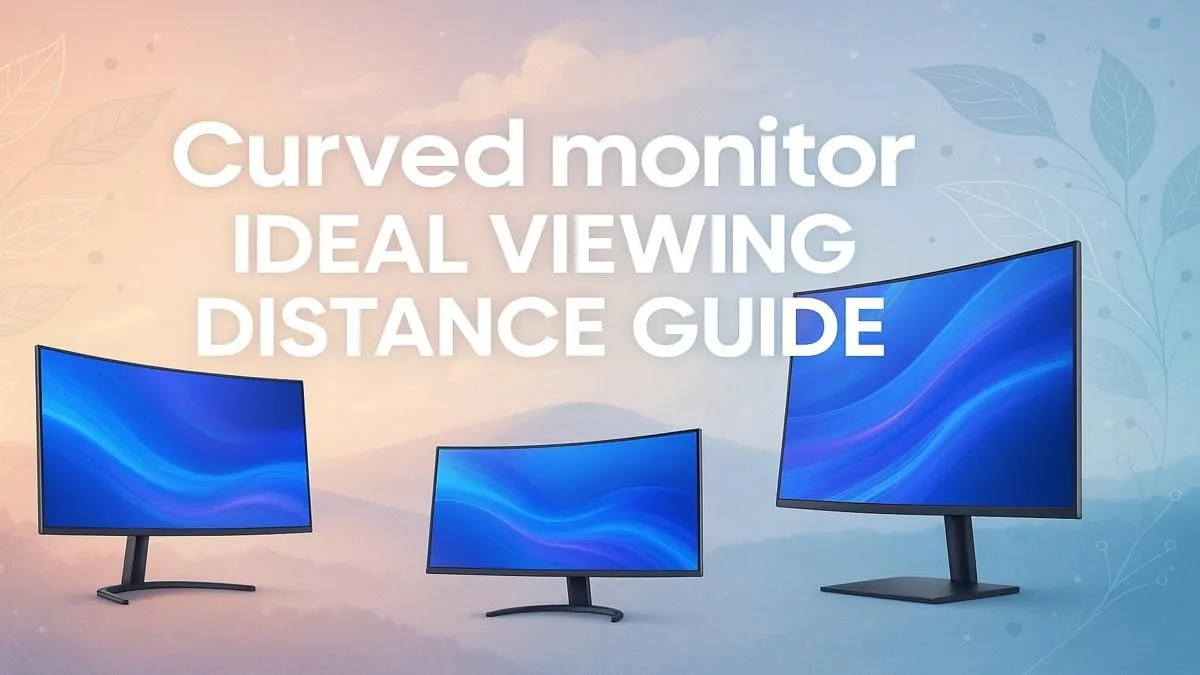
Curved monitors promise ultimate immersion, but getting the setup wrong can ruin the experience. To help, we sat down with Thandi, our in-house display expert. She’s seen countless South African gamers and creators struggle with finding that sweet spot for their new curved screens. What’s the ideal viewing distance? Does the curve rating matter? Thandi is here to answer the most common questions and help you get the most out of your gear. ✨
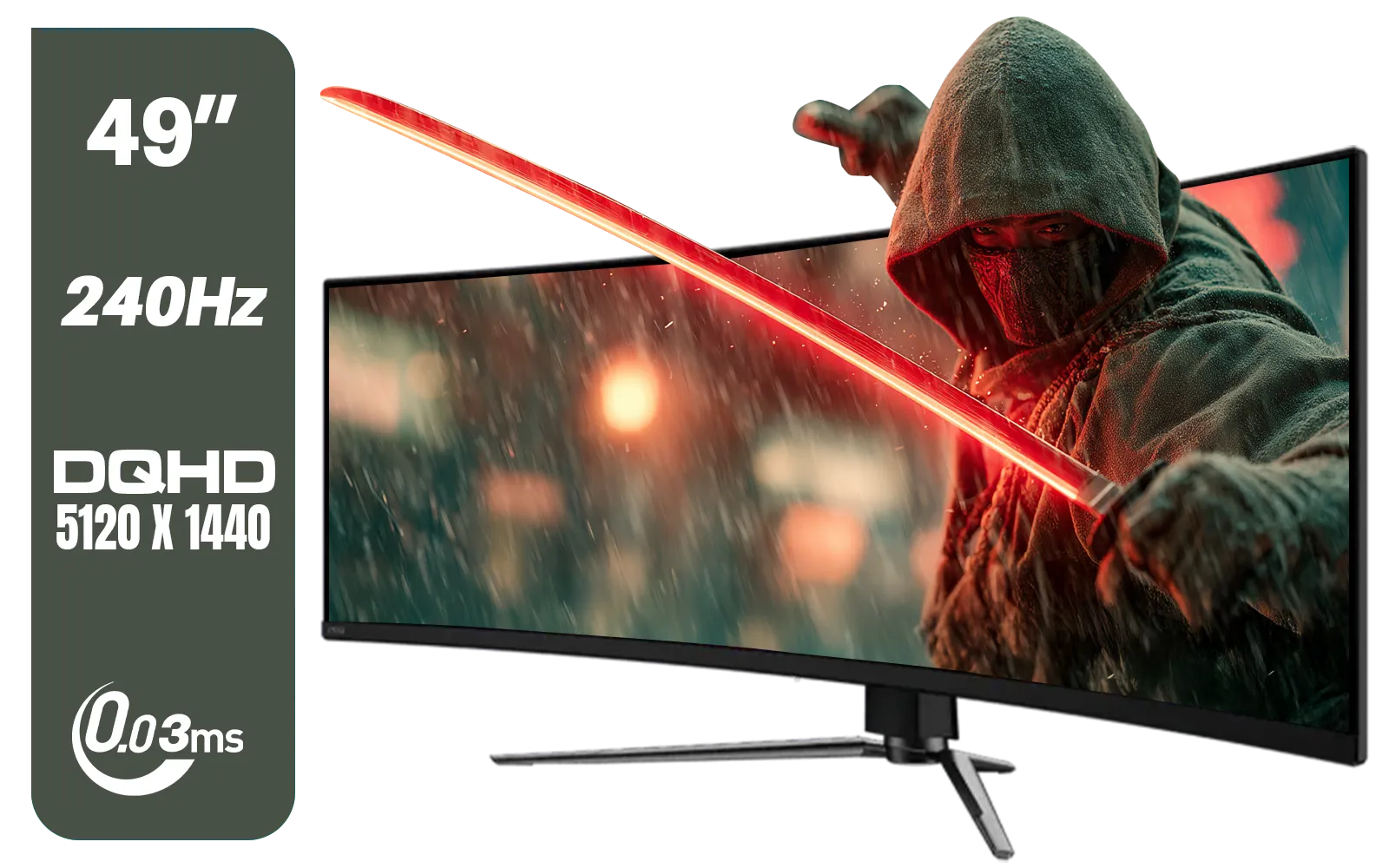
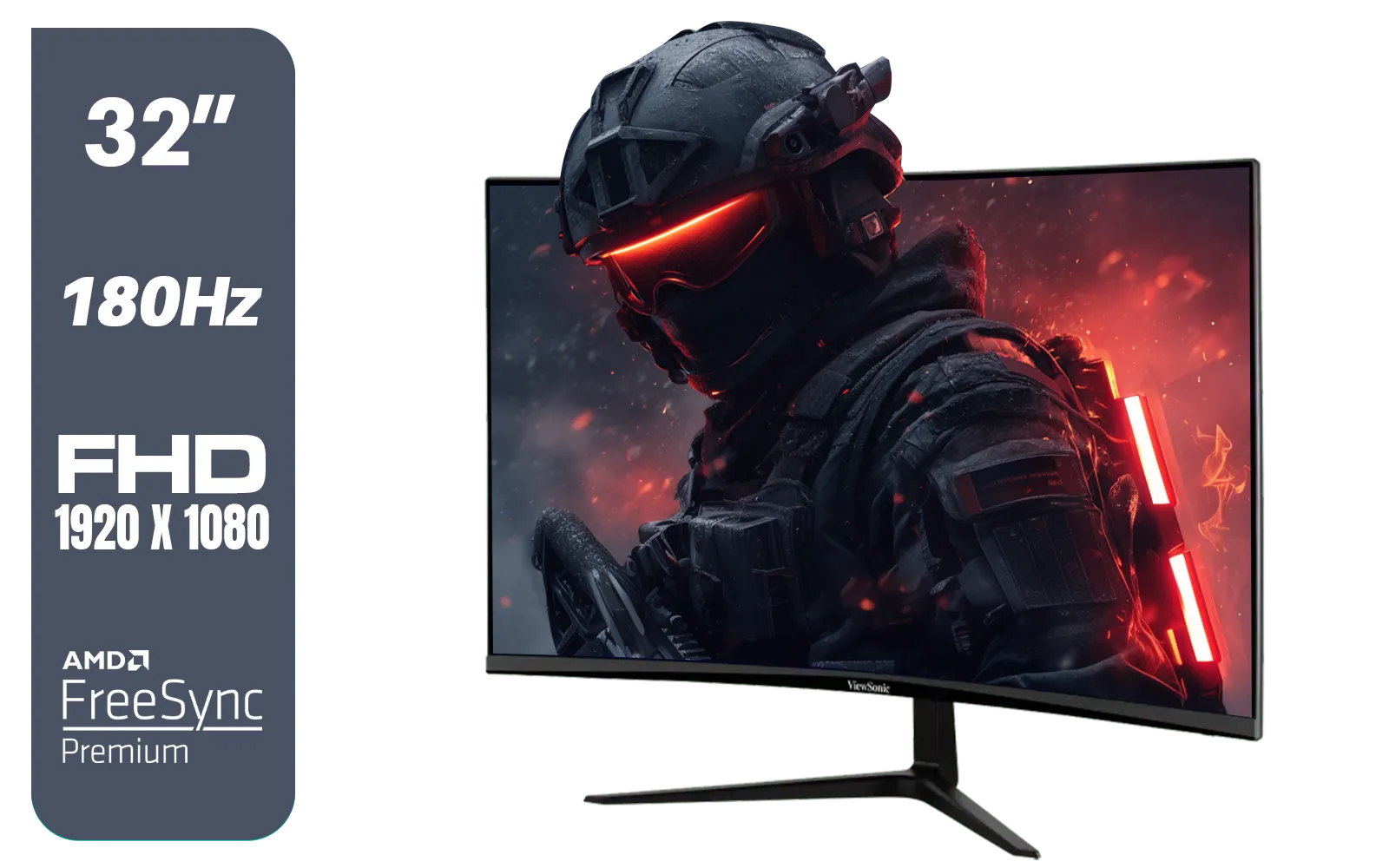
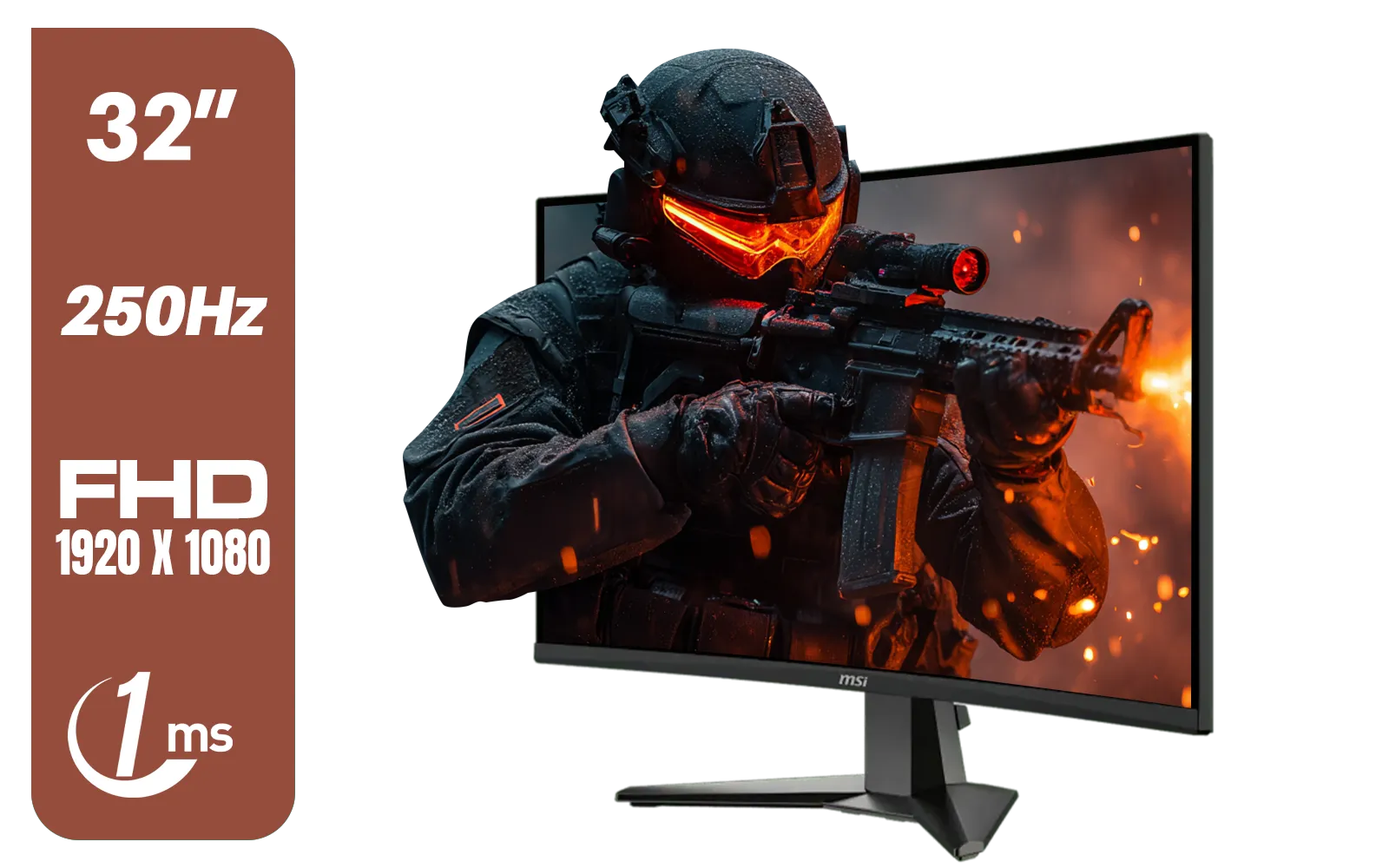
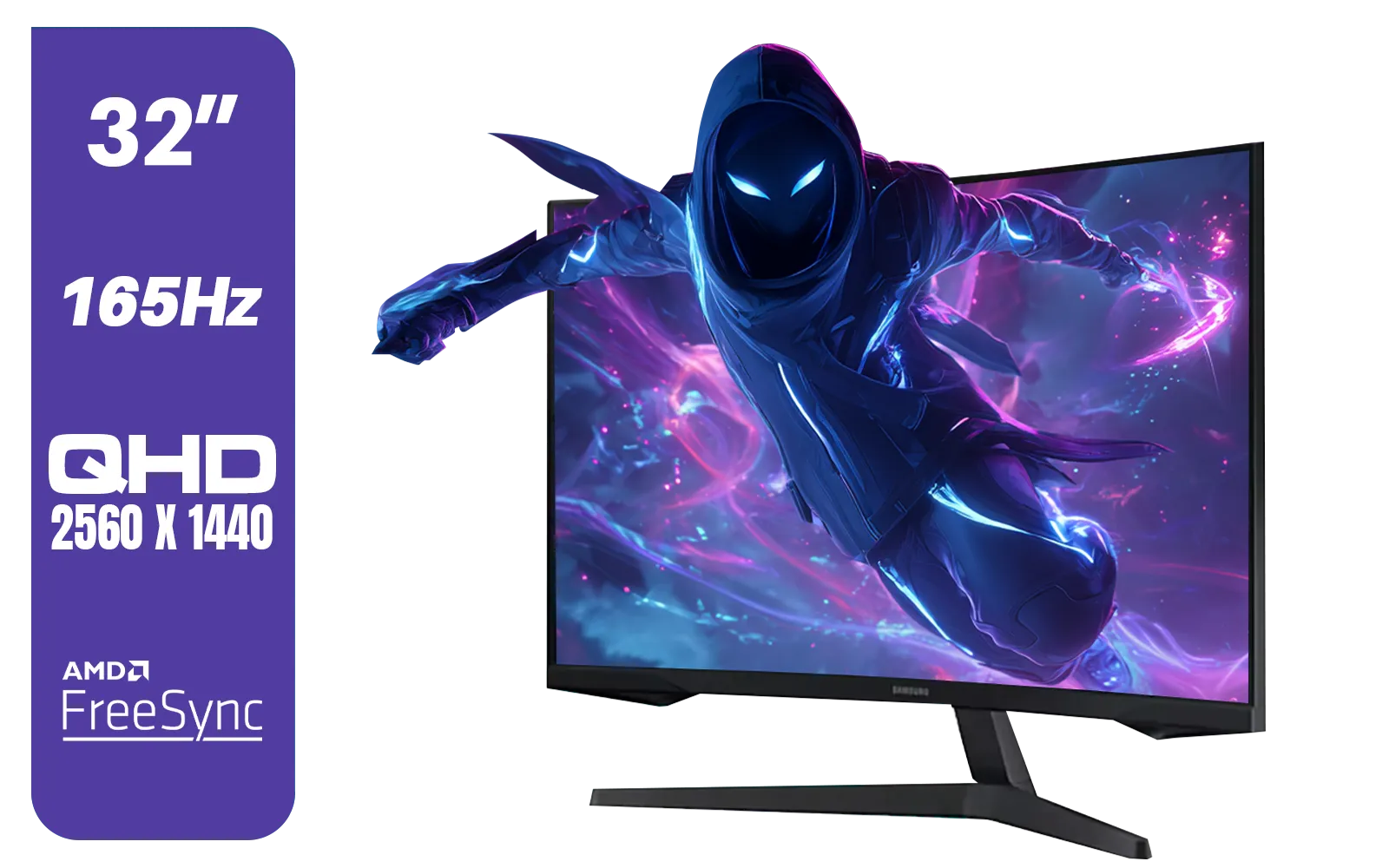
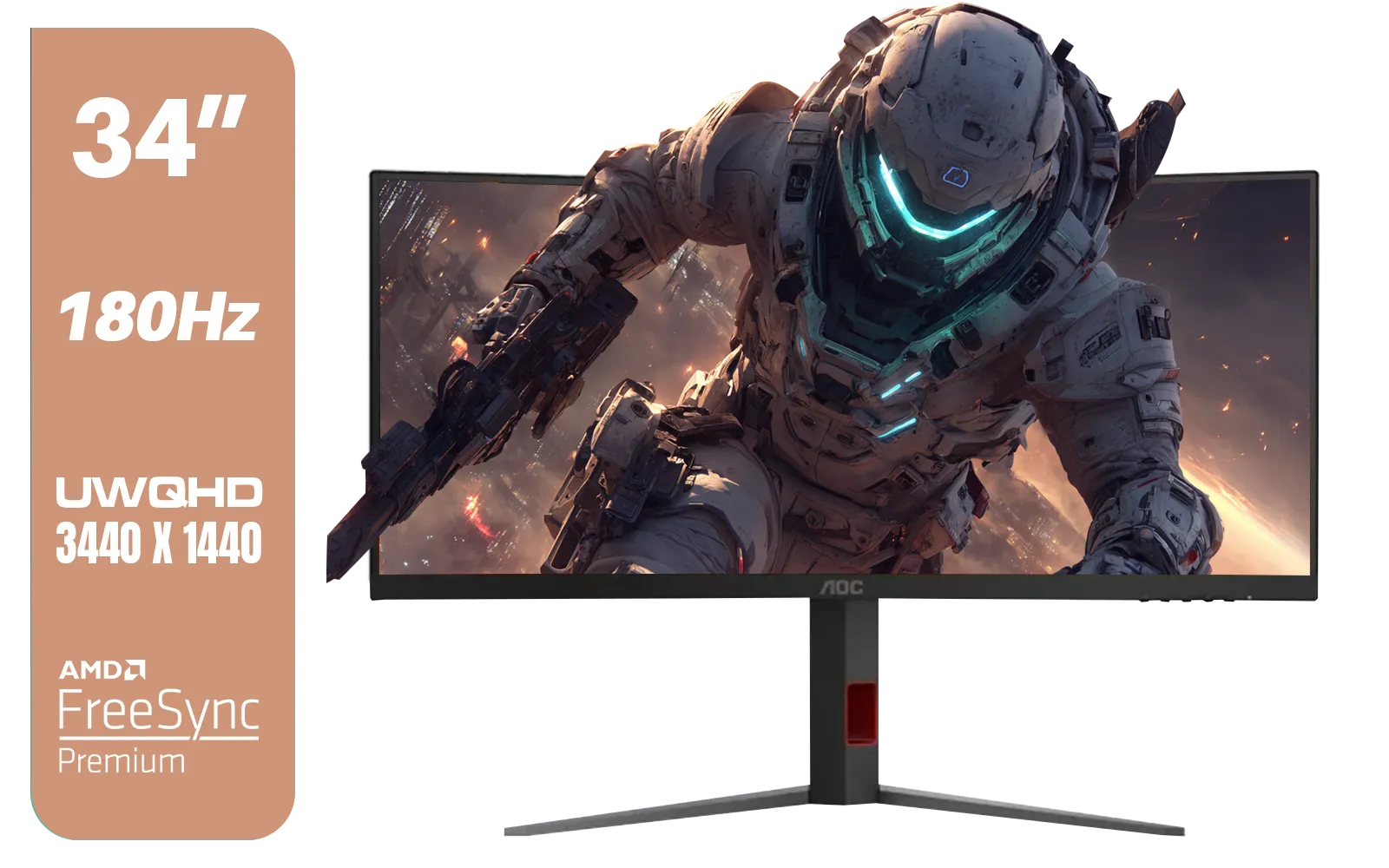
Q: What’s the main benefit of a curved monitor? Is it really better than a flat screen? A: The primary benefit is immersion. A curved screen matches the natural curvature of your eye, filling your peripheral vision and making the experience feel more encompassing. This can reduce eye strain during long sessions because your eyes don't have to refocus as much when looking at the edges of the screen compared to the centre. It’s a popular feature across many modern PC monitors for this reason.
Q: I see ratings like 1000R, 1500R, or 1800R. What does that ‘R’ number mean? A: The 'R' stands for radius, measured in millimetres. It tells you how aggressive the curve is. A 1000R monitor has a curve radius of 1000mm (or 1 metre) and is more pronounced than a 1800R monitor. A lower number means a tighter curve. This rating is the key to finding your ideal viewing distance.
Q: So what’s the golden rule for viewing distance? How far back should I sit? A: It’s surprisingly simple! The ‘R’ rating is also the recommended maximum viewing distance. For a 1000R monitor, you’ll get the most immersive experience sitting about 1 metre away. For a 1500R monitor, it’s 1.5 metres, and for an 1800R, it’s 1.8 metres. Sitting within this distance ensures the screen fills your field of view as intended.


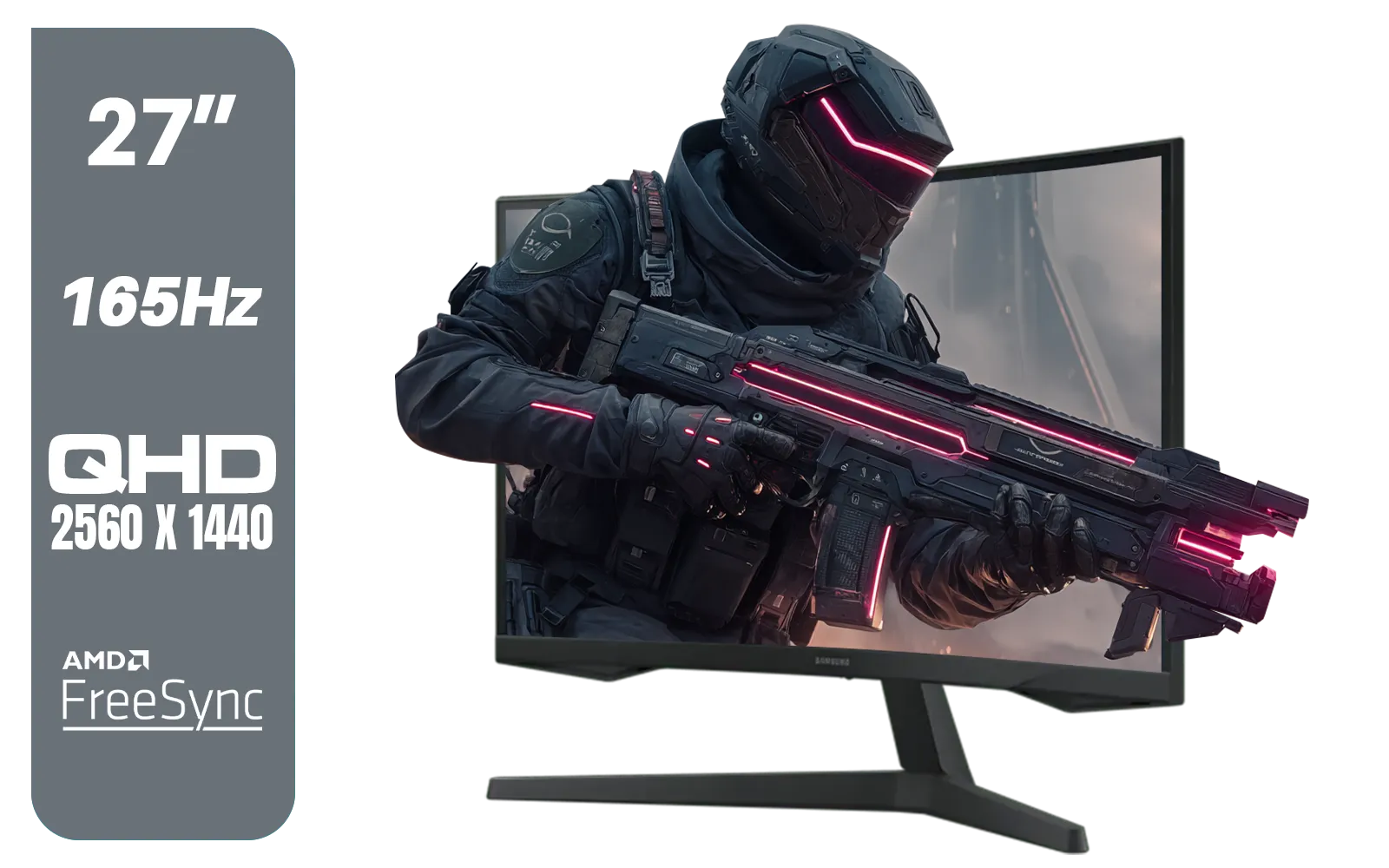
Q: Does size matter too? Is the distance different for a 27-inch vs a 34-inch ultrawide? A: The curve rating is the most important factor, but size does play a role in how overwhelming the screen feels. The rule of thumb (1000R = 1m distance) works for all sizes, but with a massive 34-inch or 49-inch screen, you might prefer to sit slightly further back for comfort. This is true across all brands, whether you're looking at entry-level or high-end models. Mentioned gear: You'll find that top brands like AOC monitors offer a variety of sizes for their most popular curves.
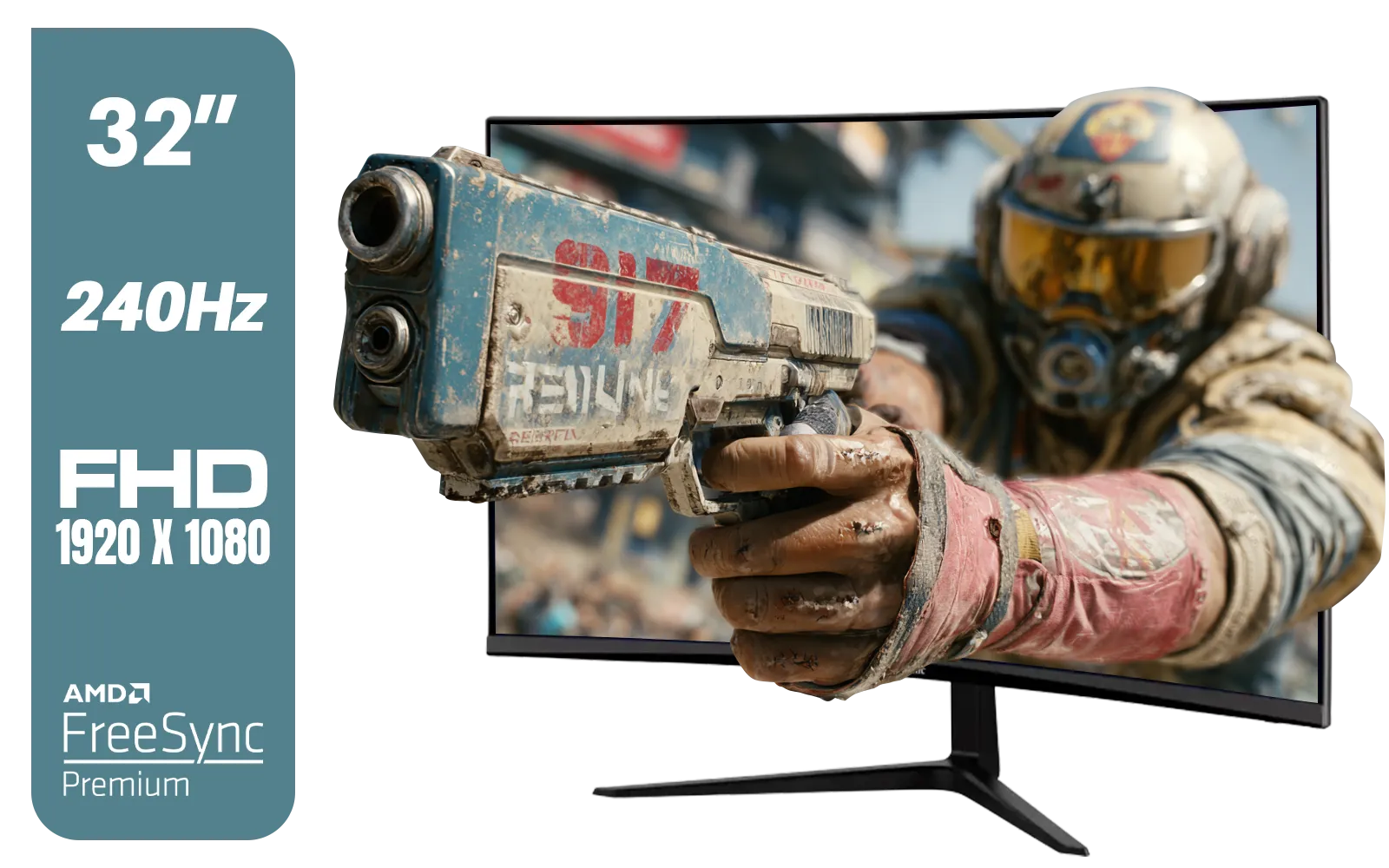
Q: I play competitive shooters. Will the right viewing distance actually improve my gameplay? A: It absolutely can. When you’re at the optimal distance, more of the game world is in your peripheral vision, which can improve your awareness of enemies at the edges of the screen. It also makes for a more comfortable experience, reducing eye fatigue so you can stay focused for longer. Combining this with the right tech is key. Mentioned gear: Getting your distance right is especially important on FreeSync monitors to get that smooth, tear-free visuals exactly where your eyes can see it best.
Position your monitor so that the top edge of the screen is at or just below your eye level. You should be looking slightly down at the centre of the screen. This reduces strain on your neck and is crucial for comfort during long gaming or work sessions.

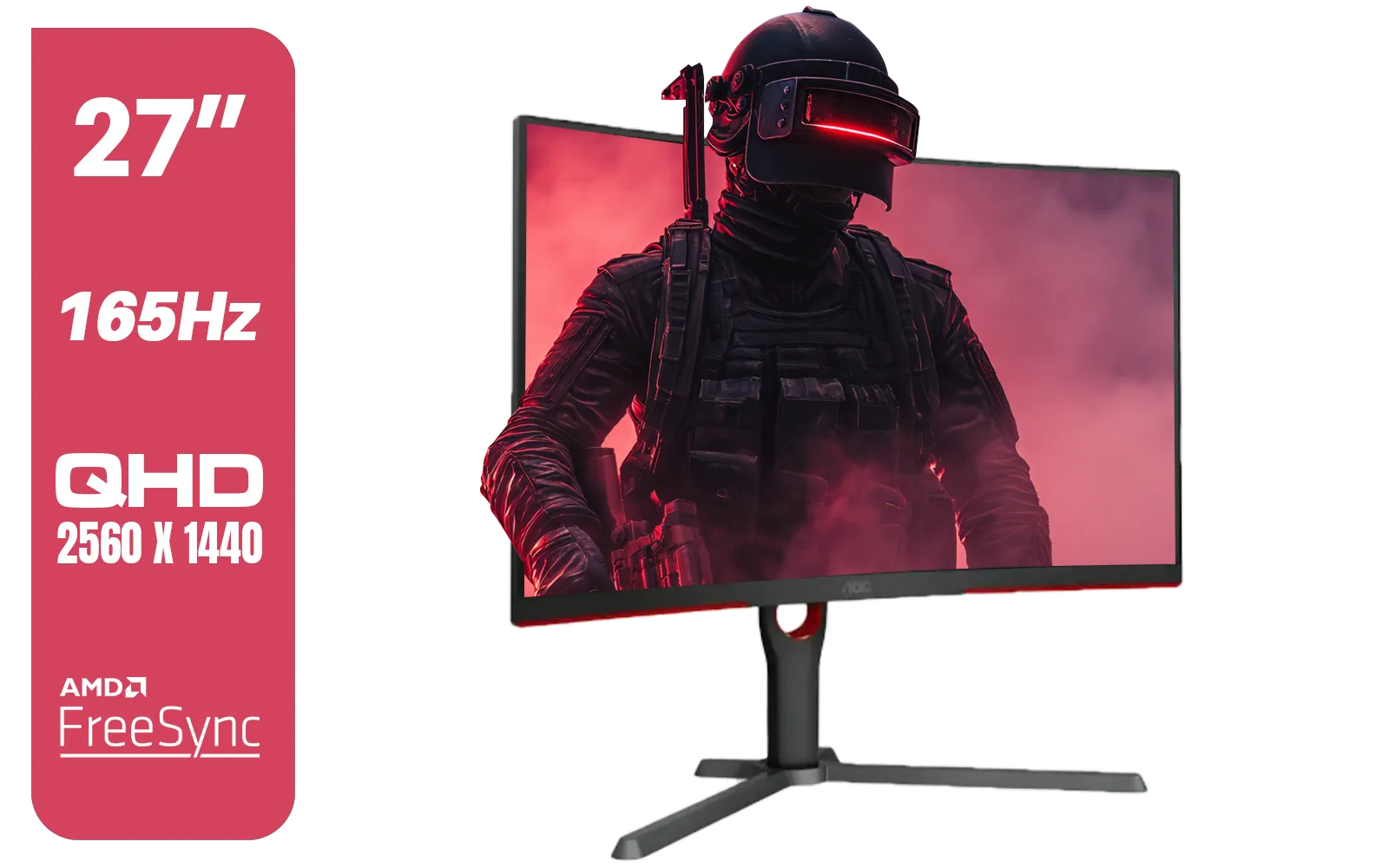

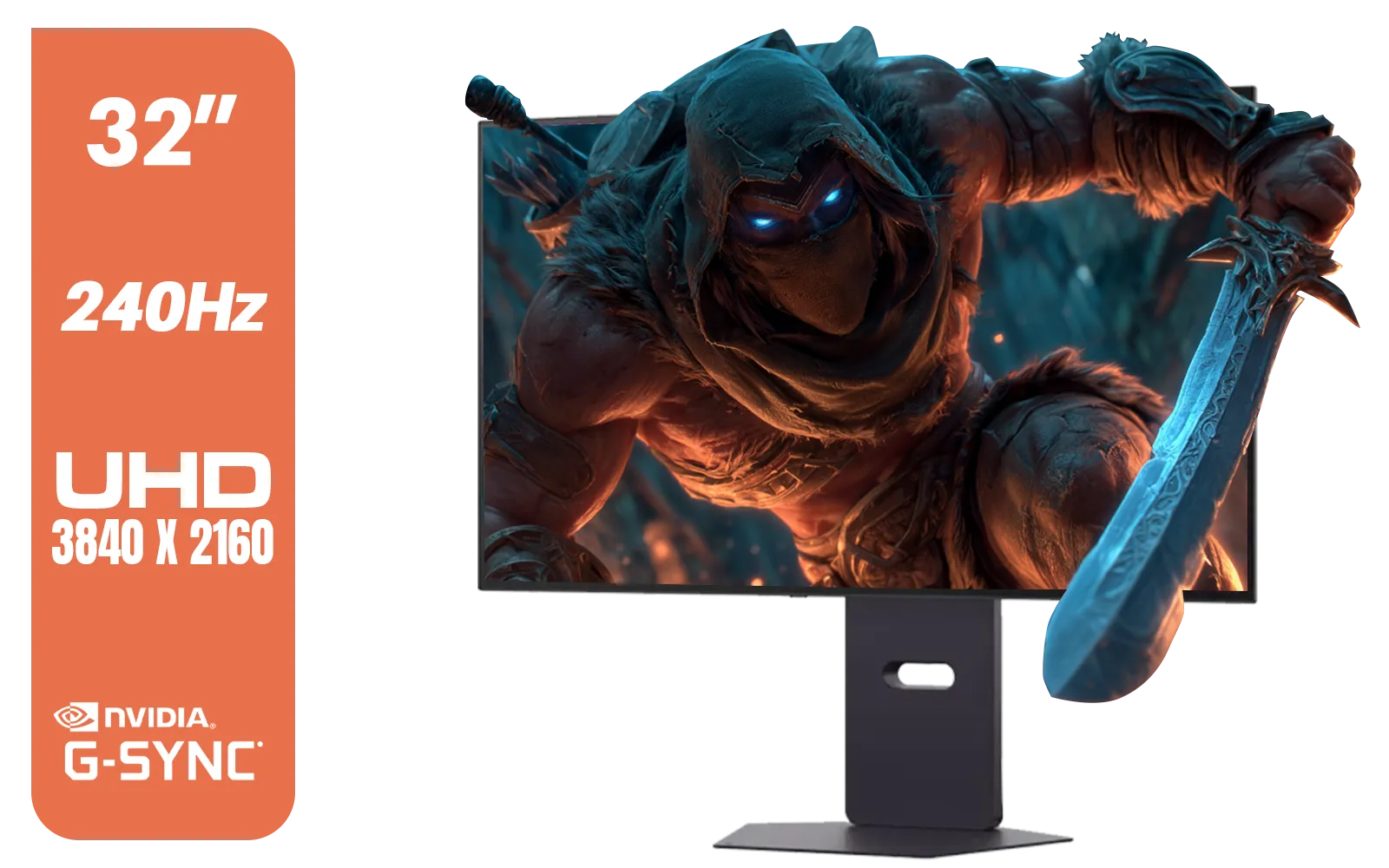
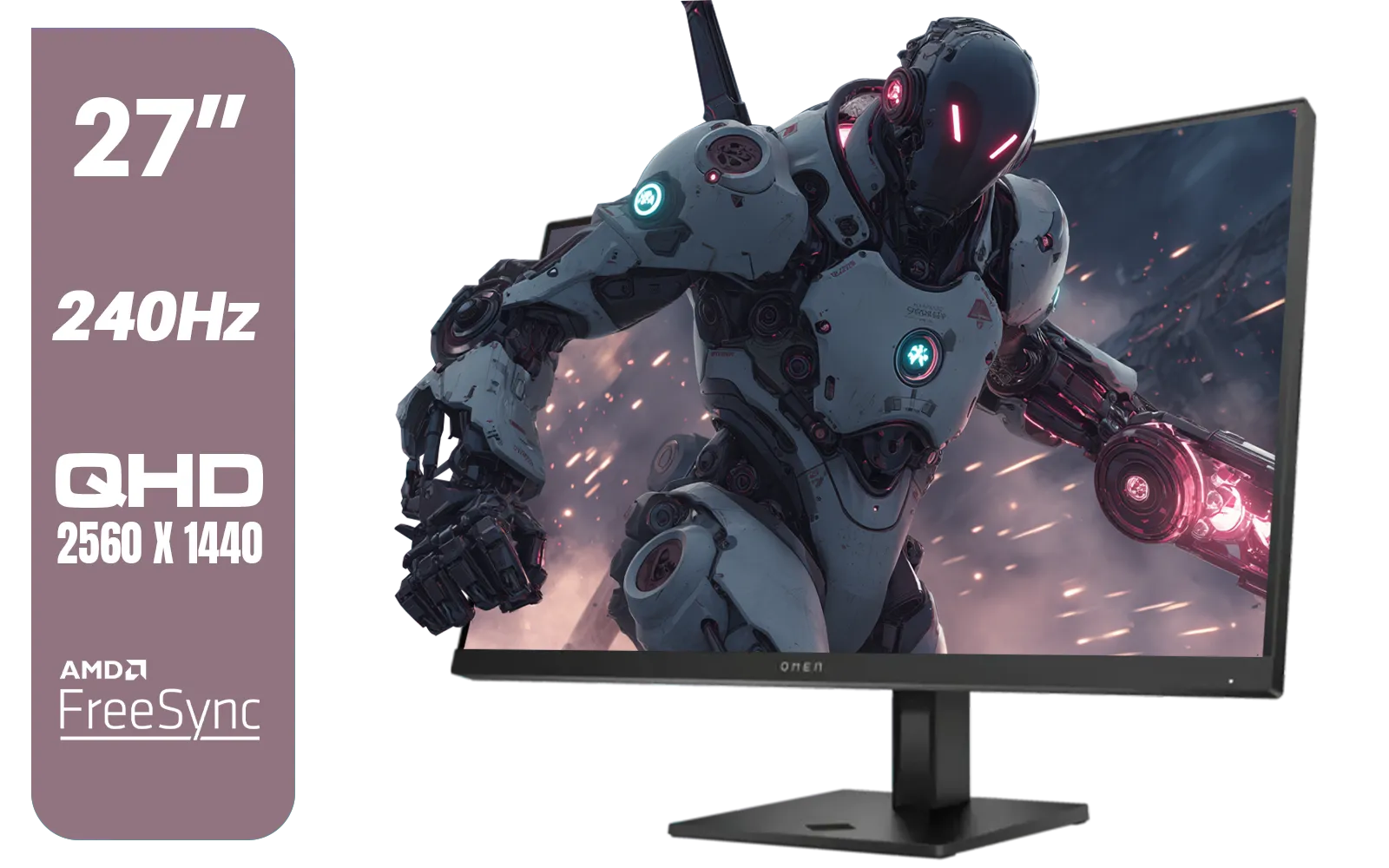
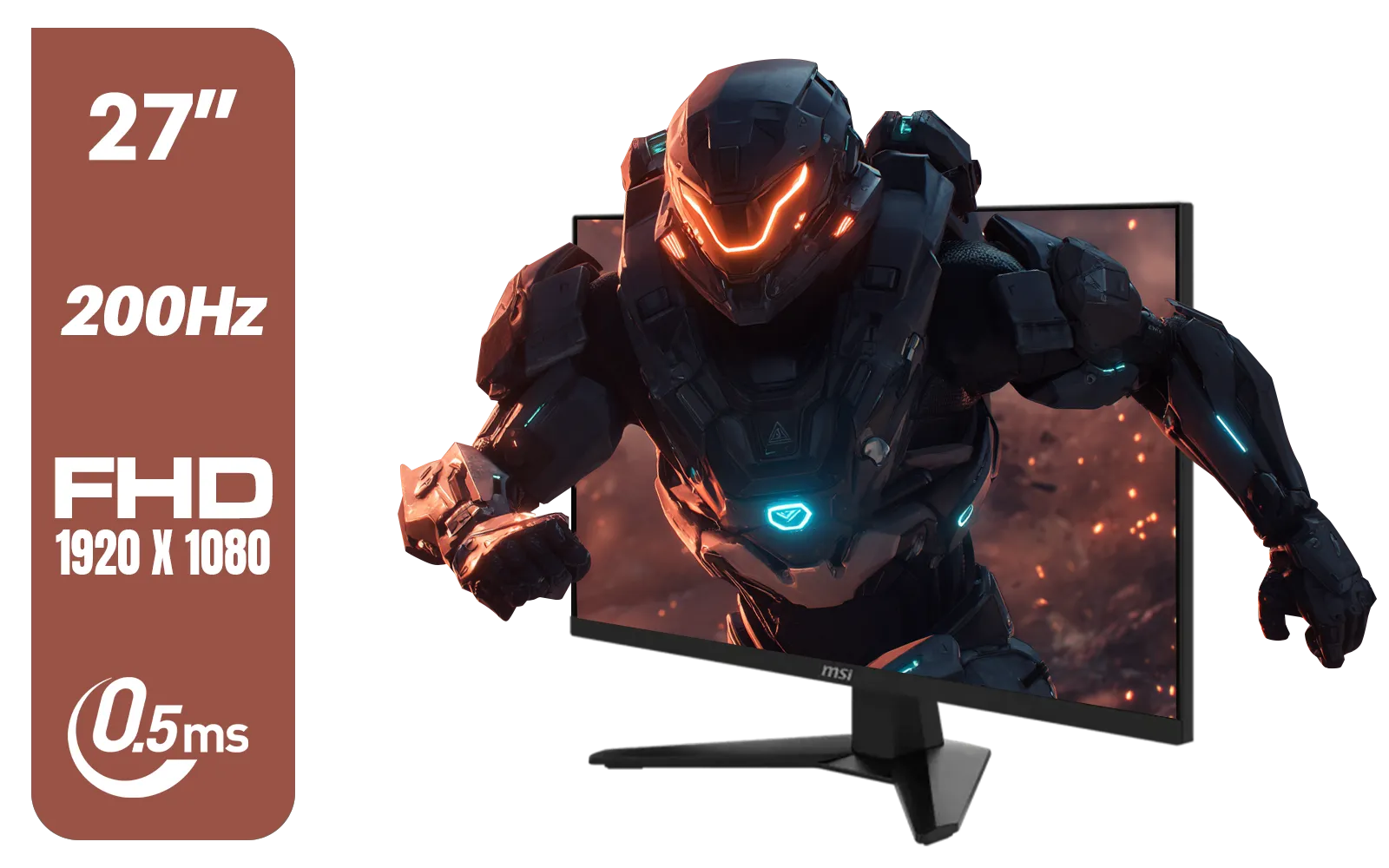
Find Your Perfect Curve Ready to experience next-level immersion? A curved monitor, set up correctly, can transform your PC experience. Shop the best curved screen monitors in South Africa and find the perfect fit for your desk.
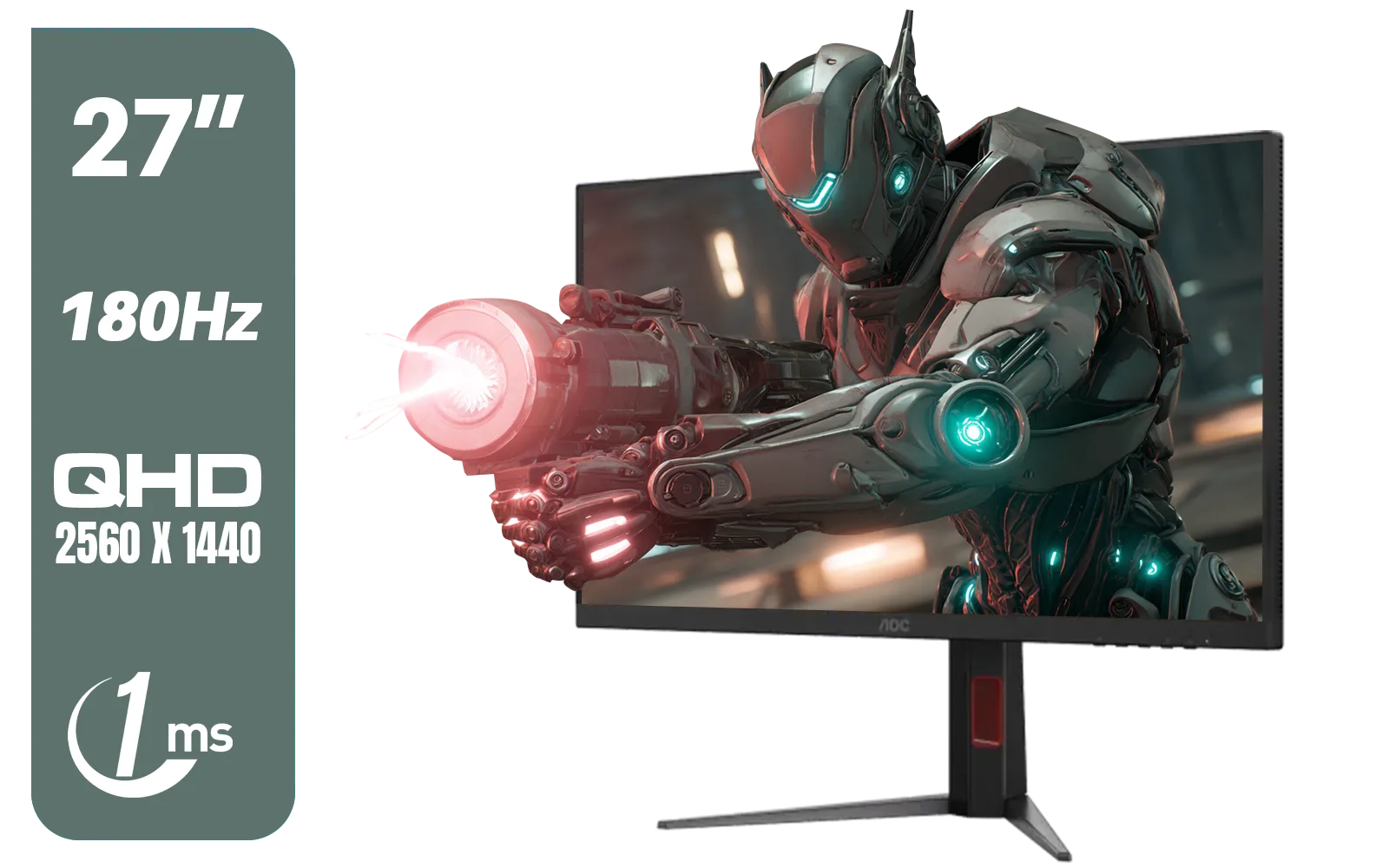
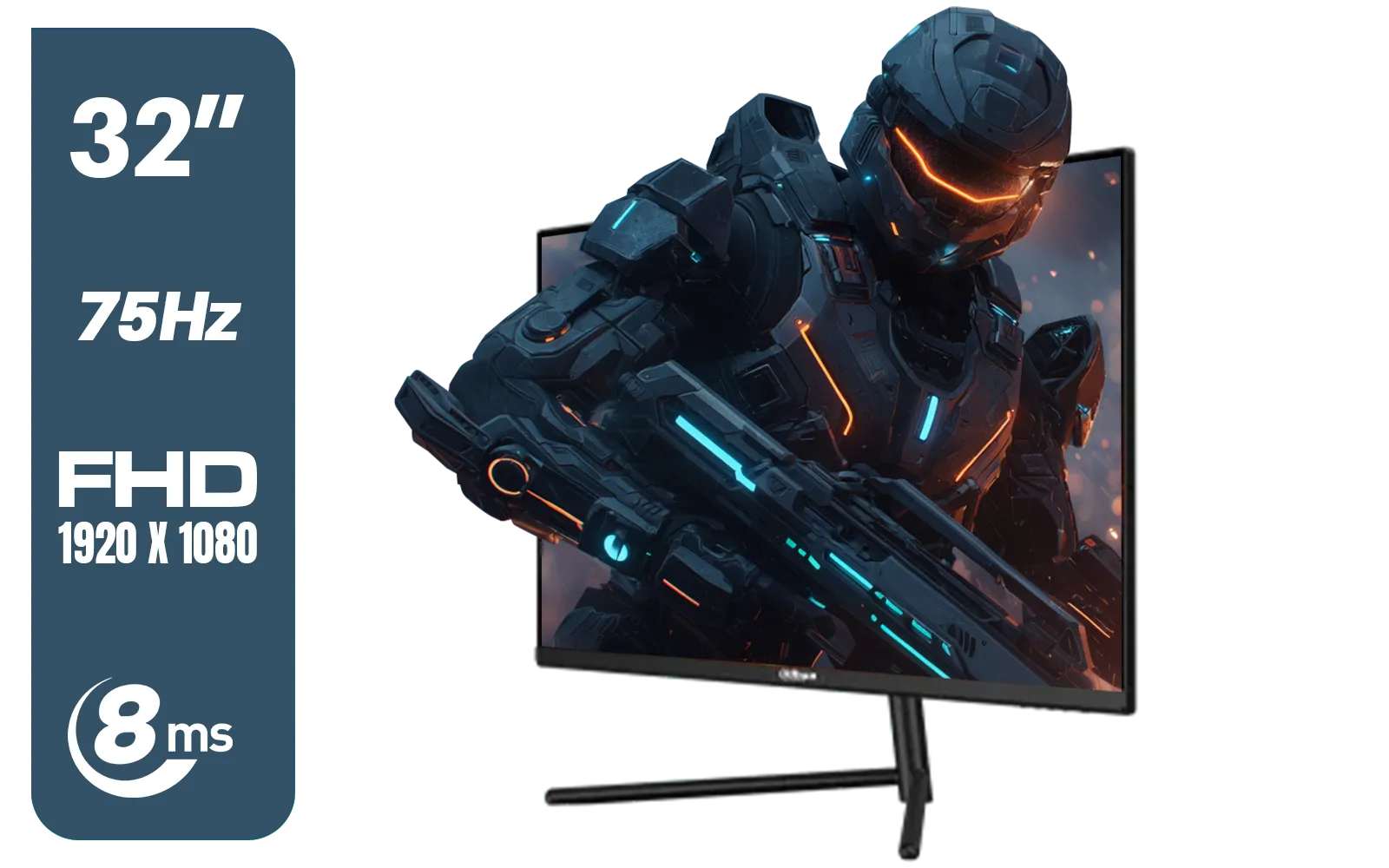
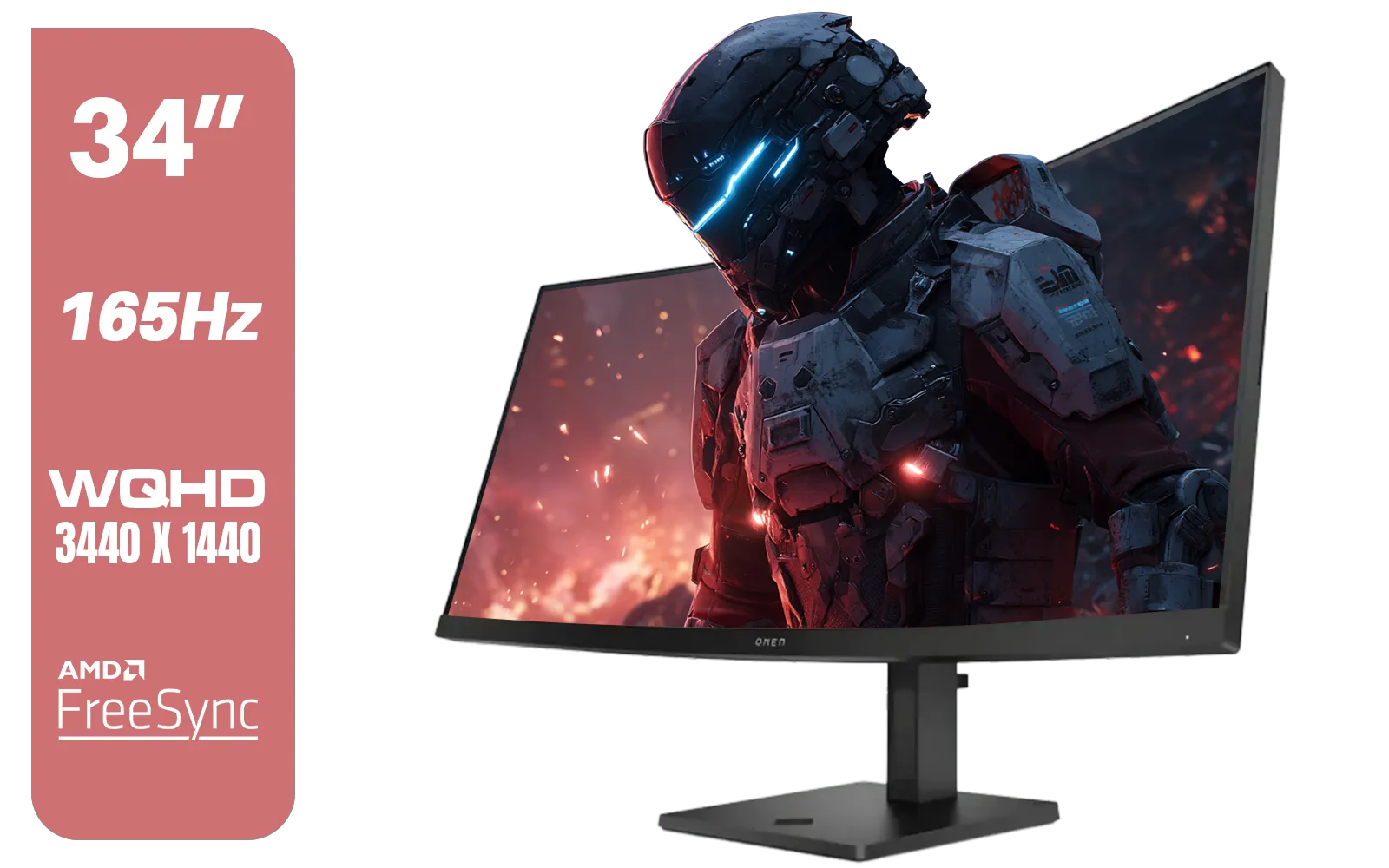
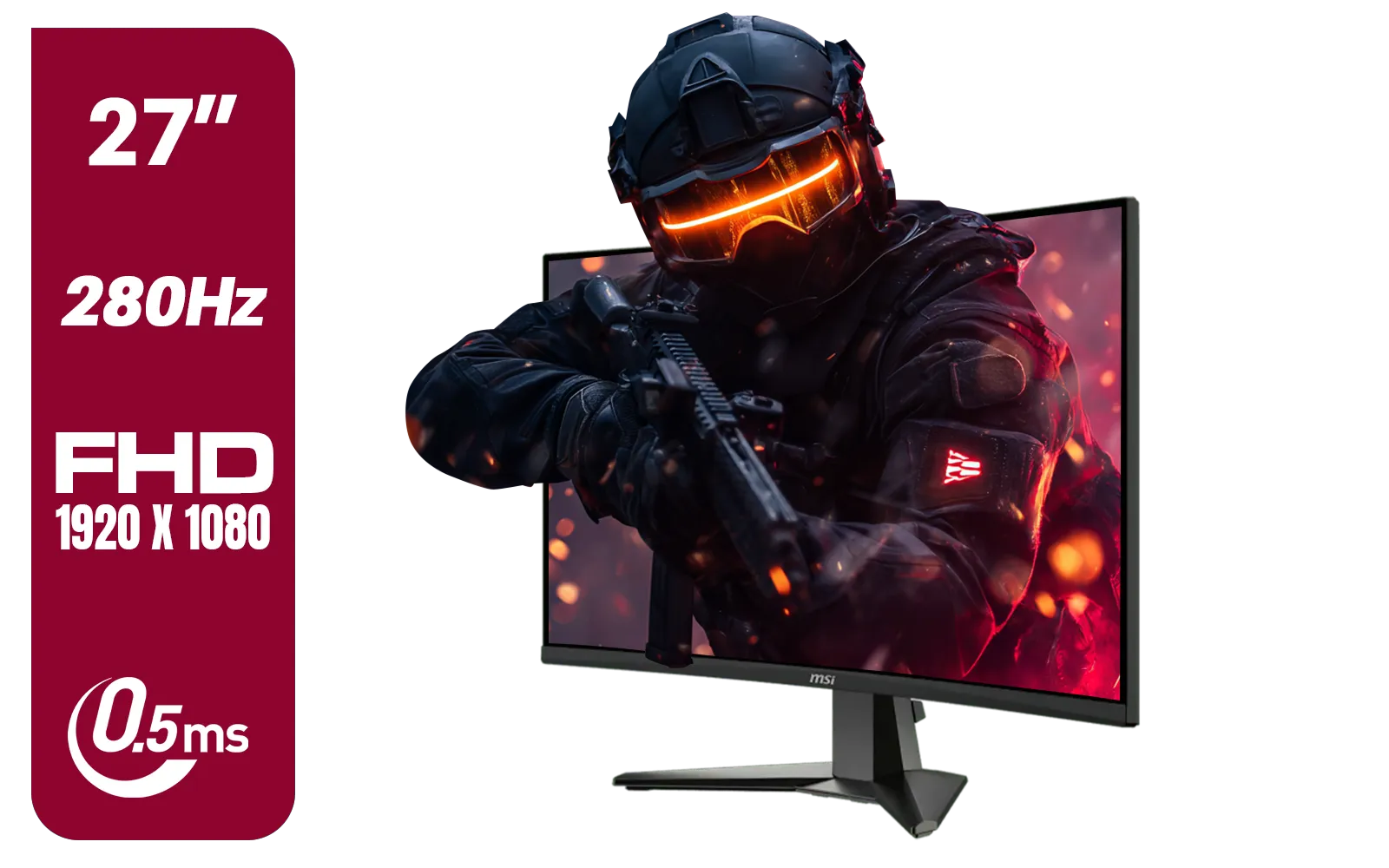

Sit 27–32 inches from a curved monitor for optimal gaming focus and reduced eye strain.
Yes, 24 inches strains eyes. Keep 27-inch+ monitors at arm’s length for comfort.
Match screen size to workspace: 27-inch+ at 30–35 inches for office tasks.
Absolutely—wrong distance reduces immersion and boosts eye fatigue.
Higher curvature (1500R) suits closer distances for full immersion.
Adjust seat so your elbow forms a 90° angle when arms rest on desk.
Use on-screen grid alignment—ensure edges stay in natural peripheral view.
Ensure the left/right monitors align with eye level and central focus zone.
Boost productivity and reduce eye strain 📈 with the perfect monitor dimensions and resolution for hybrid workspaces. 📊
Discover how laptop display eye health impacts vision. Prevent strain with expert screen quality advice 🖥️✨ Read the full breakdown →
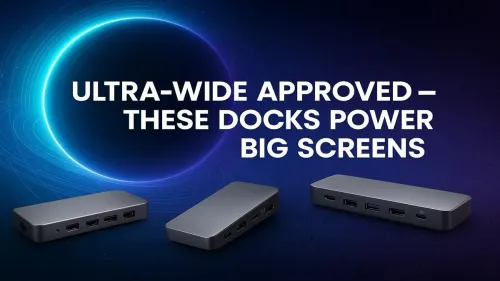
:maxi_cri: Boost your PC setup with ultra-wide docks for big monitors! 🖥️ Enhanced productivity, crisp visuals, seamless connectivity. Get the best experience today! →
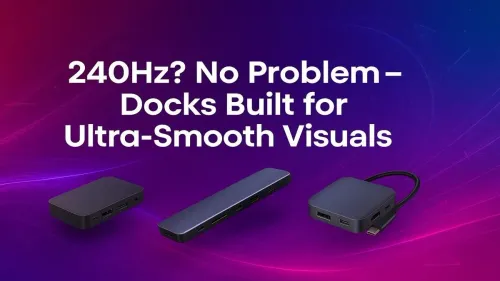
Unlock flawless gaming with our 240Hz monitors. Experience ultra-smooth visuals and lightning-fast refresh rates! 🎮💻

Perfect your curved monitor ideal viewing distance 🎮 to avoid eye strain. Boost focus & gaming comfort. Expert tips inside!

SA’s #1 guide: Triple monitor setup arm mounting for gaming tested. Boost immersion & performance ➡️
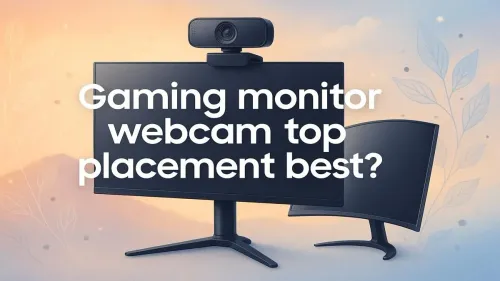
Discover the top tips for optimal gaming monitor webcam placement. 🎮💡 Improve streaming quality and viewer engagement effortlessly! 💬