



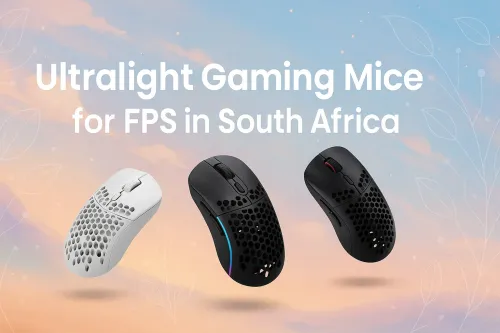
Top FPS Ultralight Mice for South Africa Gamers
Discover SA gamers' top ultralight gaming mice for FPS mastery. 🎯 Boost speed, precision & win rates with our expert-vetted picks!
87 days ago·4 min read
Loading tags...
Master precision with our guide to lift-off distance 🖱️. Improve your ultralight mouse performance and unlock smoother gameplay!
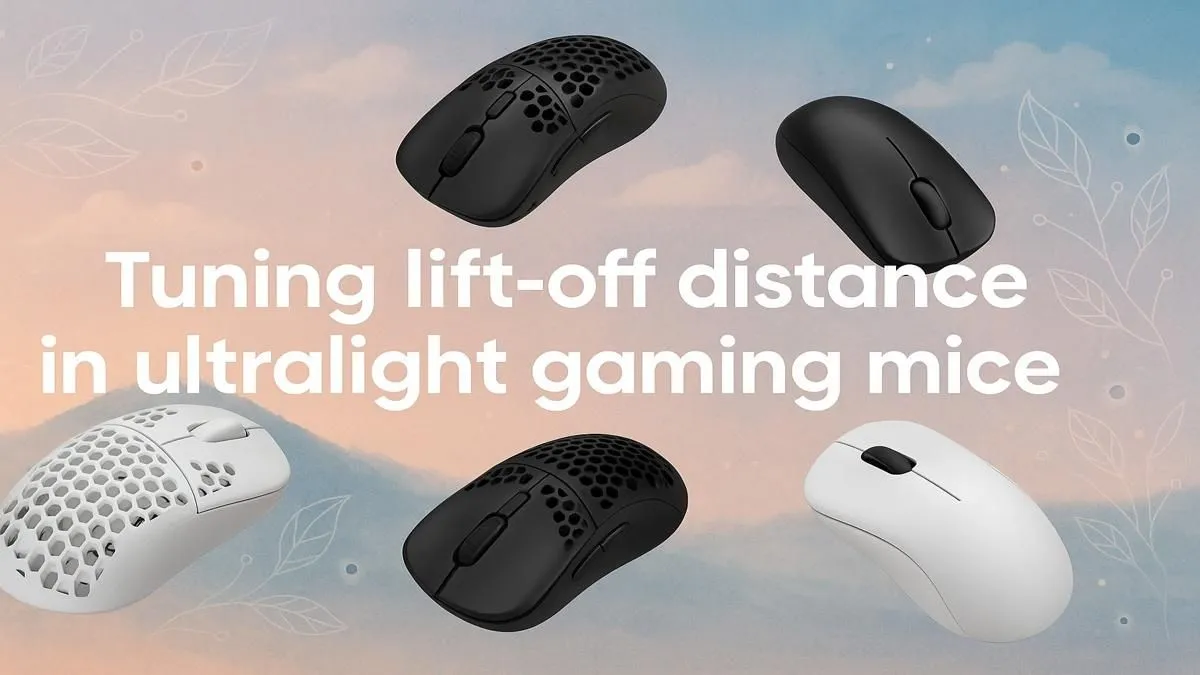
You’re in a 1v3 clutch on Anubis. You clear one, flick to the second, but as you lift your mouse to reset... your crosshair flies into the sky. Ek sê, that’s a rage-quit moment. The culprit? An uncalibrated Lift-Off Distance (LOD). Learning how to optimize lift-off distance for your gaming mouse isn't just a tweak; it's a fundamental step toward pixel-perfect aim and consistency. Let's get it sorted.
Lift-Off Distance, or LOD, is the exact height at which your mouse sensor stops tracking when you lift it from the mousepad. Think of it as the sensor's "off switch." For many South African gamers, especially those using low DPI settings for precise aim in titles like CS2 or Valorant, frequent mouse repositioning is part of the muscle memory. An un-optimised LOD means the sensor keeps tracking during that lift, causing that annoying, aim-destroying cursor drift. Getting this right is crucial across all modern gaming mice.
Imagine your LOD is set too high. Every time you reposition for a wide flick, your crosshair jitters across the screen, throwing off your aim completely. Now, imagine it's perfectly low. You lift, the cursor freezes instantly, and you land back on your target with surgical precision. That's the difference. The goal is to find the lowest possible LOD that feels responsive without causing tracking problems. A correctly optimised lift-off distance ensures your in-game movements are 100% intentional. No more blaming the gear... well, maybe a little less. 😉


Ready to dial it in? Most premium gaming mice allow you to adjust this setting through their dedicated software. Here’s a quick-start guide:
This setting is a standard feature whether you prefer the freedom of a top-tier wireless mouse or the raw input of a competitive wired gaming mouse. Finding the right model with these features is key.
A classic trick to find your perfect LOD is the "CD test." Set your LOD to its lowest setting. If the mouse still tracks when lifted one CD's thickness off the pad, it's too high. If it stops, you're in the sweet spot! Adjust upwards in small increments until it feels perfect for you.



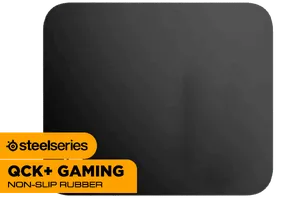
Your mousepad's surface, colour, and texture can significantly impact how your sensor perceives distance. A dark, uniform cloth pad behaves differently from a hard, reflective surface. This is why many software suites include a "Surface Tuning" or "Calibration" feature. This process analyses your specific mousepad and helps the sensor optimise its lift-off distance for that exact surface, ensuring maximum tracking accuracy. ✨ Your setup isn't complete without the right foundation, so exploring quality mouse accessories is always a smart move.
Ready for Pinpoint Accuracy? Mastering your LOD starts with the right hardware. Find incredible prices on mice with customisable sensors and get the competitive edge you deserve by checking out the best gaming mouse deals at Evetech.
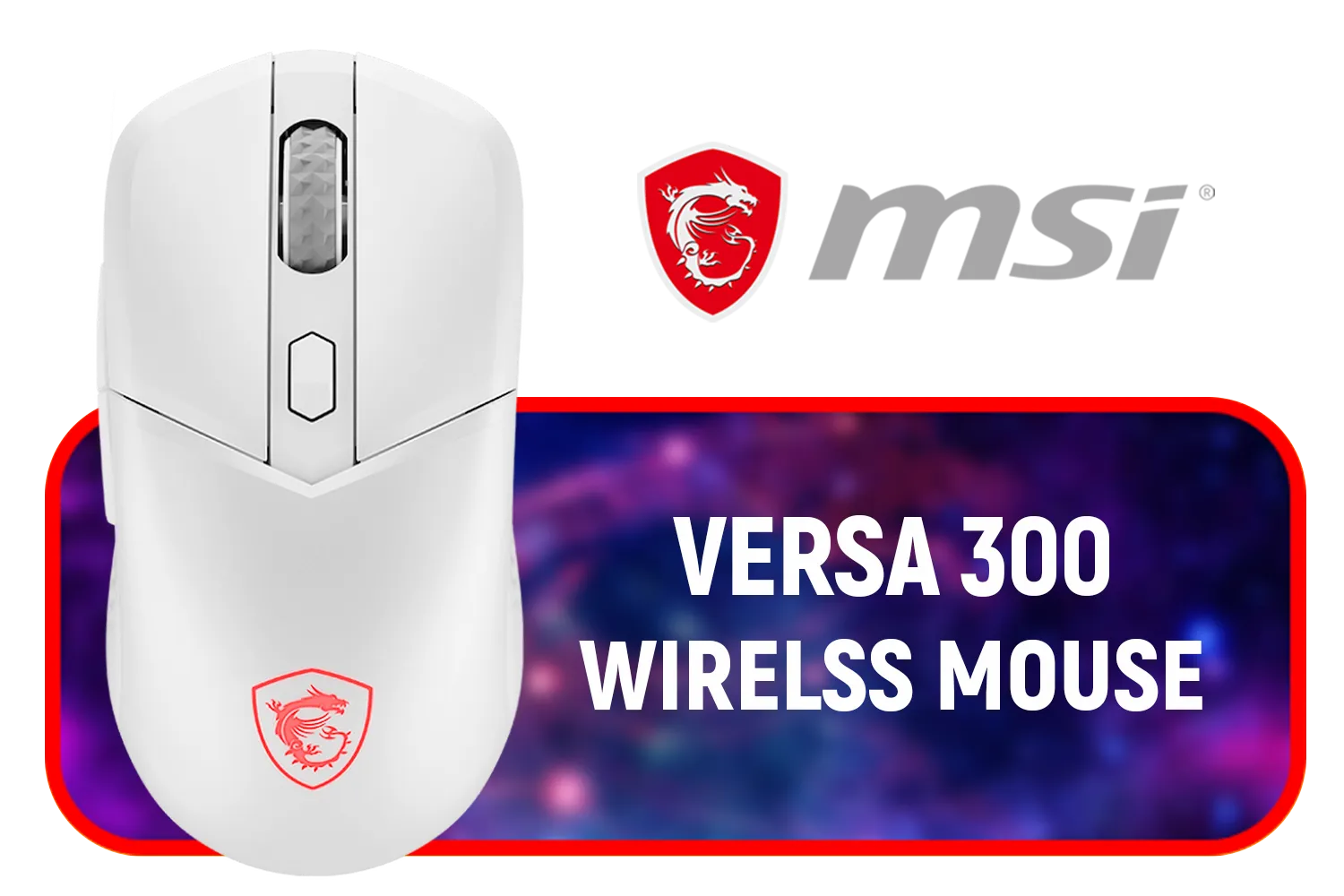
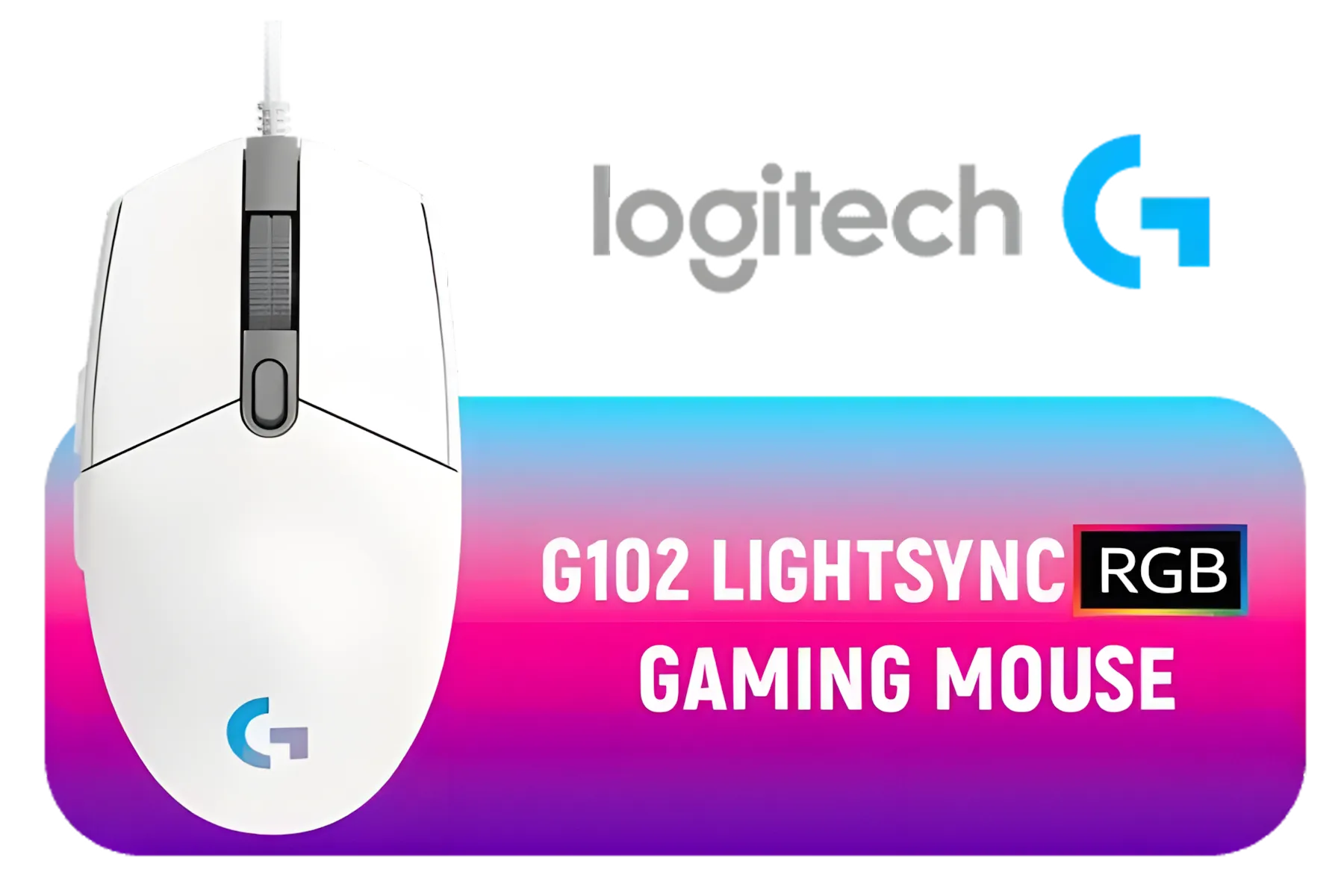


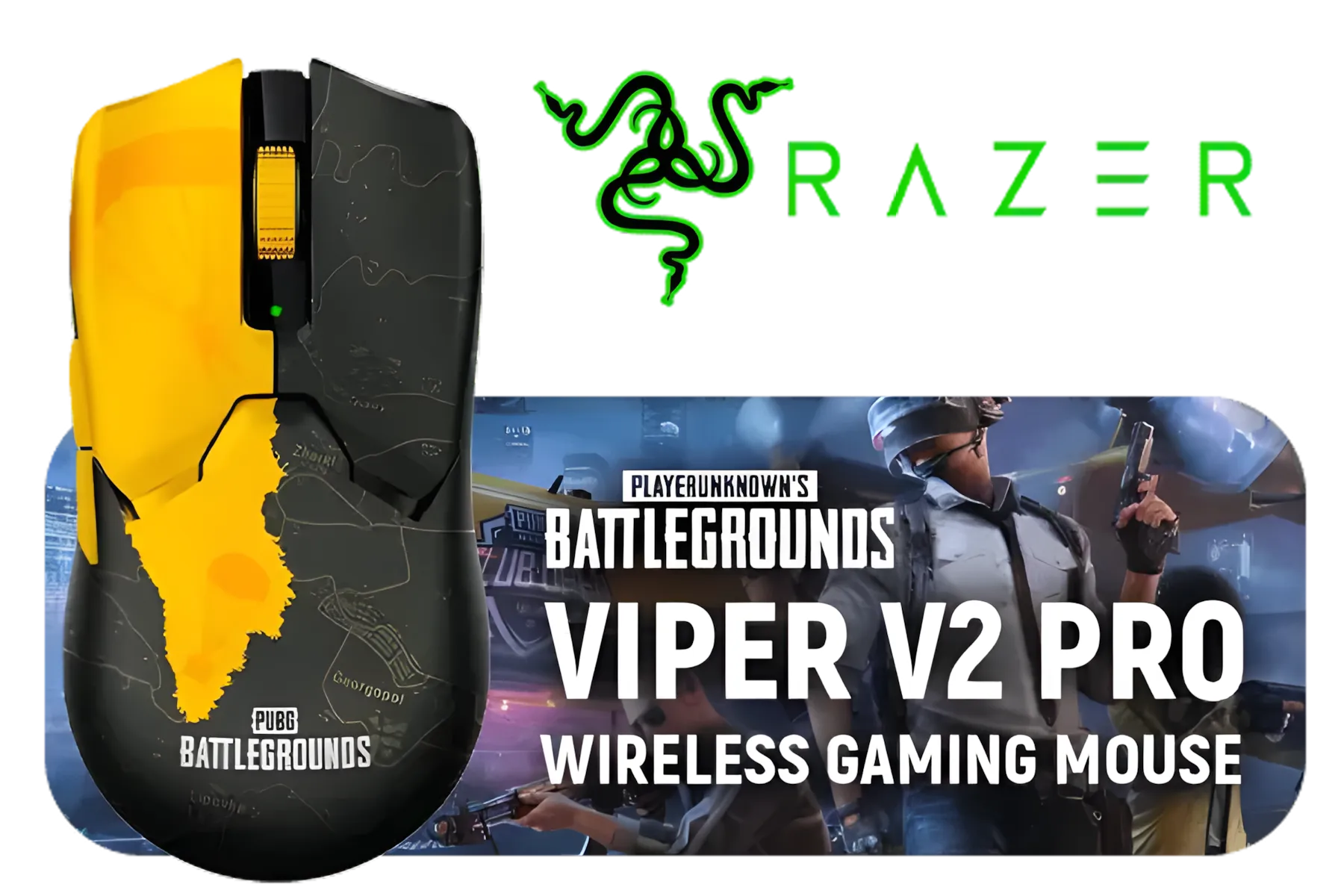

It’s the height your mouse needs to lift before the sensor stops tracking. Important for ultralight mouse sensitivity. 👽
Check the software provided by your mouse brand. Some let you tweak ultralight mouse sensitivity and tracking settings 🚀.
It improves tracking accuracy and prevents cursor drift during quick movements. Essential for gaming mouse performance 🎯.
Yes! Incorrect settings may cause lag or misinputs. Fine-tune for better ultralight mouse responsiveness ⚡.
Some gaming mice offer adjustable modes. Ideal for customizing ultralight mouse tracking preferences 🎮.
Absolutely, getting it right ensures your mouse tracks only when needed. Greatly boosts mouse sensitivity accuracy 👌.
Use in-game tests or sensor tools to check tracking behavior. Helps optimize ultralight mouse performance 🧪.
Discover SA gamers' top ultralight gaming mice for FPS mastery. 🎯 Boost speed, precision & win rates with our expert-vetted picks!
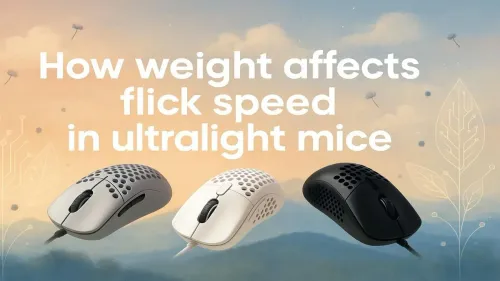
Discover how weight impacts flick speed 🖱️ in ultralight mice. Enhance your gaming precision ✨ with our expert tips on selecting the right lightweight mouse.
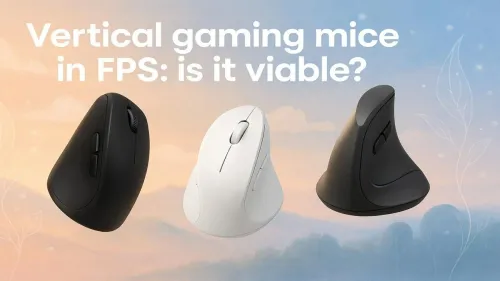
Level up your FPS gameplay with vertical gaming mice! 🎯 Discover how ergonomic design boosts precision and reduces fatigue. 🎮
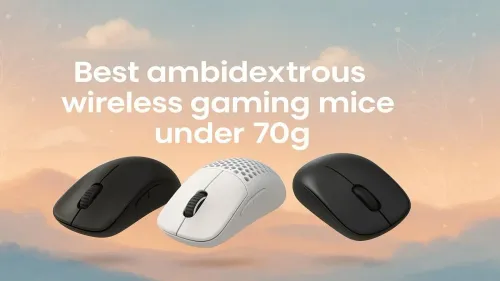
🚀 Fatigue-free gaming with our top ambidextrous wireless gaming mice under 70g. Perfect grip for left/right-handers. #1 lightweight FPS advantage!
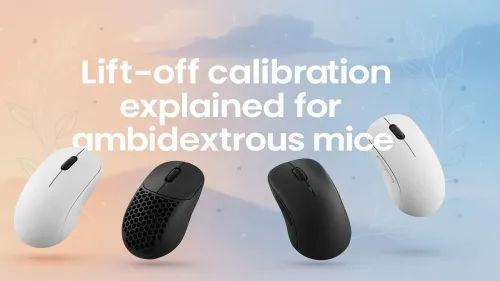
🚀 Learn lift-off calibration for ambidextrous mice. Optimize precision and comfort for left/right-handed gaming.
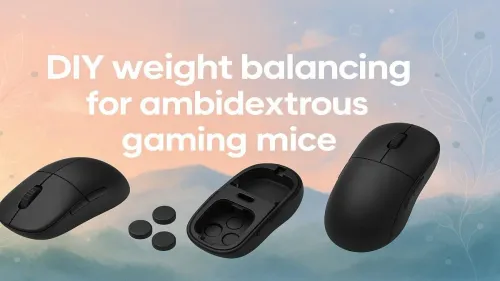
Discover how to achieve the perfect weight balance for ambidextrous gaming mice. 🎮↘️ Customize your mouse for left or right-hand use easily.

Boost your gaming comfort 🔥 Discover the top hybrid palm-claw mice that reduce wrist strain. Expert-tested picks for every grip style! 🖱️️
Tap into faster click response 🚀 by trimming sensor debounce delay on wireless gaming mice. Boost FPS accuracy & unleash instant trigger action now! 💥
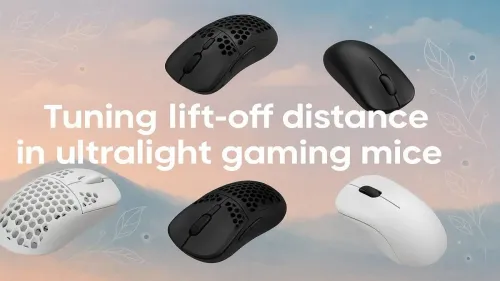
Master precision with our guide to lift-off distance 🖱️. Improve your ultralight mouse performance and unlock smoother gameplay!
Explore the most accurate CPI steps tested on ultralight mice. Find the best setting for gaming precision ⚡🖱️

Eco Arc Laptops empower ethical tech buyers to align their values with tech purchases. Discover sustainable notebooks 🌱 that combine performance with environmental responsibility.

Arc A770M drivers unlock Dolby Vision brilliance 💡. Boost dynamic range & color accuracy. 🎥 Made for creators & gamers.

Work remotely with the best tech for your lifestyle. Find how to choose between laptops & desktops for productivity, ergonomics, and portability 🖥️⚖️.

Ever wondered if your laptop uses recycled or virgin plastics? 🌱 Discover how your tech choice impacts the planet. Make informed eco-friendly decisions today!

Discover the battle between AI chips and standard processors 🔍. Learn which hardware accelerates your workflow efficiently 💡.

Discover the pros and cons of refurbished vs new laptops 🖥️. Save money without sacrificing performance. Make the smart choice today!

Discover which processor reigns supreme: ⚡ AMD Ryzen or 🚀 Intel Core? Uncover performance tips, pricing, and real-world usage comparisons.
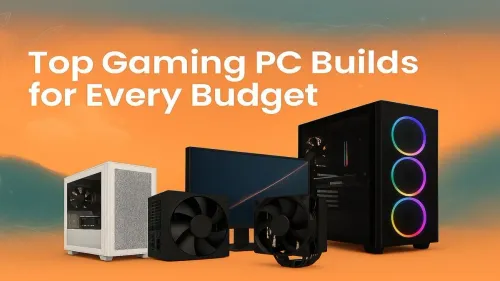
Looking for the perfect gaming setup? Discover our top-rated budget-friendly gaming PC builds that deliver performance without breaking the bank! 💻🔥
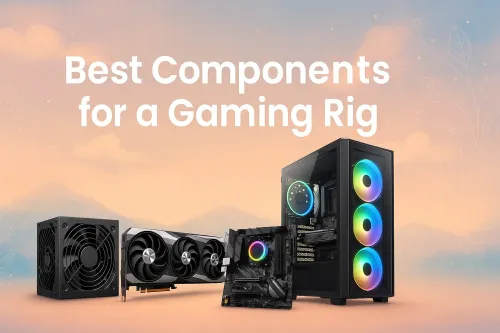
Boost your gaming experience with top-tier components that maximize performance 💥 Optimize your build today! 🔧
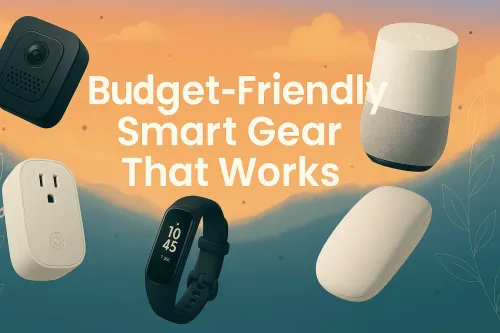
Upgrade your lifestyle 💡 with our pick of smart gadgets that work flawlessly without draining your budget 💰. Top picks inside!

Checklist: • Evaluate speed classes • Match capacity and format • Confirm camera compatibility. Best SD card for 4K video gives reliable write speed and storage; local buying tips for South Africa 🇿🇦📸

Kingston Canvas Go Plus offers high UHS-I speeds, durable build, and great price — we compare it to Sandisk, Samsung and more to help creators pick the best value 📸⚡

Best SDXC Cards for Burst Photography: Choose UHS-II and V90 picks with proven high write speeds to capture fast action without dropped frames 🚀📸

Prevent SD card corruption during loadshedding with quick, practical steps: safely unmount, enable journaling, backup often, and use stable power sources ⚡️💾

SD card speed classes explain performance for cameras and devices - learn how UHS-I, U3 and V30 impact recording, playback and choice. 📸⚡