


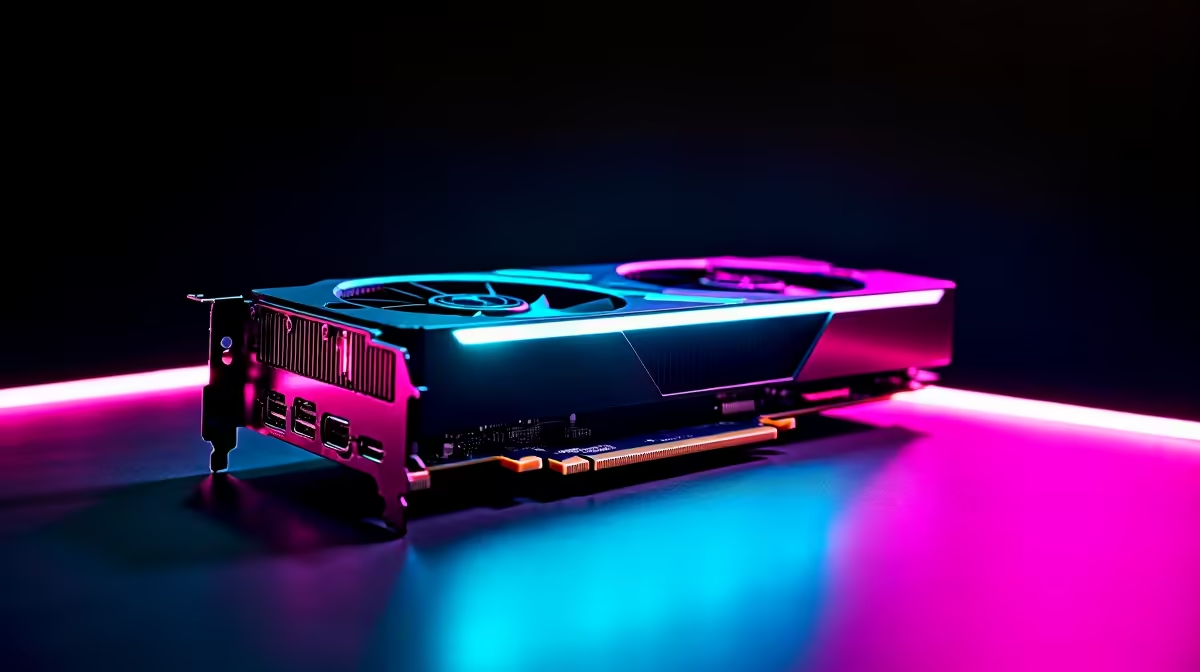
Pushing an entry-level GPU beyond its limits is a true South African pastime. We all want maximum performance without breaking the bank. The AMD Radeon RX 7600 is a verified 1080p beast... but what happens when you stretch those pixels across a massive screen? Finding the best settings for RX 7600 at ultrawide 1440p is tricky but totally possible. Let us show you how to squeeze out every last frame. 🚀
The Ultrawide Challenge
Upgrading your display is incredibly exciting. If you recently grabbed one of the latest ultrawide gaming monitors, you know the extra screen real estate is brilliant. But pushing 3440 x 1440 pixels demands serious GPU muscle.
The RX 7600 comes equipped with 8GB of GDDR6 VRAM. That is plenty for standard HD gaming. However, ultrawide resolutions consume video memory incredibly fast. When you are spending thousands of ZAR on a setup, you want it to run smoothly. You need a strategic approach to your graphics menus to avoid stuttering and frame drops.
Tweaking the Best Settings for RX 7600 at Ultrawide 1440p 🔧
To maintain smooth gameplay, you must balance visual fidelity and performance. If you are currently shopping for gaming PC deals featuring this specific GPU, knowing how to optimise it is crucial.
First, rely heavily on AMD FidelityFX Super Resolution (FSR). Setting FSR 2 or FSR 3 to 'Quality' or 'Balanced' is the ultimate secret to hitting that sweet 60 FPS mark. Next, drop your shadow quality and volumetric fog down to medium. These specific settings eat up VRAM rapidly... and the RX 7600 only has 8GB to spare.
FSR 3 Frame Generation ⚡
Always enable AMD Fluid Motion Frames (AFMF) in your Adrenalin software if the game supports FSR 3. It artificially boosts your frame rate, making ultrawide 1440p gaming feel incredibly smooth even on budget-friendly graphics cards.
Texture and Lighting Adjustments
Keep your texture quality on high if the game allows it. Lowering textures usually makes games look muddy... which completely ruins the immersive ultrawide experience.
However, you should turn off ray tracing completely. The RX 7600 struggles with heavy ray tracing workloads even at 1080p. Many of our top pre-built desktop computers use this card for pure rasterisation power. Stick to standard rasterised lighting to keep your frame times consistent and your gameplay fluid.
Post-processing effects are another area where you can claw back some performance. Turn off motion blur and depth of field. Not only do these settings consume unnecessary processing power... but they also distract from the crispness of a high-resolution display. Your ultimate goal is a clean, sharp image that runs beautifully.
Managing Expectations and Upgrades ✨
The best settings for RX 7600 at ultrawide 1440p will easily get you through most modern multiplayer titles. Games like Apex Legends or Valorant will run flawlessly. But heavy AAA single-player games might still dip below 60 FPS in dense areas.
If you need a mobile alternative for lighter gaming on the go, browsing laptops for sale in South Africa is a smart move. Alternatively, if your current rig is severely bottlenecking your beautiful new monitor, it might be time to browse our latest hardware specials. Finding a GPU with 12GB or 16GB of VRAM will make your ultrawide dreams a reality.
Ready to Maximise Your Framerates? Pushing high resolutions requires the right hardware balance. Whether you need a stronger GPU for your ultrawide setup or a complete system overhaul, Evetech has you covered. Explore our massive range of PC component specials and find the perfect upgrade to conquer your favourite games in stunning detail.









