

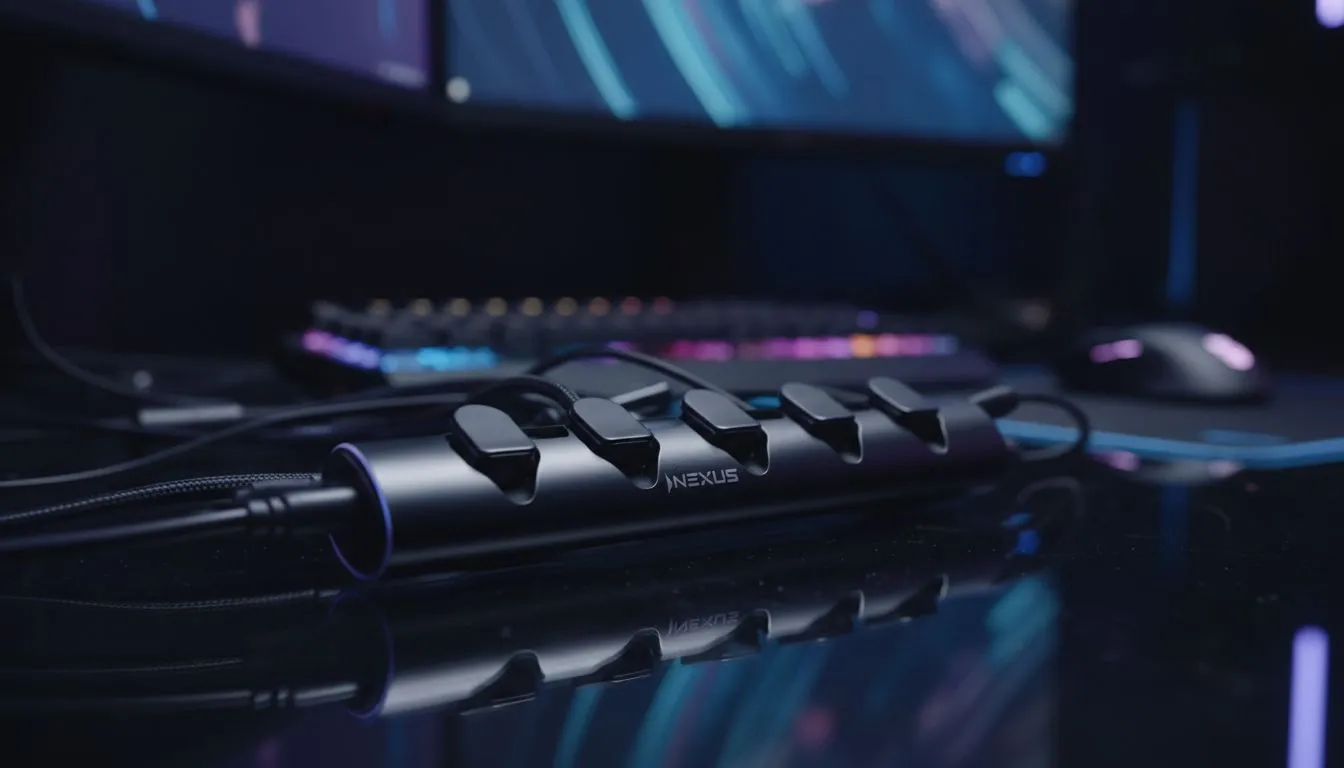
Tired of the "spaghetti monster" lurking behind your PC? In South Africa, we take our setups seriously, but even the most powerful RTX rig looks messy with wires trailing everywhere. Mastering your gaming cable management isn't just about aesthetics... it is about airflow, safety, and peace of mind. Let’s turn that chaotic bird’s nest into a clean, professional battle station that would make any local pro jealous. 🚀
Start With a Solid Foundation
The secret to a tidy setup often begins with the furniture itself. If your current table is just a flat surface with no routing options, you are fighting a losing battle. Upgrading to a dedicated gaming desk provides the built-in infrastructure needed to hide power bricks and peripheral leads before they even become a problem.
1. Unplug and Reset
Before you start, unplug everything. It is tempting to work around existing wires, but you will never get a clean finish. Strip it down to the bare essentials and start fresh.
2. Mount Your Power Strips
Don't let your multi-plug sit on the floor gathering dust. Use heavy-duty double-sided tape or screws to mount your power strips to the underside of your desk. This keeps the bulk of your "cable clutter" off the carpet and out of sight.
Use the Right Tools for Organisation
You don't need a massive budget in ZAR to get organised, but you do need the right accessories. Avoid plastic zip ties if you can... they are permanent and can pinch cables. Instead, opt for reusable Velcro straps.
3. Harness the Power of Velcro
Velcro ties are essential for bundling cables together. They allow you to add or remove a new peripheral without cutting anything. Many AutoFull gaming desks are designed with these cable paths in mind, making it easier to strap your leads directly to the frame.
4. Utilise Cable Sleeves
For the thick bundle of wires heading from your PC to your monitors, use a braided cable sleeve. This turns five or six messy wires into one neat, black tube that blends into the shadows.
Pro Cable Labelling ⚡
Use a simple label maker or even masking tape to mark both ends of every cable. When you need to troubleshoot a connection during a late-night session, you won't have to trace a single wire back through the entire bundle. It saves time and prevents accidental unplugs of your main monitor.
Advanced Routing Techniques
Once the main cables are bundled, you need to think about how they travel across your workspace. If you are considering Arozzi's range of surfaces, you will notice they often include full-surface mousepads that can hide small routing holes underneath. 🔧
5. Monitor Arm Integration
Stock monitor stands take up too much "desk real estate" and offer poor cable routing. A gas-spring monitor arm usually features internal channels to hide your HDMI and DisplayPort cables completely.
6. Under-Desk Trays
If your desk doesn't have a built-in "gut", add a wire mesh tray. This is the perfect place to stow those heavy "bricks" for your laptop or monitor power supply.
7. The "Drip Loop" Method
Always leave a little bit of slack before a cable enters a device. This prevents tension on the ports and ensures that if a spill occurs, liquid won't run directly into your expensive hardware.
Maintaining the Aesthetic ✨
A tidy battle station is an ongoing project. As you add new gear, you need a desk that can adapt. For example, Nitro desks provide the structural integrity and space needed to manage complex multi-monitor setups without sagging under the weight of your cable management kits.
8. Wireless Where Possible
While purists love wired mice, modern wireless technology is indistinguishable in terms of latency. Reducing the number of wires on top of your desk makes the remaining ones much easier to manage.
9. Use Adhesive Clips
Small adhesive clips can hold your phone charging cable or headset wire in place so they don't slide off the back of the desk every time you unplug them.
10. Group by Destination
Route all your "PC to Monitor" cables in one bundle and your "PC to Wall" cables in another. This logical grouping makes it much easier to move your PC for cleaning.
11. Hide the Excess
If a cable is two metres long but only needs to reach 50cm, don't let the extra length dangle. Coil it neatly and secure it under the desk surface.
12. Regular Dusting
A tidy desk is easier to clean. Without a "cable forest" on the floor, you can quickly vacuum or wipe down the area, preventing dust buildup that can choke your PC fans.
Ready to Upgrade Your Battle Station? A clean setup starts with the right foundation. Whether you need integrated cable management or a massive surface for your multi-monitor rig, we have the perfect solution. Explore our full range of professional gaming desks and build the tidy, high-performance space you deserve.











