


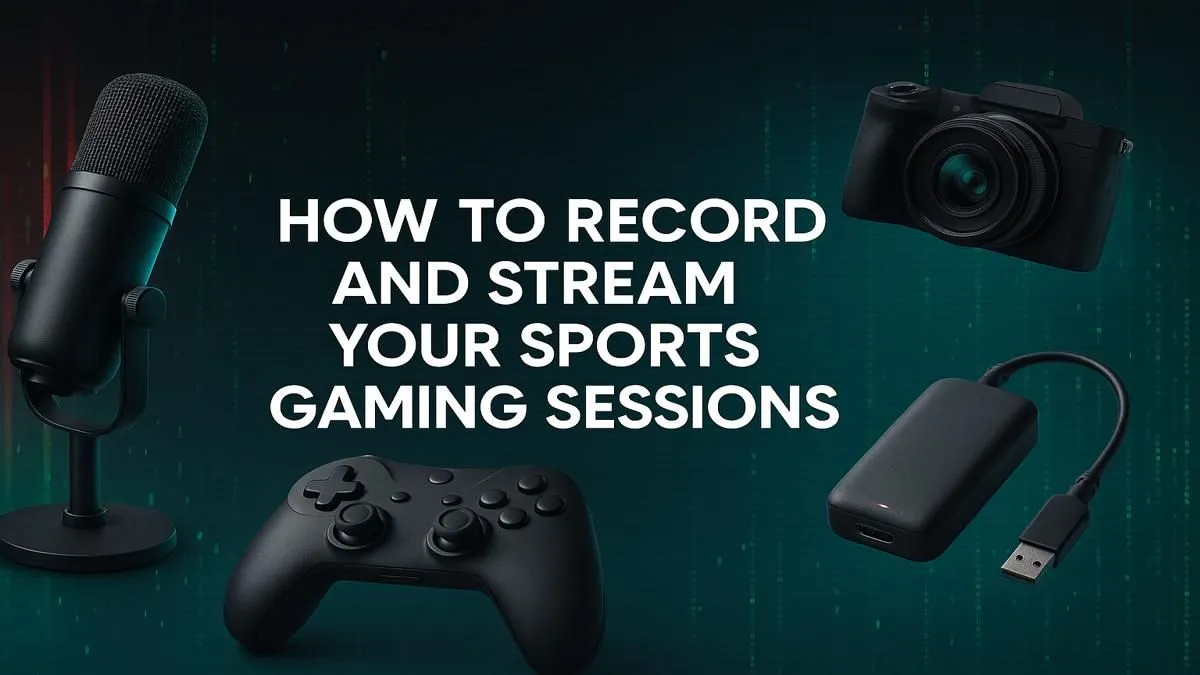
Love the roar of the crowd when the Springboks score? Or the high-speed tension of a Formula 1 race? Imagine capturing that same energy from your own gaming desk. Becoming a commentator for your epic EA Sports FC goals or F1 victories is easier than you think. This beginner’s guide will show you exactly how to stream sports games and start building your own community of fans right here in South Africa. Let’s get you ready for kick-off. 🚀
Your Streaming Starter Pack: The Essential Gear
Before you can share your legendary moments, you need the right equipment. Don't worry, you don't need a professional broadcast studio to start. This is the core kit you'll need for a quality stream.
The PC: Your Engine Room ⚙️
Your computer is doing two jobs at once: running the game smoothly and encoding your video to send to the internet. This requires a solid processor (CPU) and a powerful graphics card (GPU). A PC that's optimised for streaming sports games will ensure your gameplay is fluid and your broadcast doesn't stutter. The great news is that a machine powerful enough for streaming can also handle demanding titles like the tactical shooter Counter-Strike 2 with ease.
Microphone: Sounding Like a Pro
Audio is arguably more important than video. Viewers will forgive a slightly grainy webcam, but they won't stick around for crackly, unclear sound. A good quality USB microphone is a fantastic starting point and a massive upgrade over any headset mic. Clear commentary is key when you're explaining your strategy or celebrating a last-minute winner.
Webcam: Putting a Face to the Commentary
While not strictly essential, a webcam helps you connect with your audience. Seeing your reactions makes the stream more personal and engaging. A simple 1080p webcam is a perfect place to start. It adds a professional touch and helps you build a stronger community.
Choosing Your Streaming Software
This is your virtual control room. It’s software that captures your game, webcam, and microphone, and bundles it all together for your broadcast. The two most popular choices are free and incredibly powerful.
- OBS Studio: The industry standard. It's completely free, open-source, and offers endless customisation. It might have a slightly steeper learning curve, but mastering it gives you total control.
- Streamlabs Desktop: Built on top of OBS, this is a more user-friendly option with built-in alerts and themes, making it fantastic for beginners.
Learning the basics of scenes and sources on this software is a transferable skill. Once you know how to set up a stream for a sports game, you'll be able to broadcast anything, from intense battle royales like Call of Duty: Warzone 2.0 to team-based hero shooters.
Setting Up Your First Sports Game Stream
With your gear and software ready, it's time for the technical part. This is where you fine-tune your broadcast for the best possible quality based on your PC and internet connection.
Configuring Your Settings
The most important setting is your bitrate, which determines the quality of your video. A higher bitrate means better quality, but it requires a faster upload speed.
Check Your Upload Speed! ⚡
In South Africa, our internet can be unpredictable. Before you stream, run a speed test (like Speedtest by Ookla). A good rule of thumb is to set your video bitrate in OBS or Streamlabs to about 70-80% of your total upload speed. For a 1080p stream at 60fps, Twitch recommends 6000 Kbps, which requires a stable upload speed of at least 7-8 Mbps.
Start with a resolution of 720p at 60 frames per second (fps). It provides a smooth viewing experience without being too demanding on your internet. As you get more comfortable, you can experiment with 1080p. The skills you learn here are universal, whether you're streaming a detailed flight in Microsoft Flight Simulator or a tactical match in Overwatch 2.
Growing Your Channel: Beyond the Basics ✨
Going live is just the first step. Building an audience is about consistency and engagement.
- Talk to Your Chat: Interact with your viewers. Acknowledge their comments and make them feel part of the experience.
- Set a Schedule: Stream at the same times each week so people know when to find you.
- Diversify Your Content: While you might start with sports, don't be afraid to branch out! A powerful streaming PC can handle anything. You could explore the vibrant world of Fortnite, the gritty streets of GTA V, or the intense battlegrounds of PUBG. You could even showcase stunning visuals in games like Cyberpunk 2077 or build incredible worlds in Minecraft.
The journey from beginner to seasoned streamer is a marathon, not a sprint. Have fun, be yourself, and the viewers will follow.
Ready to Build Your Streaming Empire? Getting started with streaming is easier than ever, especially with the right gear. A powerful PC is the heart of your setup, ensuring smooth gameplay and a flawless broadcast for your audience. Explore our range of PCs built for streamers and find the perfect machine to kick-start your journey today.









