


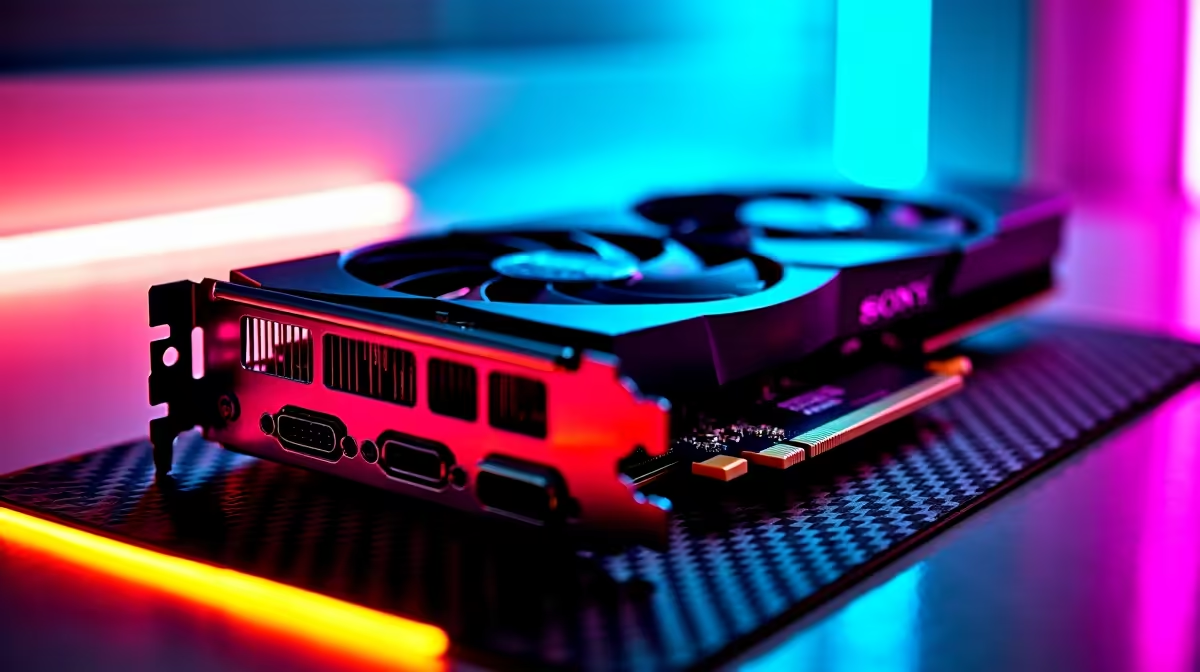
You just dropped a massive stack of ZAR on the ultimate GPU. Out of the box, it destroys any game at 4K. But as South African gamers, we always want more value. If you want to push your frame rates higher without melting your rig, you are in the right place. Let us dive into our RTX 4090 overclocking guide to safely unlock maximum performance.
Understanding Your RTX 4090 Overclocking Potential
The RTX 4090 is a silicon monster. It already features incredible boost clocks. However, Nvidia leaves a little performance on the table. By tweaking settings, you can optimise your frame rates for demanding 4K titles. Before we start, ensure your power supply can handle the load. Perhaps you are still shopping around. You can check out our massive range of graphics cards to see what fits your budget.
Essential Software and Safe OC Settings 🔧
You will need MSI Afterburner and a benchmarking tool like 3DMark. The secret to a safe RTX 4090 overclocking guide is patience. Do not just drag the sliders to the max.
Start by increasing your power limit to 133% if your card allows it. Next, add +100MHz to the core clock. Test for stability. If it crashes, dial it back. For the memory clock, the RTX 4090 usually handles +1000MHz easily. Some gamers prefer a machine that is already tuned out of the box. Explore our best gaming PC deals for guaranteed stability.
Power Efficiency Pro Tip ⚡
Want cooler temperatures during load shedding? Try undervolting instead of a raw overclock. Setting a custom voltage curve in Afterburner can maintain stock performance while dropping power consumption by up to 100 watts.
Cooling, Stability, and Thermal Limits
Overclocking generates extra heat. You need brilliant case airflow to keep temperatures in check. The RTX 4090 cooler is massive, but it still needs room to breathe. Monitor your temperatures closely. Keep the core under 80 degrees Celsius for maximum longevity.
If building and tuning a custom loop sounds too stressful, you have other options. We offer fully assembled pre-built PC deals that take the guesswork out of cooling. Alternatively, if you need extreme power on the move, high-end gaming laptops now pack unbelievable desktop-class performance.
Pushing for Maximum Performance 🚀
Every GPU chip is unique. Some will overclock higher than others. This is known as the silicon lottery. Take your time and test every adjustment in demanding games like Cyberpunk 2077. Once you find that sweet spot, save your profile.
You will enjoy a free performance boost that makes your investment totally worth it. You might need to upgrade your power supply or cooling setup. Keep an eye on our weekly specials to support your new overclock safely.
Ready to Build Your Ultimate Dream Rig? Pushing hardware to its absolute limit is what PC gaming is all about. Whether you want to build a custom loop or grab a pre-tested beast, Evetech has you covered. Explore our incredible desktop specials and start dominating your games today.











