

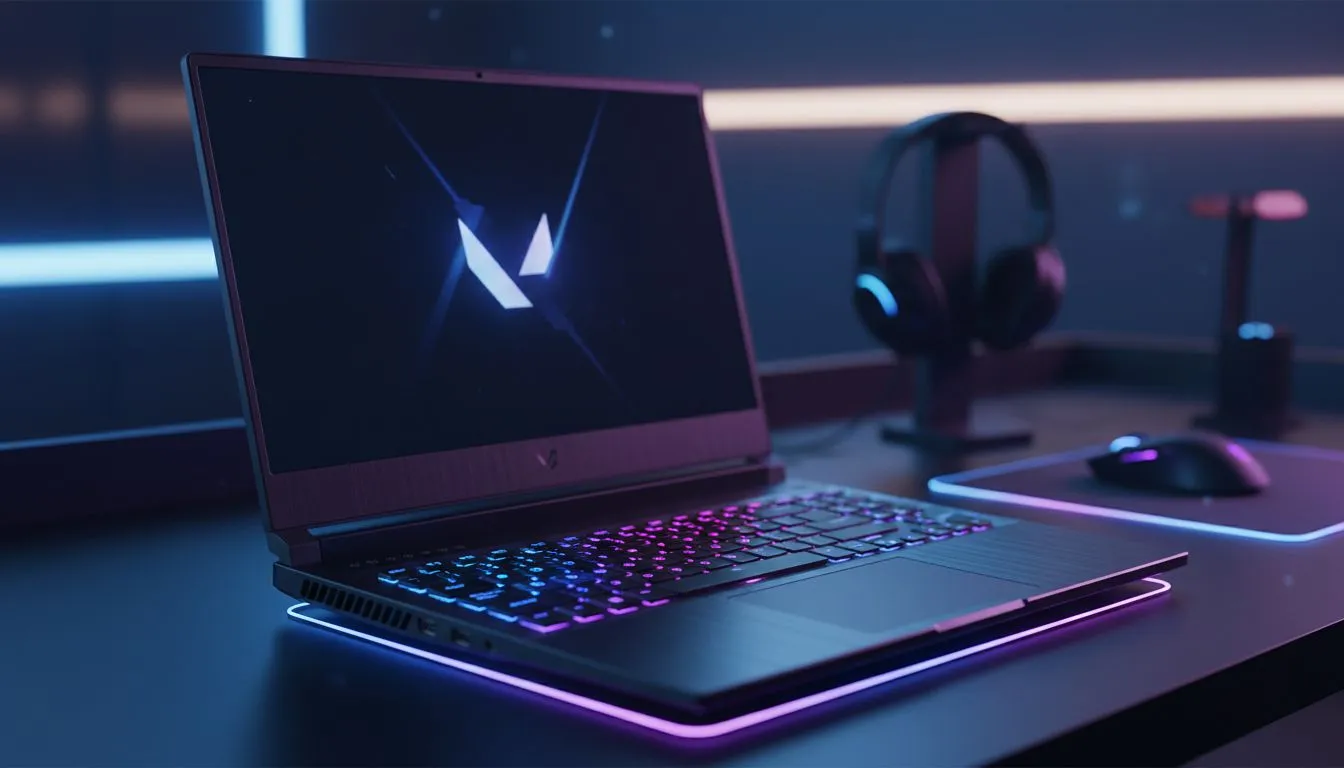
Choosing Your Valorant Laptop vs Desktop: Best Setup Pros & Cons
Valorant isn't just about your aim... it's about your frame times. In South Africa, deciding on a Valorant Laptop vs Desktop setup depends on whether you're grinding at a local LAN or staying put in your bedroom. Is the raw power of a tower worth losing the portability of a sleek notebook? Let's break down the best setup pros & cons to help you climb the Radiant ranks. 🚀
Performance and Refresh Rates in the Competitive Meta
Valorant is a CPU-bound game. This means your processor often matters more than your graphics card for hitting those high frame rates. Desktops traditionally held the crown here because of better cooling... but modern mobile chips have narrowed the gap significantly. If you are looking for high clock speeds to ensure smooth flick shots, browsing Intel laptops on special will show you machines capable of pushing 240Hz+ without breaking a sweat.
The "Best Setup" for a competitive player usually involves a 144Hz or 240Hz display. While desktop monitors are easier to upgrade, high-end gaming laptops now come with these panels built-in. This gives you a pro-grade experience in a single package.
Portability vs. Customisation for South African Gamers
The biggest "pro" for a laptop is obvious... you can take it anywhere. With the rise of local gaming cafes and tournaments in Jozi and Cape Town, being mobile is a huge advantage. Many Ryzen laptop deals offer incredible power efficiency, allowing you to get some practice rounds in even when you aren't at your desk.
Optimising for Latency ⚡
Always use a wired Ethernet connection when playing Valorant. Even the best Wi-Fi can have "jitter" which causes micro-stutters during intense gunfights. If your laptop doesn't have a LAN port, a high-quality USB-C to Ethernet adapter is a mandatory investment for serious ranked play.
Balancing the Budget in ZAR
Price is always a factor. Generally, a desktop offers more raw power per Rand. However, when you factor in the cost of a high-refresh monitor, a mechanical keyboard, and a webcam, the best gaming laptop deals often come out on top for value.
If you are a student or a casual climber, you can buy gaming laptops under R20k that comfortably run Valorant at over 144 FPS. For those who want to stream their gameplay or use Nvidia’s Reflex technology to reduce input lag, looking at Geforce RTX gaming laptops on special is the smartest move. These GPUs provide the stability needed to ensure your frames don't drop when the utility starts flying on site. 🔧
Final Verdict: Which Setup Wins?
If you want a dedicated battle station that you can upgrade over the next five years, the desktop is king. But for the modern South African gamer who needs to balance studies, work, and gaming, the laptop is no longer a compromise... it’s a competitive tool. ✨
Ready to Find Your Perfect Match? The Valorant Laptop vs Desktop debate is complex, but for maximum portability and integrated high-speed displays in South Africa, a gaming laptop is hard to beat. Explore our massive range of laptop specials and find the perfect machine to conquer the server.











