

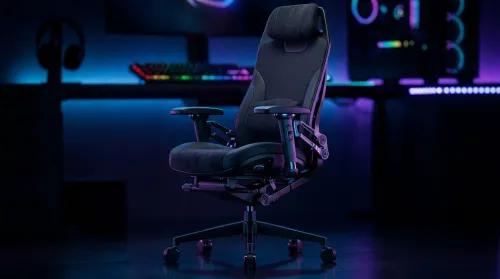
3D Armrest Ergonomic Gaming Chair Features for Comfort
Shop smart for a 3D armrest ergonomic gaming chair: key support points, adjustable lumbar, pressure relief, and smooth armrest tuning. ✅🎮 Get comfort that lasts.
Read more42cm monitor light bar improves comfort, reduces eye strain, and enhances contrast for dual-monitor gaming setups — ideal for long sessions and immersion 🎮💡
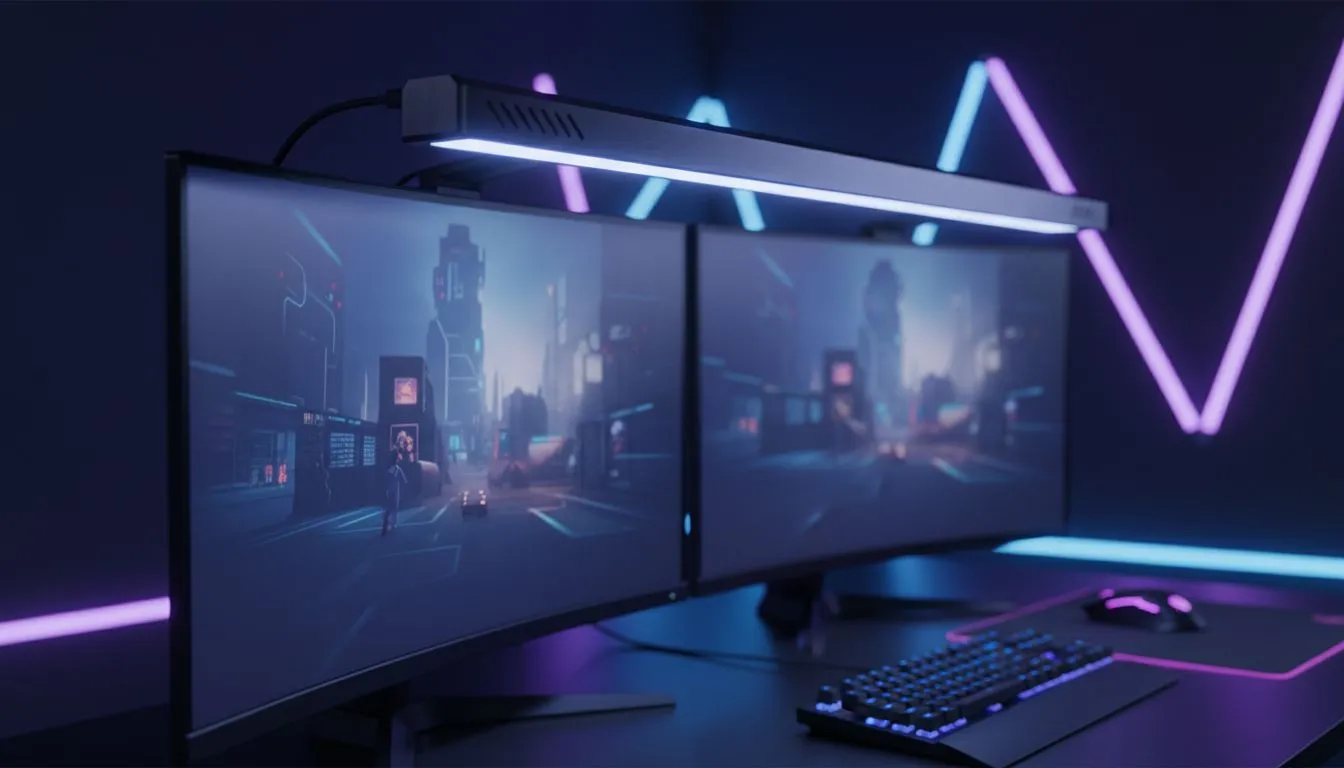
Ever feel like your dual-monitor setup is a black hole of cables and shadows? Between the RGB glow and late-night sessions, eye fatigue is a real problem for South African gamers. A 42cm monitor light bar might just be the missing piece for your battle station. It clears up desk space while providing the perfect ambient glow to keep you focused during those long raids...
When you run two screens, desk real estate becomes a premium commodity. Traditional desk lamps often take up a corner or create uneven lighting that bounces off one screen while leaving the other in the dark. If you decide to buy gaming accessories with ergonomics in mind, you will quickly realise that mounting your light source on top of the screen is the smarter move.
A 42cm monitor light bar provides enough width to cover the primary work area of both monitors if placed centrally... ensuring your keyboard and mousepad are perfectly visible without the clutter of a bulky lamp base. This setup is particularly effective for those using a primary curved monitor alongside a flat secondary display... as the light bar follows the top bezel without obstructing your view.
Late-night gaming in South Africa often means battling the glare from overhead lights or sitting in total darkness. Neither is ideal for your focus. Screen glare causes squinting, which leads to headaches and slower reaction times. By using a light bar, the asymmetrical optical design ensures light is directed downwards onto the desk... not onto the screen.
This helps you stay in the zone for longer. Before you settle for a standard lamp, checking out the latest gaming accessories deals can save you some ZAR while significantly improving your comfort. Most modern light bars offer a high Colour Rendering Index (CRI), meaning the colours on your desk look natural and vibrant, which is a massive plus for streamers who need to see their gear clearly. 🔧
To get the most out of your light bar, angle the LEDs so they do not reflect directly off your screen surface. This creates a pool of light on your desk without washing out the colours of your IPS or OLED panel. If your light bar has a wireless remote, keep it near your mousepad for quick adjustments between gaming and productivity tasks.
You might wonder if a smaller bar would suffice. However, for dual-monitor gaming setups, the 42cm width is the "Goldilocks" zone. It is wide enough to provide a broad throw of light across a large desk mat but compact enough not to interfere with webcam placements or dual-arm mounts.
You can find various options in our Gaming Accessories category that offer adjustable colour temperatures. Whether you want a warm glow for immersive RPGs or a cool white light for competitive shooters, the flexibility is there at the touch of a button. It is a simple addition that makes a massive difference to the professional look of your desk... and your eye health. 🚀
Ready to Illuminate Your Setup? Improving your desk ergonomics doesn't have to cost a fortune. For the best prices on peripherals and gear in South Africa, we have you covered. Explore our massive range of gaming accessories and find the perfect light bar to conquer your world.
Yes. A 42cm monitor light bar suits many dual-monitor layouts, offering balanced bias lighting and reduced glare while saving desk space.
It provides even bias lighting behind screens, cutting contrast strain between monitor and room light. A 42cm LED monitor light bar evens your view.
Often yes for small-bezel or close-set monitors. Measure combined bezel gap; many dual-monitor light bar setups 42cm fit centered across both screens.
Proper bias lighting improves perceived contrast without altering on-screen colors. Choose neutral color temperature for accurate visuals.
Look for adjustable brightness, color temp, USB power, clamp or clamp-free mount, and low flicker. A 42cm RGB monitor light bar adds style.
Clamp or clip to the top bezel, align center, plug USB power, then adjust brightness and temp. See how to mount 42cm light bar on monitors for tips.
RGB adds immersion and sync options, but pure bias lighting with neutral white gives the biggest comfort and accuracy benefits.
Shop smart for a 3D armrest ergonomic gaming chair: key support points, adjustable lumbar, pressure relief, and smooth armrest tuning. ✅🎮 Get comfort that lasts.
Read more
Use this ergonomic gaming chair adjustable lumbar support checklist to spot key comfort features, avoid poor fit, and choose the right support for long sessions. 🪑✅
Read more
Wondering if a 49-inch UWQHD monitor is too big for your gaming desk? We break down ideal desk depth, viewing distance, and clearance tips so you can upgrade confidently. 🎮🛠️
Read more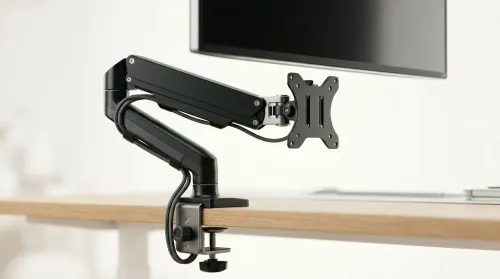
Running out of desk space? A VESA monitor arm and under-desk mount free up more room than you think. Less clutter, better ergonomics, smoother cable routing. Clear your workspace today ✅🖥️
Read more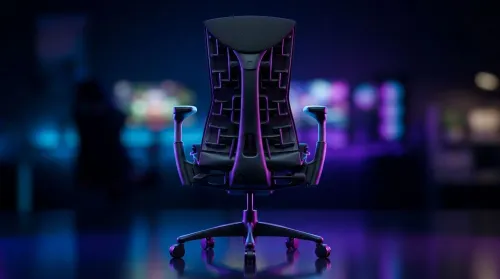
Gaming chair with adjustable lumbar support should fit your back, not fight it. We cover lockable recline and 3D armrests so you can sit longer, game better, and adjust fast. 🎮🪑
Read more
Every spec on PCIe 5.0 explained in plain English. What matters for gaming and creator work in 2026, what's marketing fluff, and how each number translates to real-world performance.

A head-to-head look at WiFi 7: real-world performance, ZAR pricing and which option delivers better value for SA builders. The clear answer — no fluff.

Everything you need to set up and tune PCIe 5.0 properly: the prep work, the settings that actually matter, and the mistakes to skip. Written for SA builders in 2026.

Everything you need to set up and tune X870E Motherboard properly: the prep work, the settings that actually matter, and the mistakes to skip. Written for SA builders in 2026.

Wondering what a 512GB SSD capacity really holds? This guide breaks down how many games, photos, and documents fit on 512GB, with real-world ranges 📦💾

Every spec on vrm explained in plain English. What matters for gaming and creator work in 2026, what's marketing fluff, and how each number translates to real-world performance.

Every spec on motherboard explained in plain English. What matters for gaming and creator work in 2026, what's marketing fluff, and how each number translates to real-world performance.

Premium vs Midrange Motherboards in South Africa: real-world performance, SA pricing, power draw and which one delivers better value for your build for SA buyers. The clear answer — without the fluff.
Wondering what a 512GB SSD capacity really holds? This guide breaks down how many games, photos, and documents fit on 512GB, with real-world ranges 📦💾
Every spec on PCIe 5.0 explained in plain English. What matters for gaming and creator work in 2026, what's marketing fluff, and how each number translates to real-world performance.
A head-to-head look at WiFi 7: real-world performance, ZAR pricing and which option delivers better value for SA builders. The clear answer — no fluff.

Every spec on USB4 explained in plain English. What matters for gaming and creator work in 2026, what's marketing fluff, and how each number translates to real-world performance.