


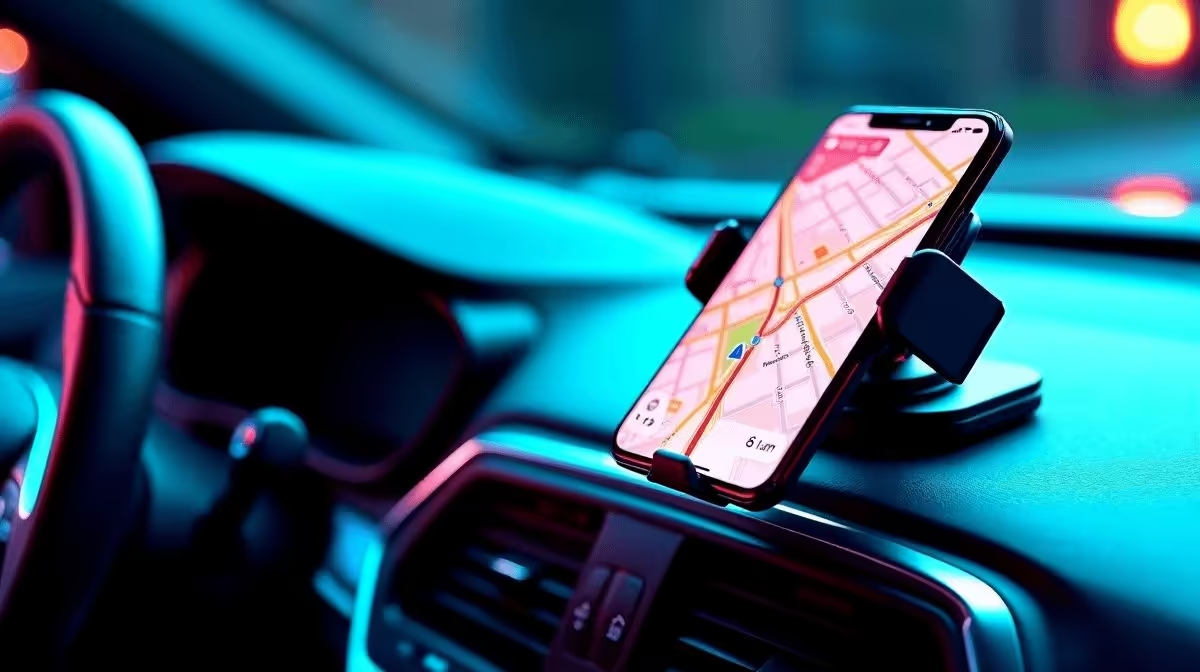
What you actually do with your phone while driving determines which car phone holder is worth buying. Navigation demands a different viewing angle than hands-free calling, and a music controller needs faster one-hand access than either. Getting that match wrong means adjusting the mount every few kilometres, which is more dangerous than having no mount at all. Here is how to align your primary use case with the right set of features.
Quick Answer
For navigation, prioritise a windscreen or dash mount at eye level with a 360-degree ball joint. For music controls, a vent mount close to your hand works best. For hands-free calls, a mount with a clear microphone path and stable lock matters most. Decent options for each use case start around R150 to R300, with premium stability choices running R400 and above.
🗺 Navigation: Angle, Height, and Stability
Navigation demands the most from a phone mount. Your screen must be visible without forcing your eyes off the road for more than a glance. A windscreen suction mount just below the A-pillar on the driver's side, or a dash mount raised above the instrument cluster, places the screen closest to your natural forward gaze.
The ball joint is critical here. A stiff, multi-axis joint that locks at your preferred angle prevents the screen from creeping over time. Rubber-lined ball joints hold position through speed bumps better than bare plastic. For trips between Cape Town and Paarl or Joburg to Pretoria, a mount that shifts angle mid-journey is genuinely disruptive.
🎵 Music Control: Reach and One-Hand Docking
If you use your phone to control a playlist or switch podcasts while driving, the mount position should allow you to tap the screen without fully extending your arm or looking away from traffic. A vent clip mount on the central air outlet positions the phone just inside your natural arm reach from the steering wheel.
For music use, quick docking and removal matter. Magnetic mounts are ideal here: you press the phone against the arm and it locks, and one pull releases it when you park. Gravity-lock cradle mounts are nearly as fast. Avoid twist-locking or button-release cradles for this use case as they require two hands to insert and remove the device reliably.
📞 Hands-Free Calls: Microphone Path and Grip
South African road traffic legislation treats hands-free calling differently from holding a phone, but a mount that blocks the microphone or lets the phone vibrate against the vent undermines the clarity of your call. Position the mount so the phone's bottom edge, where most microphones sit, faces open cabin air rather than a vent aperture.
For call quality, a firm mount with no rattle is more important than mount type. Test for vibration by pressing on the cradle before buying: if the arm flexes against the vent fin, the caller will hear road noise amplified by that movement. Mounts with rubberised vent clips and locking side grips eliminate most of that rattle on SA city roads.
Frequently Asked Questions
What viewing angle works best for navigation in a right-hand drive car?
Mount the phone just left of your steering wheel sight line at roughly dashboard height. This keeps the screen visible with a short eye movement and avoids the legal concerns of a windscreen mount that crosses your central vision. A 270-degree swivel joint lets you tilt for precise sun-glare adjustment.
Does phone placement affect hands-free call volume for the other party?
Yes. If the phone faces away from you or sits behind a vent, the microphone picks up more road and air-conditioning noise than your voice. Face the screen toward you, keep the bottom microphone unobstructed, and reduce cabin fan speed on calls for noticeably better audio clarity.
Can I use the same mount for navigation and music, or should I buy two?
A magnetic vent mount handles both well. Dock for navigation on long drives and for quick playlist adjustments on shorter trips. The one-hand release makes it practical to remove the phone at traffic lights without fumbling. A single quality mount in the centre vent covers most use cases.
How do I stop my navigation app from tilting when the mount shifts angle?
Lock the ball joint firmly after adjusting. If the joint loosens over time, a small strip of rubber from a workshop (or a thick rubber band wrapped once around the ball) adds enough friction to restore the hold without replacing the entire mount.
Is it safe to have the phone screen on and facing me while driving?
Passive display of a navigation map is generally accepted, but interacting with the screen while moving is a traffic offence. Set your route before you pull away, enable voice guidance, and keep manual touches for stationary moments. A mount at a comfortable eye-level angle reduces the temptation to reach across the dash.
Match your mount to the way you actually drive. Check out the car phone holder range at Evetech and pick the option that suits your navigation, music, or hands-free calling setup.









