


Building a content creation PC in South Africa between R8,000 and R12,000 requires careful component selection - you want enough CPU power for video rendering and enough GPU muscle for colour grading, without overspending on features you won't use. The good news is that this budget range covers genuinely capable hardware in 2026.
Quick Answer
Best Content Creation PC Components R8,000–R12,000 in SA: At this budget, the best foundation is an AMD Ryzen 5 7600 or Intel Core i5-13600K paired with 32GB DDR5 RAM, a 1TB NVMe SSD, and an RTX 4060 for GPU-accelerated workflows. This combination handles 1080p and 1440p video editing, photo editing, and light 3D work comfortably.
🔧 Component Breakdown by Role
Content creation workloads split between CPU-heavy tasks (rendering timelines, encoding exports, AI upscaling) and GPU-accelerated tasks (DaVinci Resolve colour grading, Premiere Pro effects, AI-based noise reduction). A balanced build matters more here than it does for gaming, where GPU dominance is the rule.
Processor (CPU) The AMD Ryzen 5 7600 is the sweet spot in this budget. Its six cores and twelve threads handle multi-threaded rendering efficiently, and its single-core speed is high enough that timeline scrubbing in Premiere or Resolve stays responsive. Alternatively, the Intel Core i5-13600K has more cores for heavier rendering workloads if you export long-form video frequently.
RAM Content creation is memory-hungry. 32GB is the minimum recommendation - Premiere Pro, Resolve, Photoshop, and Chrome running simultaneously will consume this readily. Choose DDR5 for AM5 builds or DDR4 for LGA1700 builds. Two 16GB sticks in dual-channel configuration is the correct approach.
Storage A 1TB NVMe SSD for your OS and active projects is non-negotiable - the speed improvement over SATA SSDs in scratch disk performance is meaningful. Add a secondary 2TB SATA SSD or large HDD for project archives and raw footage storage.
GPU An RTX 4060 is the target in this budget. NVIDIA's CUDA and NVENC encoder acceleration in Premiere, Resolve, and Handbrake is well-supported and significantly reduces export times. The 4060's 8GB VRAM handles most 1080p and 1440p colour grading sessions without issue.
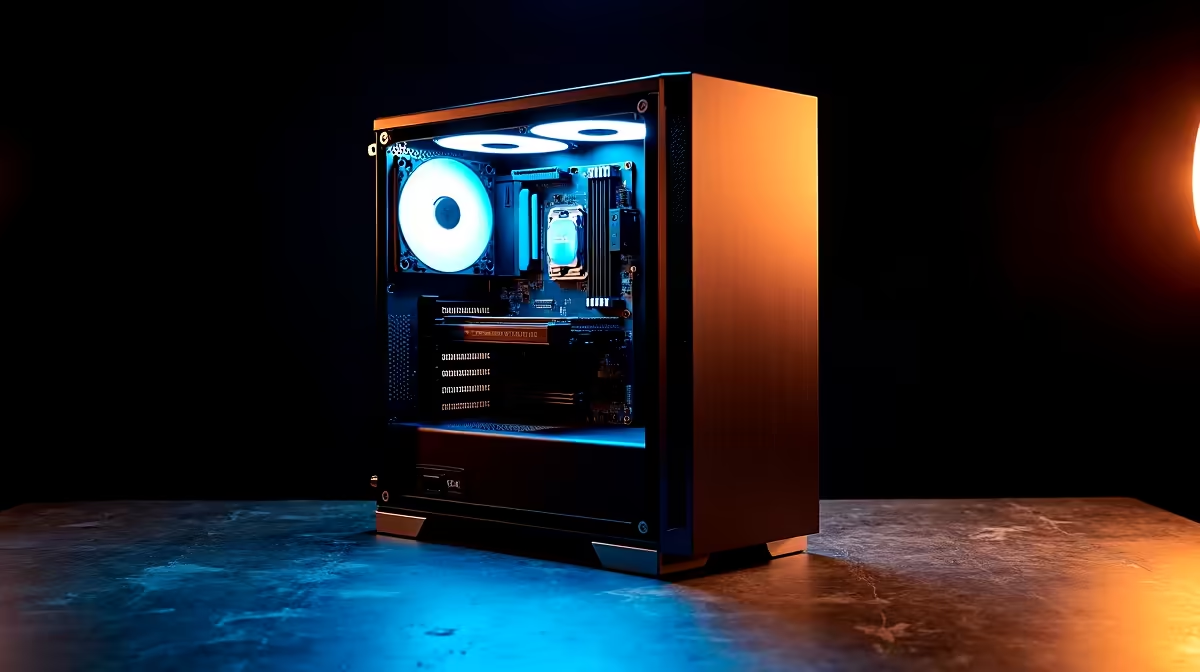
Motherboard, PSU & Case Pair an AM5 or LGA1700 B-series motherboard with a quality 650W 80+ Bronze PSU. A mid-tower case with good airflow protects your components during sustained rendering loads that push CPU and GPU temperatures for extended periods.
📊 Realistic Budget Allocation (R10,000 Target)
| Component | Approximate Cost |
|---|---|
| CPU (Ryzen 5 7600) | R2,800–R3,200 |
| Motherboard (B650) | R1,800–R2,200 |
| RAM (32GB DDR5) | R1,400–R1,800 |
| GPU (RTX 4060) | R6,500–R7,500 |
| SSD 1TB NVMe | R700–R900 |
| PSU 650W | R700–R900 |
| Case | R500–R900 |
Note that the GPU alone accounts for roughly 60–65% of the component budget in this range. If the full GPU price pushes the build over R12,000, consider starting with integrated graphics on a Ryzen 7 8700G and upgrading the discrete GPU in a future phase.
💡 Optimising for Your Specific Workflow
Different content types favour different hardware. If you are primarily a photographer using Lightroom and Photoshop, single-core CPU speed and fast SSD storage matter most - RAM is your second priority, GPU less so. If you are a video editor working in DaVinci Resolve, the GPU is critical because Resolve is heavily GPU-accelerated. If you produce podcasts or audio-first content, CPU speed and RAM dominate; GPU is largely irrelevant.
For South African YouTubers and social media creators working with 4K footage from smartphones or mirrorless cameras, the RTX 4060 build above covers everything up to 4K timeline editing, though 4K exports will stress the system more than 1080p.
Always pair your PC with a colour-accurate monitor - spending R10,000 on a capable build and using a cheap TN panel undermines colour grading accuracy. An IPS or VA panel with sRGB coverage above 95% is the minimum for professional-quality visual content.
❓ Frequently Asked Questions
Is 16GB RAM enough for content creation in 2026? For light photo editing and basic video work at 1080p, 16GB is functional but limiting. For comfortable video editing with multiple applications open, 32GB is strongly recommended. RAM is one of the most cost-effective upgrades you can make.
Can I use AMD instead of NVIDIA for content creation? Yes, AMD RX 7600 and RX 7700 are strong alternatives in this budget range. However, NVIDIA's software ecosystem - particularly NVENC encoding support across Premiere, Resolve, and Handbrake, and CUDA acceleration in Adobe apps - gives NVIDIA a workflow advantage for most content creators.
Should I prioritise CPU or GPU for content creation? It depends on your software. DaVinci Resolve is GPU-first. Adobe Premiere Pro balances both. For 3D work in Blender, GPU rendering (Cycles) is transformative. A balanced approach - Ryzen 5 7600 plus RTX 4060 - covers most workflows without over-investing in one component.
How much storage do I actually need? A 1TB NVMe for OS and active projects, plus at least 2TB of secondary storage for archives. Raw 4K video from modern cameras runs at 60–200GB per hour of footage. Plan for external drives if you shoot frequently.
Evetech stocks Graphics Card Deals and Evetech Best Sellers — shop online with fast delivery across South Africa.
Ready to Find Your Perfect Match? Shop at Evetech










