


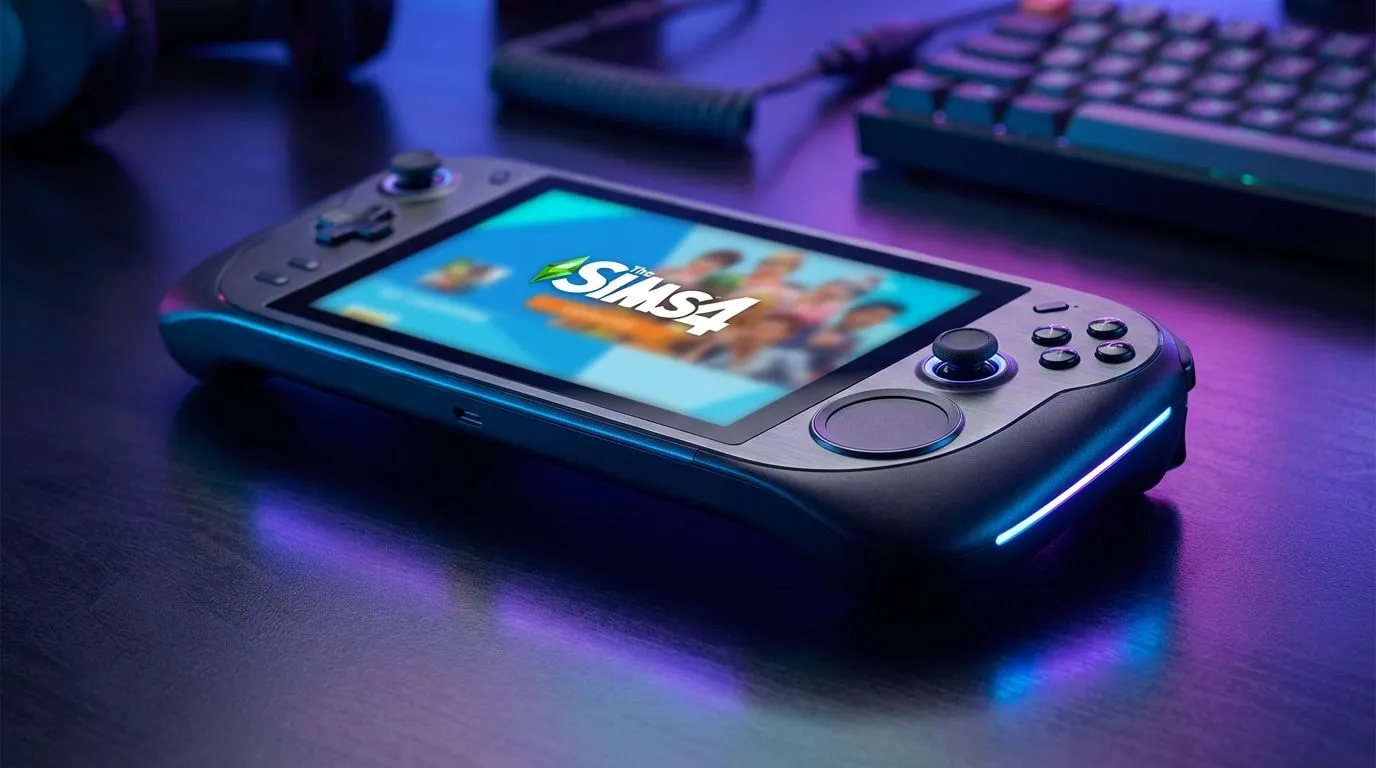
Sul Sul! Gaming on the Go Just Got Better
If you have ever tried to build a Victorian mansion or navigate the gallery using a standard joystick, you know the struggle... it is clumsy and slow. For South African Simmers who want to play during an unexpected outage or on the move, finding the best handheld for Sims 4 requires one specific feature: precision.
While many devices offer raw power, the real game-changer for simulation titles is a mouse-like input. Let's explore the top handheld gaming consoles available in SA that make managing your tiny digital people a breeze. 🚀
Why You Need a Trackpad (Or a Great Touchscreen)
The Sims 4 was designed primarily for a mouse and keyboard. Clicking small UI buttons, dragging walls, and rotating furniture requires point-and-click accuracy that analog sticks struggle to replicate.
When shopping for a handheld in 2025, you generally have two routes: a device with a physical trackpad (the holy grail for Simmers) or a device with a high-response touchscreen and excellent button mapping software.
The Undisputed Champion: Lenovo Legion Go
If you are strictly looking for the "best handheld for Sims 4" based on control input, the Lenovo Legion Go stands alone at the top of the mountain. Unlike its competitors, it features an integrated trackpad on the right controller.
This small square of magic allows you to glide your cursor across the screen just like a laptop mouse. You can click, drag, and drop without smudging your screen or fighting with joystick drift. Furthermore, the controllers are detachable, and the right one can actually convert into a vertical mouse for FPS mode—though it works brilliantly for building houses too.
For the ultimate Sims experience without carrying extra peripherals, the Lenovo Legion Go is the premium choice in South Africa right now. ✨
Sims 4 Performance Tip ⚡
To squeeze extra battery life out of your handheld during a long commute, go to Game Options > Graphics and check 'Laptop Mode'. This reduces the rendering load significantly, giving you more playtime to finish that legacy challenge before you need a charger.
The High-Performance Alternatives
While the Legion Go wins on the trackpad front, other contenders offer incredible ergonomics and software that can bridge the gap.
ASUS ROG Ally & Ally X
The ROG Ally series is arguably the most popular Windows handheld in the country. While it lacks a physical trackpad, ASUS makes up for it with Armoury Crate SE. This software allows you to map the right analog stick to function as a mouse cursor with surprising accuracy.
Combined with a 120Hz touchscreen that is highly responsive to tap-to-click inputs, managing your household is still very fluid. If you prefer a lighter device that fits easier in the hands, the ASUS ROG Ally range is a fantastic, powerful option.
MSI Claw
The new kid on the block brings Intel Core Ultra performance to the table. Like the Ally, the MSI Claw relies on a combination of joystick-mouse emulation and touchscreen controls. However, its ergonomic grip is deeper, which some gamers find more comfortable for long building sessions.
If you are looking for Intel-based architecture that plays nice with various Windows applications, check out the MSI Claw options available locally.
Verdict: Which One Should You Buy?
If your heart is set on a physical trackpad for that authentic PC feel, the Lenovo Legion Go is your winner. However, if you are comfortable using a touchscreen or mapping your sticks, both the ASUS and MSI units offer brilliant performance for The Sims 4 in 2025. 🔧
Ready to Build Your World Anywhere? Whether you need the precision of a trackpad or the raw power of the latest processors, we have the gear to keep you gaming. Browse our full range of handheld consoles and take your Sims wherever life takes you.











