

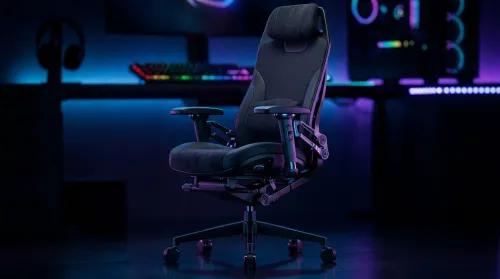
3D Armrest Ergonomic Gaming Chair Features for Comfort
Shop smart for a 3D armrest ergonomic gaming chair: key support points, adjustable lumbar, pressure relief, and smooth armrest tuning. ✅🎮 Get comfort that lasts.
Read more- Compare GPUs, CPUs and displays to find the best laptop for Wolverine - Show real-world FPS, settings and performance tiers - Recommend top picks by budget and power 🎮💻 Find the right gaming laptop to run Wolverine smoothly with clear buying guidance.
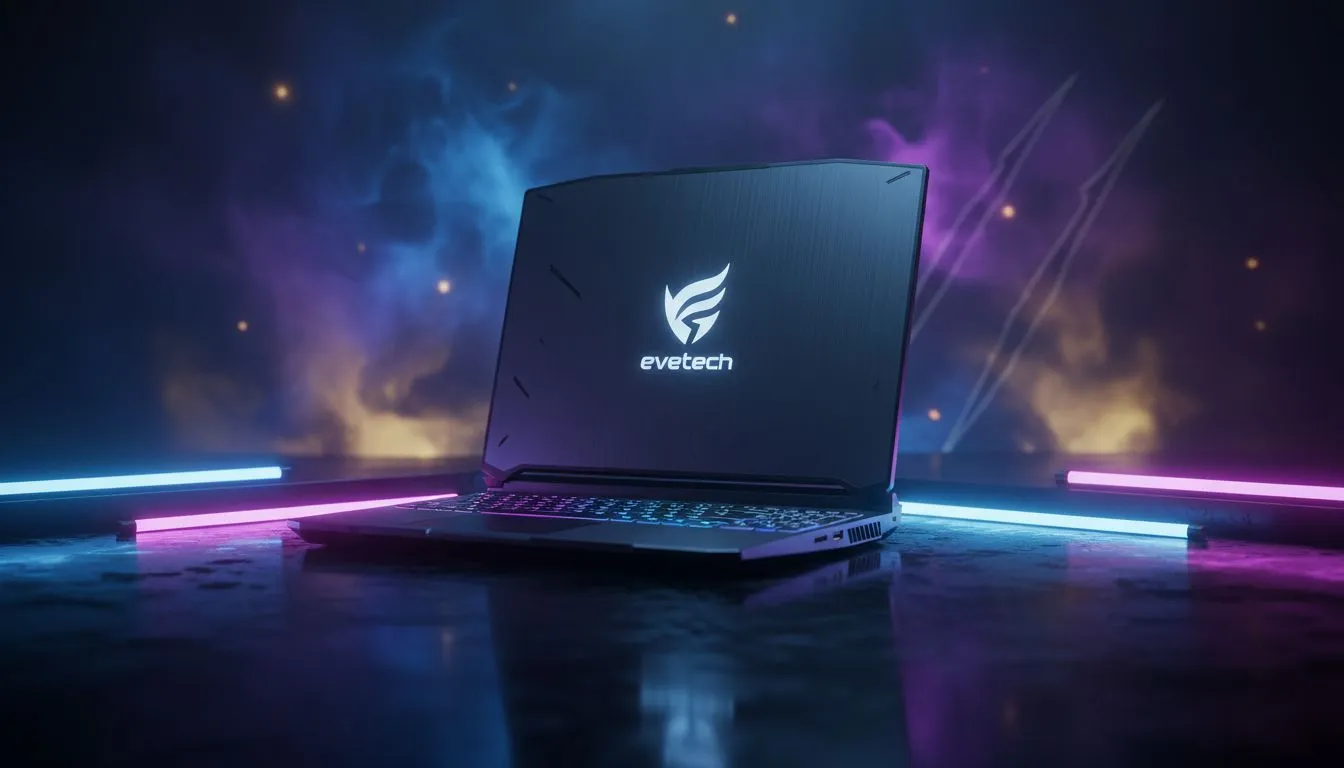
With the hype for Insomniac’s upcoming title reaching fever pitch, South African fans are asking one question. What is the best laptop for Wolverine to ensure those adamantium claws look as sharp as possible? You need a machine that mimics Logan’s resilience... something that runs cool under pressure and packs a punch. Whether you are prowling through Madripoor or taking down hunters, your hardware cannot afford to stutter. 🚀
To get the most out of modern action titles, your CPU choice is critical. If you prefer the blue team, you should browse these high-performance Intel laptops on special to find a high-clock speed chip. These processors handle physics-heavy combat without breaking a sweat. Logan’s fighting style is fast and brutal... your frame rates should be too.
Alternatively, many local gamers are turning to Team Red for efficiency. You can find excellent Ryzen laptop deals that offer incredible multi-core performance for a lower price point. These chips are perfect for gamers who also want to stream their gameplay to friends in South Africa.
When hunting for the best laptop for Wolverine, the GPU is your most important weapon. Ray tracing will likely play a huge role in the game’s atmosphere. To see every reflection on Logan’s claws, check out the GeForce RTX gaming laptops on special. An RTX 40-series card with DLSS 3.0 support ensures smooth performance even when the action gets chaotic. ✨
Always update your GPU drivers before launching a new AAA title. For NVIDIA users, the GeForce Experience app makes this simple. This ensures your hardware is ready for the specific shaders and optimisations used in the latest Marvel releases, preventing day-one crashes.
We know that not everyone has a Stark-sized bank account. Fortunately, you don’t need to spend R50,000 to get a great experience. You can buy gaming laptops under R20k that still pack enough punch for 1080p gaming at high settings. 🔧
If you are looking for the absolute sweet spot between price and raw power, keep an eye on our best gaming laptop deals updated weekly. Choosing a model with at least 16GB of RAM and an NVMe SSD is essential... slow loading screens are the only thing Wolverine can’t slice through.
Ready to Find Your Perfect Match? The search for the ultimate gaming rig is over. For maximum power, choice, and value in South Africa, Evetech has the hardware you need to stay ahead of the pack. Explore our massive range of laptop specials and find the perfect machine to conquer your world.
The best laptop for Wolverine pairs an RTX 40-series or AMD 7000-series GPU with a high-refresh 1440p display for smooth 60+ FPS gameplay.
Yes — modern mid to high-end gaming laptops can run Wolverine smoothly; check the Wolverine system requirements and GPU benchmarks first.
Aim for an Intel i7/AMD Ryzen 7, 16GB RAM, RTX 3060/AMD RX 6600M or better, and SSD storage to meet recommended Wolverine specs.
Ray tracing is optional; it enhances visuals. For consistent 60fps, prioritize GPU power and use DLSS/FSR over max RT settings.
RTX 4070/4080 or AMD RX 7800M deliver highest fidelity. For budget, RTX 3060 or RX 6700M can reach good performance at 1080p.
Budget laptops may hit 60fps at 1080p with medium settings; look for dedicated GPUs and 512GB+ SSD to avoid bottlenecks.
Top choices include high-refresh ROG, Legion and Razer models with RTX 40-series GPUs; also consider value options from MSI and Acer.
Shop smart for a 3D armrest ergonomic gaming chair: key support points, adjustable lumbar, pressure relief, and smooth armrest tuning. ✅🎮 Get comfort that lasts.
Read more
Use this ergonomic gaming chair adjustable lumbar support checklist to spot key comfort features, avoid poor fit, and choose the right support for long sessions. 🪑✅
Read more
Wondering if a 49-inch UWQHD monitor is too big for your gaming desk? We break down ideal desk depth, viewing distance, and clearance tips so you can upgrade confidently. 🎮🛠️
Read more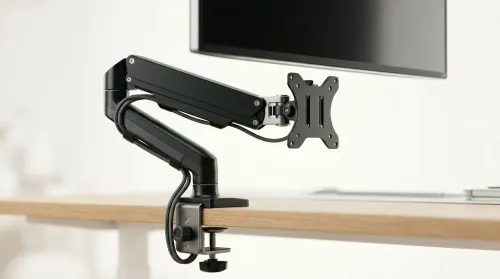
Running out of desk space? A VESA monitor arm and under-desk mount free up more room than you think. Less clutter, better ergonomics, smoother cable routing. Clear your workspace today ✅🖥️
Read more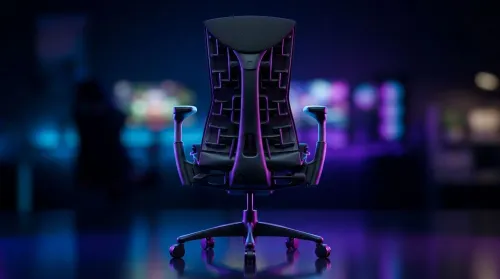
Gaming chair with adjustable lumbar support should fit your back, not fight it. We cover lockable recline and 3D armrests so you can sit longer, game better, and adjust fast. 🎮🪑
Read more
Every spec on PCIe 5.0 explained in plain English. What matters for gaming and creator work in 2026, what's marketing fluff, and how each number translates to real-world performance.

A head-to-head look at WiFi 7: real-world performance, ZAR pricing and which option delivers better value for SA builders. The clear answer — no fluff.

Everything you need to set up and tune PCIe 5.0 properly: the prep work, the settings that actually matter, and the mistakes to skip. Written for SA builders in 2026.

Everything you need to set up and tune X870E Motherboard properly: the prep work, the settings that actually matter, and the mistakes to skip. Written for SA builders in 2026.

Wondering what a 512GB SSD capacity really holds? This guide breaks down how many games, photos, and documents fit on 512GB, with real-world ranges 📦💾

Every spec on vrm explained in plain English. What matters for gaming and creator work in 2026, what's marketing fluff, and how each number translates to real-world performance.

Every spec on motherboard explained in plain English. What matters for gaming and creator work in 2026, what's marketing fluff, and how each number translates to real-world performance.

Premium vs Midrange Motherboards in South Africa: real-world performance, SA pricing, power draw and which one delivers better value for your build for SA buyers. The clear answer — without the fluff.
Wondering what a 512GB SSD capacity really holds? This guide breaks down how many games, photos, and documents fit on 512GB, with real-world ranges 📦💾
Every spec on PCIe 5.0 explained in plain English. What matters for gaming and creator work in 2026, what's marketing fluff, and how each number translates to real-world performance.
A head-to-head look at WiFi 7: real-world performance, ZAR pricing and which option delivers better value for SA builders. The clear answer — no fluff.

Every spec on USB4 explained in plain English. What matters for gaming and creator work in 2026, what's marketing fluff, and how each number translates to real-world performance.