

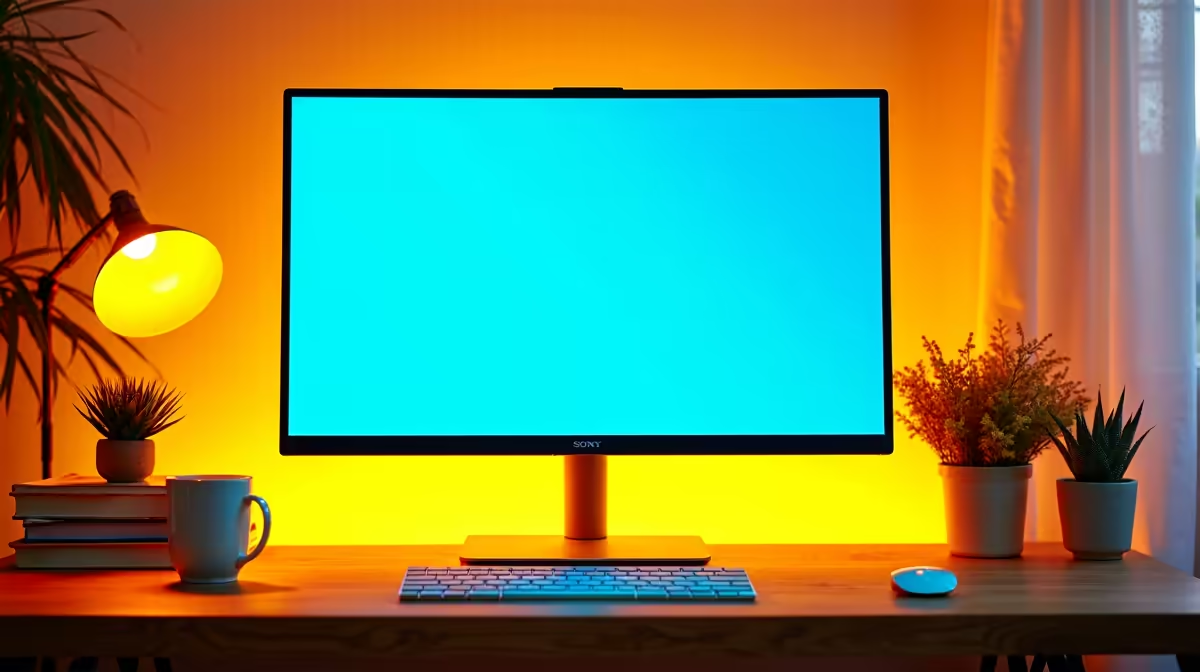
Staring at a tiny laptop screen for hours on end... we've all been there. Whether you're a student grinding through online lectures or a parent setting up a study space, eye strain, neck cramps, and the sheer frustration of juggling windows is real. Finding the best monitor for online learning isn't just a luxury; it's a massive upgrade for productivity and well-being. It's time to give your eyes a break and your grades a boost. ✨
Beyond the Laptop: Why a Dedicated Monitor is Essential
Let's be honest, that 14-inch laptop screen isn't designed for an eight-hour study day. Relying on it is like trying to read a textbook through a keyhole. A dedicated monitor provides the screen real estate you need to view your Zoom class on one side and your notes on the other, without constantly alt-tabbing.
This improved workflow isn't just about convenience. It reduces mental fatigue and helps you stay focused for longer. Plus, the ergonomic benefits are huge. By placing a monitor at eye level, you can maintain a healthier posture and say goodbye to "tech neck." A good setup is a smart investment in your academic performance and long-term health, and there's a huge selection of dedicated PC monitors to fit any budget.
What Makes a Great Monitor for Zoom Classes?
When you're searching for the perfect monitor for study, a few key features make all the difference. It's not about having the flashiest specs, but the right specs for clear, comfortable viewing.
Size and Resolution: Finding Your Sweet Spot
For most students, a 24-inch monitor with a Full HD (1920x1080) resolution is the gold standard. It’s the perfect size for a typical desk, offering a significant upgrade over any laptop screen without being overwhelming. This resolution keeps text and images sharp, making reading assignments and watching video lectures a pleasure. If you have the space and budget, a 27-inch QHD (2560x1440) monitor offers even more clarity and room for multitasking.
Eye-Care Technology: Say Goodbye to Strain 😌
This is a big one. Long hours of screen time can lead to digital eye strain, headaches, and disrupted sleep. Look for monitors with built-in eye-care technologies:
- Flicker-Free: Eliminates the invisible screen flicker that causes eye fatigue.
- Low Blue Light Mode: Reduces harmful blue light emissions, which can interfere with sleep patterns. Many modern HP monitors, for instance, feature an always-on low-blue-light filter that doesn't distort colour.
Ergonomic Pro Tip 🔧
Position your monitor so the top edge is at or slightly below eye level. You should be looking straight ahead or slightly down, not up. Your screen should also be about an arm's length away. This simple adjustment can drastically reduce neck and shoulder pain over a long semester.
A Little Extra for After Hours
Many of the best monitors for online classes also pack features that are great for downtime. A higher refresh rate (75Hz or more) and adaptive sync technology make everything from scrolling through web pages to casual gaming feel much smoother. Whether it's the premium experience of NVIDIA G-Sync, the widely adopted AMD FreeSync standard, or the flexibility of Adaptive Sync, these features ensure a tear-free, fluid picture when you switch from studying to streaming or gaming.
Our Top Monitor Recommendations for Students in 2025
Navigating the world of monitors can be tricky, but we've identified a few categories that make it easier to find the right fit for your study needs and budget here in South Africa.
- The All-Rounder: For a fantastic balance of price, performance, and features, you can't go wrong with a 24" or 27" IPS panel. These monitors offer great colour accuracy and wide viewing angles, perfect for sharing your screen or just enjoying a better picture. You'll find excellent value in monitors from brands like AOC, which often include all the essential eye-care and connectivity features.
- The Budget Champion: You don't need to spend a fortune to get a massive productivity boost. If you're looking for the most affordable upgrade, there are fantastic entry-level options that still provide a crisp Full HD picture and essential connectivity. Exploring affordable Dahua displays can get you a reliable second screen without breaking the bank. 🚀
Investing in a quality display is one of the most effective ways to optimise your learning environment. It makes study less of a chore and more of an engaging, comfortable experience.
Ready to Upgrade Your Study Setup? Choosing the best monitor for online learning transforms your desk from a cramped space into a powerful productivity hub. Stop squinting and start excelling. Explore our massive range of PC monitors and find the perfect screen to conquer your studies in 2025.











