


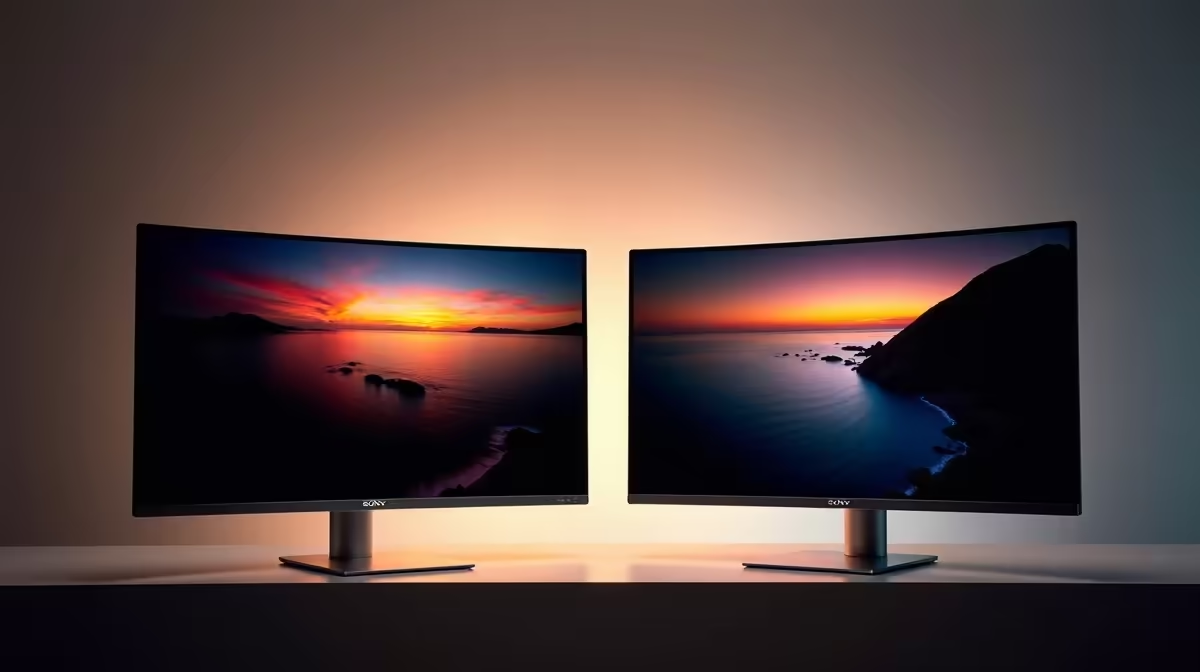
Thinking of levelling up your workspace or battlestation? Forget a single screen. We're talking about the ultimate power move: a dual 4K monitor setup. Imagine the sheer screen real estate… mountains of pixels for gaming, coding, or editing your next masterpiece. It’s a productivity and immersion dream. But with so many options in South Africa, finding the best 4K monitors for your dual setup can feel a bit overwhelming. Don't stress, we've got you covered.
Why a Dual 4K Monitor Setup is Worth It
Let's be real, going from one screen to two is a massive upgrade. But jumping to a dual 4K setup? That’s next-level. For professionals, it means having your code on one screen and the live preview on the other, or your timeline stretched across one display with your tools neatly organised on the second. It’s a workflow revolution.
For gamers, it’s about pure immersion. Picture this: your main game running in glorious 4K on one monitor, while Discord, OBS, or a guide is perfectly visible on the other. No more Alt-Tabbing out of the action. A well-planned setup with the right PC monitors transforms your desk into a command centre.
Key Features for the Best 4K Monitors for a Dual Setup
Not all 4K screens are created equal, especially when you're buying a pair. A feature that’s a minor inconvenience on a single display can become a major headache in a dual configuration. Here’s what to prioritise.
Size and Bezels
When placing two monitors side-by-side, the plastic border (bezel) between them can create a disruptive black bar. Look for models with ultra-thin or "borderless" designs. This creates a more seamless, panoramic view that feels like one continuous canvas. A 27-inch or 32-inch screen is often the sweet spot for a 4K dual monitor setup, offering plenty of detail without forcing you to constantly turn your head.
Refresh Rate & Response Time
This is crucial for gamers. A 60Hz refresh rate is fine for office work and content consumption, but for fast-paced gaming, you'll want 120Hz or higher for buttery-smooth visuals. Response time (measured in ms) dictates how quickly pixels change colour, reducing motion blur or "ghosting." For a responsive feel, aim for 5ms or lower.
Adaptive Sync Technology ✨
Ever seen a game where the image looks torn in half during fast motion? That’s screen tearing. Adaptive Sync technology solves this by synchronising your monitor's refresh rate with your graphics card's output. The two main players are:
- NVIDIA G-Sync: The gold standard for NVIDIA GPU users. Look for G-Sync compatible screens for a tear-free experience.
- AMD FreeSync: The AMD equivalent, often found on a wider range of monitors at more competitive price points. You can browse a great selection of monitors with FreeSync to match your Radeon card.
- Adaptive Sync: This is the VESA open standard that forms the basis for FreeSync. Many modern Adaptive Sync displays work well with both AMD and newer NVIDIA cards.
Productivity Pro Tip ⚡
On Windows 11, press Win + Z to bring up Snap Layouts. This is a lifesaver for organising windows on a dual 4K setup. You can instantly arrange your apps into perfect quadrants or side-by-side columns, maximising every single pixel of your glorious screen real estate.
Top Brands to Consider for Your Setup
Finding the perfect model often comes down to brand reputation and specific features. While the "best" monitor is subjective, these brands consistently deliver quality options perfect for a dual 4K rig in South Africa.
For gamers who demand performance, AOC gaming monitors are legendary, often packing high refresh rates and aggressive styling. If your setup is a hybrid of work and play, the professional design and excellent colour accuracy of many HP monitors make them a fantastic choice. And for those looking for incredible value without compromising on core features, it's well worth exploring Dahua's range for some surprisingly powerful contenders.
Setting Up Your Dual Monitors for Success 🔧
Once you have your pair of 4K monitors, the final step is optimisation. Consider a dual monitor arm or VESA mount. This not only frees up a massive amount of desk space but also gives you perfect ergonomic control over height, tilt, and angle for a seamless alignment.
Finally, take a moment to calibrate both screens. Even identical models can have slight variations in colour out of the box. Using Windows' built-in calibration tool or a dedicated hardware calibrator will ensure a consistent and accurate picture across your entire digital canvas. Now you’re ready to conquer any task or game that comes your way. 🚀
Ready to Build Your Ultimate Command Centre? From immersive gaming to next-level productivity, the perfect setup starts with the right screens. A great dual 4K monitor setup is an investment that pays off every single day. Explore our massive range of PC monitors and find the perfect pair to conquer your world.










