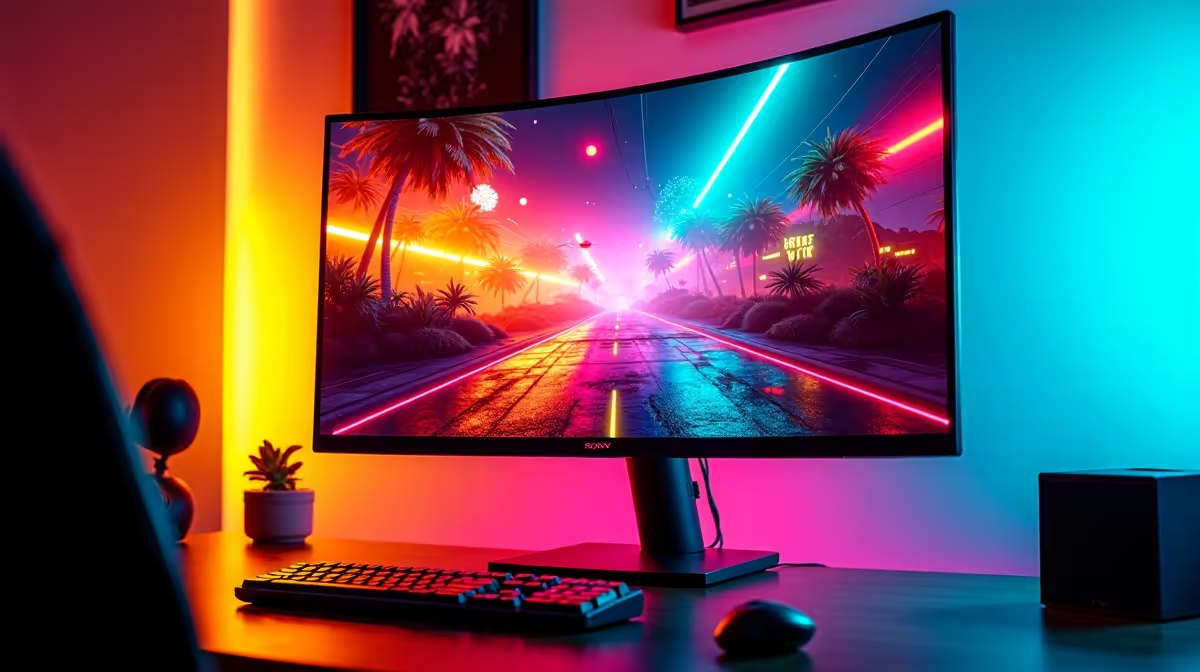
Remember booting up your Sega Mega Drive or PlayStation 1? The pure, blocky joy of it. But plugging that classic console into a shiny new widescreen monitor can feel... wrong. Stretched pixels, blurry graphics, and noticeable lag can ruin the nostalgia. The good news? You don't need a massive, heavy CRT to get the perfect picture. Finding the best monitor for retro gaming is about choosing modern tech that honours the classics.
Why Do Retro Games Look... Off... on New Screens?
The magic of old games was designed for the bulky, square-ish CRT televisions of the day. Modern LCD and OLED screens are technological marvels, but they handle old video signals very differently. The main culprits are:
- Aspect Ratio Mismatch: Classic games were made for a 4:3 aspect ratio (a squarish screen). Your new monitor is likely 16:9 (a wide rectangle). Without the right settings, the monitor stretches the image to fit, making Sonic look like he’s had a few too many chilli dogs.
- Pixel Scaling: A 240p signal from a SNES doesn't divide cleanly into a 1080p or 4K screen. This causes uneven pixels and a soft, blurry image instead of the sharp, blocky aesthetic you remember.
- Input Lag: This is the delay between pressing a button and seeing the action on-screen. While many modern screens are incredibly fast, some TVs and non-gaming monitors can introduce lag that makes precise platformers feel sluggish. It's a small detail that can make a huge difference, which is why it's always worth checking out the best PC monitor deals in South Africa to find a responsive panel.
Key Features in the Best Monitors for Retro Gaming
To get that pixel-perfect experience, you need a monitor with the right features. Forget about chasing the highest refresh rates for a moment; for retro, a different set of specs matters most. When searching for the best modern monitors for retro gaming, prioritise these things.
Aspect Ratio Control
This is non-negotiable. Your monitor must have an option in its on-screen display (OSD) to force a 4:3 aspect ratio. This will display the game correctly with black bars on the sides (called pillarboxing), preserving the original look and feel.
Low Input Lag & Response Time
While you don't need 240Hz for Pac-Man, you absolutely need a screen with low input lag. This ensures your controls feel snappy and responsive, just like they did on original hardware. Thankfully, nearly all of our full range of gaming monitors are built for low latency, making them excellent choices.
Panel Type & Colour 🎨
The panel technology affects how your games look. IPS (In-Plane Switching) panels are fantastic for their vibrant colour reproduction, bringing the pixel art of games like Chrono Trigger to life. They offer a huge upgrade over the washed-out look of older LCDs. You can browse our variety of PC monitors to compare different panel types.
Resolution and Scaling
Here's a surprise: a higher resolution isn't always better. A 1080p or 1440p monitor can often produce a sharper image for old games than a 4K screen. This is because their resolutions are cleaner multiples of the original game resolutions (like 240p), allowing for "integer scaling" which keeps pixels uniform and crisp. While this is a niche detail, it's something to keep in mind, even when looking at high-end 4K monitors which often have excellent built-in scalers anyway.
Authentic Feel Pro Tip ✨
Many emulators and devices like the MiSTer FPGA let you add 'scanline' filters. This mimics the look of old CRT screens, adding dark lines between the rows of pixels. It can make classic games feel much more authentic on a sharp, modern LCD panel. Experiment with different shader settings to find your perfect retro vibe!
Top Monitor Types for Your Retro Setup in 2025
So, what should you actually buy? Here are a few types of modern displays that make for an excellent retro gaming experience.
The All-Rounder: 24-inch IPS Monitor
A 24-inch, 1080p IPS monitor is often the sweet spot. It's affordable, has great colours, and the pixel density is perfect for sharp retro graphics. It's also a fantastic all-rounder for modern PC gaming and general productivity.
The Modern Twist: A Subtle Curve
While not traditional, playing a classic side-scroller on a display with a gentle curve can be a surprisingly immersive experience. Many gamers find that a subtle curve on our curved monitors helps with focus and draws you into the game world, whether it's Hyrule or the Mushroom Kingdom.
The Compact Powerhouse: Portable Monitors 🕹️
For those with limited space or who use small retro devices like a Raspberry Pi or a MiSTer, a portable monitor is a brilliant solution. These small, USB-powered screens are easy to set up anywhere, creating a dedicated retro station you can pack away in seconds. Check out our range of compact portable monitors for the ultimate flexible setup.
Finishing Touches for the Perfect Retro Rig
Your display is the star, but don't forget the supporting cast. The right cables, adapters (like RCA to HDMI converters), and a good monitor stand can make your setup cleaner and more functional. Having the right monitor accessories ensures you're ready to connect any classic console without a hassle.
Ultimately, the goal is to honour the past without being stuck in it. A great modern monitor can make your favourite classic games look sharper, more colourful, and more responsive than ever before.
Ready to Relive the Glory Days?
Finding the best monitor for retro gaming is about blending nostalgia with modern performance. The right screen can level up your classic library, your new AAA titles, and your daily productivity. Why not get a monitor that does it all? Explore our massive range of PC monitors and find the perfect display to bring all your games to life.