

Article (MDX)
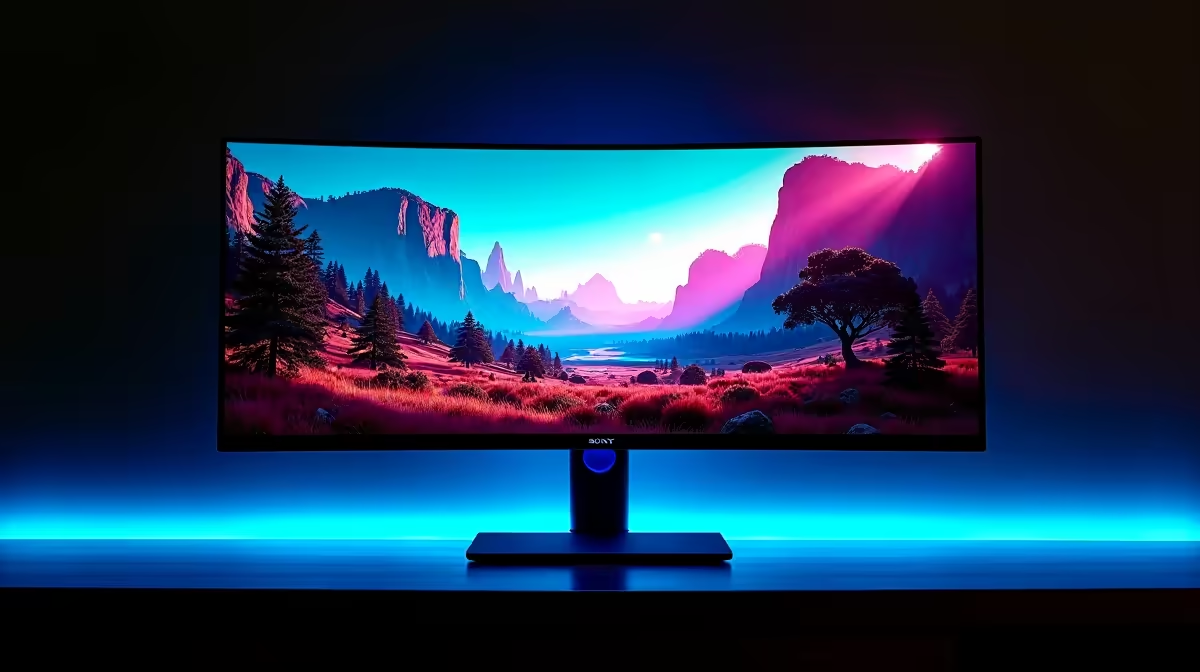
Exploring the Sword Coast in Baldur's Gate 3 is breathtaking, but are you seeing the full picture on your standard screen? A regular 16:9 monitor literally crops the magnificent vistas of Faerûn, cutting off crucial peripheral vision. An ultrawide doesn't just show you more... it pulls you in. If you're ready to truly immerse yourself in this epic CRPG, finding the best ultrawide monitor for Baldur's Gate 3 is your next critical quest.
Why an Ultrawide is Perfect for Baldur's Gate 3
The immediate benefit of switching to a 21:9 aspect ratio is the sheer immersion. Seeing more of the battlefield, the city of Baldur's Gate, or the creepy depths of the Underdark on a single screen is incredible. It makes the world feel vast and alive. But the advantages go beyond just pretty views.
In a complex CRPG like BG3, screen real estate is everything. An ultrawide display gives you space to spread out the chaotic user interface. You can keep your hotbars, character portraits, and the combat log visible without them feeling cramped or covering up the action. This expanded field of view also means less panning and scrolling, letting you take in tactical situations at a glance. It's a strategic advantage that makes finding a great monitor for this CRPG a worthwhile investment. Ready to see the difference? Check out Evetech's huge selection of PC monitors to get started.
Key Features for Your BG3 Ultrawide Monitor
Choosing the best ultrawide monitor for Baldur's Gate 3 isn't just about size. Certain specs make a huge difference in how the game looks and feels. Let's break down the most important ones for your adventure in Faerûn. ✨
Resolution: The Sweet Spot for Detail
For a 34-inch ultrawide, the gold standard is WQHD, or 3440x1440 resolution. This gives you a sharp, detailed image that does justice to Larian Studios' incredible art design. You'll be able to read text clearly and appreciate the fine details on character armour and environments. While 4K ultrawides exist, they demand a beastly graphics card to run smoothly, making 1440p the perfect balance of performance and visual quality for most South African gamers.
Refresh Rate & Smoothness
Baldur's Gate 3 isn't a fast-paced shooter, so you don't need a 240Hz panel. However, a higher refresh rate still makes a noticeable difference. A monitor with 100Hz or more provides a much smoother experience when panning the camera or during spell-effect-heavy combat.
More importantly, look for adaptive sync technology. This prevents screen tearing, a distracting visual glitch where the image appears to split. Whether your GPU supports AMD FreeSync, NVIDIA G-Sync, or a more general Adaptive Sync standard, it's a crucial feature for a seamless journey.
Quick Tip for BG3 Players 🎲
Once you're in the game, go to Video Options and ensure your chosen resolution and aspect ratio are selected. Also, try switching between Fullscreen and Borderless Fullscreen modes. Sometimes one performs better than the other, especially with multiple monitors.
Panel Type: Bringing Faerûn's Colours to Life
The panel technology inside your monitor determines its colour accuracy, contrast, and viewing angles.
- IPS (In-Plane Switching): Known for the best colour reproduction and wide viewing angles. If you want the vibrant magic and lush landscapes of BG3 to look their absolute best, an IPS panel is a fantastic choice. Brands like HP often use high-quality IPS panels in their displays.
- VA (Vertical Alignment): These panels offer superior contrast, meaning deeper blacks and more striking differences between light and dark areas. This is amazing for exploring shadowy dungeons or experiencing the moody lighting of the game. Gaming favourites from AOC frequently use VA panels for that punchy contrast.
Ultimately, the choice between IPS and VA comes down to personal preference—vibrant colours vs. deep blacks. Both are excellent options for a top-tier BG3 experience, with brands like Dahua offering great value across both panel types.
Finding the best ultrawide monitor for Baldur's Gate 3 in 2025 means matching these features to your budget and PC's capabilities. With the right screen, you’re not just playing the game; you’re living in it. 🚀
Ready to Expand Your Horizons? Baldur's Gate 3 is a masterpiece that deserves the best possible view. An ultrawide monitor isn't just an upgrade; it's a new way to experience the Sword Coast. Explore Evetech's full range of gaming monitors and find the perfect portal to Faerûn today.











