


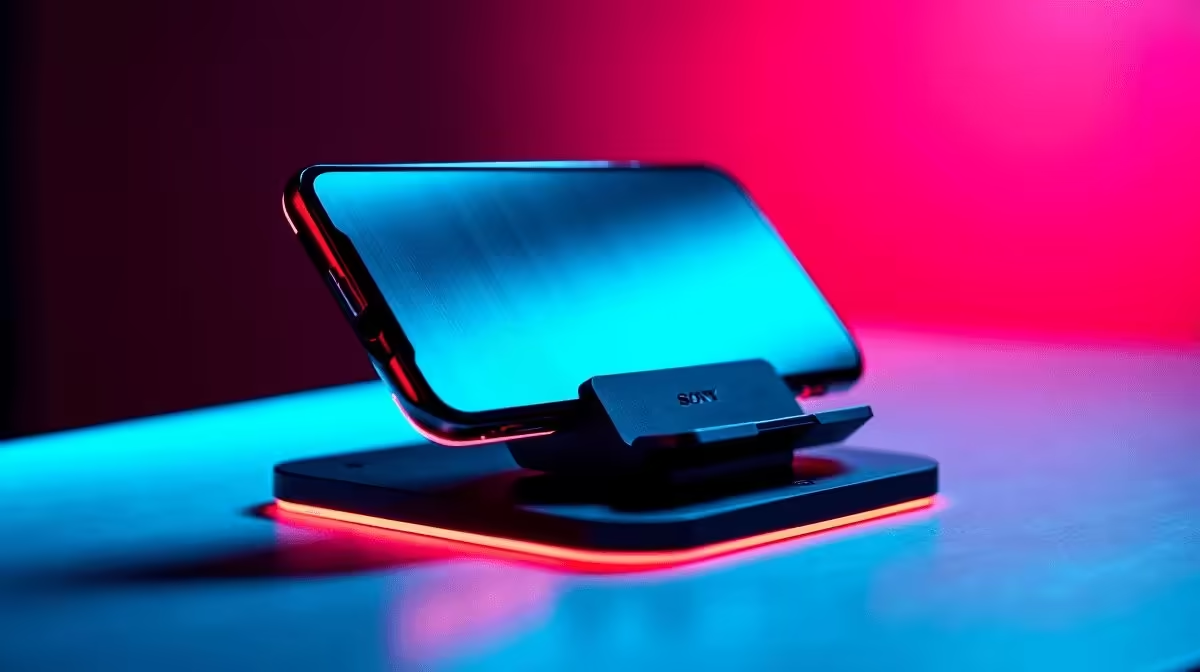
Your phone is increasingly a second screen for remote work, and the tools that serve it best travel with you. Whether you are working from a Cape Town co-working space for a week, a Durban hotel room, or a neighbourhood cafe that became your Tuesday office, a compact phone mount designed for portability turns your handset into a proper part of a productive mobile workstation rather than something propped against a coffee cup.
Quick Answer
A compact foldable phone mount weighing under 80 g with a base footprint smaller than a deck of cards is the right form for remote work travel. Quality options land between R80 and R250. Look for a silicone base pad, adjustable viewing angle, and a design that folds flat for bag storage.
🧳 What Makes a Phone Mount Actually Portable for Remote Work
Portability is about three things: packed size, weight, and setup speed. A mount that packs flat to under 15 mm thickness slips alongside a laptop or into a side pouch without displacing anything. Weight under 80 g means it contributes nothing noticeable to your bag. And a mount that opens to a usable position in under 10 seconds without fiddling fits into the tempo of setting up in a new space.
Foldable aluminium or ABS kickstand-style mounts collapse to a credit-card footprint and are the most common format for remote workers. They are less adjustable than a full arm holder but offer the right trade-off for portability. If you need height adjustment for eye-level positioning, look for a telescopic vertical bar within the folded design rather than a fixed single-angle kickstand.
A silicone or rubberised base pad is essential for cafe and hotel surfaces. Polished tables, glass tabletops, and marble reception counters are all common remote work surfaces that a bare plastic base will slide on. Silicone adheres through grip rather than adhesive and leaves no residue.
💻 Using Your Phone as a Second Screen for Remote Productivity
A phone positioned at the correct height and angle beside your laptop becomes a dedicated notification panel, a camera monitor for video calls, a reference display for documents, or a dedicated timer for focused work sessions. The ergonomic rule that applies at a desk applies here too: chin-tilt downward over a phone flat on the table adds cumulative strain across a multi-hour session.
A compact travel mount puts the phone face at roughly the same height as your laptop's bottom screen edge, which keeps your eye movement within a comfortable horizontal band rather than requiring a full head drop to check incoming messages.
For video calls where you want to show a secondary angle, a compact travel mount doubles as a quick mobile camera stand. Hotels and accommodation with a desk are the most useful context here, but any flat stable surface works with a grippy base.
🏨 Hotel, Cafe, and Co-Working Setups: Practical Considerations
The difference between a good travel mount and a mediocre one shows up in real-world surfaces. Hotel rooms often have glass desk surfaces. Cafes have varnished wood or resin tops. Co-working spaces vary widely. A mount with a dedicated non-slip pad handles all of these; a mount with a bare smooth base handles none reliably.
Viewing angle range matters in spaces where you cannot control the lighting. A mount that only offers one fixed angle may leave your screen washed out by overhead lighting or a nearby window. An adjustable hinge in the 15-degree to 90-degree range lets you tilt the phone face away from the light source regardless of where the desk is positioned in the room.
Finally, cable management is a real concern in temporary workspaces. A mount with a small cable routing slot keeps the charging cable from flopping across the desk surface and pulling the phone off its base.
Frequently Asked Questions
Can a compact travel phone mount hold a phone securely on a moving train or bus?
Not reliably. Foldable kickstand mounts rely on gravity and surface grip, not clamping. They are designed for stationary surfaces. For mobile transport use, a clip or strap-based mount designed for vehicle seats or headrests is more appropriate.
What is the best way to carry a compact phone mount in a work bag?
Fold it flat and place it in a rigid flat compartment, such as a laptop sleeve's accessory pocket, to prevent the hinge from being bent open by other items. Most folding mounts are designed to be dropped in a bag without a carry case, but a brief pocket keeps them from scratching other accessories.
Will a compact phone mount scratch my phone if used daily?
Phone contact points should be silicone, rubber, or soft TPU to prevent scratching. Hard plastic or bare metal contact points can mark the phone back or sides over repeated insertions. Check the grip material before purchasing if you use your phone caseless.
How do I stop the phone from slowly tilting forward on a low-angle kickstand?
The hinge tension on a kickstand mount is set at the factory and may loosen with heavy use. Some models have an adjustable friction screw in the hinge. If the hinge becomes too loose to hold the angle, folding and unfolding the mount several times resets the spring tension temporarily, though a replacement mount is the proper long-term fix.
Are there compact phone mounts that also work as a wireless charging pad stand?
Yes, some travel mounts incorporate a Qi wireless charging coil in the stand base with a USB-C input for the charge source. These add weight (typically 100 g to 150 g total) but consolidate a charger and a stand into a single item, which can reduce total bag weight if you would otherwise carry both separately.
Setting up a mobile office anywhere you go? Find compact phone mounts, travel accessories, and tech gear at Evetech to keep your remote setup productive wherever you land.









