

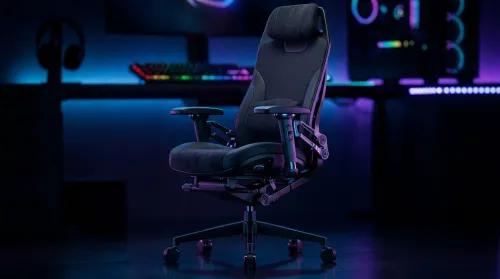
3D Armrest Ergonomic Gaming Chair Features for Comfort
Shop smart for a 3D armrest ergonomic gaming chair: key support points, adjustable lumbar, pressure relief, and smooth armrest tuning. ✅🎮 Get comfort that lasts.
Read moreCorsair K60 PRO TKL OPX vs Cherry MX — break down feel, actuation, noise, and gaming performance to match your playstyle. Learn which linear switch suits FPS, MMOs, and typing. ⚔️🎧
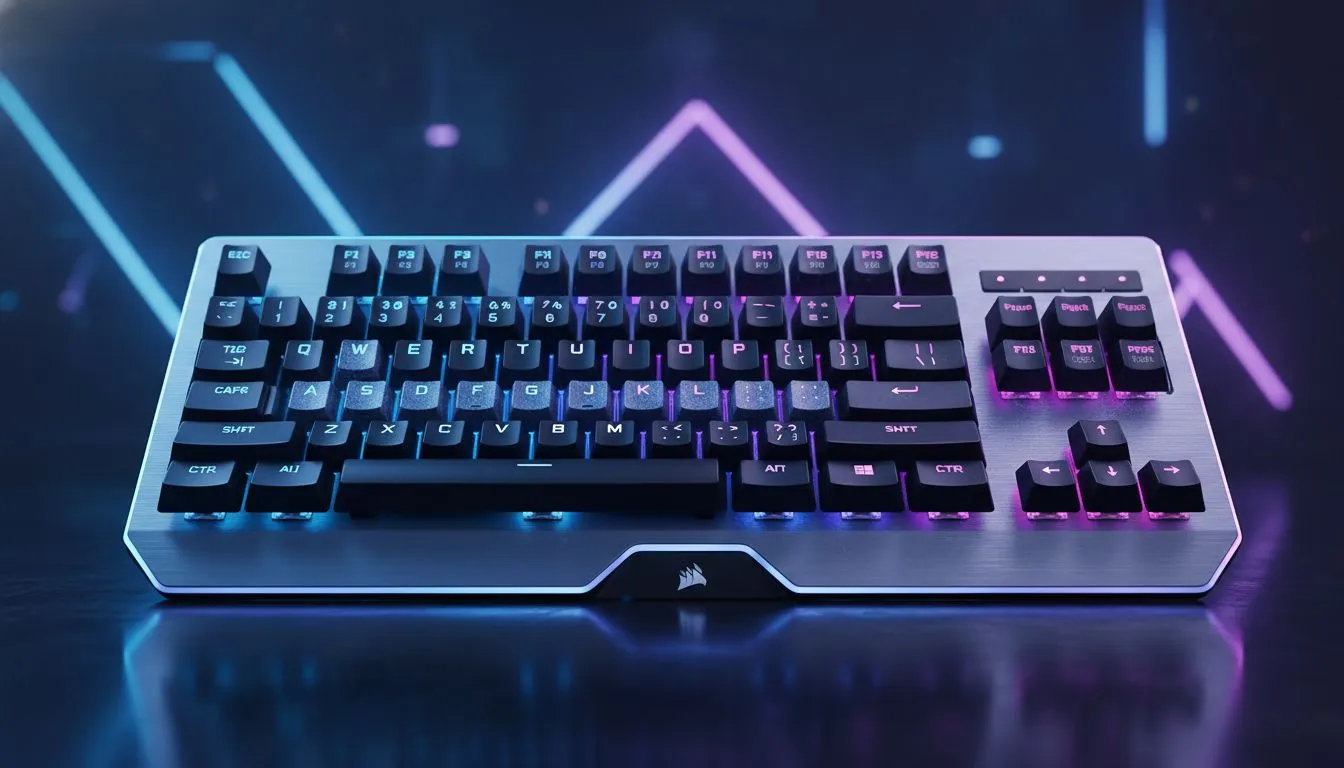
Choosing between the Corsair K60 PRO TKL OPX vs Cherry MX is the ultimate dilemma for South African gamers chasing that competitive edge. Whether you are climbing the ranks in Valorant or just want a reliable daily driver, the switch under your fingertips matters. Let's break down which linear switch actually deserves a spot on your desk at the best possible price. ⚡
The Corsair K60 PRO TKL OPX vs Cherry MX comparison often boils down to speed versus tradition. Corsair’s OPX optical-mechanical switches use a beam of light to register a keystroke. This means there is zero debounce delay. With a tiny 1.0mm actuation distance, these switches are built for rapid-fire inputs. If you are browsing the best gaming keyboard deals, you will notice that this tech usually commands a premium, but the performance gains in fast-paced titles are undeniable.
On the other side, Cherry MX Red or Speed switches remain the industry standard. They rely on physical metal contacts... a classic feel that many South Africans still prefer for typing and gaming alike. When you look to buy cheapest gaming keyboard in South Africa, you might find more Cherry-style mechanical options that offer a familiar, reliable resistance.
If you find yourself accidentally triggering keys while resting your fingers, the OPX switches might be too sensitive for you. Beginners often prefer the slightly deeper travel of traditional Cherry MX switches to avoid 'fat-fingering' abilities in the heat of a match.
For those who want a clean, minimalist desk, the TKL (Tenkeyless) form factor is a winner. It saves space for massive mouse flicks. You can often find these switches in various setups, including a keyboard and mouse combo for an all-in-one upgrade. While the K60 PRO TKL is wired for zero latency, Evetech offers a wide range of wired gaming keyboards for the purists and wireless gaming keyboards for those who hate cable clutter. 🔧
Durability is another factor where the Corsair K60 PRO TKL OPX vs Cherry MX debate gets interesting. Optical switches like the OPX are rated for 150 million keystrokes because they have fewer moving parts that touch. Cherry MX switches are usually rated for 100 million... still incredible, but technically lower. In the South African market, where we want our gear to last through years of intense sessions, both are excellent investments. 🚀
Ultimately, the choice depends on your playstyle. If every millisecond counts and you want the fastest tech available, the OPX is the clear victor. If you value a tried-and-tested mechanical feel with a slightly more deliberate press, Cherry MX is still a top-tier contender. ✨
Ready to Find Your Perfect Match? The Corsair K60 PRO TKL OPX vs Cherry MX debate is all about your personal playstyle and speed requirements. For the best prices and expert advice in South Africa, Evetech has you covered. Explore our full range of gaming keyboards and upgrade your setup today.
OPX are optical linear switches with faster actuation and lower debounce latency; Cherry MX rely on mechanical contact with varied travel and sound.
Yes — the Corsair K60 PRO TKL OPX's optical actuation and consistent linear feel often give a slight edge in fast FPS inputs.
Not always; noise depends on Cherry MX variant and keycap/plate materials. OPX can be quieter due to smoother travel but varies by build.
Absolutely — OPX linear switches are smooth and require less force, making them comfortable for extended typing and gaming.
Hot-swap depends on the keyboard PCB. Some Corsair K60 PRO TKL models support switch replacement; check the specific model specs.
For hybrid use, choose based on preference: OPX for quick actuation and smoother gaming; Cherry MX for tactile choices and varied sound profiles.
Test feel and actuation: pick OPX for fast, consistent linear performance (FPS), or Cherry MX if you prefer specific travel and acoustic tone.
Shop smart for a 3D armrest ergonomic gaming chair: key support points, adjustable lumbar, pressure relief, and smooth armrest tuning. ✅🎮 Get comfort that lasts.
Read more
Use this ergonomic gaming chair adjustable lumbar support checklist to spot key comfort features, avoid poor fit, and choose the right support for long sessions. 🪑✅
Read more
Wondering if a 49-inch UWQHD monitor is too big for your gaming desk? We break down ideal desk depth, viewing distance, and clearance tips so you can upgrade confidently. 🎮🛠️
Read more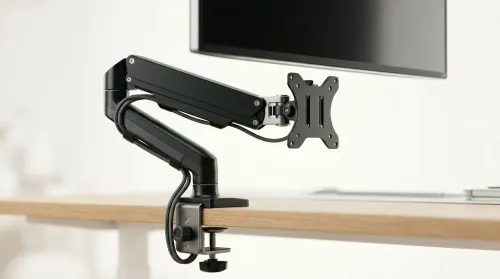
Running out of desk space? A VESA monitor arm and under-desk mount free up more room than you think. Less clutter, better ergonomics, smoother cable routing. Clear your workspace today ✅🖥️
Read more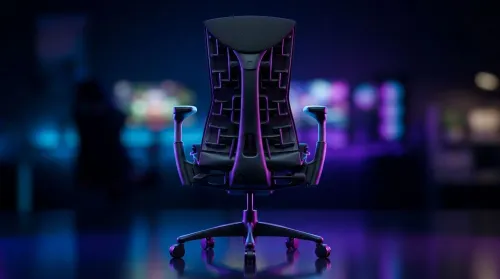
Gaming chair with adjustable lumbar support should fit your back, not fight it. We cover lockable recline and 3D armrests so you can sit longer, game better, and adjust fast. 🎮🪑
Read more
Every spec on PCIe 5.0 explained in plain English. What matters for gaming and creator work in 2026, what's marketing fluff, and how each number translates to real-world performance.

A head-to-head look at WiFi 7: real-world performance, ZAR pricing and which option delivers better value for SA builders. The clear answer — no fluff.

Everything you need to set up and tune PCIe 5.0 properly: the prep work, the settings that actually matter, and the mistakes to skip. Written for SA builders in 2026.

Everything you need to set up and tune X870E Motherboard properly: the prep work, the settings that actually matter, and the mistakes to skip. Written for SA builders in 2026.

Wondering what a 512GB SSD capacity really holds? This guide breaks down how many games, photos, and documents fit on 512GB, with real-world ranges 📦💾

Every spec on vrm explained in plain English. What matters for gaming and creator work in 2026, what's marketing fluff, and how each number translates to real-world performance.

Every spec on motherboard explained in plain English. What matters for gaming and creator work in 2026, what's marketing fluff, and how each number translates to real-world performance.

Premium vs Midrange Motherboards in South Africa: real-world performance, SA pricing, power draw and which one delivers better value for your build for SA buyers. The clear answer — without the fluff.
Wondering what a 512GB SSD capacity really holds? This guide breaks down how many games, photos, and documents fit on 512GB, with real-world ranges 📦💾
Every spec on PCIe 5.0 explained in plain English. What matters for gaming and creator work in 2026, what's marketing fluff, and how each number translates to real-world performance.
A head-to-head look at WiFi 7: real-world performance, ZAR pricing and which option delivers better value for SA builders. The clear answer — no fluff.

Every spec on USB4 explained in plain English. What matters for gaming and creator work in 2026, what's marketing fluff, and how each number translates to real-world performance.