

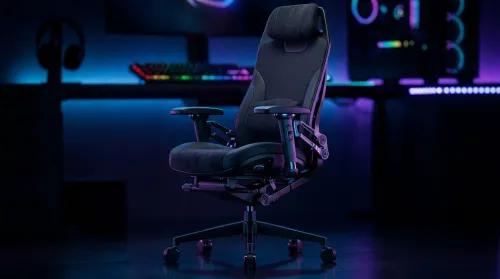
3D Armrest Ergonomic Gaming Chair Features for Comfort
Shop smart for a 3D armrest ergonomic gaming chair: key support points, adjustable lumbar, pressure relief, and smooth armrest tuning. ✅🎮 Get comfort that lasts.
Read moreMini PC under 100W: Compare top compact, high-performance systems that keep you productive during loadshedding. We test power draw, thermals, UPS pairing and real-world performance so you can buy a reliable low-power mini PC. ⚡💻
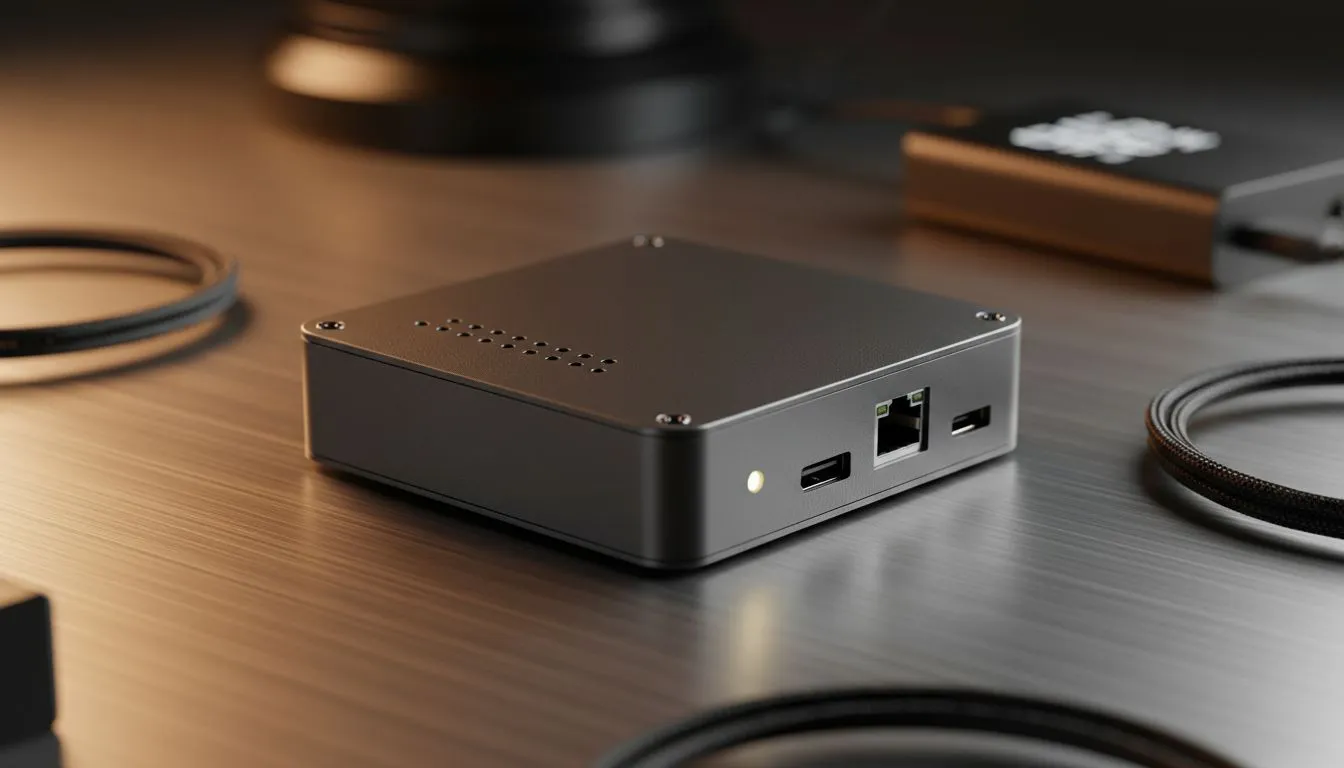
Loadshedding doesn't have to mean total darkness for your productivity or gaming. While a beefy desktop chugs power like a V8, a Mini PC Under 100W is the ultimate efficiency king. These tiny titans offer enough punch for work and play without draining your inverter in minutes. If you want to stay online through Stage 6, choosing the right low-power hardware is essential. ⚡
Most standard gaming desktops pull between 300W and 600W under load. That is a massive drain on any backup battery system. By switching to mini PCs, you significantly extend your uptime. Most of these units idle at 10W and peak well under the 100W mark. This means your 1kWh battery lasts hours instead of minutes. It is the smartest way to optimise your setup for the South African power grid.
You might think small size means low power... but that is no longer true. Modern mobile processors from AMD and Intel deliver incredible speed. You can easily handle 4K video editing or heavy multitasking on these compact computing solutions. They use the same tech found in high-end laptops but without the bulky screen. This allows for better airflow and sustained performance during long work sessions. 🚀
To maximise your battery life during loadshedding, adjust your Windows Power Plan to 'Best Power Efficiency'. This caps the CPU clock speeds slightly... but it can save an extra 15W of power draw without affecting basic office tasks or streaming.
When looking for a Mini PC Under 100W, brand choice matters for thermal efficiency. The Minisforum range is particularly impressive in the South African market. They offer liquid metal cooling and robust BIOS options to limit power draw even further. This ensures your system stays cool and quiet while the lights are out. 🔧
Investing in low-wattage gear is a hedge against rising electricity costs. These units often cost less than a traditional tower with similar specs. You save on the initial purchase and the monthly bill. Plus, they fit behind a monitor for a clean, minimalist desk look. ✨
Ready to Beat the Blackouts? Staying productive during loadshedding is all about choosing the right hardware for the job. Explore our full range of Mini PCs and find a high-performance, low-power solution that keeps you working through any stage.
It depends on use. Pick efficient CPUs (low-TDP Ryzen/Intel), good thermals and integrated or low-power GPUs; consult our best mini pc under 100w picks.
Plan ~100Wh per hour at 100W draw. For 4 hours choose ~400Wh UPS/battery and enable power-saving modes on your mini pc under 100w to extend runtime.
Yes for esports and light titles. Use integrated or low-power GPUs and lower settings to stay within 100W while managing thermals on the mini pc.
Choose a true sine wave UPS with sufficient wattage and runtime, connect via USB or network for graceful shutdown, and size capacity for your mini PC plus peripherals.
Fanless units can be reliable if designed for thermal dissipation and moderate loads; review thermal benchmarks before buying a fanless mini pc.
Prioritize M.2 NVMe slots, SODIMM RAM, multiple display outputs and USB-C/Thunderbolt for docking and efficient power use in a compact 100W system.
Expect strong single-thread CPU performance, decent iGPU workloads and efficient multi-core results suitable for productivity, streaming and light content tasks.
Shop smart for a 3D armrest ergonomic gaming chair: key support points, adjustable lumbar, pressure relief, and smooth armrest tuning. ✅🎮 Get comfort that lasts.
Read more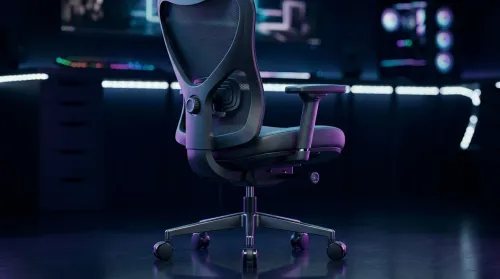
Use this ergonomic gaming chair adjustable lumbar support checklist to spot key comfort features, avoid poor fit, and choose the right support for long sessions. 🪑✅
Read more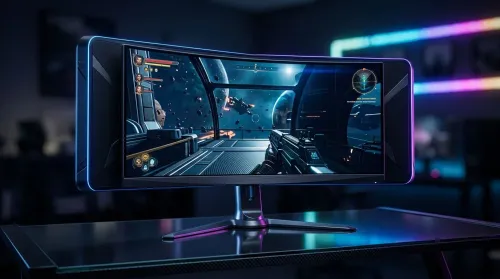
Wondering if a 49-inch UWQHD monitor is too big for your gaming desk? We break down ideal desk depth, viewing distance, and clearance tips so you can upgrade confidently. 🎮🛠️
Read more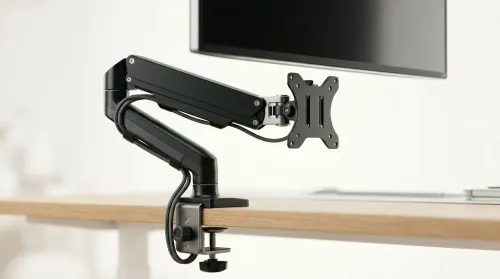
Running out of desk space? A VESA monitor arm and under-desk mount free up more room than you think. Less clutter, better ergonomics, smoother cable routing. Clear your workspace today ✅🖥️
Read more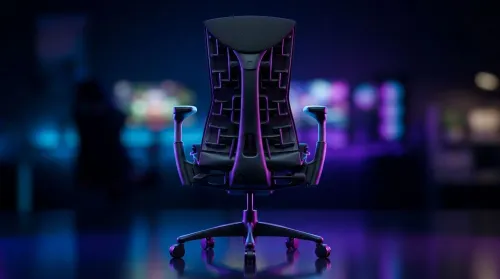
Gaming chair with adjustable lumbar support should fit your back, not fight it. We cover lockable recline and 3D armrests so you can sit longer, game better, and adjust fast. 🎮🪑
Read more
Every spec on PCIe 5.0 explained in plain English. What matters for gaming and creator work in 2026, what's marketing fluff, and how each number translates to real-world performance.

A head-to-head look at WiFi 7: real-world performance, ZAR pricing and which option delivers better value for SA builders. The clear answer — no fluff.

Everything you need to set up and tune PCIe 5.0 properly: the prep work, the settings that actually matter, and the mistakes to skip. Written for SA builders in 2026.

Everything you need to set up and tune X870E Motherboard properly: the prep work, the settings that actually matter, and the mistakes to skip. Written for SA builders in 2026.

Wondering what a 512GB SSD capacity really holds? This guide breaks down how many games, photos, and documents fit on 512GB, with real-world ranges 📦💾

Every spec on vrm explained in plain English. What matters for gaming and creator work in 2026, what's marketing fluff, and how each number translates to real-world performance.

Every spec on motherboard explained in plain English. What matters for gaming and creator work in 2026, what's marketing fluff, and how each number translates to real-world performance.

Premium vs Midrange Motherboards in South Africa: real-world performance, SA pricing, power draw and which one delivers better value for your build for SA buyers. The clear answer — without the fluff.
Wondering what a 512GB SSD capacity really holds? This guide breaks down how many games, photos, and documents fit on 512GB, with real-world ranges 📦💾
Every spec on PCIe 5.0 explained in plain English. What matters for gaming and creator work in 2026, what's marketing fluff, and how each number translates to real-world performance.
A head-to-head look at WiFi 7: real-world performance, ZAR pricing and which option delivers better value for SA builders. The clear answer — no fluff.

Every spec on USB4 explained in plain English. What matters for gaming and creator work in 2026, what's marketing fluff, and how each number translates to real-world performance.