


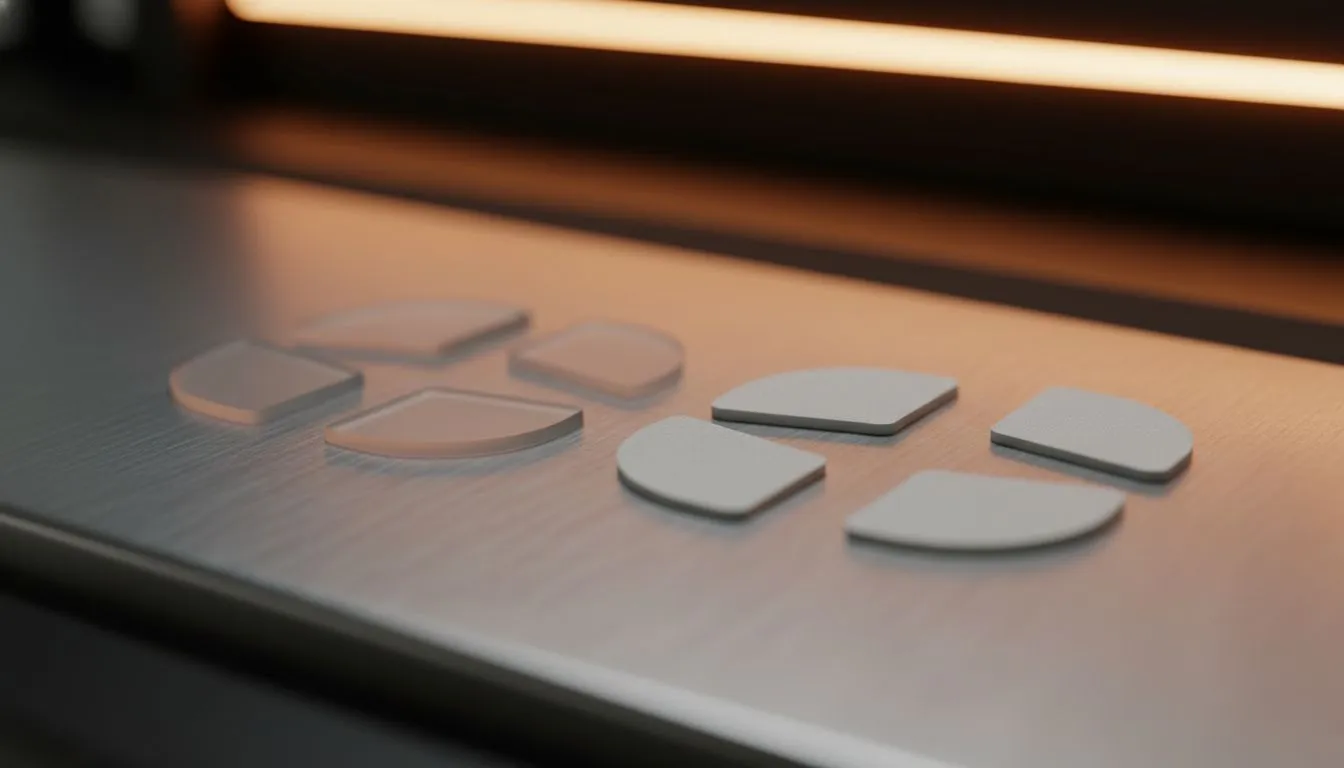
Ever felt your aim get "muddy" during a clutch moment in CS2 or Valorant? It’s likely not your sensor failing you; it’s the friction underneath. Learning to replace mouse skates is the most cost-effective upgrade to revive your peripheral's performance. Whether you choose Glass vs PTFE feet depends on your playstyle, but securing that better glide is non-negotiable for serious South African gamers looking to climb the ranks. 🎯
Why Your Glide Feels Like Gravel
Most mice come from the factory with standard feet that wear down over time. South Africa's dusty environment doesn't help either; grit gets trapped on your pad, turning your smooth glide into a scratchy mess. Before you drop thousands of Rands on a brand new gaming mouse, check the bottom. If the feet look flat or scratched, a simple replacement can make it feel brand new.
There are two main contenders in the aftermarket scene: pure PTFE (Teflon) and tempered glass (Aluminosilicate). Let's break down which one suits your setup.
The Contenders: PTFE vs Glass ⚔️
PTFE: The Control King
Polytetrafluoroethylene (PTFE) is the standard for a reason. It offers a balanced glide with decent stopping power.
- Pros: excellent control for tactical shooters, cheaper (usually under R200), familiar feel.
- Cons: wears out eventually, higher static friction than glass.
If you rely on micro-adjustments and holding angles, PTFE is your best bet. It provides the friction needed to stop your crosshair exactly on a pixel.
Glass: The Speed Demon
Glass skates (like Superglides) have taken the scene by storm. They offer virtually zero static friction.
- Pros: incredibly fast, consistent feel, extremely durable (they don't wear down like plastic).
- Cons: expensive, harder to control (stopping requires more hand tension), sensitive to humidity on some pads.
Glass is ideal for tracking-heavy games like Apex Legends or Overwatch 2, where you need to follow a moving target smoothly without any "tug" from the mouse pad.
Installation Pro Tip 🔧
When removing your old mouse skates, use a hairdryer on low heat for 10-15 seconds to loosen the adhesive. This prevents residue from sticking to the mouse shell. Clean the surface thoroughly with Isopropyl Alcohol before applying the new feet to ensure they stick perfectly flat.
Optimising Your Entire Battle Station
Upgrading your skates is just one piece of the puzzle. To truly benefit from that friction-free movement, your visual feedback needs to keep up. High-refresh PC monitors ensure that your smooth physical movements translate to fluid motion on screen. If your screen is tearing, even the best mouse feet won't save your aim.
Don't neglect your other peripherals either. While your right hand manages the aim, your left hand needs a responsive gaming keyboard for precise strafing. It's all about synchronisation. Of course, not every game requires sweaty aim; for titles like Elden Ring or FIFA, you might want to swap the mouse entirely for ergonomic gaming controllers.
Performance Beyond Input
A smooth mouse helps you react, but system latency can hold you back. Ensure your games are installed on fast solid state drives to reduce stutter and load aim trainers instantly.
Once your aim is looking crisp, you might want to share those highlight reels. High-quality streaming essentials like capture cards and lights can turn your gameplay into content. Just remember, visual quality is only half the battle—clear comms are vital. Pair your setup with crystal-clear microphones to ensure your team hears your calls, and use immersive headphone headsets to hear enemy footsteps before they even see you. 🎧
The Verdict
If you want consistency and stopping power, stick to high-quality aftermarket PTFE. If you want speed and longevity, give glass a try. Either way, replacing your skates is a small maintenance task that yields massive results.
Ready to Upgrade Your Setup? Whether you need the precision of a new lightweight mouse or the raw power of a custom rig, Evetech has South Africa's best gaming gear. Shop our latest Gaming Mouse deals and start clicking heads with confidence today.











