

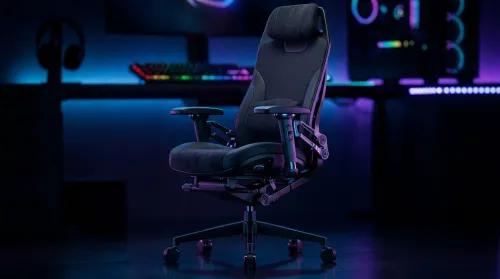
3D Armrest Ergonomic Gaming Chair Features for Comfort
Shop smart for a 3D armrest ergonomic gaming chair: key support points, adjustable lumbar, pressure relief, and smooth armrest tuning. ✅🎮 Get comfort that lasts.
Read more- Evaluate 1440p performance - Compare high settings FPS and visuals - Recommend optimal builds and settings rtx 5060 ti review: real-world 1440p high settings guide with benchmarks, tuning tips, and value advice 🚀🖥️
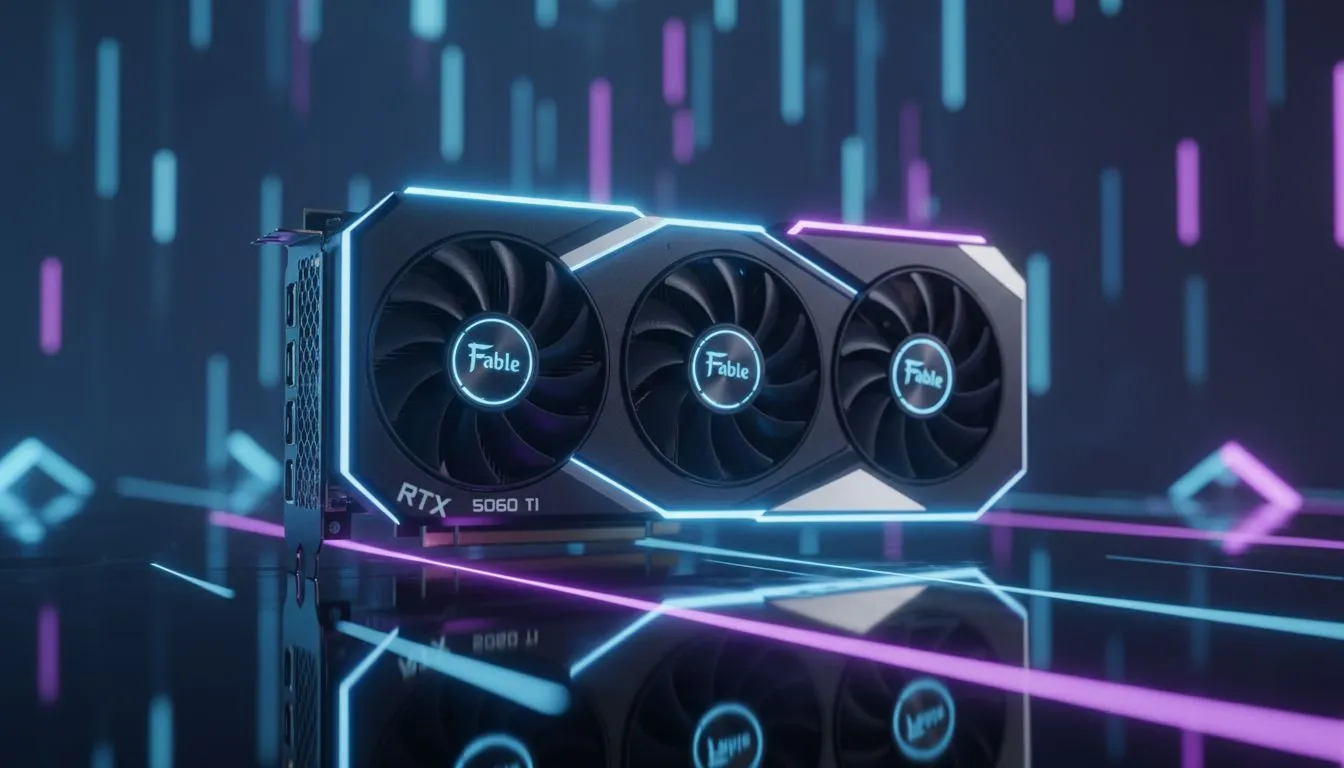
Upgrading your rig in South Africa shouldn't cost as much as a second-hand hatchback... The latest mid-range hardware is finally here to bridge the gap between 1080p and 4K. In this RTX 5060 Ti Review: 1440p High Settings Guide, we explore how this card handles modern titles. It promises high frame rates without the eye-watering price tag often seen in premium builds. 🚀
The RTX 5060 Ti targets the mid-range market with surgical precision... It aims to deliver over 60 FPS in modern titles at 1440p. Even with ray tracing enabled, the card holds its ground remarkably well. You can find a massive selection of NVIDIA graphics cards at Evetech to suit your specific budget.
When testing titles like Cyberpunk 2077, the card maintains stable frames on high settings... This is largely thanks to improved architecture and better memory management. Local gamers will appreciate the efficiency, especially when trying to keep power consumption low during those long sessions. ⚡
When gaming on a 50-series card, always enable 'Power Management Mode' in the NVIDIA Control Panel to 'Normal'. This keeps your card cooler during long sessions and reduces power draw... it is perfect for saving battery on your UPS during load shedding.
Local summer temperatures can be a nightmare for high-end hardware... Thankfully, brands like MSI graphics cards offer excellent cooling solutions for the 5060 Ti. At a price point starting around R9,500... this card offers serious value for South African gamers.
The dual-fan designs remain quiet even under heavy load... This ensures your immersion isn't broken by a jet engine taking off under your desk. For anyone following this RTX 5060 Ti Review: 1440p High Settings Guide, the thermal headroom is a standout feature.
While NVIDIA leads in features like DLSS, you should always consider the alternatives... Many AMD Radeon graphics cards provide more raw VRAM for similar prices. If you are on a strict budget, Intel Arc graphics cards are becoming increasingly competitive for entry-level 1440p gaming.
However, the software suite provided by NVIDIA remains a massive drawcard... Frame generation allows the 5060 Ti to punch way above its weight class. It makes 1440p high settings feel buttery smooth in almost every scenario. ✨
This card isn't just for fragging enemies in Valorant... It excels in creative workloads too. For those doing heavy 3D rendering or professional video work, checking out dedicated workstation graphics cards might be wise. But for the average South African creator, the 5060 Ti is more than capable. 🔧
Ready to Find Your Perfect Match? The RTX 5060 Ti offers incredible balance, but the right card depends on your unique needs. Explore our massive range of graphics card specials and find the perfect hardware to conquer your favorite games at 1440p.
Yes. The RTX 5060 Ti handles most modern titles at 1440p high settings with 60+ FPS in well-optimized games and 40–70 FPS in demanding AAA titles.
Expect 60+ FPS in esports and optimized games, and 40–70 FPS in demanding AAA titles; see our 1440p benchmarks for exact game results.
The 5060 Ti typically edges the 4060 Ti in raw 1440p performance and ray tracing value, but results vary by title and driver maturity.
Typical power draw under load ranges from 160–220W depending on model and overclock; ensure a quality 550W+ PSU for most builds.
Use native 1440p, high preset, adaptive DLSS/FSR where available, and tweak shadow or ray tracing options to boost FPS while keeping visuals.
Yes. The 5060 Ti offers strong 1440p performance for its price tier, balancing FPS, features, and power efficiency for value-focused builders.
Absolutely. Recent drivers can improve stability and FPS; check our 1440p benchmarks after major driver releases for updated results.
Shop smart for a 3D armrest ergonomic gaming chair: key support points, adjustable lumbar, pressure relief, and smooth armrest tuning. ✅🎮 Get comfort that lasts.
Read more
Use this ergonomic gaming chair adjustable lumbar support checklist to spot key comfort features, avoid poor fit, and choose the right support for long sessions. 🪑✅
Read more
Wondering if a 49-inch UWQHD monitor is too big for your gaming desk? We break down ideal desk depth, viewing distance, and clearance tips so you can upgrade confidently. 🎮🛠️
Read more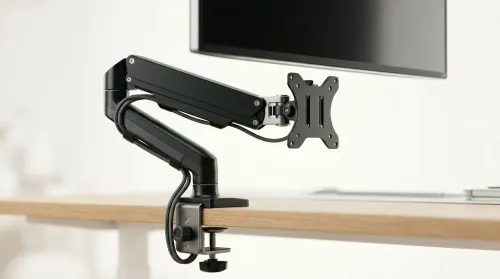
Running out of desk space? A VESA monitor arm and under-desk mount free up more room than you think. Less clutter, better ergonomics, smoother cable routing. Clear your workspace today ✅🖥️
Read more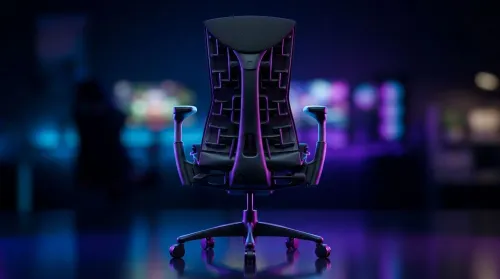
Gaming chair with adjustable lumbar support should fit your back, not fight it. We cover lockable recline and 3D armrests so you can sit longer, game better, and adjust fast. 🎮🪑
Read more
Every spec on PCIe 5.0 explained in plain English. What matters for gaming and creator work in 2026, what's marketing fluff, and how each number translates to real-world performance.

A head-to-head look at WiFi 7: real-world performance, ZAR pricing and which option delivers better value for SA builders. The clear answer — no fluff.

Everything you need to set up and tune PCIe 5.0 properly: the prep work, the settings that actually matter, and the mistakes to skip. Written for SA builders in 2026.

Everything you need to set up and tune X870E Motherboard properly: the prep work, the settings that actually matter, and the mistakes to skip. Written for SA builders in 2026.

Wondering what a 512GB SSD capacity really holds? This guide breaks down how many games, photos, and documents fit on 512GB, with real-world ranges 📦💾

Every spec on vrm explained in plain English. What matters for gaming and creator work in 2026, what's marketing fluff, and how each number translates to real-world performance.

Every spec on motherboard explained in plain English. What matters for gaming and creator work in 2026, what's marketing fluff, and how each number translates to real-world performance.

Premium vs Midrange Motherboards in South Africa: real-world performance, SA pricing, power draw and which one delivers better value for your build for SA buyers. The clear answer — without the fluff.
Wondering what a 512GB SSD capacity really holds? This guide breaks down how many games, photos, and documents fit on 512GB, with real-world ranges 📦💾
Every spec on PCIe 5.0 explained in plain English. What matters for gaming and creator work in 2026, what's marketing fluff, and how each number translates to real-world performance.
A head-to-head look at WiFi 7: real-world performance, ZAR pricing and which option delivers better value for SA builders. The clear answer — no fluff.

Every spec on USB4 explained in plain English. What matters for gaming and creator work in 2026, what's marketing fluff, and how each number translates to real-world performance.