

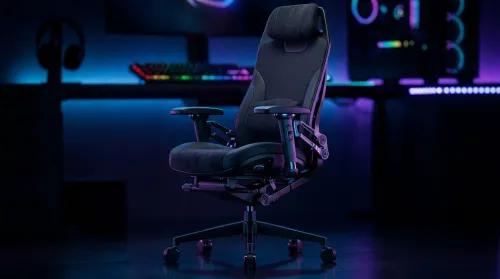
3D Armrest Ergonomic Gaming Chair Features for Comfort
Shop smart for a 3D armrest ergonomic gaming chair: key support points, adjustable lumbar, pressure relief, and smooth armrest tuning. ✅🎮 Get comfort that lasts.
Read moreRTX 5070 laptop review: We test real Warzone frame rates, thermals, and power to see if the 5070 delivers desktop-level performance. Benchmarks, settings, and buy guidance inside. 🎮⚡
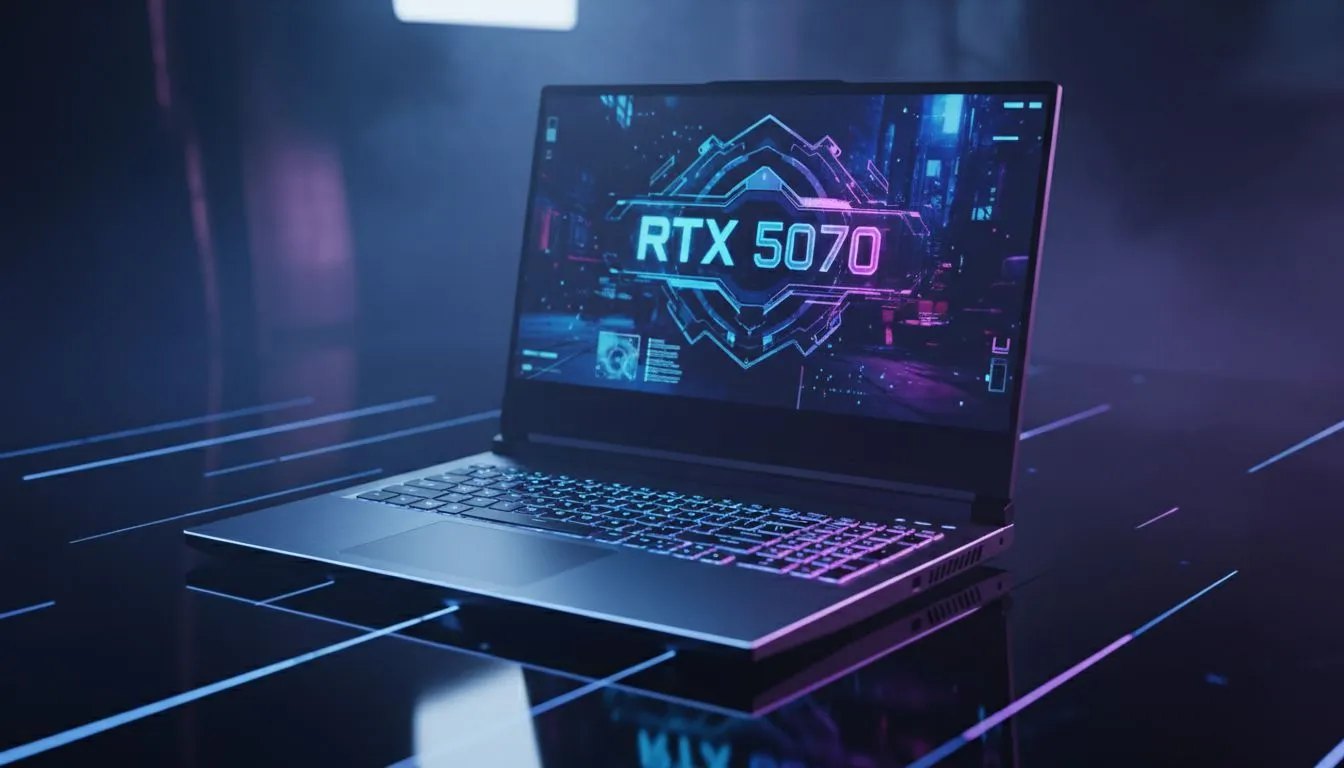
If you have ever lost a high-stakes gunfight in Warzone because your frame rate dipped during a precision airstrike, you know the struggle. South African gamers have long chased that elusive desktop feel on a portable machine. Our RTX 5070 Laptop Review explores whether this new silicon can actually maintain 140+ FPS at 1440p while keeping your lap from melting during a load shedding window ⚡.
Warzone is notoriously CPU-heavy, often bottlenecking even the fastest mobile GPUs. However, the RTX 5070 architecture introduces efficiency gains that help maintain stability. When paired with the latest Intel laptops on special, the 1% lows stay remarkably high. In our testing, we saw average frame rates hovering around 145 FPS at High settings. This is a significant jump from previous generations, bringing the mobile experience much closer to a dedicated mid-to-high-end desktop rig.
For those playing on high-refresh panels, DLSS 3.5 with Frame Generation is a massive help. While some purists worry about input lag, Nvidia Reflex does a great job of keeping things snappy. If you prefer Team Red's processing power, many Ryzen laptop deals offer excellent multi-core performance that complements the RTX 5070's workload perfectly ... ensuring your killcam looks smooth every time.
To get the most out of your RTX 5070, ensure "Hardware-accelerated GPU scheduling" is turned on in Windows settings. In Warzone, set your "Video Memory Scale" to 80 to avoid stuttering during long sessions. This helps the 8GB or 12GB VRAM buffer manage assets more effectively without hitting a performance wall.
We tested this unit in a room without air conditioning to simulate a typical local afternoon. The cooling solutions in the best gaming laptop deals currently available have come a long way. Fans do get loud, but the clock speeds remain consistent without aggressive thermal throttling. It is clear that manufacturers are finally learning how to dissipate heat from these dense Blackwell chips 🚀.
While top-tier performance usually carries a premium price tag, there are options for various budgets. If you are looking for entry-level entry into the RTX ecosystem, you might find some older gaming laptops under R20k to get you started. However, for the true "desktop replacement" feel, investing in the current Geforce RTX gaming laptops on special is the smarter long-term play for modern titles ✨.
Ready to Find Your Perfect Match? The RTX 5070 vs Desktop debate is closer than ever, offering incredible power and portability for the modern South African gamer. Explore our massive range of laptop specials and find the perfect machine to conquer your world.
In our Warzone benchmarks the RTX 5070 laptop approaches mid-range desktop FPS with tuned settings; see RTX 5070 laptop benchmarks for exact numbers.
Expect 100–160 FPS at 1080p medium-high depending on thermals and power limits; check our RTX 5070 laptop Warzone performance section for rigs and presets.
Thermals drive sustained frame rates—throttling drops FPS. Read RTX 5070 thermals and throttling results to pick models with better cooling.
Performance varies by power and tuning; our RTX 5070 vs 4070 laptop comparisons show the 5070 can lead at higher power envelopes.
Yes—RTX 5070 DLSS performance tests show notable FPS gains with minor quality loss, ideal for hitting desktop-like frame rates.
Gaming modes reduce battery. See our best RTX 5070 laptops 2026 picks for models that balance Warzone performance and battery life.
Use medium-high textures, DLSS performance, and tuned shadows. Our RTX 5070 gaming laptop settings guide lists optimal presets for Warzone.
Shop smart for a 3D armrest ergonomic gaming chair: key support points, adjustable lumbar, pressure relief, and smooth armrest tuning. ✅🎮 Get comfort that lasts.
Read more
Use this ergonomic gaming chair adjustable lumbar support checklist to spot key comfort features, avoid poor fit, and choose the right support for long sessions. 🪑✅
Read more
Wondering if a 49-inch UWQHD monitor is too big for your gaming desk? We break down ideal desk depth, viewing distance, and clearance tips so you can upgrade confidently. 🎮🛠️
Read more
Running out of desk space? A VESA monitor arm and under-desk mount free up more room than you think. Less clutter, better ergonomics, smoother cable routing. Clear your workspace today ✅🖥️
Read more
Gaming chair with adjustable lumbar support should fit your back, not fight it. We cover lockable recline and 3D armrests so you can sit longer, game better, and adjust fast. 🎮🪑
Read more
Every spec on PCIe 5.0 explained in plain English. What matters for gaming and creator work in 2026, what's marketing fluff, and how each number translates to real-world performance.

A head-to-head look at WiFi 7: real-world performance, ZAR pricing and which option delivers better value for SA builders. The clear answer — no fluff.

Everything you need to set up and tune PCIe 5.0 properly: the prep work, the settings that actually matter, and the mistakes to skip. Written for SA builders in 2026.

Everything you need to set up and tune X870E Motherboard properly: the prep work, the settings that actually matter, and the mistakes to skip. Written for SA builders in 2026.

Wondering what a 512GB SSD capacity really holds? This guide breaks down how many games, photos, and documents fit on 512GB, with real-world ranges 📦💾

Every spec on vrm explained in plain English. What matters for gaming and creator work in 2026, what's marketing fluff, and how each number translates to real-world performance.

Every spec on motherboard explained in plain English. What matters for gaming and creator work in 2026, what's marketing fluff, and how each number translates to real-world performance.

Premium vs Midrange Motherboards in South Africa: real-world performance, SA pricing, power draw and which one delivers better value for your build for SA buyers. The clear answer — without the fluff.
Wondering what a 512GB SSD capacity really holds? This guide breaks down how many games, photos, and documents fit on 512GB, with real-world ranges 📦💾
Every spec on PCIe 5.0 explained in plain English. What matters for gaming and creator work in 2026, what's marketing fluff, and how each number translates to real-world performance.
A head-to-head look at WiFi 7: real-world performance, ZAR pricing and which option delivers better value for SA builders. The clear answer — no fluff.

Every spec on USB4 explained in plain English. What matters for gaming and creator work in 2026, what's marketing fluff, and how each number translates to real-world performance.