

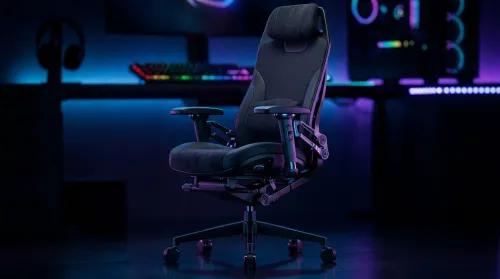
3D Armrest Ergonomic Gaming Chair Features for Comfort
Shop smart for a 3D armrest ergonomic gaming chair: key support points, adjustable lumbar, pressure relief, and smooth armrest tuning. ✅🎮 Get comfort that lasts.
Read moreRTX 5080 laptop for Apex — Checklist: • Assess real Apex Legends FPS and benchmarks • Compare top portable RTX 5080 gaming laptops • Test thermals, battery, and 240Hz performance • Provide buying and settings advice 🔋🎮
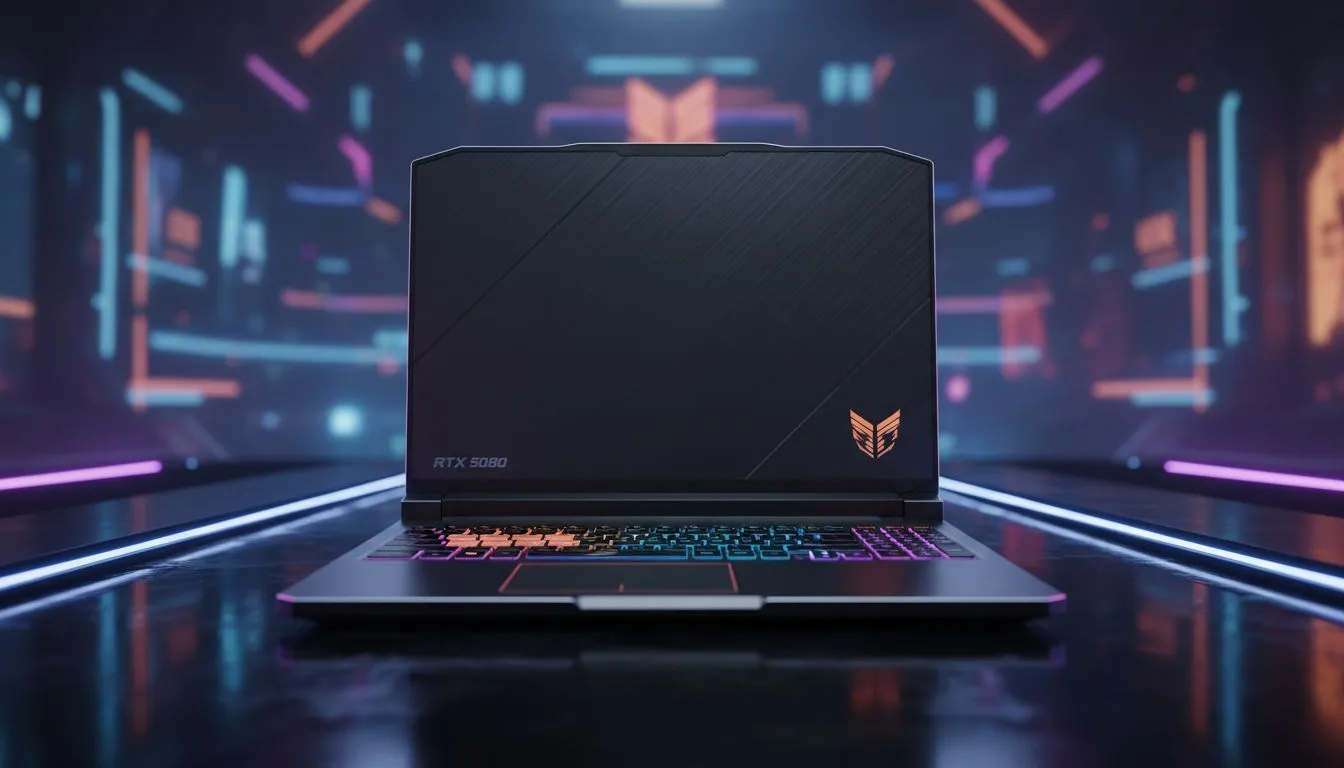
Dropping into Fragment or Storm Point requires more than just skill... it needs frames. In the competitive South African scene, where every millisecond counts, the RTX 5080 Laptop for Apex: Ultimate Portable Rig is the hardware advantage you have been waiting for. Whether you are grinding ranked or just chilling with the squad, having a machine that keeps up with the chaos is essential. ⚡
The leap to the 50-series architecture means more than just a number change. It represents a massive shift in how we handle high-intensity combat. If you want to see every Bangalore smoke plume without your FPS tanking, checking out the latest geforce rtx gaming laptops on special is the first step toward dominance.
Apex Legends thrives on fluid movement. The RTX 5080 mobile GPU allows you to push settings to the max while maintaining a steady 240Hz output. This level of clarity is vital when you are trying to track a Stim-boosted Octane across the map. Finding the right balance of price and power is easier when you browse the best gaming laptop deals available locally.
To maximise your competitive edge on an RTX 5080, always enable NVIDIA Reflex in the Apex Legends settings. This reduces system latency, ensuring your mouse clicks register almost instantly. Combine this with a 1440p resolution for the perfect balance of visual clarity and high-speed performance during intense final-circle skirmishes.
The RTX 5080 Laptop for Apex: Ultimate Portable Rig needs a strong heart to avoid bottlenecks. High-frequency processors ensure your GPU is never waiting for instructions. For those who prefer Team Blue, there are many intel laptops on special that pair perfectly with 50-series graphics.
If you are a fan of efficiency and multi-core performance... especially for streaming your gameplay... you might prefer the Red Team. There are incredible ryzen laptop deals that offer the thermal efficiency needed for long gaming sessions in the South African heat. 🚀
We know that top-tier gear is an investment. While the RTX 5080 sits at the peak of performance, we also cater to those starting their journey. If you are looking for a solid entry point into the world of portable gaming, you can still find capable gaming laptops under r20k that will get you into the match. ✨
Ultimately, the goal is to play without limits. The RTX 5080 ensures that your hardware is never the reason you lost a gunfight. It is about precision, speed, and the reliability to clutch up when the pressure is on.
Ready to Find Your Perfect Match? The RTX 5080 brings unparalleled power to the portable market, but the best rig is the one that fits your playstyle and budget. For maximum power, choice, and value in South Africa, Evetech has you covered. Explore our massive range of laptop specials and find the perfect machine to conquer the Outlands.
Yes. The portable RTX 5080 gaming laptop hits high FPS on Apex Legends at 1080p and 1440p with competitive settings and supports 240Hz screens.
Expect 180–300+ FPS on high/competitive settings at 1080p depending on CPU and cooling; benchmarks show strong 1440p performance too.
Models with vapor chambers, larger heat pipes, and multiple fans lead thermals. Check model thermal reviews to compare RTX 5080 laptop thermals.
Gaming drains battery quickly. Under load expect around 1–2 hours; battery life improves in hybrid modes or with tuned power settings.
Yes for competitive play. A 240Hz RTX 5080 laptop for Apex delivers smoother motion and lower input lag when FPS matches the refresh rate.
Many RTX 5080 laptops offer Thunderbolt or PCIe options. An external GPU enclosure can boost performance but may not fully match desktop power.
Use competitive presets, lower shadows and effects, enable DLSS/FSR, cap frame rate to your screen, and monitor thermals to maintain FPS.
Shop smart for a 3D armrest ergonomic gaming chair: key support points, adjustable lumbar, pressure relief, and smooth armrest tuning. ✅🎮 Get comfort that lasts.
Read more
Use this ergonomic gaming chair adjustable lumbar support checklist to spot key comfort features, avoid poor fit, and choose the right support for long sessions. 🪑✅
Read more
Wondering if a 49-inch UWQHD monitor is too big for your gaming desk? We break down ideal desk depth, viewing distance, and clearance tips so you can upgrade confidently. 🎮🛠️
Read more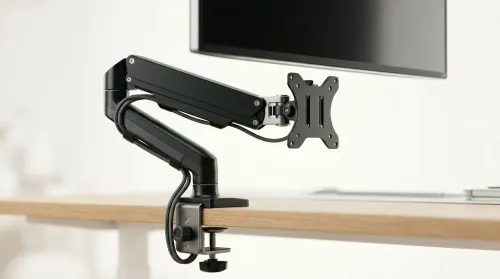
Running out of desk space? A VESA monitor arm and under-desk mount free up more room than you think. Less clutter, better ergonomics, smoother cable routing. Clear your workspace today ✅🖥️
Read more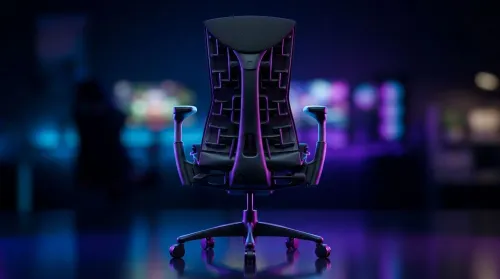
Gaming chair with adjustable lumbar support should fit your back, not fight it. We cover lockable recline and 3D armrests so you can sit longer, game better, and adjust fast. 🎮🪑
Read more
Every spec on PCIe 5.0 explained in plain English. What matters for gaming and creator work in 2026, what's marketing fluff, and how each number translates to real-world performance.

A head-to-head look at WiFi 7: real-world performance, ZAR pricing and which option delivers better value for SA builders. The clear answer — no fluff.

Everything you need to set up and tune PCIe 5.0 properly: the prep work, the settings that actually matter, and the mistakes to skip. Written for SA builders in 2026.

Everything you need to set up and tune X870E Motherboard properly: the prep work, the settings that actually matter, and the mistakes to skip. Written for SA builders in 2026.

Wondering what a 512GB SSD capacity really holds? This guide breaks down how many games, photos, and documents fit on 512GB, with real-world ranges 📦💾

Every spec on vrm explained in plain English. What matters for gaming and creator work in 2026, what's marketing fluff, and how each number translates to real-world performance.

Every spec on motherboard explained in plain English. What matters for gaming and creator work in 2026, what's marketing fluff, and how each number translates to real-world performance.

Premium vs Midrange Motherboards in South Africa: real-world performance, SA pricing, power draw and which one delivers better value for your build for SA buyers. The clear answer — without the fluff.
Wondering what a 512GB SSD capacity really holds? This guide breaks down how many games, photos, and documents fit on 512GB, with real-world ranges 📦💾
Every spec on PCIe 5.0 explained in plain English. What matters for gaming and creator work in 2026, what's marketing fluff, and how each number translates to real-world performance.
A head-to-head look at WiFi 7: real-world performance, ZAR pricing and which option delivers better value for SA builders. The clear answer — no fluff.

Every spec on USB4 explained in plain English. What matters for gaming and creator work in 2026, what's marketing fluff, and how each number translates to real-world performance.