

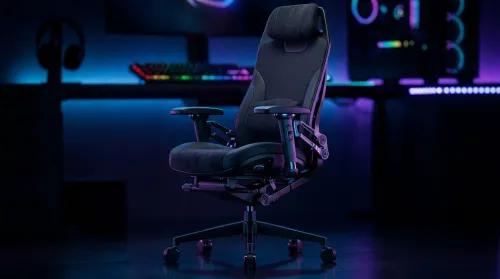
3D Armrest Ergonomic Gaming Chair Features for Comfort
Shop smart for a 3D armrest ergonomic gaming chair: key support points, adjustable lumbar, pressure relief, and smooth armrest tuning. ✅🎮 Get comfort that lasts.
Read moreRTX 5080 laptop delivers desktop-class performance in a portable sim racing rig. We benchmark, test thermals, battery tradeoffs, and recommend top models to buy now. 🚗💨
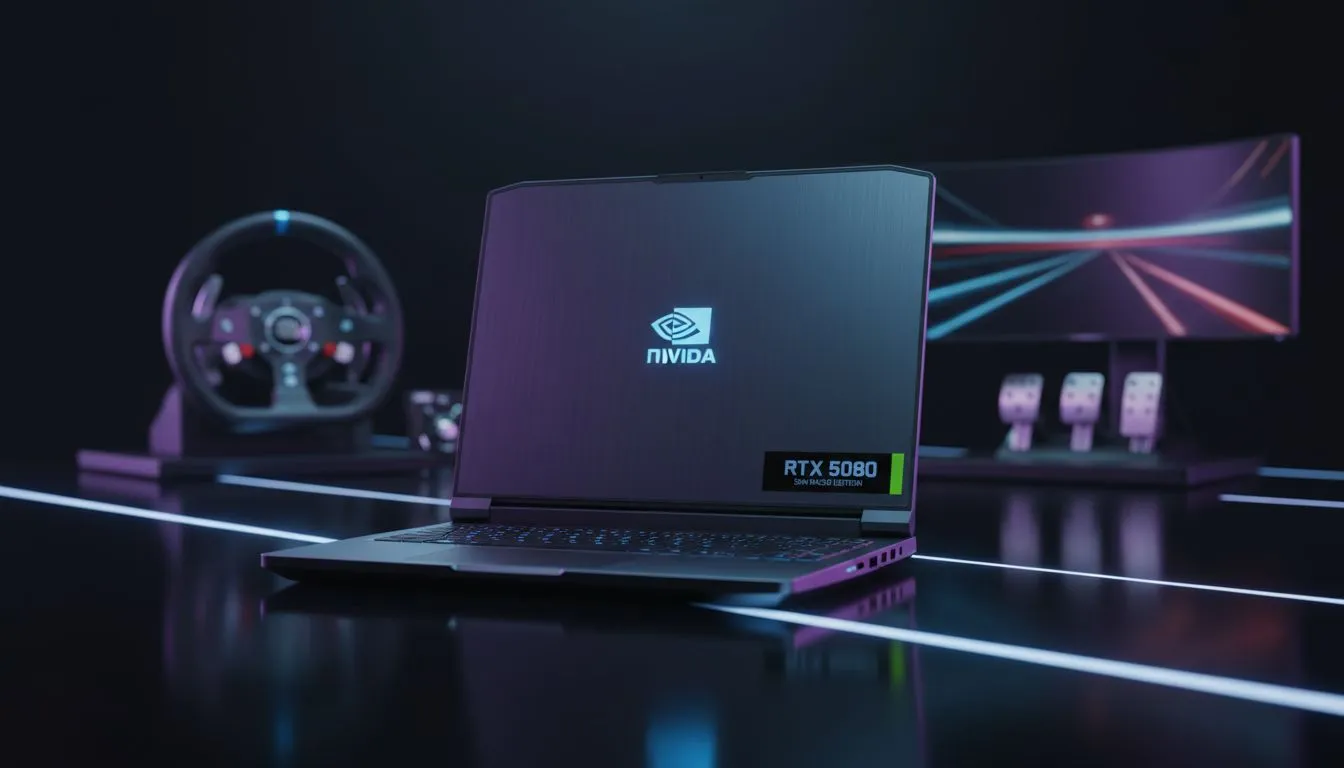
Imagine hitting the apex at Kyalami from the comfort of your balcony. An RTX 5080 laptop for sim racing makes this dream a reality. You no longer need a massive desktop to run iRacing or ACC at 4K. These portable powerhouses deliver desktop-class performance in a sleek, mobile chassis. It is the ultimate portable rig for South African petrolheads who value both speed and space. ⚡
Sim racing demands consistent frame rates above all else. Stuttering during a high-speed turn leads to a certain crash. The RTX 5080 uses the latest Blackwell architecture to push pixels faster than ever. You can find these high-end GeForce RTX gaming laptops on special right now. This GPU handles heavy titles with ease while supporting advanced features like DLSS 4. It ensures your racing experience remains fluid even during dense grid starts.
A top-tier GPU needs a strong partner to avoid bottlenecks. You should look at the latest Intel laptops on special for high clock speeds. These chips ensure your physics calculations do not lag behind the graphics. If you prefer multi-threaded efficiency for streaming your races, check out the Ryzen laptop deals available. Both options provide the grunt needed for modern simulators. Consistency is key when you are chasing a podium finish... any drop in performance costs seconds.
When racing on a high-performance laptop, always use a cooling pad. Components like the RTX 5080 generate significant heat during long endurance sessions. Keeping temperatures low prevents thermal throttling and maintains your lap times. It also extends the lifespan of your hardware, ensuring your investment lasts for many seasons.
Not everyone needs a flagship beast to start their racing career. Some enthusiasts begin with more affordable gear to learn the ropes. You can browse gaming laptops under R20k to get onto the track today. However, for the ultimate immersion, the RTX 5080 remains the undisputed king. Keep an eye on the best gaming laptop deals to save some ZAR on your upgrade. Investing in a quality screen with a high refresh rate is also vital for spotting braking markers. ✨
Modern laptops have solved the heat issues that plagued older generations. Advanced vapour chambers keep the RTX 5080 cool under heavy pressure. You can take your entire rig to a friend's house in a single backpack. This mobility is a massive advantage for the local competitive scene. Whether you are at a LAN or just moving rooms... the power stays with you. 🔧 🚀
Ready to Find Your Perfect Match? The Mac vs Windows debate is complex, but for maximum power, choice, and value in South Africa, Windows is hard to beat. Explore our massive range of laptop specials and find the perfect machine to conquer your world.
Yes. An RTX 5080 laptop offers high FPS and ray tracing headroom for sim racing, making it ideal for demanding titles and multi-monitor setups.
Expect 144–240+ FPS at 1080p with high settings in most sim titles; benchmarks vary by CPU, cooling, and wheel/pedal peripherals.
They can; check RTX 5080 laptop thermals and chassis cooling. Models with vapor chambers and strong fans sustain performance longer.
Battery life is secondary—sim racing demands power. Prioritize performance and cooling; use external power for full FPS and force feedback.
Most major brands support USB wheel and pedal sets, but verify vendor docs. Search for 'RTX 5080 gaming laptop wheel compatibility' for confirmed models.
Yes. The RTX 5080 laptop handles triple-display setups and VR well, but confirm GPU outputs, USB ports, and cooling for sustained load.
Focus on cooling, CPU pairing, display refresh rate, port layout for wheels, and verified benchmarks for sim titles before buying.
Shop smart for a 3D armrest ergonomic gaming chair: key support points, adjustable lumbar, pressure relief, and smooth armrest tuning. ✅🎮 Get comfort that lasts.
Read more
Use this ergonomic gaming chair adjustable lumbar support checklist to spot key comfort features, avoid poor fit, and choose the right support for long sessions. 🪑✅
Read more
Wondering if a 49-inch UWQHD monitor is too big for your gaming desk? We break down ideal desk depth, viewing distance, and clearance tips so you can upgrade confidently. 🎮🛠️
Read more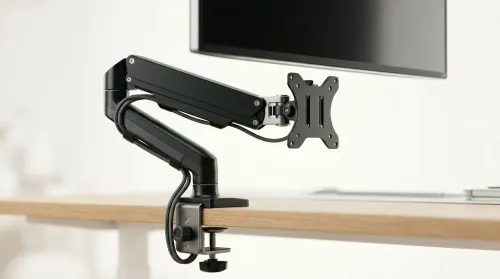
Running out of desk space? A VESA monitor arm and under-desk mount free up more room than you think. Less clutter, better ergonomics, smoother cable routing. Clear your workspace today ✅🖥️
Read more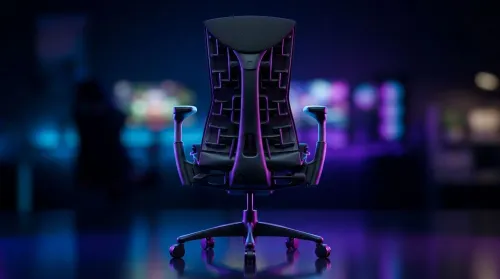
Gaming chair with adjustable lumbar support should fit your back, not fight it. We cover lockable recline and 3D armrests so you can sit longer, game better, and adjust fast. 🎮🪑
Read more
Every spec on PCIe 5.0 explained in plain English. What matters for gaming and creator work in 2026, what's marketing fluff, and how each number translates to real-world performance.

A head-to-head look at WiFi 7: real-world performance, ZAR pricing and which option delivers better value for SA builders. The clear answer — no fluff.

Everything you need to set up and tune PCIe 5.0 properly: the prep work, the settings that actually matter, and the mistakes to skip. Written for SA builders in 2026.

Everything you need to set up and tune X870E Motherboard properly: the prep work, the settings that actually matter, and the mistakes to skip. Written for SA builders in 2026.

Wondering what a 512GB SSD capacity really holds? This guide breaks down how many games, photos, and documents fit on 512GB, with real-world ranges 📦💾

Every spec on vrm explained in plain English. What matters for gaming and creator work in 2026, what's marketing fluff, and how each number translates to real-world performance.

Every spec on motherboard explained in plain English. What matters for gaming and creator work in 2026, what's marketing fluff, and how each number translates to real-world performance.

Premium vs Midrange Motherboards in South Africa: real-world performance, SA pricing, power draw and which one delivers better value for your build for SA buyers. The clear answer — without the fluff.
Wondering what a 512GB SSD capacity really holds? This guide breaks down how many games, photos, and documents fit on 512GB, with real-world ranges 📦💾
Every spec on PCIe 5.0 explained in plain English. What matters for gaming and creator work in 2026, what's marketing fluff, and how each number translates to real-world performance.
A head-to-head look at WiFi 7: real-world performance, ZAR pricing and which option delivers better value for SA builders. The clear answer — no fluff.

Every spec on USB4 explained in plain English. What matters for gaming and creator work in 2026, what's marketing fluff, and how each number translates to real-world performance.