

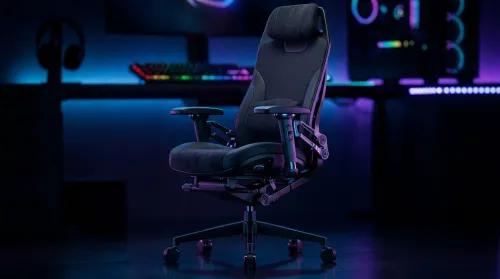
3D Armrest Ergonomic Gaming Chair Features for Comfort
Shop smart for a 3D armrest ergonomic gaming chair: key support points, adjustable lumbar, pressure relief, and smooth armrest tuning. ✅🎮 Get comfort that lasts.
Read moreUnleash the full potential of Marvel Rivals with the best 1440p monitors under R8,000! 🚀 Discover high-refresh-rate displays and stunning visuals that give you the edge without breaking the bank. Find your perfect gaming monitor today. ✨
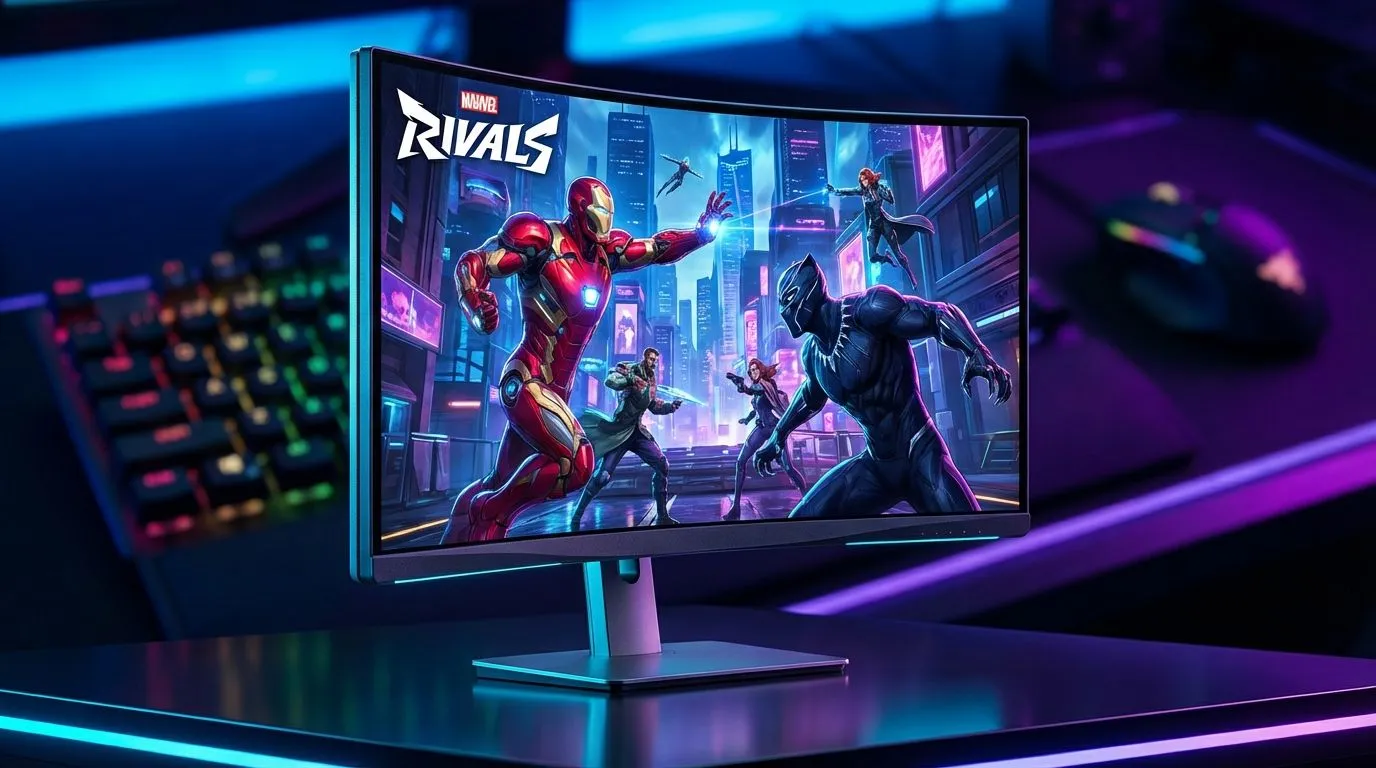
Marvel Rivals is taking the local gaming scene by storm with its frantic hero-based combat. To truly appreciate the vibrant art style and track fast-moving targets like Iron Man, you need more than just 1080p. Finding the top 1440p monitors for Marvel Rivals under R8,000 is the best way to upgrade your setup without breaking the bank while ensuring every ultimate looks spectacular.
The jump from 1080p to 1440p is often described as the most significant upgrade a gamer can make. In a game as visually dense as Marvel Rivals, that extra pixel density helps you spot enemies at a distance. You can browse all gaming monitors to see how the market has shifted toward this resolution.
Higher resolution means thinner lines and less aliasing. This makes the comic-book aesthetic of the game pop with incredible detail. When you are dodging projectiles in a chaotic team fight, clarity is your best friend... and 1440p provides exactly that without requiring a R40,000 graphics card to run.
For competitive play, resolution is only half the story. You need a high refresh rate to keep up with the action. Most pc monitors in the sub-R8,000 bracket now offer at least 144Hz or 165Hz. This ensures that motion remains fluid, which is critical when you are playing high-mobility characters.
For Marvel Rivals, enable 'Overdrive' in your monitor settings to reduce ghosting. Be careful not to set it to the maximum level as this can cause overshoot. A medium setting usually offers the best balance for fast-paced hero shooters.
When looking for the top 1440p monitors for Marvel Rivals under R8,000, you will likely choose between IPS and VA panels. IPS panels offer superior colour accuracy and wider viewing angles. This is great for making those Marvel colours look punchy. However, if you play in a dark room, some gamers prefer to buy curved monitors with VA panels for deeper blacks and better contrast. 🚀
Not every gamer has a dedicated permanent desk. Some enthusiasts buy portable monitors to take their setup on the go. While these are usually 1080p, the tech is catching up quickly. On the other end of the spectrum, those with deeper pockets might buy 5k 4k monitors for professional work alongside gaming. But for pure value in Marvel Rivals, 1440p remains the undisputed king. ✨
Prices in South Africa can fluctuate, so it pays to keep an eye on the best pc monitor deals available. Getting a high-quality display for under R8,000 often means finding a sale on a premium brand. 🔧
Once you have secured your screen, don't forget the small things. You might need to buy monitor accessories like a sturdy VESA mount or a high-quality DisplayPort cable to ensure you are actually getting that high refresh rate. Standard HDMI cables sometimes won't cut it for 1440p at high speeds.
Ready to Dominate the Multiverse? Choosing the right display is the first step toward climbing the ranks in Marvel Rivals. Check out our latest 1440p monitor deals and secure your victory today.
For Marvel Rivals, aim for a 144Hz or higher refresh rate on your 1440p monitor. This ensures smooth gameplay and a competitive edge, crucial for fast-paced action titles.
Absolutely! Evetech offers a selection of excellent 1440p gaming monitors under R8,000. Look for models with decent refresh rates and response times from reputable brands.
Yes, an IPS 1440p monitor offers superior color accuracy and wider viewing angles compared to VA or TN panels, enhancing the visual experience of Marvel Rivals without drastically increasing cost.
For tear-free gaming, prioritize 1440p monitors with AMD FreeSync or NVIDIA G-Sync compatibility. These technologies synchronize your monitor's refresh rate with your GPU's output.
For competitive titles like Marvel Rivals, an ideal response time for your 1440p monitor is 1ms GTG (Gray-to-Gray). This minimizes ghosting and motion blur, ensuring crisp visuals.
Evetech is a prime destination for the best 1440p monitor deals in SA, often featuring special promotions. Keep an eye on our "Deals Watch" section for current offers.
Shop smart for a 3D armrest ergonomic gaming chair: key support points, adjustable lumbar, pressure relief, and smooth armrest tuning. ✅🎮 Get comfort that lasts.
Read more
Use this ergonomic gaming chair adjustable lumbar support checklist to spot key comfort features, avoid poor fit, and choose the right support for long sessions. 🪑✅
Read more
Wondering if a 49-inch UWQHD monitor is too big for your gaming desk? We break down ideal desk depth, viewing distance, and clearance tips so you can upgrade confidently. 🎮🛠️
Read more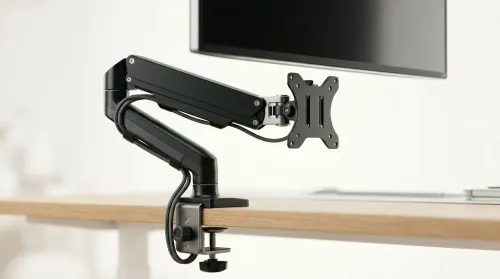
Running out of desk space? A VESA monitor arm and under-desk mount free up more room than you think. Less clutter, better ergonomics, smoother cable routing. Clear your workspace today ✅🖥️
Read more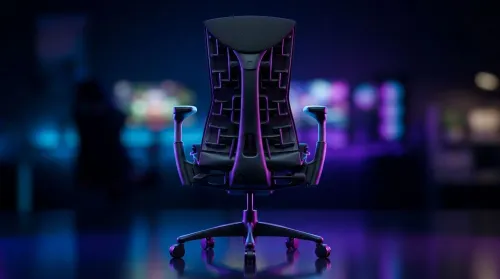
Gaming chair with adjustable lumbar support should fit your back, not fight it. We cover lockable recline and 3D armrests so you can sit longer, game better, and adjust fast. 🎮🪑
Read more
Every spec on PCIe 5.0 explained in plain English. What matters for gaming and creator work in 2026, what's marketing fluff, and how each number translates to real-world performance.

A head-to-head look at WiFi 7: real-world performance, ZAR pricing and which option delivers better value for SA builders. The clear answer — no fluff.

Everything you need to set up and tune PCIe 5.0 properly: the prep work, the settings that actually matter, and the mistakes to skip. Written for SA builders in 2026.

Everything you need to set up and tune X870E Motherboard properly: the prep work, the settings that actually matter, and the mistakes to skip. Written for SA builders in 2026.

Wondering what a 512GB SSD capacity really holds? This guide breaks down how many games, photos, and documents fit on 512GB, with real-world ranges 📦💾

Every spec on vrm explained in plain English. What matters for gaming and creator work in 2026, what's marketing fluff, and how each number translates to real-world performance.

Every spec on motherboard explained in plain English. What matters for gaming and creator work in 2026, what's marketing fluff, and how each number translates to real-world performance.

Premium vs Midrange Motherboards in South Africa: real-world performance, SA pricing, power draw and which one delivers better value for your build for SA buyers. The clear answer — without the fluff.
Wondering what a 512GB SSD capacity really holds? This guide breaks down how many games, photos, and documents fit on 512GB, with real-world ranges 📦💾
Every spec on PCIe 5.0 explained in plain English. What matters for gaming and creator work in 2026, what's marketing fluff, and how each number translates to real-world performance.
A head-to-head look at WiFi 7: real-world performance, ZAR pricing and which option delivers better value for SA builders. The clear answer — no fluff.

Every spec on USB4 explained in plain English. What matters for gaming and creator work in 2026, what's marketing fluff, and how each number translates to real-world performance.