

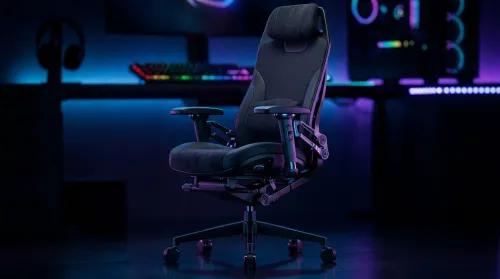
3D Armrest Ergonomic Gaming Chair Features for Comfort
Shop smart for a 3D armrest ergonomic gaming chair: key support points, adjustable lumbar, pressure relief, and smooth armrest tuning. ✅🎮 Get comfort that lasts.
Read moreUltrawide Monitors MH Wilds: Find out if MH Wilds supports 21:9, how to enable ultrawide resolutions, FOV tips, and best 3440x1440 settings for immersive play. 🎮🖥️
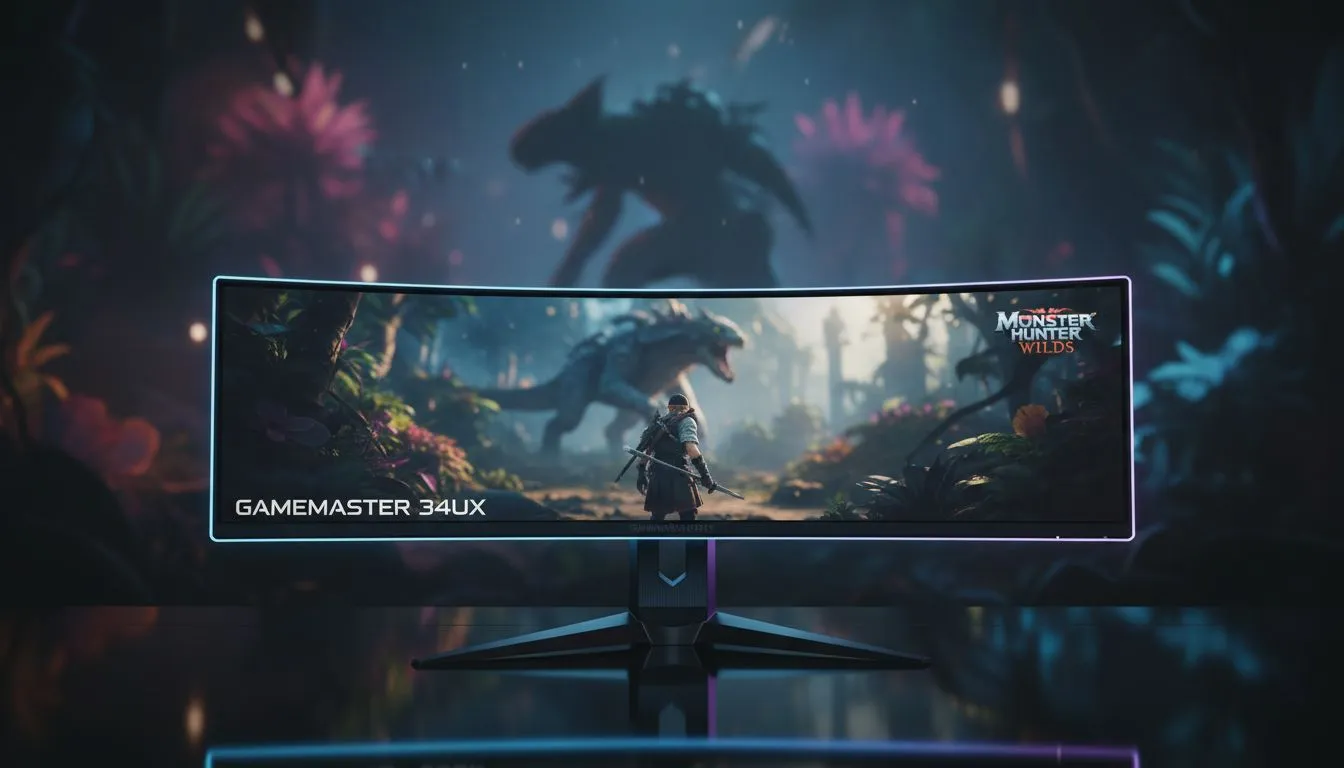
The Forbidden Lands are massive. As South African gamers prepare for the next hunt, a common question arises: Ultrawide Monitors MH Wilds: Is 21:9 Supported? Having that extra horizontal space isn't just about the view... it is about tracking a Doshaguma before it flanks you. If you want the most immersive experience in the upcoming Capcom epic, understanding how the game handles wider aspect ratios is vital for your setup. 🔧
Historically, Capcom has been excellent with PC port features. Both Monster Hunter World and Rise received post-launch or native support for 21:9 aspect ratios. For Wilds, built on the latest RE Engine iteration, native ultrawide support is expected from day one. This means no more black bars on the sides of your screen... just pure, panoramic hunting action. If you are looking to upgrade before the release, checking out the best pc monitor deals is a great way to save some Rands while boosting your field of view.
In a game where environmental awareness is everything, ultrawide displays offer a genuine tactical advantage. You can spot resource nodes or approaching threats in your peripheral vision that would be hidden on a standard 16:9 screen. When browsing through various pc monitors, you will notice that the extra width makes the UI feel less cluttered, leaving the centre of the screen clear for the beautiful, chaotic combat. ⚡
High refresh rates are equally important when the weather turns and the lightning starts striking. We recommend looking through all gaming monitors to find a panel that matches your GPU's output. A smooth 144Hz or 165Hz experience ensures that even the fastest monster movements remain crisp and trackable.
playing in 21:9, adjust your FOV (Field of View) slider in the game settings. Increasing it slightly can further enhance the sense of scale in the Forbidden Lands, but don't go too high or you might experience a 'fisheye' effect at the edges of your screen.
Not every hunter has the same desk space. For many, curved monitors are the preferred choice for ultrawide gaming. The subtle curve helps keep the edges of the screen within your natural line of sight, reducing neck strain during those long marathon sessions chasing Elder Dragons. 🚀
If you are a hunter on the move or have a limited setup, portable monitors can serve as excellent secondary displays for keeping your build guides or Discord chats open while you play. However, for the main event, the visual fidelity of 5k 4k monitors provides the sharpness needed to see every scale and tuft of fur on a monster.
Finally, do not forget the ergonomics of your hunting station. Investing in quality monitor accessories like gas-spring arms can help you position your ultrawide screen at the perfect height, ensuring you stay comfortable through every quest. ✨
Ready to Find Your Perfect Match? Monster Hunter Wilds is going to be a visual spectacle, and there is no better way to experience it than on a high-performance display. Explore our massive range of gaming monitors and find the perfect screen to conquer the Forbidden Lands.
Yes. MH Wilds generally supports 21:9; select a 3440x1440 or equivalent ultrawide resolution and verify in-game display options.
Set your monitor to 3440x1440, choose fullscreen or borderless in MH Wilds, and confirm the resolution in game settings to enable 21:9.
Most UI elements scale correctly, but some HUD items may shift. Use in-game HUD scaling or overlays to adjust placement.
Yes. Increasing FOV on 21:9 helps reduce tunnel vision and keeps gameplay natural on wider aspect ratios.
3440x1440 (UWQHD) balances image quality and performance; 2560x1080 works for lower-spec rigs and maintains 21:9.
Ultrawide increases pixel count, so expect higher GPU load. Lower some settings or use DLSS/FidelityFX to regain fps.
Choose 3440x1440 IPS or VA panels with 100Hz+ refresh, good color, and Adaptive Sync for smooth MH Wilds gameplay.
Shop smart for a 3D armrest ergonomic gaming chair: key support points, adjustable lumbar, pressure relief, and smooth armrest tuning. ✅🎮 Get comfort that lasts.
Read more
Use this ergonomic gaming chair adjustable lumbar support checklist to spot key comfort features, avoid poor fit, and choose the right support for long sessions. 🪑✅
Read more
Wondering if a 49-inch UWQHD monitor is too big for your gaming desk? We break down ideal desk depth, viewing distance, and clearance tips so you can upgrade confidently. 🎮🛠️
Read more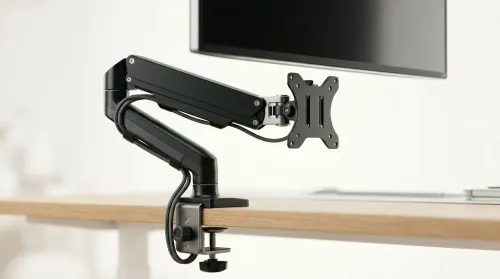
Running out of desk space? A VESA monitor arm and under-desk mount free up more room than you think. Less clutter, better ergonomics, smoother cable routing. Clear your workspace today ✅🖥️
Read more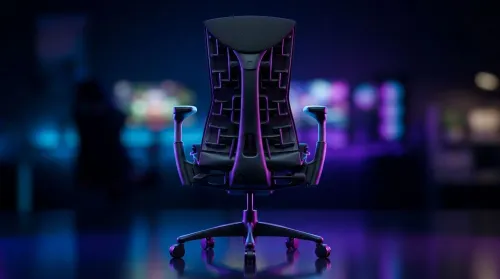
Gaming chair with adjustable lumbar support should fit your back, not fight it. We cover lockable recline and 3D armrests so you can sit longer, game better, and adjust fast. 🎮🪑
Read more
Every spec on PCIe 5.0 explained in plain English. What matters for gaming and creator work in 2026, what's marketing fluff, and how each number translates to real-world performance.

A head-to-head look at WiFi 7: real-world performance, ZAR pricing and which option delivers better value for SA builders. The clear answer — no fluff.

Everything you need to set up and tune PCIe 5.0 properly: the prep work, the settings that actually matter, and the mistakes to skip. Written for SA builders in 2026.

Everything you need to set up and tune X870E Motherboard properly: the prep work, the settings that actually matter, and the mistakes to skip. Written for SA builders in 2026.

Wondering what a 512GB SSD capacity really holds? This guide breaks down how many games, photos, and documents fit on 512GB, with real-world ranges 📦💾

Every spec on vrm explained in plain English. What matters for gaming and creator work in 2026, what's marketing fluff, and how each number translates to real-world performance.

Every spec on motherboard explained in plain English. What matters for gaming and creator work in 2026, what's marketing fluff, and how each number translates to real-world performance.

Premium vs Midrange Motherboards in South Africa: real-world performance, SA pricing, power draw and which one delivers better value for your build for SA buyers. The clear answer — without the fluff.
Wondering what a 512GB SSD capacity really holds? This guide breaks down how many games, photos, and documents fit on 512GB, with real-world ranges 📦💾
Every spec on PCIe 5.0 explained in plain English. What matters for gaming and creator work in 2026, what's marketing fluff, and how each number translates to real-world performance.
A head-to-head look at WiFi 7: real-world performance, ZAR pricing and which option delivers better value for SA builders. The clear answer — no fluff.

Every spec on USB4 explained in plain English. What matters for gaming and creator work in 2026, what's marketing fluff, and how each number translates to real-world performance.