

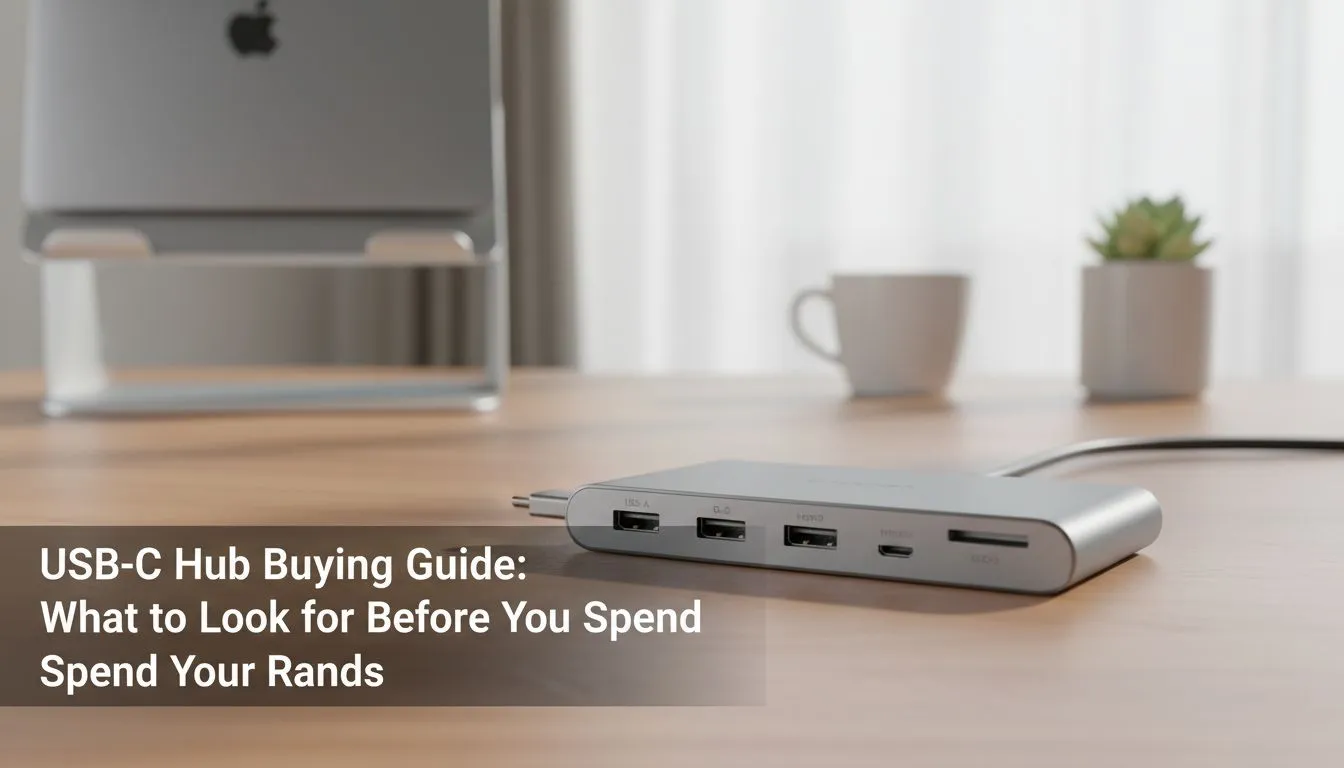
So, you’ve just unboxed your sleek new laptop, only to find it has… two USB-C ports? Yip, that’s it. Before the panic sets in about how you’ll connect your mouse, monitor, and keyboard, take a breath. The perfect USB-C hub is out there, and this guide will help you spend your Rands wisely on the right one. It’s the one gadget that can turn your minimalist machine into a productivity powerhouse. 💻
Why a USB-C Hub is Non-Negotiable in 2024
Modern laptops are powerful but often sacrifice ports for a slim design. This leaves you in "dongle hell," juggling single-purpose adapters. A good USB-C hub solves this instantly, consolidating all your connection needs into one compact device. This isn't just about convenience; it's about unlocking the full potential of your setup, whether you're a gamer needing a lag-free connection or a creative professional offloading footage.
This USB-C hub buying guide is designed to demystify the specs and help you choose the perfect digital Swiss Army knife for your needs.
Your USB-C Hub Buying Guide: Key Features to Check
Not all hubs are created equal. A cheap, no-name hub might seem like a bargain, but it could lead to flickering screens or slow data transfers. To make a smart choice, you need to know what to look for in a USB-C hub. Let's break down the essentials.
The Right Mix of Ports
The first question to ask is: what do you need to connect?
- USB-A: Still essential for most peripherals like your mouse, keyboard, and older hard drives. Look for at least two.
- HDMI / DisplayPort: Crucial for connecting to an external monitor or TV. Check the supported resolution and refresh rate (e.g., 4K@60Hz is much smoother than 4K@30Hz).
- Ethernet (RJ45): A must-have for gamers and anyone needing a stable, high-speed internet connection that Wi-Fi can't guarantee.
- SD/microSD Card Readers: A lifesaver for photographers and videographers.
Having a variety of ports ensures your hub is one of the most versatile and essential gaming accessories in your arsenal.
Check Your Refresh Rate! ⚡
Many budget hubs only support 4K resolution at a choppy 30Hz refresh rate. If you have a high-refresh-rate gaming monitor, ensure your hub explicitly supports 4K@60Hz or even 1440p@120Hz to avoid bottlenecking your display's performance. It makes a massive difference in games and even just scrolling.
Power Delivery (PD) Passthrough
This is a big one. Power Delivery allows the hub to pass power from your charger through to your laptop. Without it, you can't charge and use your hub at the same time on a single port. Look for a hub that supports at least 60W PD, though 85-100W is ideal for more powerful machines like a MacBook Pro or a high-end gaming laptop, ensuring it charges at full speed. 🔌
Data and Video Speed
Speed matters, especially when transferring large files. Look for hubs with USB 3.0 ports (often coloured blue) or newer standards like USB 3.1/3.2, which offer transfer speeds of 5Gbps or higher. Cheaper hubs might use the much slower USB 2.0 standard, which is fine for a mouse but painfully slow for an external SSD. Investing in quality here is just as important as with other quality PC components.
Finding the Best Hub for Your South African Setup
So, how do you apply this knowledge? Think about your daily use case.
- For the Gamer: Your priority is speed and stability. A hub with an Ethernet port, at least two USB-A 3.0 ports for your peripherals, and an HDMI 2.0 port (for 4K@60Hz) is your ideal match.
- For the Content Creator: You need versatility. A hub with SD and microSD card readers, multiple high-speed USB-A ports, and excellent display output is non-negotiable.
- For the Mobile Professional: Portability is key. A smaller, lightweight hub with HDMI for presentations and a couple of USB-A ports for a mouse and flash drive will be perfect for your laptop bag.
Finding the right features at the right price is crucial. Before you buy, it's always smart to check out the latest gaming accessory deals to see if you can snag a premium hub for less. ✨
Ready to Expand Your Connectivity? Choosing the right USB-C hub transforms your laptop from a limited device into a versatile workstation. Explore our massive range of gaming accessories and find the perfect hub to conquer your world.











