

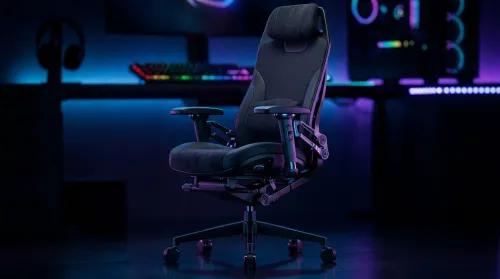
3D Armrest Ergonomic Gaming Chair Features for Comfort
Shop smart for a 3D armrest ergonomic gaming chair: key support points, adjustable lumbar, pressure relief, and smooth armrest tuning. ✅🎮 Get comfort that lasts.
Read moreUsed laptop for WoW — learn quick, practical tests to verify CPU/GPU, battery health, display, thermals and storage before you buy. Avoid duds and secure smooth raid performance ⚙️🎮
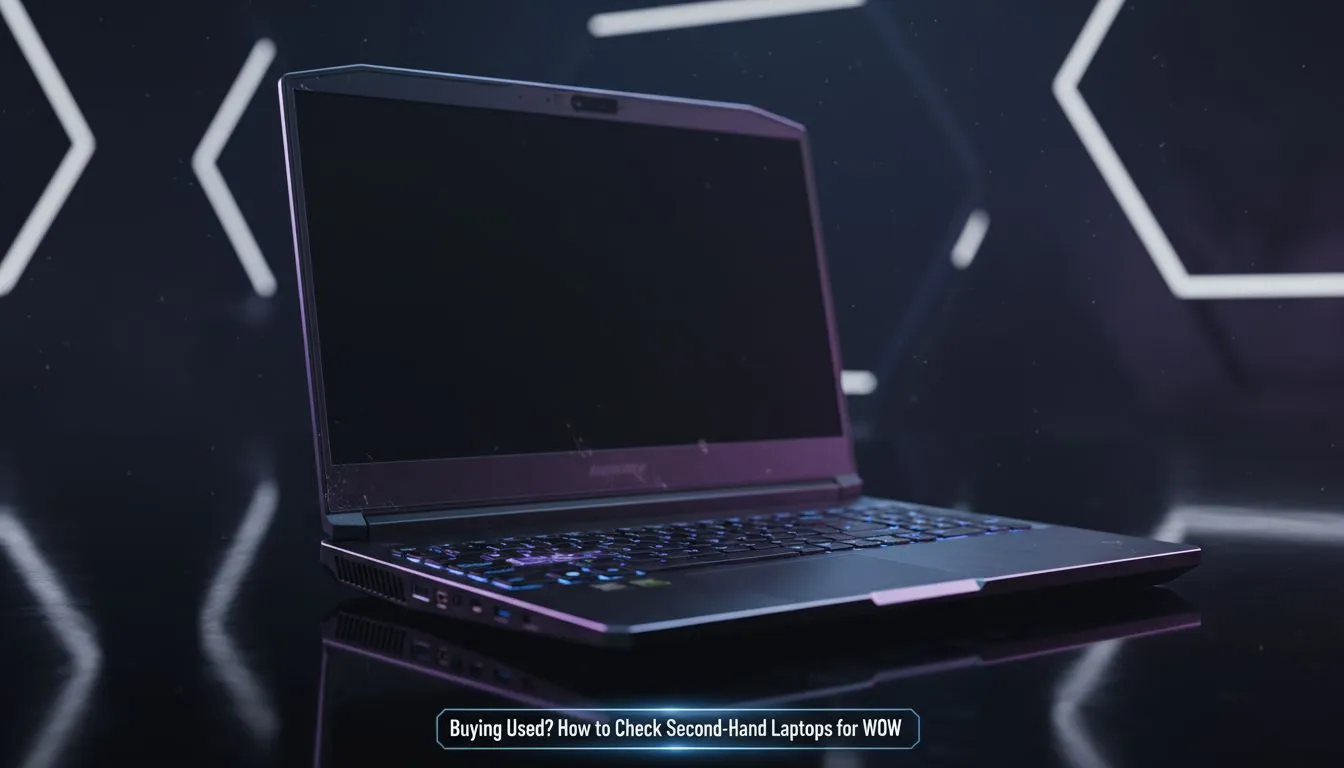
Questing through Azeroth should not break your budget. If you are hunting for a used laptop for WoW, you need to be sharp. Buying second-hand in South Africa is a great way to save ZAR... but a dud battery or a dying GPU can ruin your raid night. Before you hand over your cash, follow this checklist to ensure your new-to-you rig can handle the latest expansion.
Start with a physical inspection. Look for cracks near the hinges and check every USB port for signs of wear. Screen health is vital because WoW’s vibrant zones like Ardenweald or Bastion look terrible with dead pixels or backlight bleed. If the screen looks faded, you might be better off browsing Intel laptops on special to find a unit with a crisp, high-refresh panel and a full manufacturer warranty.
World of Warcraft is famously CPU intensive, especially in crowded hubs like Valdrakken. When testing a second-hand gaming laptop, run a quick benchmark like Cinebench. If the laptop shuts down or the fans sound like a jet engine immediately, the thermal paste might be dry. Many local gamers find that Ryzen laptop deals offer much better multi-core performance for modern expansions without the risks associated with a used machine.
Open the Command Prompt as Administrator and type 'powercfg batteryreport'. This generates a file showing the original capacity versus the current capacity. If the 'Full Charge Capacity' is significantly lower than the 'Design Capacity', the battery is nearing the end of its life and will need an expensive replacement soon.
Gaming laptops run hot by design. Dust buildup in an older chassis can lead to thermal throttling during a 20-man raid... causing your FPS to plummet exactly when the boss pulls. While searching for a used laptop for WoW, listen for grinding fan noises. Sometimes, the best gaming laptop deals on new units are actually more cost-effective than buying a high-end used machine that requires immediate repairs or a deep clean.
Check every single key. You do not want your 'W' key failing mid-dungeon or your spacebar sticking during a jump puzzle. If the seller’s keyboard feels mushy or unresponsive, it is a red flag. For those on a strict budget, there are plenty of brand-new gaming laptops under R20k that provide a pristine mechanical feel and the peace of mind that comes with a fresh build.
World of Warcraft now supports modern features like Ray Traced shadows and FSR. A used laptop for WoW should ideally feature a dedicated graphics card from the last two generations. For players who want to see Azeroth in its best light, Geforce RTX gaming laptops on special provide the DLSS support needed to keep frame rates high even in the most chaotic epic battlegrounds. ✨
Ready to Find Your Perfect Match? The used market is risky, but for maximum power, choice, and value in South Africa, a new machine is hard to beat. Explore our massive range of laptop specials and find the perfect machine to conquer your world.
Aim for a modern CPU (quad-core), GTX 1650/RX 5500M or better, 8–16GB RAM and an SSD for smooth WoW play.
Run a GPU benchmark or a short WoW session at target settings; check frame rates and temperatures to validate gaming performance.
Check battery health with manufacturer tools or third-party apps and confirm charge cycles; poor battery can signal heavy past use.
Stress CPU/GPU for 5–10 minutes while monitoring temps and clock speeds; thermal throttling shows as falling clocks and high temps.
Yes. An SSD dramatically improves load times and responsiveness; prioritize used laptops with NVMe or SATA SSDs.
Inspect the screen for dead pixels, test keyboard/trackpad, check ports, hinge integrity, and listen for noisy fans.
Use system utilities to confirm GPU model and driver history; check performance vs expected benchmarks for that GPU.
Shop smart for a 3D armrest ergonomic gaming chair: key support points, adjustable lumbar, pressure relief, and smooth armrest tuning. ✅🎮 Get comfort that lasts.
Read more
Use this ergonomic gaming chair adjustable lumbar support checklist to spot key comfort features, avoid poor fit, and choose the right support for long sessions. 🪑✅
Read more
Wondering if a 49-inch UWQHD monitor is too big for your gaming desk? We break down ideal desk depth, viewing distance, and clearance tips so you can upgrade confidently. 🎮🛠️
Read more
Running out of desk space? A VESA monitor arm and under-desk mount free up more room than you think. Less clutter, better ergonomics, smoother cable routing. Clear your workspace today ✅🖥️
Read more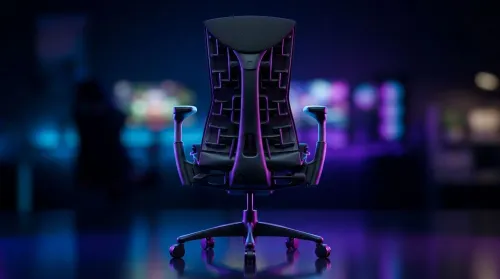
Gaming chair with adjustable lumbar support should fit your back, not fight it. We cover lockable recline and 3D armrests so you can sit longer, game better, and adjust fast. 🎮🪑
Read more
Every spec on PCIe 5.0 explained in plain English. What matters for gaming and creator work in 2026, what's marketing fluff, and how each number translates to real-world performance.

A head-to-head look at WiFi 7: real-world performance, ZAR pricing and which option delivers better value for SA builders. The clear answer — no fluff.

Everything you need to set up and tune PCIe 5.0 properly: the prep work, the settings that actually matter, and the mistakes to skip. Written for SA builders in 2026.

Everything you need to set up and tune X870E Motherboard properly: the prep work, the settings that actually matter, and the mistakes to skip. Written for SA builders in 2026.

Wondering what a 512GB SSD capacity really holds? This guide breaks down how many games, photos, and documents fit on 512GB, with real-world ranges 📦💾

Every spec on vrm explained in plain English. What matters for gaming and creator work in 2026, what's marketing fluff, and how each number translates to real-world performance.

Every spec on motherboard explained in plain English. What matters for gaming and creator work in 2026, what's marketing fluff, and how each number translates to real-world performance.

Premium vs Midrange Motherboards in South Africa: real-world performance, SA pricing, power draw and which one delivers better value for your build for SA buyers. The clear answer — without the fluff.
Wondering what a 512GB SSD capacity really holds? This guide breaks down how many games, photos, and documents fit on 512GB, with real-world ranges 📦💾
Every spec on PCIe 5.0 explained in plain English. What matters for gaming and creator work in 2026, what's marketing fluff, and how each number translates to real-world performance.
A head-to-head look at WiFi 7: real-world performance, ZAR pricing and which option delivers better value for SA builders. The clear answer — no fluff.

Every spec on USB4 explained in plain English. What matters for gaming and creator work in 2026, what's marketing fluff, and how each number translates to real-world performance.