

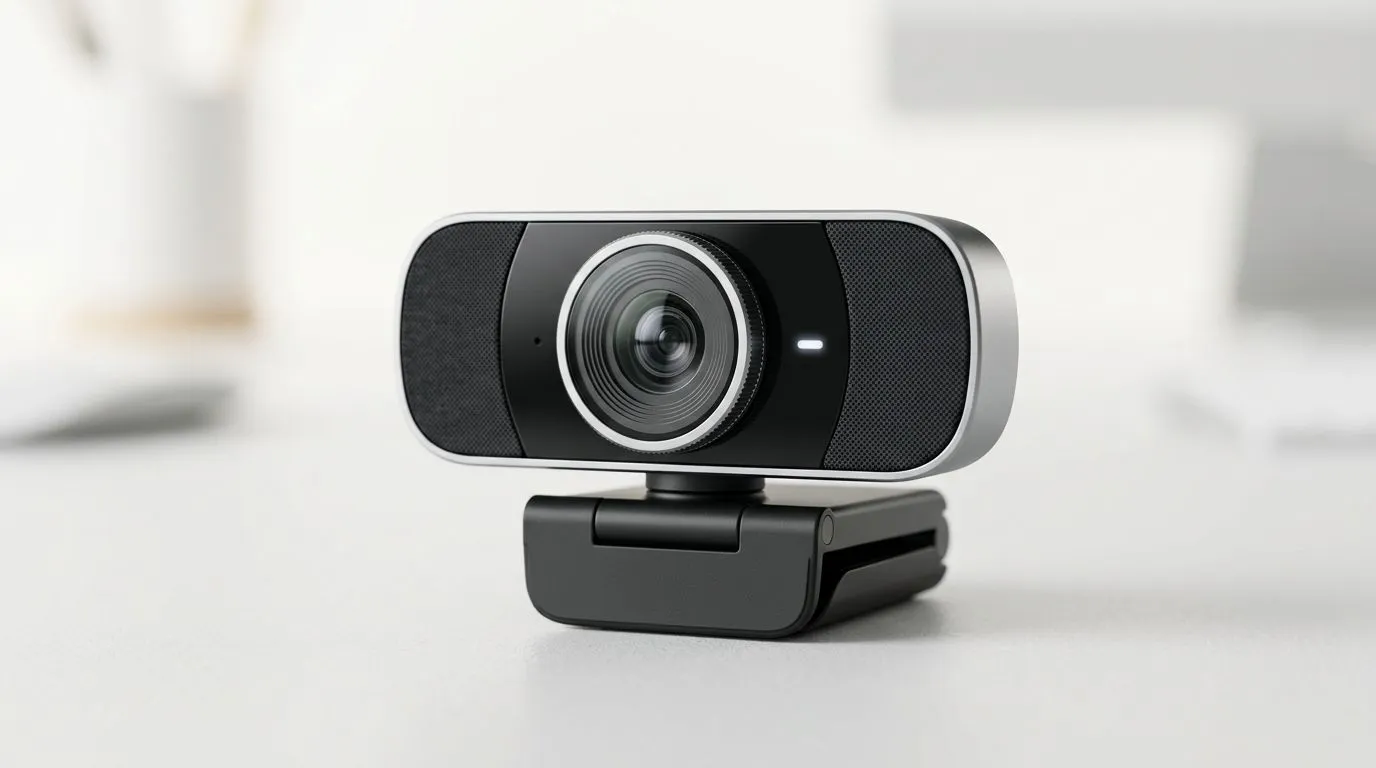
Webcam Buying Guide South Africa — Best Webcams for Remote Work
South African teams and gamers, tired of pixelated video calls and shaky streaming? This Webcam Buying Guide South Africa — Best Webcams for Remote Work tells you what actually matters: clear image, reliable microphone, and simple setup. Read fast, decide smart, and spend wisely in ZAR. Whether you work from Jozi or Cape Town, this primer cuts the noise and points you to practical picks. 🚀
Webcam buying guide South Africa: what to prioritise
Resolution, frame rate and low‑light performance are the top three specs for remote work. For most people, 1080p at 30fps hits the sweet spot for sharp video without huge bandwidth. For smoother motion, 60fps helps for demoing gear or gaming streams. For these specs and real product comparisons, check Evetech's webcam listings for available models and up‑to‑date prices: https://www.evetech.co.za/PC-Components/buy-webcams-145.aspx.
Camera sensor and lens basics
A larger sensor and glass lens usually produce crisper images. Autofocus is handy when you move around in frame. If privacy matters, pick a camera with a built‑in shutter. These are simple features that make day‑to‑day life easier, and you can filter models at Evetech to compare specs.
Webcam Setup Tip ⚡
Angle the camera slightly above eye level and place a soft light behind your monitor. This reduces harsh shadows and keeps skin tones natural. If you're on Windows, run a quick test call in Teams or Zoom before the first meeting.
Best webcams for remote work by budget
Budget decisions matter in ZAR. Here are three realistic tiers with Evetech links so you can shop quickly.
- Under R1,000: Great entry options exist for basic calls. If you’re shopping on a strict budget, start here for decent 720p or entry 1080p models: affordable picks under R1,000 https://www.evetech.co.za/PC-Components/buy-webcams-145.aspx?max-price=1000.
- Up to R2,000: Most professionals find 1080p models with built‑in mics and autofocus in this range. Good balance of price and performance is available here: solid mid-range webcams https://www.evetech.co.za/PC-Components/buy-webcams-145.aspx?max-price=2000.
- Up to R3,000 and above: If you want premium optics, 60fps, and better low‑light performance, look in this bracket. Ideal for creators who also stream: higher-end webcams https://www.evetech.co.za/PC-Components/buy-webcams-145.aspx?max-price=3000.
For full category browsing and frequent Evetech deals, see the main webcams hub: https://www.evetech.co.za/PC-Components/buy-webcams-145.aspx.
Setup, software and practical tips for South African users
- Bandwidth: A stable upload speed of 3–5 Mbps supports 1080p. If you share home internet, test before important calls.
- Lighting: Use a cheap LED ring or desk lamp to lift image quality immediately.
- Mic vs webcam mic: If you want clear voice, a separate USB mic or headset beats built‑in microphones.
- Mounting: Clamp mounts are quick; tripod mounts give more flexibility.
Micro‑story: I swapped a cheap webcam for a mid-range 1080p unit and my weekly client calls stopped asking "can you hear me?" The difference was the autofocus and better mic pickup.
Final checklist before buying
- Do you need autofocus or fixed focus?
- Is the microphone adequate or do you need a separate mic?
- Does the webcam support your OS and apps?
- What's your realistic ZAR budget?
Ready to Find Your Perfect Match? The Mac vs Windows debate is complex, but for maximum power, choice, and value in South Africa, Windows is hard to beat. Explore our massive range of laptop specials and find the perfect machine to conquer your world.











