


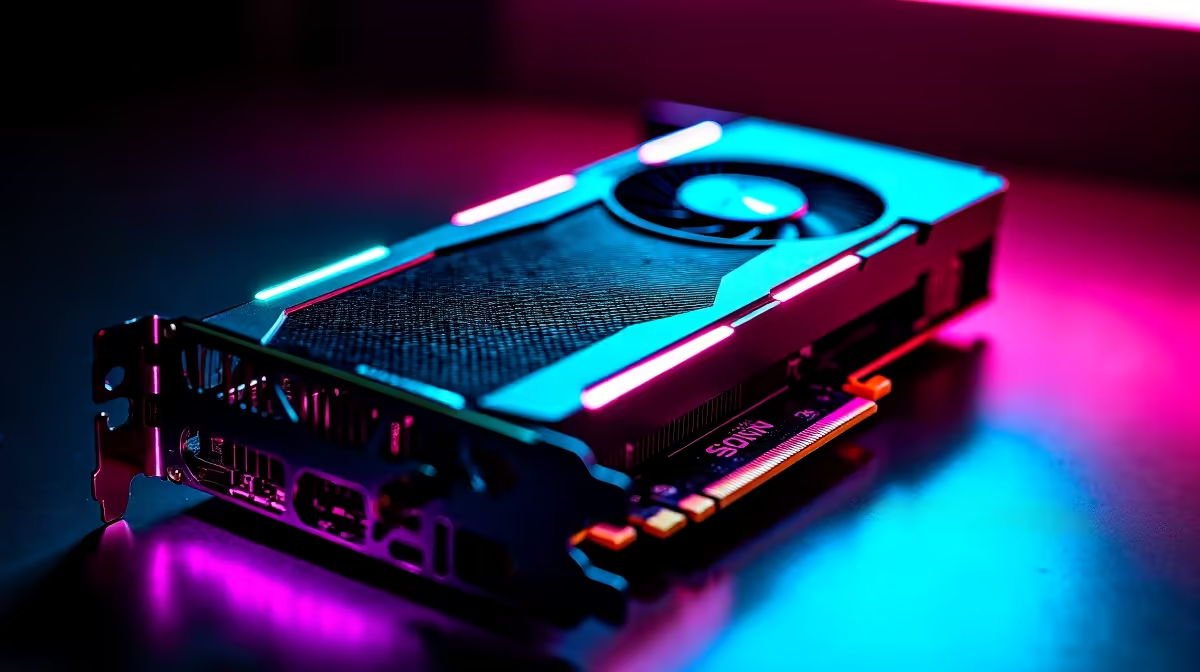
Optimising Your RTX 5070 Settings for Maximum FPS
South African gamers craving ultra-smooth gameplay know the RTX 5070 is a stellar choice. But unlocking its full potential means fine-tuning your settings to boost FPS without sacrificing visuals. Whether you’re battling in Apex Legends or exploring vast worlds, the right configuration helps you stay ahead of the pack. Let’s dive into what settings you should use on RTX 5070 for best FPS and how to get the most from your rig. 🔧
Key RTX 5070 Settings for FPS Boost
The RTX 5070 supports cutting-edge features like DLSS 3 and ray tracing, but these can tax your frame rate. For consistent high FPS, start by adjusting in-game graphics presets to “High” instead of “Ultra”. Disable shadows and volumetric effects if FPS dips below 60.
Set the resolution to your monitor’s native setting but consider lowering render scale slightly (90–95%) to lighten the GPU load without compromising sharpness. Turning V-Sync off also helps reduce input lag and can increase frames per second.
Explore Nvidia’s Control Panel, too: enable “Performance Mode” for your RTX 5070 and disable background applications eating VRAM.
Leveraging DLSS for FPS Gains
DLSS (Deep Learning Super Sampling) can dramatically lift FPS by rendering at lower resolution and upscaling intelligently. The RTX 5070’s DLSS 3 support means you can crank up detail without bottlenecks. Test DLSS modes like “Balanced” or “Performance” to find your sweet spot.
When paired with a smooth 144Hz or higher refresh rate monitor—options found in Evetech’s laptops for South African gamers —the experience feels fluid and responsive, even in the most demanding titles.
Pro Tip for DLSS Usage
Try switching DLSS to “Performance” mode during fast-paced scenes. It often grants an extra 20–30% FPS boost without obvious visual loss.
Custom PC or Pre-Built: Maximise Your RTX 5070 Potential
Your GPU settings aren’t the only factor. The rest of your rig plays a starring role. For DIY enthusiasts, choosing complementary components like a Ryzen 7 7700X or Intel Core i7-12700K can prevent bottlenecks. Evetech offers an excellent range of graphics cards and custom PC deals to build a balanced system.
If pre-built PCs are your vibe, consider models optimised for RTX 5070 performance found in Evetech’s pre-built PC deals. These save time and usually include quality cooling solutions — essential to maintain high FPS during marathon gaming sessions.
Monitor Your System and Stay Updated
Stay on top of driver updates via Nvidia’s GeForce Experience to squeeze extra performance. Use software like MSI Afterburner to monitor GPU temps, clocks, and FPS in real time. A stable RTX 5070 under 75 °C generally maintains optimal speeds. Adjust fan curves or airflow if temperatures climb.
Also, check Evetech's specials regularly for deals on components that can elevate your setup. Upgrading to SSD storage or faster RAM can reduce in-game stutters and loading times, indirectly boosting your FPS experience.
Wrap up: Settings that Work with RTX 5070
To sum up:
- Use High preset or slightly below to lighten load
- Enable DLSS 3 in “Balanced” or “Performance” mode
- Disable V-Sync to minimise input lag
- Tweak Nvidia Control Panel for performance settings
- Pair your RTX 5070 with strong CPU and fast RAM
- Keep drivers updated and monitor temps
With these tweaks, your RTX 5070 will consistently deliver high FPS for a smooth and immersive gaming experience right here in South Africa. ⚡
Upgrade Your Setup Today Ready for the best FPS and smoothest gaming? Shop now at Evetech to find top-tier gaming laptops and gear designed for serious South African gamers.









