

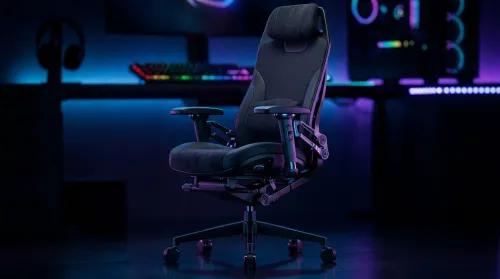
3D Armrest Ergonomic Gaming Chair Features for Comfort
Shop smart for a 3D armrest ergonomic gaming chair: key support points, adjustable lumbar, pressure relief, and smooth armrest tuning. ✅🎮 Get comfort that lasts.
Read moreXREAL One display specs explained: quick, clear breakdown of resolution, FOV, brightness, refresh rate and compatibility to help you decide before buying. 🔍✨
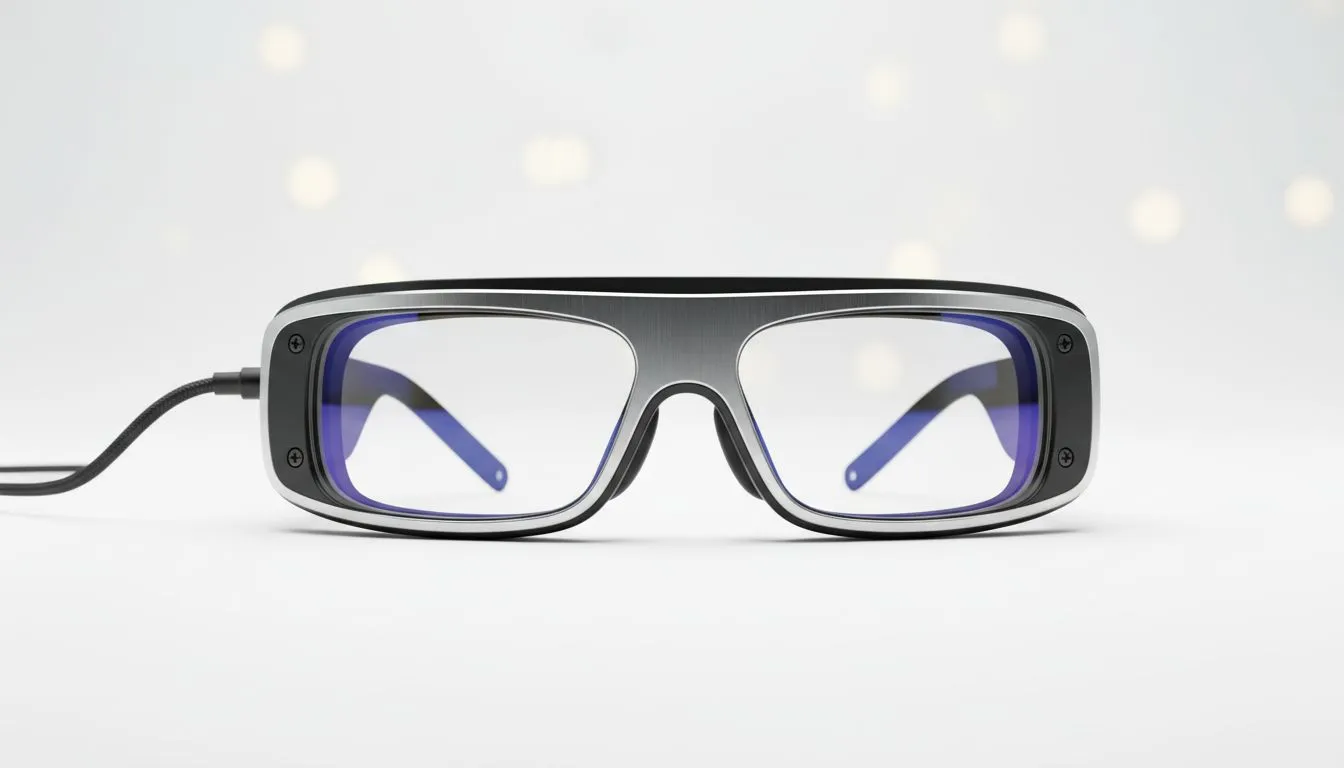
Imagine playing your favourite RPG on a massive 130-inch virtual screen while lounging on your couch in Sandton or commuting through Cape Town. The XREAL One is turning that vision into a reality for local tech enthusiasts. Before you invest your hard-earned ZAR, understanding the XREAL One Display Specs: What to Know Before Buying is essential to ensure you get the crispest visual experience possible.
The heart of any wearable display is the panel technology. The XREAL One utilises cutting-edge Micro-OLED displays... a significant step up from traditional LCDs found in older headsets. This technology allows for incredible contrast ratios and deep blacks that make cinematic games truly pop. With a resolution of 1080p per eye, the pixel density is high enough to eliminate the "screen door effect" that often plagues entry-level VR.
When browsing our latest AR glasses, you will notice that refresh rates are becoming the new gold standard for immersion. The XREAL One supports up to 120Hz... providing buttery smooth motion that is critical for competitive gaming or simply navigating your desktop without eye strain.
When using AR glasses for extended periods, try to lower the brightness to about 70% in dark rooms. This helps reduce eye fatigue and preserves the lifespan of the Micro-OLED panels while still maintaining excellent colour reproduction and contrast for your movies or games.
One of the most important XREAL One Display Specs: What to Know Before Buying is the peak brightness. Rated at roughly 500 nits of perceived brightness, these glasses are designed to remain legible even in well-lit rooms. However, for the best experience during a bright Highveld afternoon, using the included light shield is recommended to keep those colours vivid.
For those looking for high-end performance, our premium AR glasses deals often highlight the importance of colour gamut coverage. The XREAL One covers a wide percentage of the sRGB space... ensuring that the Netflix series you are binging looks exactly as the director intended.
The XREAL One is not just about the raw specs... it is about how those specs translate to your daily life. Whether you are connecting to a Steam Deck, a ROG Ally, or a MacBook, the plug-and-play nature of the USB-C DisplayPort Alt Mode makes it incredibly versatile. You can explore our dedicated AR glasses category to see how this hardware fits into a broader ecosystem of portable gaming peripherals.
The lightweight frame ensures that the high-quality display does not become a literal headache. By balancing the weight across the bridge of the nose and the temples, XREAL has created a device that you can actually wear for a full movie marathon or a long work session.
Ready to Step Into the Future of Displays? The XREAL One offers a glimpse into a world where your screen follows you everywhere. For the best tech deals and the latest wearable hardware in South Africa, Evetech has you covered. Explore our massive range of AR glasses and find the perfect display to upgrade your digital lifestyle.
Prioritise resolution, field of view (FOV), brightness (nits), refresh rate, latency and device compatibility to match your use case.
XREAL One resolution affects clarity for text and video. Higher resolution improves detail and reduces visible pixels for better mixed reality viewing.
Field of view determines immersion. XREAL One FOV is a key spec for how much digital content fits in your view at once.
Check brightness (nits) and HDR support specs. Higher brightness and HDR improve contrast and outdoor visibility for AR displays.
Look for low latency and at least a high refresh rate to reduce motion blur and input lag, especially for gaming or fast video.
Verify device compatibility and required ports or adapters — many XREAL One setups need specific phone or GPU support for full performance.
Higher brightness and processing needs can increase power draw. Check weight, battery options and whether the display uses a tethered or battery pack design.
Shop smart for a 3D armrest ergonomic gaming chair: key support points, adjustable lumbar, pressure relief, and smooth armrest tuning. ✅🎮 Get comfort that lasts.
Read more
Use this ergonomic gaming chair adjustable lumbar support checklist to spot key comfort features, avoid poor fit, and choose the right support for long sessions. 🪑✅
Read more
Wondering if a 49-inch UWQHD monitor is too big for your gaming desk? We break down ideal desk depth, viewing distance, and clearance tips so you can upgrade confidently. 🎮🛠️
Read more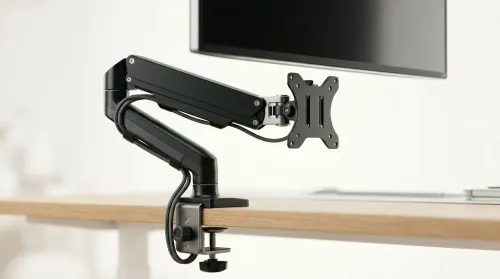
Running out of desk space? A VESA monitor arm and under-desk mount free up more room than you think. Less clutter, better ergonomics, smoother cable routing. Clear your workspace today ✅🖥️
Read more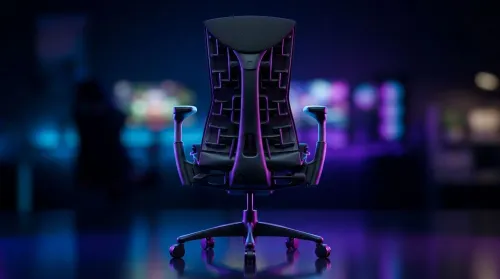
Gaming chair with adjustable lumbar support should fit your back, not fight it. We cover lockable recline and 3D armrests so you can sit longer, game better, and adjust fast. 🎮🪑
Read more
Every spec on PCIe 5.0 explained in plain English. What matters for gaming and creator work in 2026, what's marketing fluff, and how each number translates to real-world performance.

A head-to-head look at WiFi 7: real-world performance, ZAR pricing and which option delivers better value for SA builders. The clear answer — no fluff.

Everything you need to set up and tune PCIe 5.0 properly: the prep work, the settings that actually matter, and the mistakes to skip. Written for SA builders in 2026.

Everything you need to set up and tune X870E Motherboard properly: the prep work, the settings that actually matter, and the mistakes to skip. Written for SA builders in 2026.

Wondering what a 512GB SSD capacity really holds? This guide breaks down how many games, photos, and documents fit on 512GB, with real-world ranges 📦💾

Every spec on vrm explained in plain English. What matters for gaming and creator work in 2026, what's marketing fluff, and how each number translates to real-world performance.

Every spec on motherboard explained in plain English. What matters for gaming and creator work in 2026, what's marketing fluff, and how each number translates to real-world performance.

Premium vs Midrange Motherboards in South Africa: real-world performance, SA pricing, power draw and which one delivers better value for your build for SA buyers. The clear answer — without the fluff.
Wondering what a 512GB SSD capacity really holds? This guide breaks down how many games, photos, and documents fit on 512GB, with real-world ranges 📦💾
Every spec on PCIe 5.0 explained in plain English. What matters for gaming and creator work in 2026, what's marketing fluff, and how each number translates to real-world performance.
A head-to-head look at WiFi 7: real-world performance, ZAR pricing and which option delivers better value for SA builders. The clear answer — no fluff.

Every spec on USB4 explained in plain English. What matters for gaming and creator work in 2026, what's marketing fluff, and how each number translates to real-world performance.