


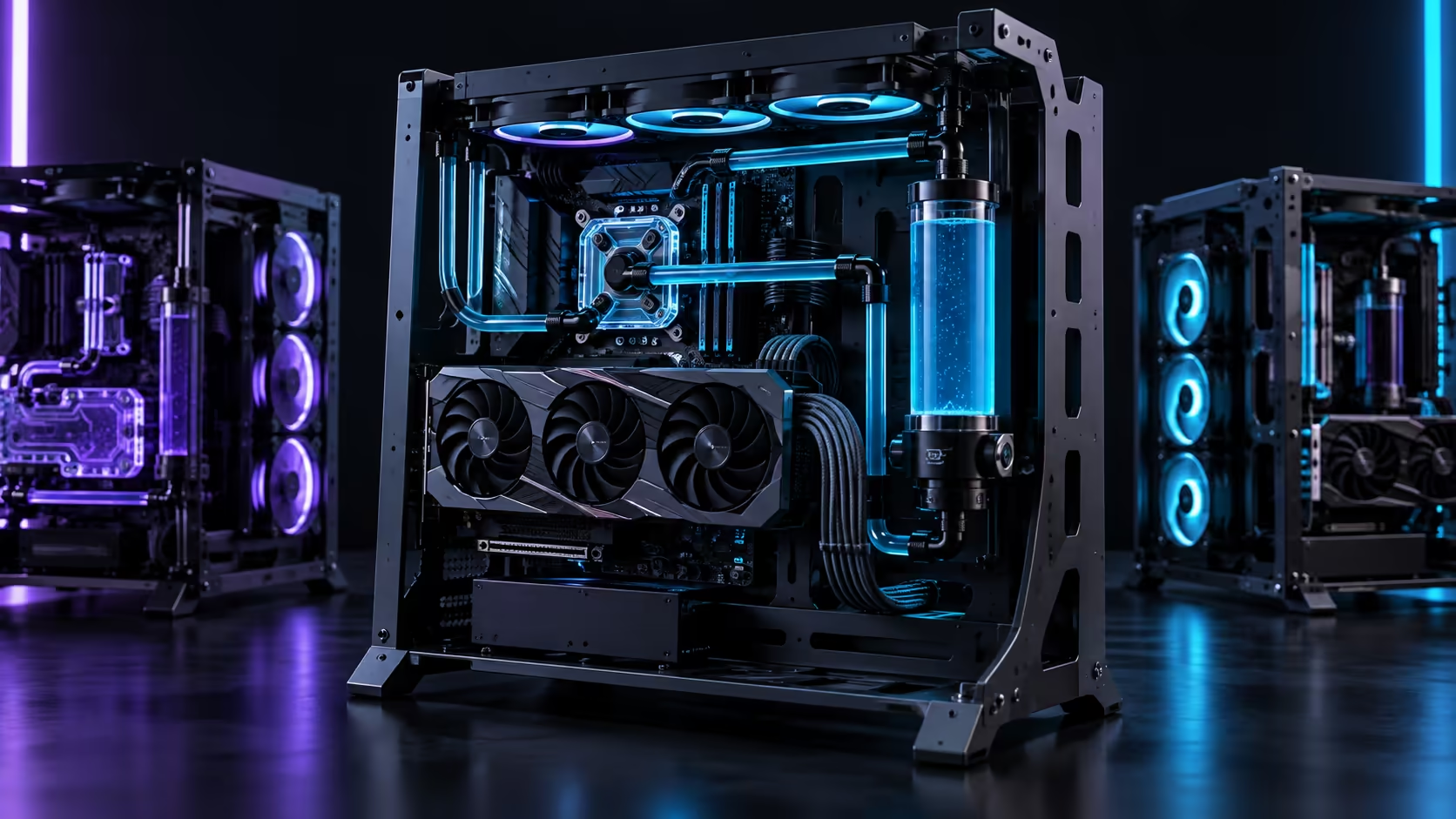
Every open-frame gaming PC case trades the same thing for the same thing, and the whole category makes sense once you see the bargain in one line: you gain unrestricted airflow and lose acoustic damping. Nothing else about the format is complicated. The ROG GR20 Edition 20 is a clear example of the type at R15,999, with room for cards up to 368mm and a 360mm radiator, and it shows both halves of that trade plainly.
Quick Answer
An open frame removes the panels, so intake is unrestricted and components generally see cooler air. In exchange you get more audible fan noise, no dust filtering, and exposed hardware. Compatibility usually improves because the frame is not built around one board size. The GR20 Edition 20 costs R15,999, takes EATX down to Mini-ITX, and clears 368mm cards.
❄️ Cooling: what actually improves, and what does not
The gain is in intake temperature, not in cooler design.
In a closed case, air reaches the fans through a front panel, usually past a filter and often around a drive cage. Every one of those restrictions costs static pressure, which means the fan has to work harder for the same volume of air. Strip the panels away and an identical fan at an identical speed shifts more air, or shifts the same air with less noise.
That helps the components that sit in still pockets most: memory, VRM heatsinks near the socket, and M.2 drives under a graphics card. A crossflow fan of the kind bundled with the GR20 exists for exactly those surfaces, throwing a wide flat sheet across the board rather than a cone into it.
What does not change is the cooler's own capability. A 360mm radiator rejects the same heat in an open frame as in a tower; it simply gets cooler air to do it with. If a CPU is thermally limited by its own cooler rather than by case airflow, an open frame moves the needle very little, and that is worth knowing before spending R15,999 to fix a problem a better CPU cooler would solve for a fraction of it.
🔩 Compatibility is usually the quiet win
Open frames tend to be more accommodating than towers, because the constraints that limit a tower are the panels themselves.
The GR20 takes EATX, ATX, Micro-ATX and Mini-ITX boards on the same mounting plate. It clears graphics cards up to 368mm, which covers the long triple-slot cards that force some mid-towers to lose a drive cage. And it stands vertically, at an angle, or horizontally, so the same frame suits a desk display build or a conventional tower position.
There is a real limit though, and it is physical rather than dimensional. A 368mm card mounted vertically carries its whole weight on the PCIe slot and the bracket, with no case floor underneath for a support arm. Long cards want the horizontal orientation, or a support fitted at build time.
Board size is the other thing to check honestly. An EATX board is wider than ATX, and on an open frame that extra width is visible from every angle, including the cable routing along its right edge. That is a look people either want or do not.
🔊 Daily use: noise, dust and everything on display
This is where an open build is either a pleasure or a regret, and it is almost entirely about where the machine lives.
Noise is the first honest cost. Side panels and sound-damping foam absorb a surprising amount of fan and coil noise, and an open frame has neither. The same components at the same fan speeds are audibly louder. In a closed study that matters less than most people expect. On a desk in a bedroom it matters a great deal.
Dust is the second. There is no intake to filter, so dust settles directly onto heatsinks and blades rather than being caught at a panel. A machine on a desk collects noticeably less than the same machine on the floor, and through a dry, windy Gauteng August the difference between cleaning every second month and never cleaning shows up in temperatures within a season.
Third is simply that everything is exposed. A visible build is easier to work on, which is a genuine advantage if you upgrade often, and a genuine hazard around a toddler or a cat looking for a warm surface. The ARGB lighting that runs along all four sides of the GR20 is part of the appeal for the same reason: on an open frame you are buying furniture as much as a chassis.
🧭 Who the format actually suits
It suits someone whose machine sits where people can see it, who upgrades or rebuilds more than once a year, and who is not sharing the room with a sleeping person. It suits a long graphics card, and it suits a large radiator.
It suits far less well a machine that lives under a desk on a carpet, a household with small children or pets at desk height, or a build where the budget is tight enough that R15,999 of chassis is money that should have been a better graphics card. There is no shame in that second list. Most builds belong in it, which is why conventional computer cases still outsell open frames by a wide margin.
If you are weighing the two, compare the case range on board support and card clearance first, and treat the open format as a decision about where the machine will live rather than a decision about temperature.
Frequently Asked Questions
Do open-frame cases really run cooler?
Intake is unrestricted, so components usually see cooler air than in a closed case with a filtered front panel. The cooler itself performs the same; it simply gets better air.
Are open frames much louder?
Yes, measurably. There are no side panels or damping foam to absorb fan and coil noise, so the same components at the same speeds are more audible.
How bad is the dust problem?
Real, but manageable. There is no filter, so plan on compressed air every second month in a dry season, and keep the machine off the floor.
Will a long graphics card fit?
The GR20 Edition 20 clears cards up to 368mm. At that length, mount the frame horizontally or fit a support bracket, because a vertical mount loads the slot heavily.
Does an open frame limit my motherboard choice?
Usually the opposite. This frame takes EATX, ATX, Micro-ATX and Mini-ITX on the same plate, where many towers are built around one or two sizes.
Ready to decide whether an open frame belongs on your desk? Work out where the machine will live first, then compare frames on card clearance and board support.











