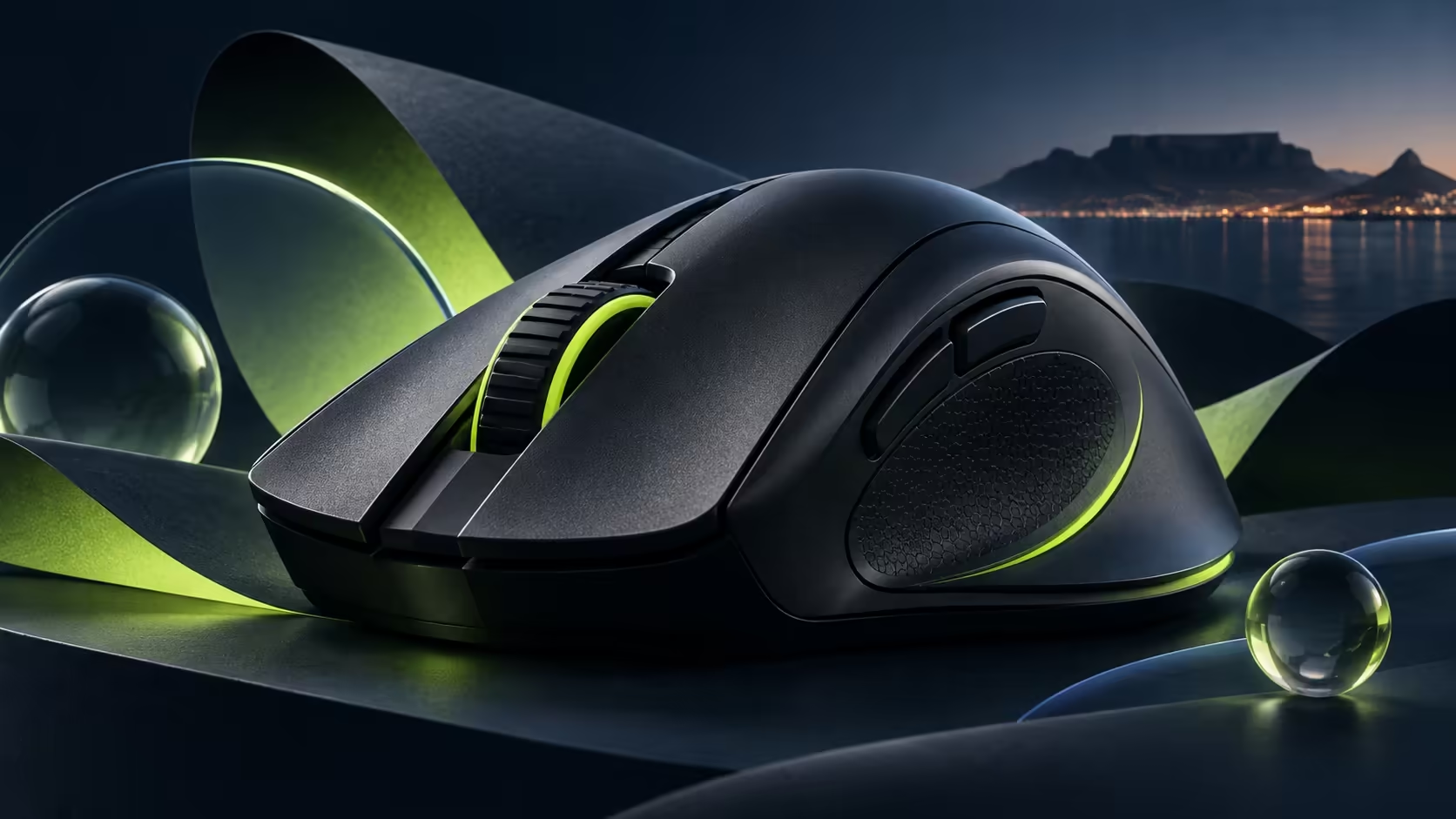
A thumb rest and a configurable wheel make Razer Basilisk V4 Pro a different proposition from a minimalist lightweight mouse. The new Pro keeps that familiar ergonomic direction while expanding the controls. Before paying for the upgrade, decide whether its shape and extra functions match the way you already use your hand.
Quick Answer
The October launch lists the Pro at 100g with 14 customisable controls and 8000Hz wired or wireless reporting without an additional polling dongle. Charging accessories are sold separately. A MARVO combo at R179 on 9 October is a separate basic-input alternative; request a model-specific local Pro quote and accessory total.
🖐️ Put reach and comfort ahead of the sensor headline
The ergonomic shape includes thumb support, and the new controls increase the number of functions available near the hand. That helps only when the buttons are comfortable to reach. Consider whether pressing a side control changes your grip or disturbs your aim. A feature that is easy to activate by accident can be less useful than a simpler arrangement you can operate without thinking.
Compare your current mouse during both work and play. Scrolling through a document, moving across a large desktop and making repeated game inputs place different demands on the same shell. Gaming mice should be compared by the task that is actually frustrating you. The Pro's 100g specification does not make it an ultralight design, and lower mass elsewhere does not automatically make another shape more comfortable.
🛞 Set up controls one useful action at a time
Fourteen configurable controls create room for shortcuts, but there is no need to assign every available function on the first day. Start with actions you already perform frequently and keep a clear way to recover the familiar layout. A mapping that works in one game can be confusing in another. Review the selected profile before joining a session where an unexpected input would matter.
The wheel is another reason to compare the exact model rather than the family name. Decide whether you want deliberate steps for short changes or freer scrolling for longer pages. Test the behaviour while keeping your usual sensitivity unchanged. The 8000Hz capability describes reporting, not a promise that every application becomes faster. Use the setting that remains stable and useful on the complete PC.
💰 Add charging extras before choosing a budget
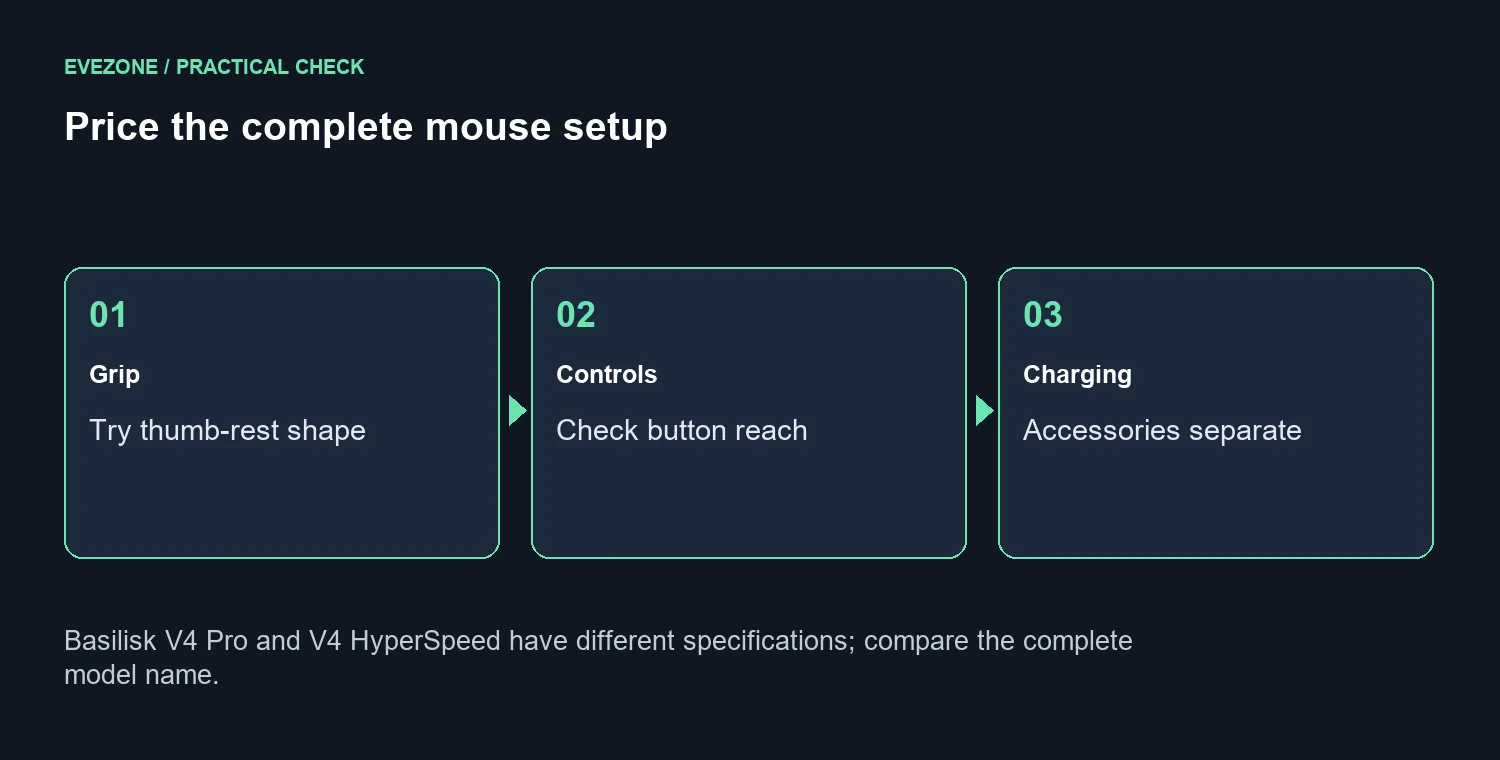
The announcement explicitly separates charging accessories from the mouse purchase. If a dock or other optional power arrangement is part of the appeal, add that item to the quote before comparing totals. Ask what the supplied receiver already does so you do not buy an extra accessory for a function included in the standard setup. Keep packaging and model names precise: V4 HyperSpeed is a different member of the family, with different specifications.
The R179 MARVO WS005 listing is a basic membrane keyboard-and-mouse bundle. Input combos are sensible when the goal is simply to equip another desk, whereas the Pro targets a more specialised preference. For a South African purchase, compare the full delivered cost and the local warranty of the exact Pro configuration. Upgrade when the thumb-rest shape, wheel and reachable controls address a real need; a working comfortable mouse can remain the better choice when the new features would mostly sit unused.
Frequently Asked Questions
How heavy is the Pro?
Razer gives a weight of 100g. Compare the handling with your current mouse rather than expecting an ultralight design.
How many controls are specified?
The Pro has 14 customisable controls. Make sure the useful buttons sit within comfortable reach for your grip.
Does it require another polling dongle?
The launch says wired and wireless 8000Hz are supported without an additional polling dongle.
Are charging accessories included?
The launch explicitly says charging accessories are sold separately. Check every item in the local bundle.
Is HyperSpeed the same model?
No. The V4 HyperSpeed is a separate model with different controls and specifications. Match the full name on your quote.
How should I compare local cost?
Add the mouse and any optional charging accessories you actually need. A R179 MARVO combo is a separate budget alternative.
Make the controls work for your grip. Compare Evetech mice and include any optional charging accessories in the total.