



The name SanDisk E31 can appear beside several similar-looking portable drives, which makes the model number more useful than a quick glance at the casing. The current Portable SSD V2 listing advertises up to 1000MB/s reads. For an SA buyer moving game captures or study files, capacity, the USB connection and the price of a second copy deserve just as much attention as that maximum.
Quick Answer
Match E31 to the SDSSDE31 Portable SSD V2 family and treat 1000MB/s as an advertised read ceiling. On 20 September 2026, Evetech listed the Hiksemi T100 Pocket 1TB at R1,299 and the ADATA SC735 1TB at R3,199, both marked in stock. These are local alternatives for comparison, not a confirmed Rand price or availability statement for E31.
🔎 Match the model before comparing numbers
SanDisk's product listing includes 1TB and 2TB SDSSDE31 models, while its support page identifies the same device family. That agreement is more useful than assuming every portable drive with the brand name has the same speed, protection rating or warranty. Keep the exact model code beside any quote you collect.
The global availability reporting this weekend makes the drive timely to consider, but it does not establish a South African arrival date. A regional launch and a local orderable listing are different things. If a seller supplies a quotation, ask for the capacity and complete model designation so the drive you receive can be checked against it.
Avoid borrowing features from an Extreme model because the two products appear in the same search results. The practical comparison should list only the specifications attached to the exact unit. Leave an unverified feature blank rather than giving it the benefit of an attractive photograph or a familiar product name.
🔌 Your transfer is a chain
A file copy begins with the source device, passes through the connection and ends with a write to the destination. An advertised read speed describes only one aspect of that chain. A USB-C plug is convenient, but its shape does not establish the speed supported by a particular computer port or cable.
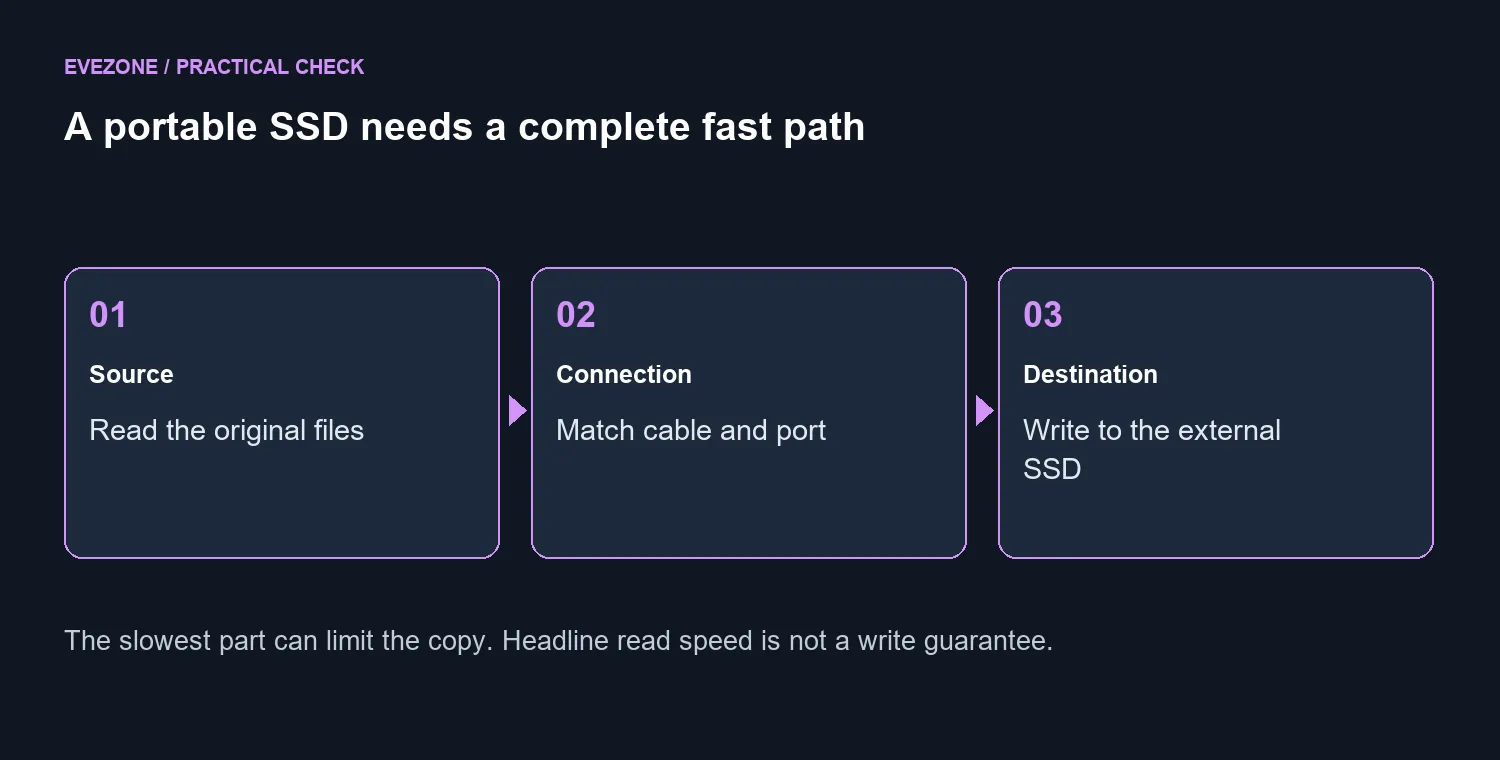
Before buying, identify where the drive will spend most of its time. A desktop front port, a laptop connection and a desk dock may have different specifications. Check the host manual and the supplied cable information rather than assuming a newer connector removes all limits. A direct connection also makes later troubleshooting simpler.
For a fair comparison, think about your own workload. Moving one large recording is a different task from copying a folder containing thousands of small documents. Keep the same source files when judging two drives. Otherwise a faster result may reflect the files or source disk rather than the external SSD you are evaluating.
Explore the external SSD selection with that connection plan in mind. The T100 and SC735 price examples show how far local spending can spread even at the same nominal capacity. Their prices alone are not a performance ranking, and neither should be presented as an E31 benchmark.
📁 Leave room for another copy
Start capacity planning with the files you already own, then add the projects you expect to keep. If the new drive will hold your only copy of a finished video or family album, the purchase has increased storage without creating a separate backup. Keep irreplaceable material somewhere else as well.
That changes the buying calculation. A lower-priced drive plus a second independent copy can be a more sensible plan than spending the entire budget on a single premium unit. This is a resilience choice, not a claim that one listed model is more reliable than another. No product should have to be perfect for your files to survive.
The broader SSD catalogue helps compare portable storage with an internal capacity upgrade. Choose portable storage when carrying files between machines is the job; consider internal space when the machine itself is continually full. Buy for that task first, then choose the connector and capacity that make it straightforward.
Frequently Asked Questions
Which product family is E31?
SanDisk support identifies SDSSDE31 as the Portable SSD family; the product listing calls it Portable SSD V2.
What is its advertised read speed?
The Portable SSD V2 listing advertises reads up to 1000MB/s. That is a maximum, not a promise for every file copy.
Is E31 the same as an Extreme SSD?
Do not treat the names as interchangeable. Match the SDSSDE31 model number before comparing specifications.
Does USB-C guarantee maximum speed?
No. The port, cable, source drive and workload all affect the transfer; connector shape alone is not a performance specification.
Need storage that fits your routine? Compare portable capacity and the connections on your own devices in the Evetech SSD range.









