

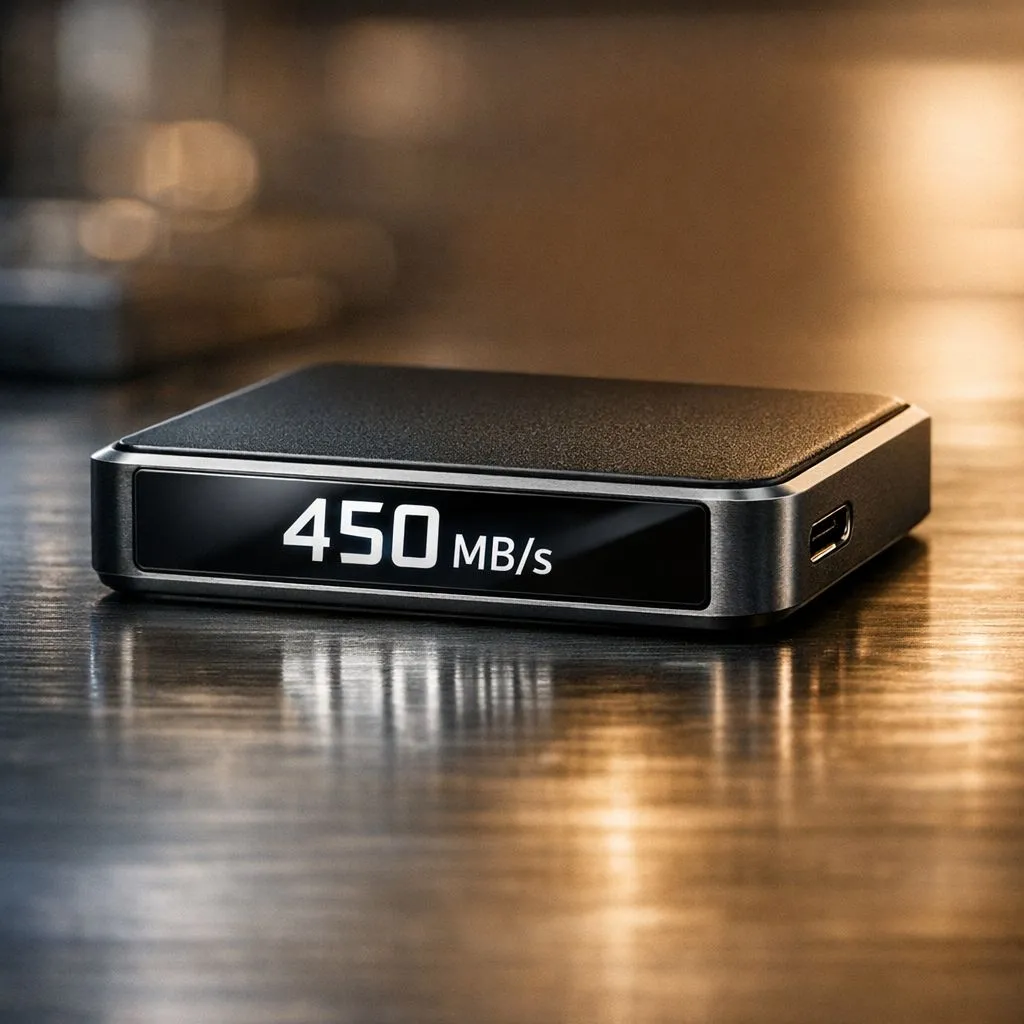
Understanding 450 MB/s: What Read and Write Speeds Mean for You
Ever sat staring at a loading bar in Sandton while your fibre connection mocks you? We often obsess over internet Mbps, but your local storage speed is the real bottleneck. Understanding 450 MB/s: What Read and Write Speeds Mean for You is the difference between a snappy PC and a frustrating slog. Let’s break down why these numbers matter for your next upgrade. ⚡
Decoding Read vs Write Speeds for Daily Use
When you look at storage specs, you see two main numbers. Read speed refers to how quickly your computer can access data already stored on the drive... think of it as opening a massive 4K movie or loading a match in Counter-Strike 2. Write speed is the opposite. It measures how fast you can save files to the device.
If you are looking to buy solid state drives, you will notice that 450 MB/s is the standard baseline for SATA-based technology. While it might sound modest compared to high-end NVMe drives, it is still roughly four times faster than a traditional mechanical hard drive. For most South African users upgrading an old laptop, this jump feels like magic.
Why 450 MB/s is the Sweet Spot for External Storage
For those on the move between the office and home, an external SSD usually hits that 450 MB/s to 550 MB/s mark. It is perfect for offloading photos or carrying your Steam library. Because these drives don't have moving parts, they handle the bumps and bruises of a daily commute much better than old portable HDDs.
When browsing, checking the external form factor options ensures you get a drive that fits your lifestyle. Some are the size of a credit card, yet they can transfer a 50GB file in under two minutes... a lifesaver when you need to finish a backup before the next stage of loadshedding hits. 🔧
Storage Health Pro Tip ⚡
To keep your SSD running at peak speeds, try to keep at least 15% of the drive empty. SSDs use a process called "wear levelling" to distribute data across cells. If the drive is nearly full, it has to work harder to find space, which can significantly drop your write speeds over time.
Choosing the Right Brand for Your Rig
Reliability matters just as much as the raw numbers on the box. Budget-friendly options like ADATA SSDs offer incredible value for money, often starting at under R600 for entry-level capacities. They are ideal for breathing new life into a student PC or a home office setup.
If you are a power user or a creative professional, Western Digital remains a staple in the local market. Their drives are known for sustained performance, meaning they won't slow down to a crawl halfway through a large file transfer.
Scaling Up: When 450 MB/s Isn't Enough
While 450 MB/s is a solid foundation, the elite tier of gaming and content creation has moved into a different league. If you are building a high-end workstation, the latest Gen 5 NVME drives are pushing speeds past 10,000 MB/s. This is a massive leap that virtually eliminates loading screens in modern titles. However, for the average user, that 450 MB/s mark remains the "goldilocks" zone of price and performance. 🚀
Ready to Speed Up Your Workflow? Whether you need a portable backup or a lightning-fast internal upgrade, we have the right storage for your budget. Explore our massive range of SSD specials and find the perfect drive to supercharge your PC today.











