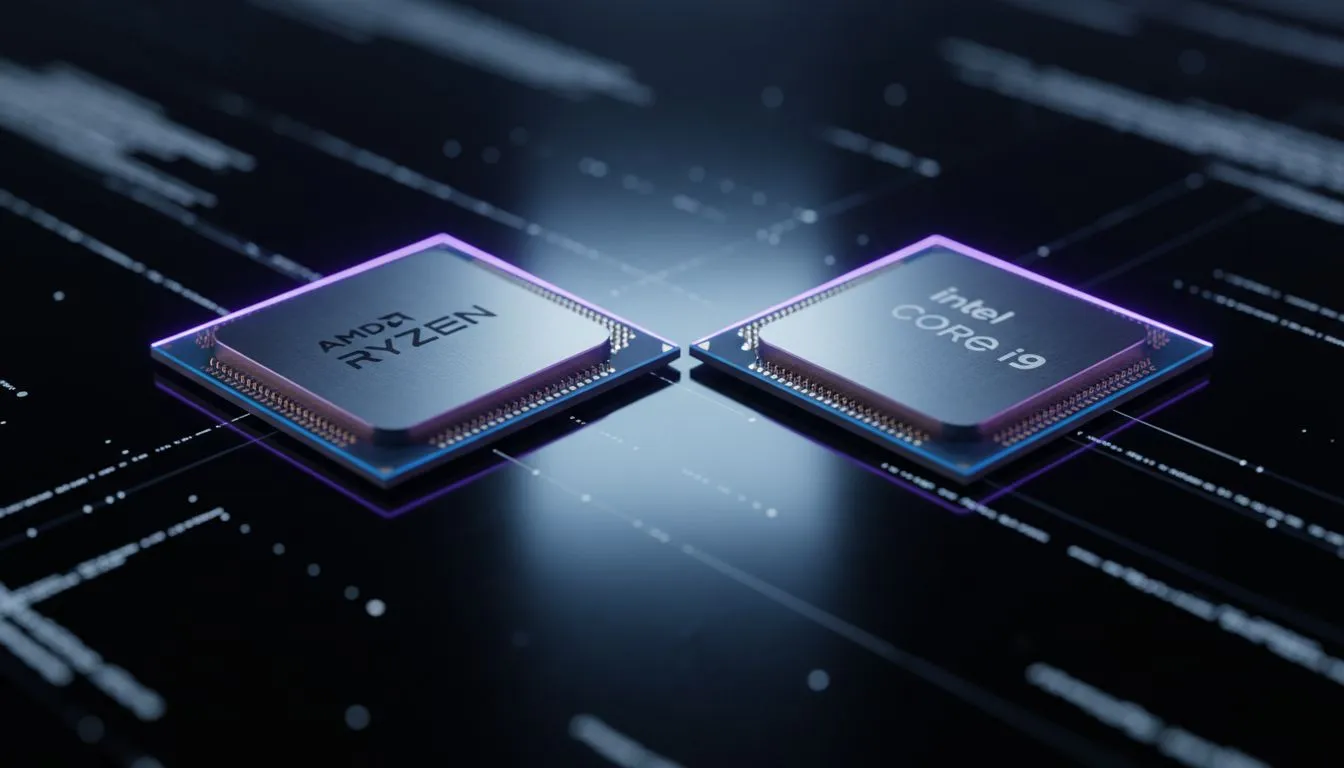
Staring at a loading screen while your squad is already looting in Warzone is a special kind of pain. Whether you are rocking a budget build or a R50,000 beast, the AMD vs Intel texture loading debate matters. We are looking at how these silicon giants handle asset streaming to keep your frame rates stable and your immersion intact during those intense gaming sessions. ⚡
Understanding the Texture Loading Pipeline
When we talk about AMD vs Intel texture loading, we are not just looking at raw speed. It is about how the processor communicates with your NVMe SSD and GPU. The CPU acts as the traffic controller... directing data from storage to the VRAM. If this process is slow, you will see "pop-in" where textures suddenly appear or look blurry for several seconds.
The efficiency of this pipeline depends heavily on the architecture of the chip. Modern games use massive assets that require quick decompression. This is why choosing the right CPU processors is the foundation of a smooth gaming experience in South Africa.
Intel’s Strategy: High Clocks and Low Latency
Intel has long been the king of single-core performance. Their "monolithic" or hybrid designs focus on keeping latency as low as possible. In many scenarios, the way Intel handles data requests can lead to slightly snappier asset streaming in older game engines.
When you look at the latest Intel CPUs, the high boost clocks help decompress texture files rapidly. This is particularly noticeable in open-world titles where the environment is constantly being drawn in the distance. If you want a system that feels "instant" when fast-travelling, Intel’s architecture remains a formidable choice.
Texture Loading Pro Tip ⚡
Ensure your Windows Power Plan is set to "High Performance" and that your game is installed on an NVMe M.2 SSD rather than a SATA drive. Even the fastest CPU will be bottlenecked by slow storage speeds... making the AMD vs Intel texture loading comparison irrelevant if the data cannot reach the chip fast enough.
AMD’s Strategy: The Power of L3 Cache
AMD changed the game with their 3D V-Cache technology. By stacking massive amounts of L3 cache onto the chip, the CPU can store more data closer to the processing cores. This reduces the need to constantly "ask" the system RAM for information.
For texture loading, this means the CPU can handle complex asset streaming instructions without breaking a sweat. Many high-performance AMD processors excel in modern titles that utilise DirectStorage. This tech allows the GPU to talk more directly to the SSD... but the CPU still needs to manage those requests. AMD’s multi-threaded prowess ensures that background tasks do not slow down your texture streaming. 🚀
The Verdict for South African Gamers
So, who wins the AMD vs Intel texture loading battle? In 2024... it is a close race. Intel often leads in raw "snap" and initial load times due to high frequencies. However, AMD’s massive cache often provides a smoother experience with less stuttering while moving through large worlds.
If you are building a new rig in ZAR, consider what you play most. Competitive shooters benefit from Intel’s low latency... while massive RPGs like Starfield or Cyberpunk 2077 thrive on AMD’s efficient data handling.
Ready to Find Your Perfect Match?
The AMD vs Intel texture loading debate is complex, but for maximum power, choice, and value in South Africa, Evetech has you covered. Explore our massive range of CPU specials and find the perfect hardware to eliminate loading screens forever.