

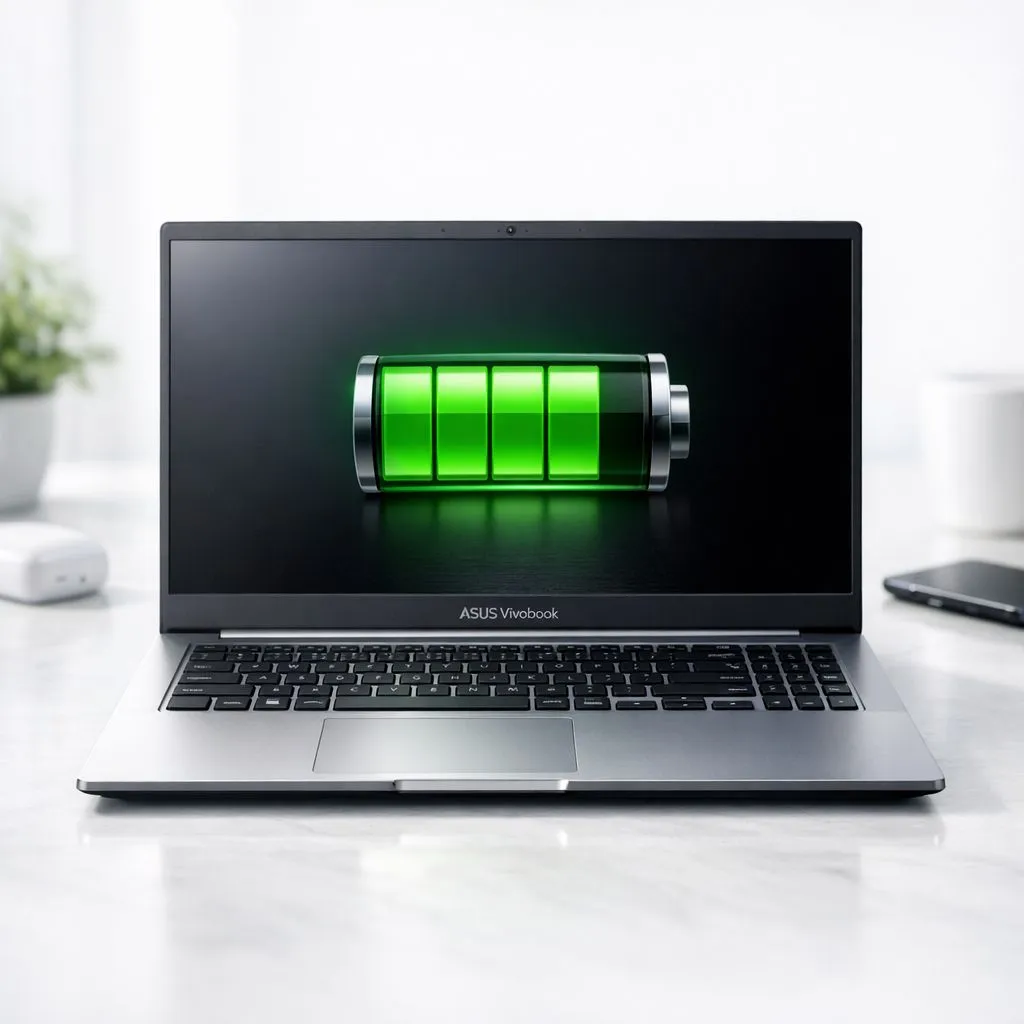
Whether you’re finishing a project at a café in Cape Town or surviving a long load shedding block, knowing how to maximise your Asus Vivobook battery life is essential. These sleek machines offer great portability, but poor settings can drain them fast. Let’s look at how to keep your Vivobook powered up for longer without constantly hunting for a wall socket ⚡.
Optimising Software for Longer Asus Vivobook Battery Life
The MyAsus app is your best friend for longevity. It allows you to limit the maximum charge to 80% or 60%... this preserves the physical health of the battery cell over years of use. If you find your current machine is struggling to keep up with your daily workflow, checking out Intel laptops on special might reveal more power-efficient options. Modern processors manage background tasks much better than older chips, leading to less wasted energy.
Adjusting Windows Power Settings
Windows 11 has built-in battery saver modes that automatically kick in at 20%. You can manually enable this sooner to stretch those last few minutes. For those who prefer Team Red, our Ryzen laptop deals feature processors known for excellent efficiency during light productivity tasks. Lowering your screen brightness is the simplest way to save juice... even a 20% reduction makes a massive difference to your total runtime.
The Refresh Rate Trick ⚡
If your Vivobook features a high refresh rate screen, such as 90Hz or 120Hz, drop it down to 60Hz when you are on battery power. You will not notice much difference while typing documents or reading emails, but your battery will definitely thank you for the reduced workload on the display controller.
Managing Graphics and Performance Habits
If you own a Vivobook Pro or a model with a dedicated GPU, ensure it isn't running for basic tasks. While geforce rtx gaming laptops on special offer incredible performance for creators, they can be thirsty. Use the Nvidia Control Panel to ensure the integrated graphics handle your browser and Word documents. This keeps the power-hungry dedicated chip asleep until you actually start a render or launch a game 🚀.
Finding the Right Balance for Your Budget
Sometimes, an old battery just needs replacing, or it is simply time for an upgrade to newer architecture. We often see users looking for the best gaming laptop deals when their current device starts failing to hold a charge. If you are on a budget but need reliability, you can find great gaming laptops under R20k that offer modern battery technology and better thermal management. Keep your laptop on a hard surface... heat is the number one enemy of lithium-ion longevity ✨.
Ready to Find Your Perfect Match? Maximising battery life is great, but sometimes you just need a fresh start with the latest tech. Explore our massive range of laptop specials and find the perfect machine to conquer your world.











